
 Portugues
Chess
Saved games stay in this browser only.
About the game
This is the standard game on the standard board: checkmate the opposing king. All of the rules are in, including castling, en passant and pawn promotion, and the game ends by itself on checkmate, stalemate, threefold repetition, the fifty-move rule or when neither side has enough material to mate.
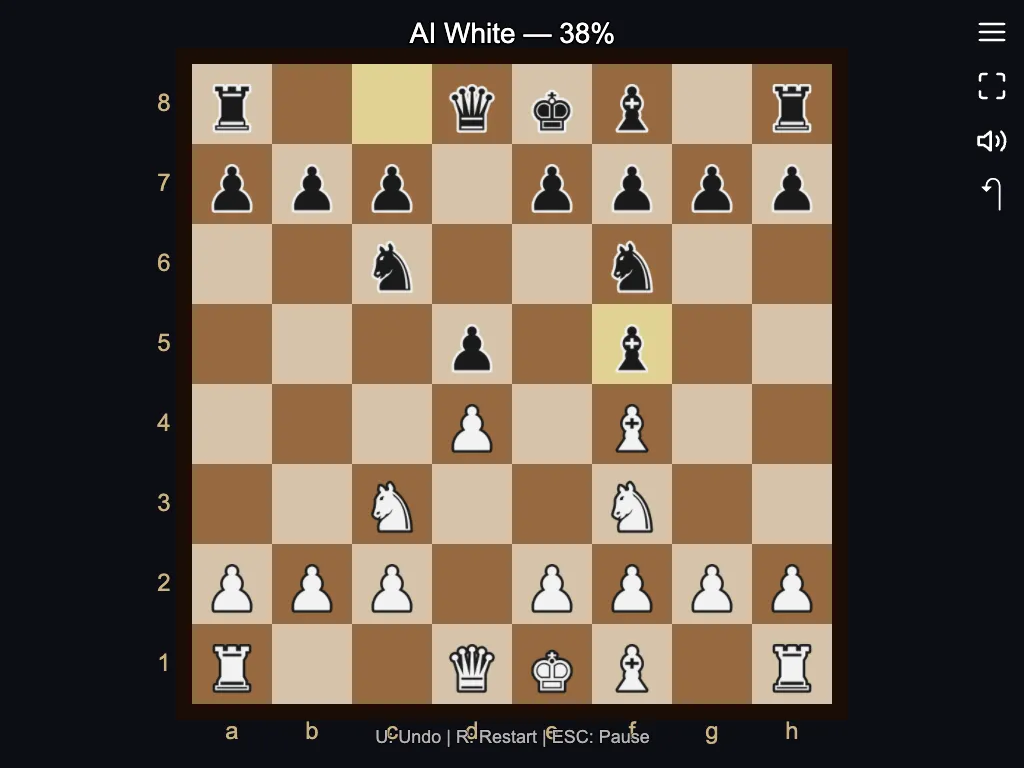
You can play White against the computer at easy, medium or hard, play a friend on the same screen, or watch the computer play itself. Picking a piece highlights its legal moves, the last move is marked, and you can take moves back with undo. The computer looks a few moves ahead; it is a fair opponent for a casual player rather than a grandmaster.
Playing it here
Click Play against the computer (or choose another mode), click one of your pieces and then a highlighted square. Difficulty is in Options.
Controls
| Input | Action |
|---|---|
| Click | select a piece and move it |
| U | undo |
| R | restart |
| Escape | pause |
A few things worth knowing
Develop your pieces. Get knights and bishops out and castle early.
Check before you move. Ask what the reply to your move could capture.
Try the other levels. Easy is a good place to learn, hard needs real care.
Credits and licence
Chess is one of the games in LittleJS Arcade, a collection by Frank Force built on his open-source LittleJS engine and released under the MIT licence. The pictures are drawn in code and the sounds are synthesised, so the game has no image or audio files. The author's repository includes AI-assistant guidance files, so the collection was written with the help of AI tools. The licence text is linked from this page and the source code is on GitHub.