Portugues
Gobang
Saved games stay in this browser only.
About the game
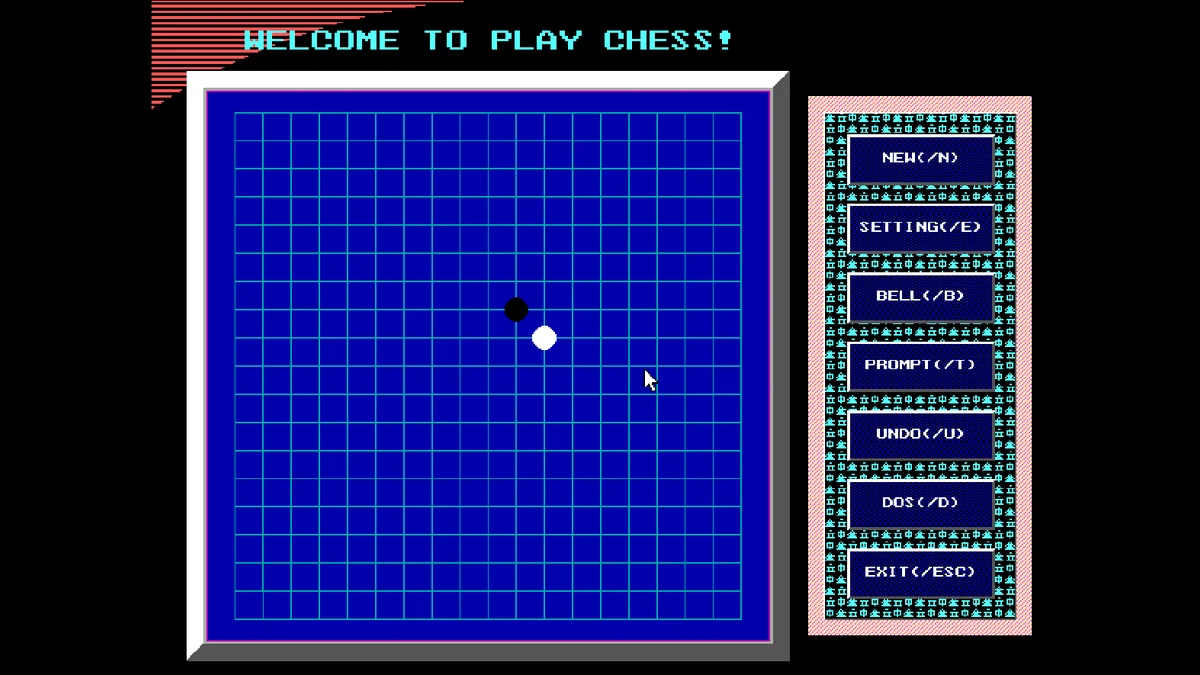
Gobang, also known as gomoku or five in a row, is played on the grid of a Go board. Two players take turns placing stones on the points where the lines cross, and the first to make an unbroken line of five, across, down or along a diagonal, wins. Here you play against the computer: your stones are white and its stones are black.
The rules fit in one sentence, but the game is not easy. Every stone you place is both an attack and a block, and the classic trap is the double threat: two lines of three or a three and a four built at the same time, so the opponent can stop only one of them. The computer in this game knows those tricks. Its author wrote in the project notes that it detects the crossing threats and that you will probably lose the first few rounds.
Alex Jin wrote the game in Turbo C in the summer of 1999 as a university student, with a full graphical interface in 640 by 480 and mouse support, which was uncommon for a student project in DOS. In 2015 the author published the source code and the program under the MIT licence.
Playing it here
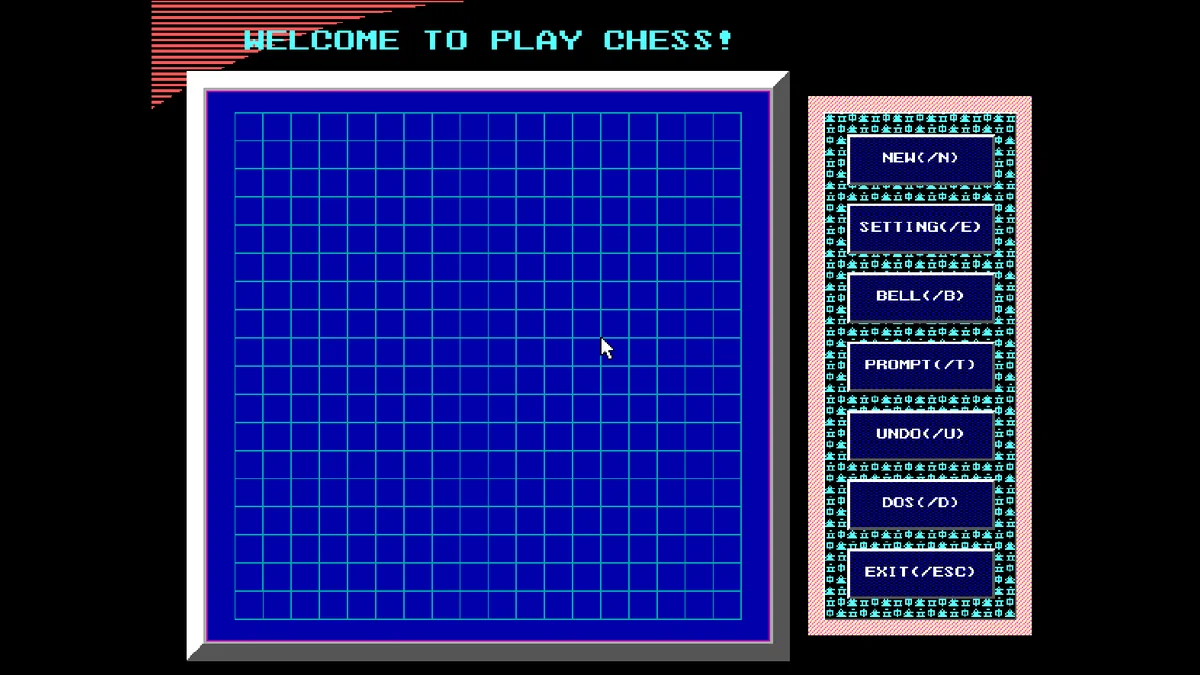
Click Play. The game opens with two short title screens, GOLDENSOFT and HAPPY GOBANG, which pass by themselves (any key skips them), and then draws the board. Click a point of the board to place your first stone; the computer answers after a short pause.
On a phone or tablet a tap works as a left click, so you can play by touch. To let the computer start, you need a right click on NEW, which is only possible with a mouse; with a keyboard or by touch, simply play your first stone in the middle.
Controls
| Input | Action |
|---|---|
| Left click on the board | place a stone |
| NEW (N) | new game; right click on it to let the computer start |
| UNDO (U) | take back a move |
| PROMPT (T) | highlight the computer's last stone |
| SETTING (E) | change the colours of the board, stones and buttons |
| BELL (B) | sound on or off |
| EXIT (Esc) | quit |
A few things worth knowing
Block the open threes. A line of three with both ends free becomes an unstoppable four on the next move, so it has to be blocked right away. A line of three with one end already closed can wait.
Build in two directions. The strongest moves add to two of your lines at once. Placing stones next to each other diagonally leaves more room for that than a straight line along the edge.
Stay near the middle. Stones near the edge have fewer directions to grow in, and the computer's attacks are easier to read in open space.
Hold the click a moment if needed. The game reads the mouse between its own pauses, so after a move or a menu button a very quick click can be missed.
FAQ
Why does the title say "Welcome to play chess"? In Chinese the game is called wuziqi, literally "five-piece chess", and the author used that word in the English text.
Are my colour settings kept? Yes, if you press SAVE in the settings window: it writes them to a small file next to the game, and the DOS player keeps the game's files in this browser. The colours of your stones and the computer's can be changed there too; white and black are only the defaults.
Can I play against another person? No, this version only plays against the computer.
Credits and licence
Gobang was written by Alex Jin in Turbo C 2.0 and released under the MIT licence; the source code is on GitHub. The program includes Borland's BGI graphics driver, linked in by the compiler. It runs here in js-dos (DOSBox), from the author's release v1.0.
Screenshots