Portugues
Minesweeper (jumbledFox)
Saved games stay in this browser only.
About the game
This is a Minesweeper made from scratch by jumbledFox, who wrote it in Rust, drew its pixel art and built its whole interface, menus and windows included, by hand. The rules are the ones you know. The board hides a number of mines. Dig a square and you either hit a mine and lose, or you see a number: how many of the eight squares around it hold a mine. Empty areas open up by themselves. From the numbers you work out where the mines must be, mark them with flags, and dig everything else.
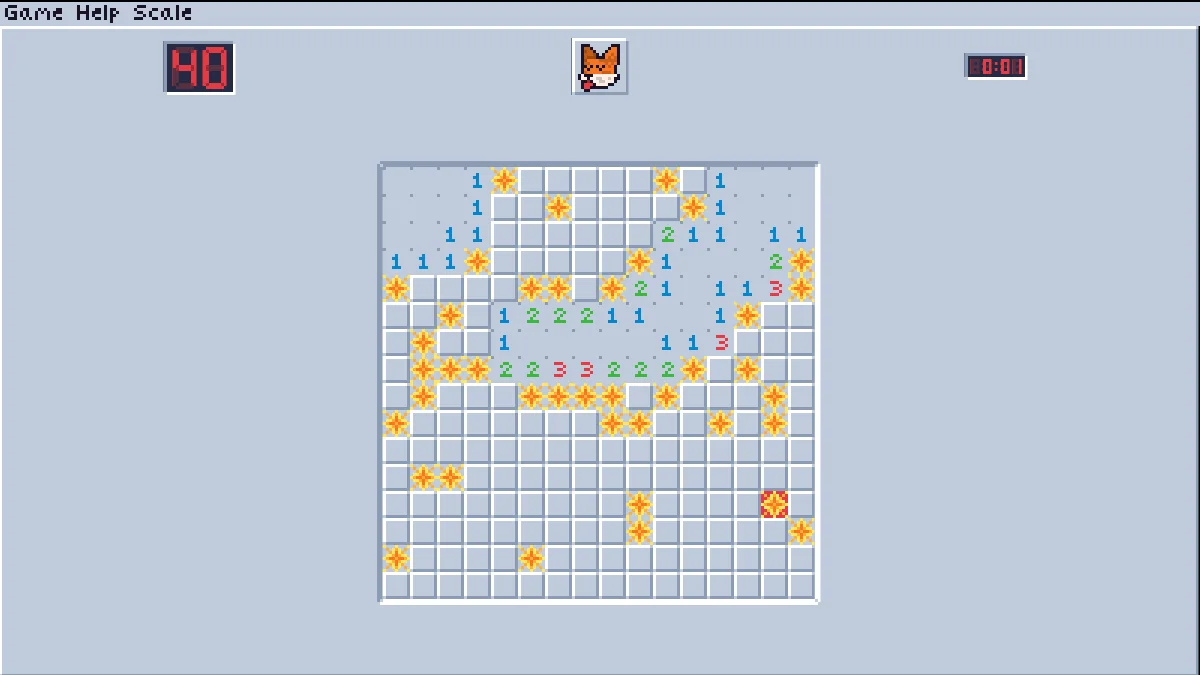
What makes this version stand out is the care in the details. Your first dig is always safe, and so are the squares around it, so every game starts with an opening. The counter on the left shows mines minus flags, the clock on the right counts the seconds, and the fox in the middle reacts to what you do. Losing is a show of its own: the mines go off one after another in a ring of explosions that spreads out from the one you hit, with a little screen shake. Win, and you get a cheerful "Congratulations!".
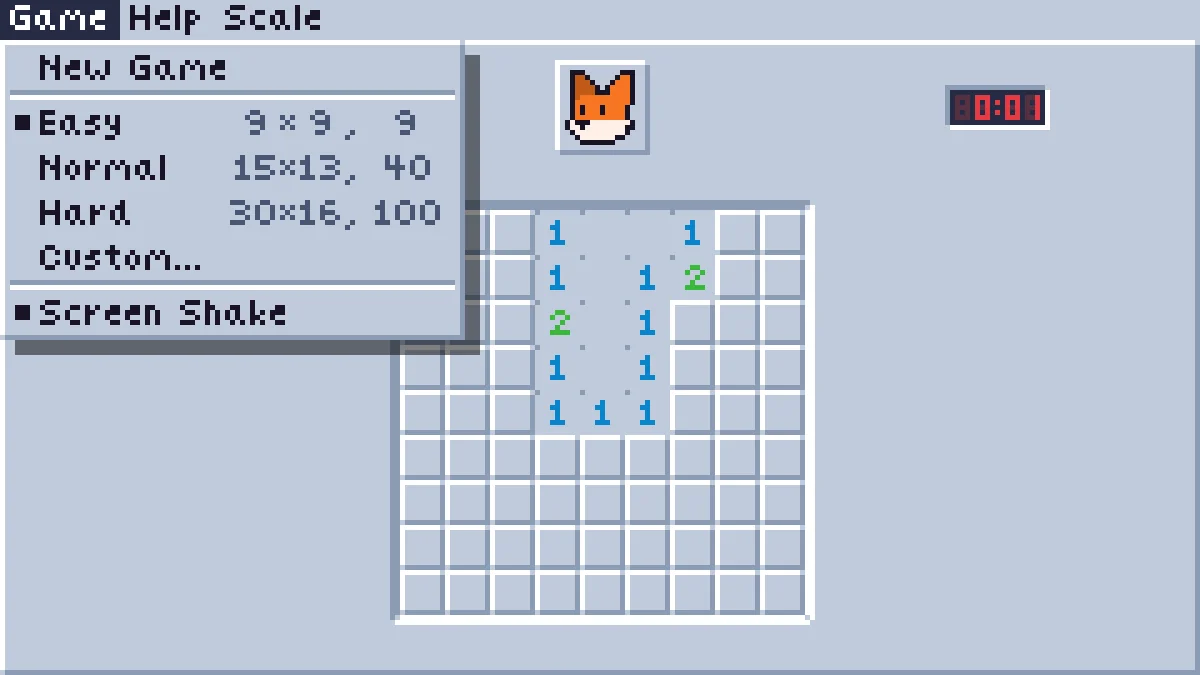
The Game menu has three sizes, Easy (9 by 9, 9 mines), Normal (15 by 13, 40 mines) and Hard (30 by 16, 100 mines), plus a Custom window to set width, height and mine count yourself. The Help menu lets you swap the fox for a nerd face and switch between a light and a dark theme, and the Scale menu makes everything bigger or smaller.
Playing it here
The game runs in the page and needs a mouse. The download is under 1 MB. Settings and games are not saved; a reload starts a fresh board. The Scale menu's "Auto" fits the board to the window; pick a fixed size if you prefer chunkier pixels.
Controls
| Input | Action |
|---|---|
| Left click | dig a square |
| Right click | place or remove a flag |
| Middle click, or Right + Left click | on a number: dig all its neighbours (when the right number of flags is around it) |
| Fox face | start a new game |
| Game menu | new game, difficulty, custom board, screen shake |
| Help / Scale menus | themes and faces, size of the pixels |
Tips
Start in the open area. The first dig is safe and opens a region; read its edges first, where numbers meet hidden squares.
A 1 next to a single hidden square is a mine. Flag it, and every other neighbour of that 1 is safe.
Chord to save time. When a number already has all its mines flagged, a middle click (or both buttons) digs the rest around it at once. A wrong flag, though, sets off a mine.
Count the corners. In Hard mode the last mines often come down to counting: compare the mine counter with the hidden squares left.
Credits and licence
Minesweeper was made by jumbledFox and released under the GNU Affero General Public License 3.0 or later. The explosion sound is by AyaDrevis (Freesound, CC0). One letter of the game's tiny font, a lowercase "e", came from another font without a free licence, so we drew a new one. In the browser, the links in the About window are plain text and the Exit item is left out. The browser version is built with macroquad (MIT or Apache-2.0). The licence text, the modified source, the original source and the build scripts are linked from this page.
FAQ
Can I lose on the first click? No. The mines are placed after your first dig, away from it.
What is "chording"? Clicking a number with the middle button (or both buttons) when its mines are already flagged, to dig all its other neighbours in one go.
Why is it called "Minesweeper (jumbledFox)" here? The site already has other games with the same name, so we added the author's name.
Does it work on a phone? It is made for a mouse: flags need a right click.
Screenshots