Portugues
Rectball
Saved games stay in this browser only.
About the game
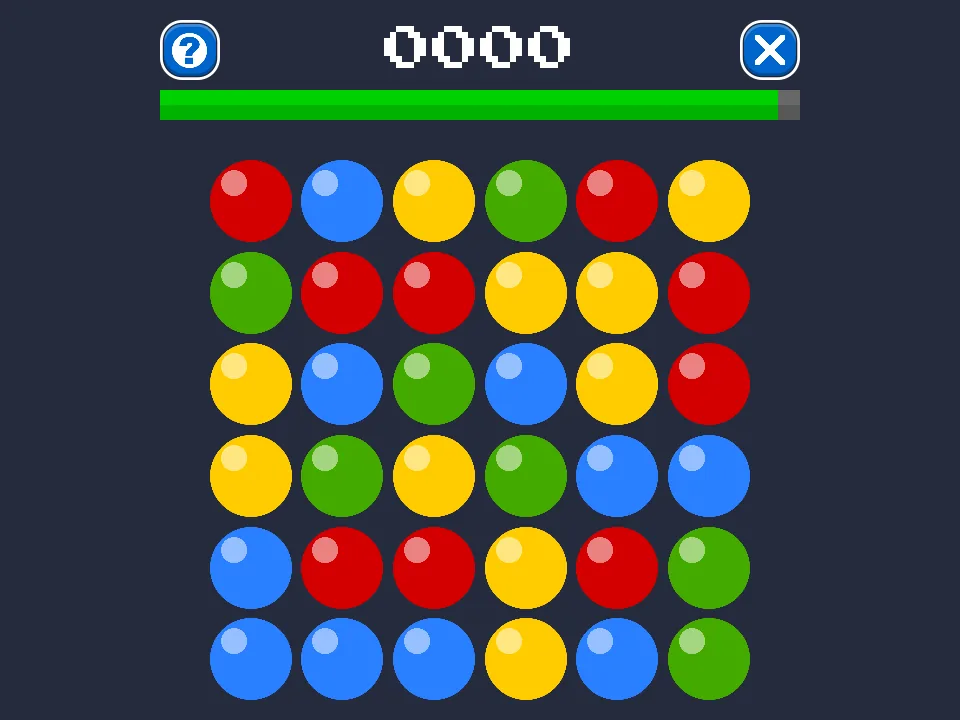
Rectball is a puzzle of colours and shapes with a clock on it. You see a board of coloured balls, six by six at the start, and a bar of time that drains while you look (30 seconds). To score, you have to find four balls that sit at the corners of a rectangle (a square counts too) and share the same colour. Draw the rectangle by dragging from one corner to the opposite one, and if the four corners match, the balls on those corners are replaced by new ones and the clock gets a little more time.
Only the corners matter. The balls in the middle can be any colour, which is what makes the game hard to scan with the eye: a big rectangle may be hiding in the board, and a tiny one may be right in front of you. The bigger the shape you clear, the more points you get (its area, plus a bonus when it is the best one available), and a rectangle that spans the whole board is a "perfect" worth half as much again, and it refills the clock. When the bar empties, the round is over and the game keeps your statistics: how many combos you made by colour and by size, and your best time.
Playing it here
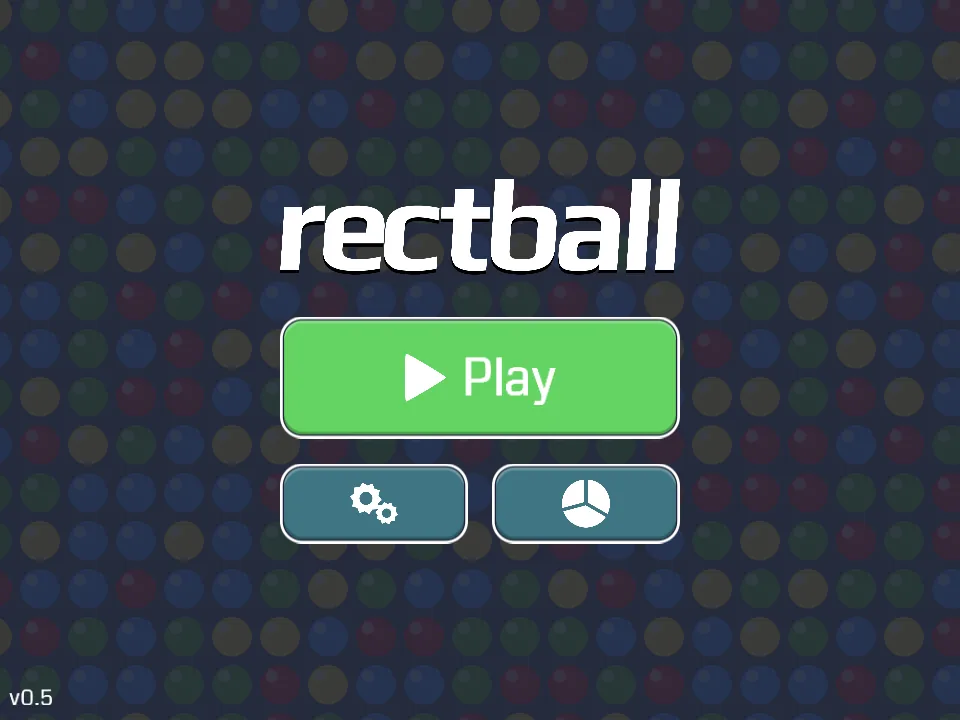
Click Play on the page and wait a moment while the game loads. The first time, it offers a short tutorial; take it, it takes less than a minute and shows exactly how to drag a rectangle. Your scores and settings are saved in this browser, and the game makes no request to any other site.
Controls
| Input | Action |
|---|---|
| Drag from one corner to the opposite one | draw a rectangle |
| Click or tap the question-mark button | show a valid rectangle (costs 5 seconds, and the points of that move drop by a quarter) |
| Gear button on the title screen | sounds, colourblind mode, tutorial, credits and licences |
Tips
Scan by colour. Pick one colour and look for pairs on the same row, then look for the same pair a few rows away. The rectangle is already there.
Go big when you can. A large rectangle gives many more points than two small ones, but do not spend the whole bar looking for it.
Use the colourblind mode. If two colours look alike, the mode in Settings switches to a different set of ball designs.
Save the hint for when you are stuck. It stops working in the last five seconds, and it only costs time the first time you use it on a given board.
FAQ
Does it work on a phone? Yes, dragging works with a finger.
Is there sound? Yes, short interface sounds; the switch is in Settings.
Credits and licence
Rectball was made by Dani Rodríguez (danirod) and is free software under the GNU General Public License, version 3 or later. The full source of this version, with the small changes made for this site, is linked from this page.
- "Active Hand" icon by Claudio Guglieri, from the Hand Cursors FTW collection on The Noun Project, licensed under Creative Commons Attribution (CC BY).
- Interface sounds by Kenney (kenney.nl), CC0 1.0.
- Fonts Coda (Vernon Adams) and Press Start 2P (Cody "CodeMan38" Boisclair), SIL Open Font License 1.1.
- Built with libGDX and TeaVM (Apache License 2.0).
Screenshots