
 Portugues
TRICOLORS
Saved games stay in this browser only.
About the game
TRICOLORS is a small puzzle on a 5x5 board. Some squares are lit with a colour, and the aim is simple: leave the board empty. It comes from the classic Lights Out, where pressing a lamp flips it and its neighbours, but the author made it harder by giving the lamps colours. Each square can hold red, green, blue or a mix. Red and green together look yellow, red and blue look purple, green and blue look cyan, and all three look white; each of the three colours is tracked on its own, so a purple square really is a red one and a blue one stacked together.
Here is how a move works. When you click a coloured square, you pick up its colour: it disappears from that square, and the same colour is flipped on the four squares around it, so a neighbour that had it loses it and a neighbour that did not have it gains it. When you click an empty square, you put down the colour you are holding, and the same flip happens around it. A purple square carries two colours, so you take both of them, and the colour you hold is the one you picked up last. On boards with more than one colour, a row of colour buttons at the bottom shows what you are holding, and you can click one to hold a different colour.
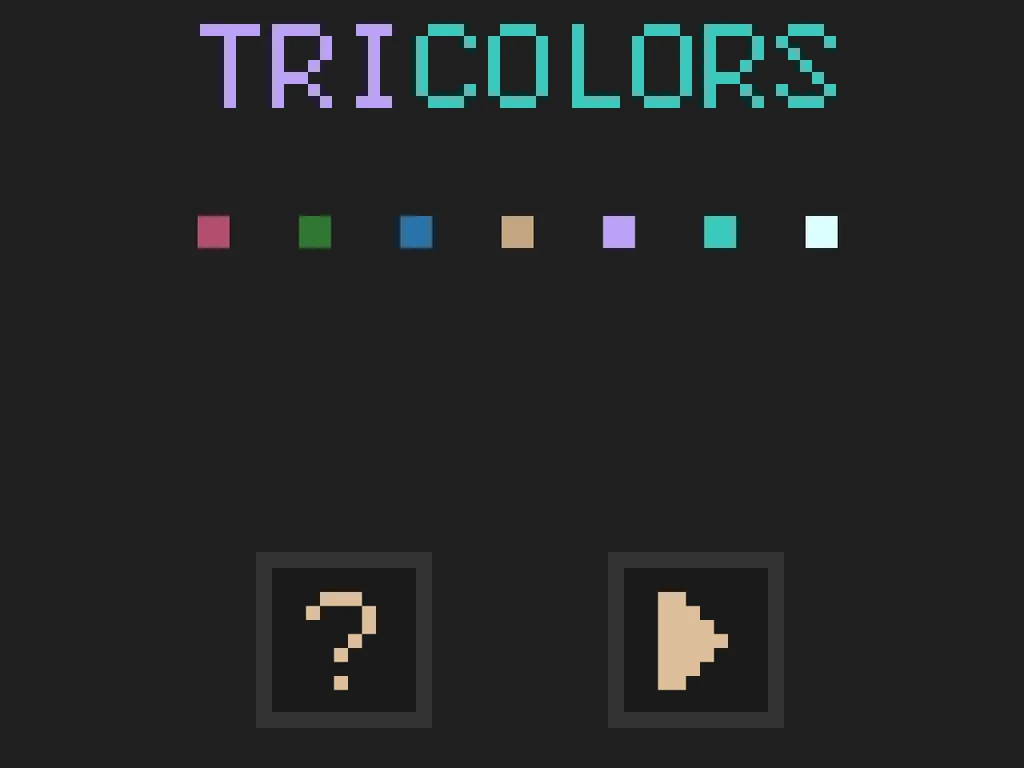
The question mark on the title screen starts a three-board tutorial that flashes the square to press next, with a simple red-only board first and mixes after. The triangle starts the endless mode: board after board, numbered from #01, each harder than the last, with a timer and a move counter so you can try to beat yourself. The whole game is drawn in WebGL with big pixel letters, and it has no sounds.
Playing it here
Click Play and then use the mouse or a finger on the board. The game is designed for a tall screen, so on a wide window the board sits in the middle with dark space around it. Nothing is saved between visits. The top row of the endless mode shows the seed of the current set of boards; the arrow button there creates a link that opens the same boards again. The undo button takes back your last move and the X returns to the title screen.
Controls
| Input | Action |
|---|---|
| click or tap a coloured square | take its colour and flip that colour on the four squares around it |
| click or tap an empty square | put down the colour you hold and flip it on the four squares around |
| colour buttons (boards with several colours) | choose the colour you hold |
| arrow button (top right) | show a link to the current boards |
| undo button | take back the last move |
| X button | back to the title screen |
| ? on the title screen | play the tutorial |
A few things worth knowing
Do the tutorial. The rules take a moment to sink in, and the three guided boards show every idea you need.
Work one colour at a time. The three colours do not affect each other, so think of a mixed board as two or three separate single-colour boards that you solve together.
Undo is your friend. Try a move, look at what it did to the neighbours, and take it back if it makes things worse.
Credits and licence
TRICOLORS was made by Fu Boquan (LastLeaf) for GitHub Game Off 2017. The code is under the MIT licence; the content is under Creative Commons Attribution-ShareAlike 4.0, so anything made from it has to credit the author and keep the same licence. The licence texts are linked from this page. On this site the GitHub link of the title screen does nothing.