Portugues
TurboGo
Saved games stay in this browser only.
This game needs a keyboard (or a gamepad). It has no touch controls, so it cannot be played on a phone or tablet without one.
About the game
Go is the old board game of China, Japan and Korea: two players take turns placing black and white stones on the intersections of a grid, trying to surround more territory than the other and to capture the opponent's stones by enclosing them. The rules take a minute to learn and the strategy a lifetime.
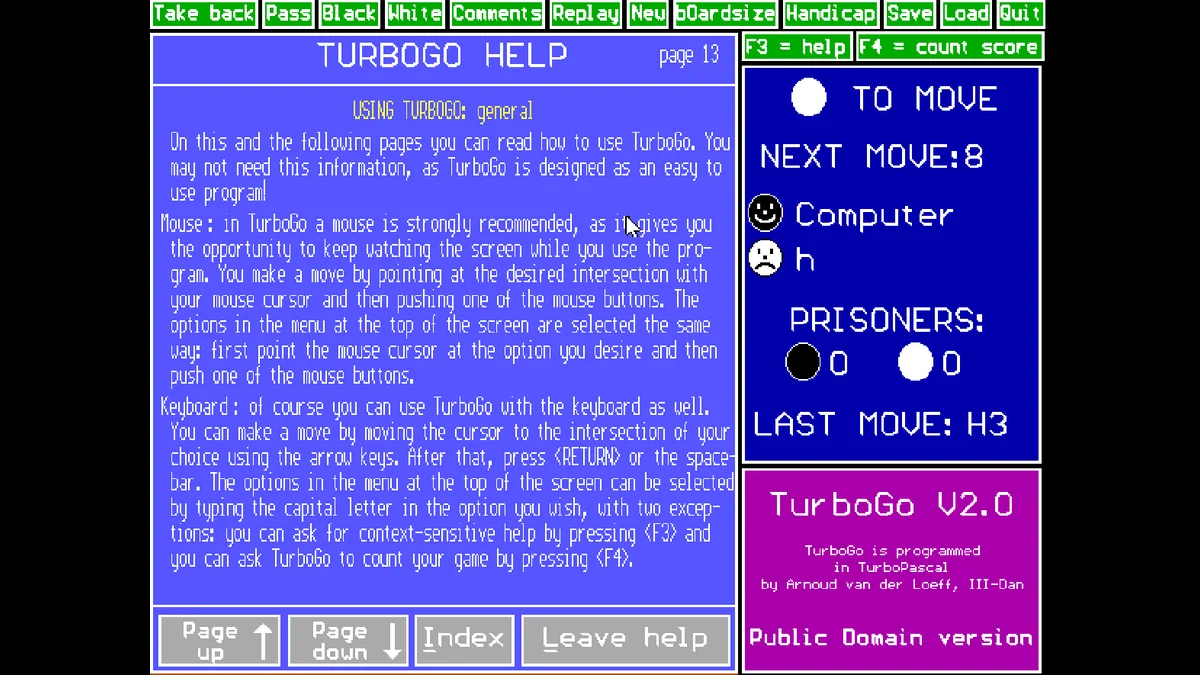
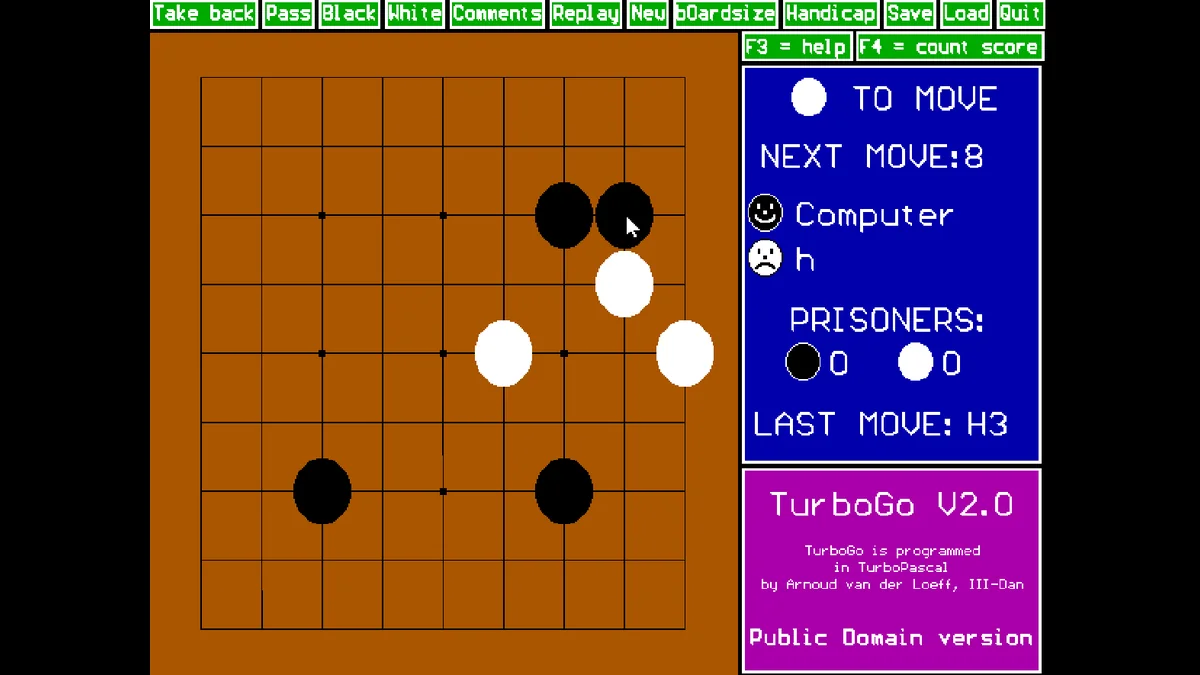
TurboGo was written in 1994 by Arnoud van der Loeff, a Dutch amateur player, in Turbo Pascal, for people new to the game. Its real strength is the help, opened with F3 at any moment: it explains all the rules, gives advice on becoming a better player and walks through an example game. You can play against the computer on the small 9x9 board while you learn, then move up to 13x13 and the full 19x19. Either colour can be the computer or a person, so it also works as a board for two people at one screen.
The program counts the score for you (F4), takes back moves, replays a game and saves it to disk. After two passes in a row it asks whether the game is over and offers to count.
Playing it here
Click Play. TurboGo starts with a few questions in text mode, answered with the keyboard. For a first game: press E (English), V (VGA), Y (use the mouse), Enter for black (the computer), type your name and Enter for white, 3 (the 9x9 board), 0 (no handicap), N and N to the two display questions, and Y to accept. An information screen follows; click or press a key and the board appears.
From there it is played with the mouse: point at an intersection and click to place a stone. Because of the questions at the start, which need a keyboard, TurboGo is not playable on a phone.
Controls
| Input | Action |
|---|---|
| Click an intersection (or arrows + Enter / Space) | place a stone |
| Menu at the top: Take back, Pass, New, Save, Load, Quit... | click the word, or type its capital letter |
| F3 | help, with the rules and a Go course |
| F4 | count the score |
A few things worth knowing
Start on 9x9. The author's own advice is to begin with the smallest board. Games are short there, and the basic shapes, life and death and capturing, are easy to see.
Read the help once. The help pages are the best part of the program: the rules, the scoring, the meaning of handicap and how to choose your moves, all written for beginners.
Handicap evens the game. When the computer wins too easily, give yourself handicap stones in the setup or with the Handicap option.
FAQ
Why does a screen talk about money and a "registered version"? In 1994 the author also sold a stronger registered version, and the public domain version shows that offer with his old postal and bank details. That offer has long expired; the public domain version played here is complete and free.
Can two people play? Yes. In the setup, type a name for both black and white instead of pressing Enter, and take turns at the mouse.
Is there a way to skip the questions? Not in this version: saving the startup choices was one of the extras of the registered version.
Credits and licence
TurboGo 2.0 was written by Arnoud van der Loeff and released to the public domain on the condition that TURBOGO.EXE, README.DOC and LEESMIJ.DOC are distributed together and unmodified, as they are here. The package comes from the SvarDOS software repository, and the game runs in js-dos (DOSBox).
Screenshots