Portugues
Worm (Vircon32)
Saved games stay in this browser only.
About the game
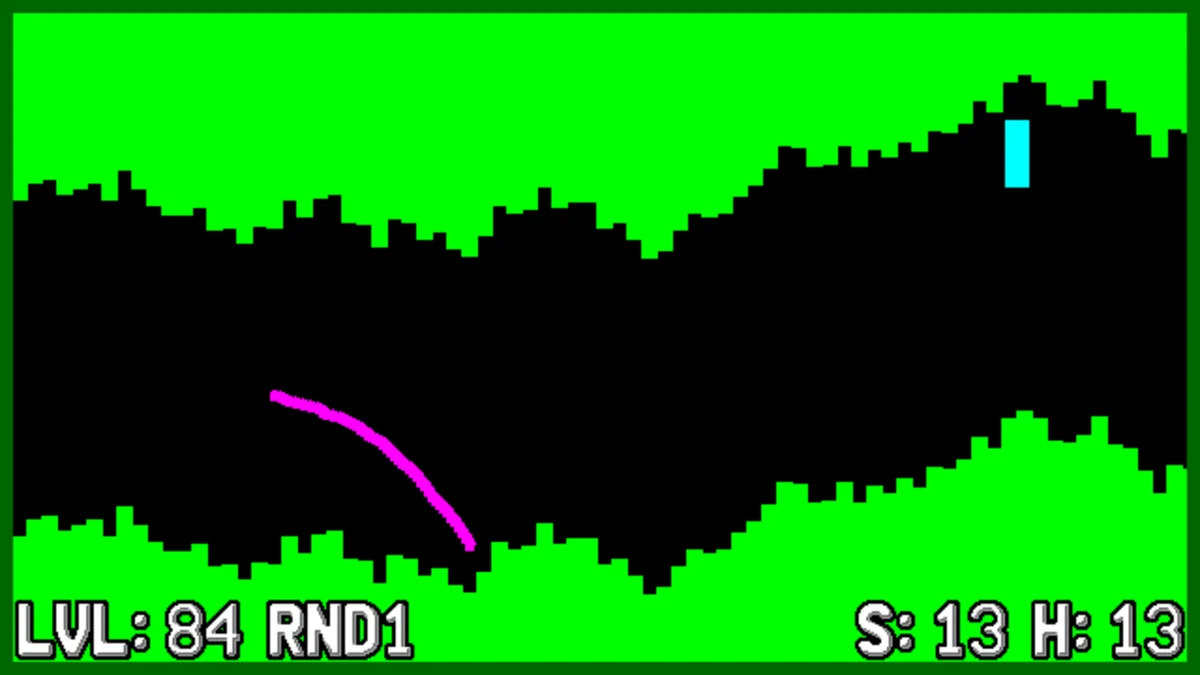
Worm is a take on the old "copter" games that used to fill web portals and phones: a tunnel scrolls from right to left, and you steer a little worm through it with one button. Hold the button and the worm curves upward; release it and gravity pulls it down. The worm leaves a trail behind it, so you can see the line you have drawn. Touch the roof, the floor or a block in the way and the run is over.
Every section of tunnel you pass is worth a point. There are five game modes, each changing one or two rules:
- Game A: the tunnel slowly closes in, with a few obstacles, at a constant speed.
- Game B: the tunnel keeps its width and has no obstacles, but the speed keeps going up.
- Game C: like B, with two obstacles.
- Game D: the tunnel closes in and the speed goes up, with no obstacles.
- Game E: collect the yellow squares as they come; missing one ends the run.
The shape of the tunnel comes from the level number. Levels 1 to 99 are always the same, so two players can pick the same level and compare scores, and each level keeps its own high score on the memory card. RND1 picks one of those 99 at random on each run, and RND2 goes beyond 99 into levels that share one common high score.
The game is by joyrider3774 (Willems Davy), who has made several games for the Vircon32, and was written after a video about how these one-button cave games work.
Playing it here
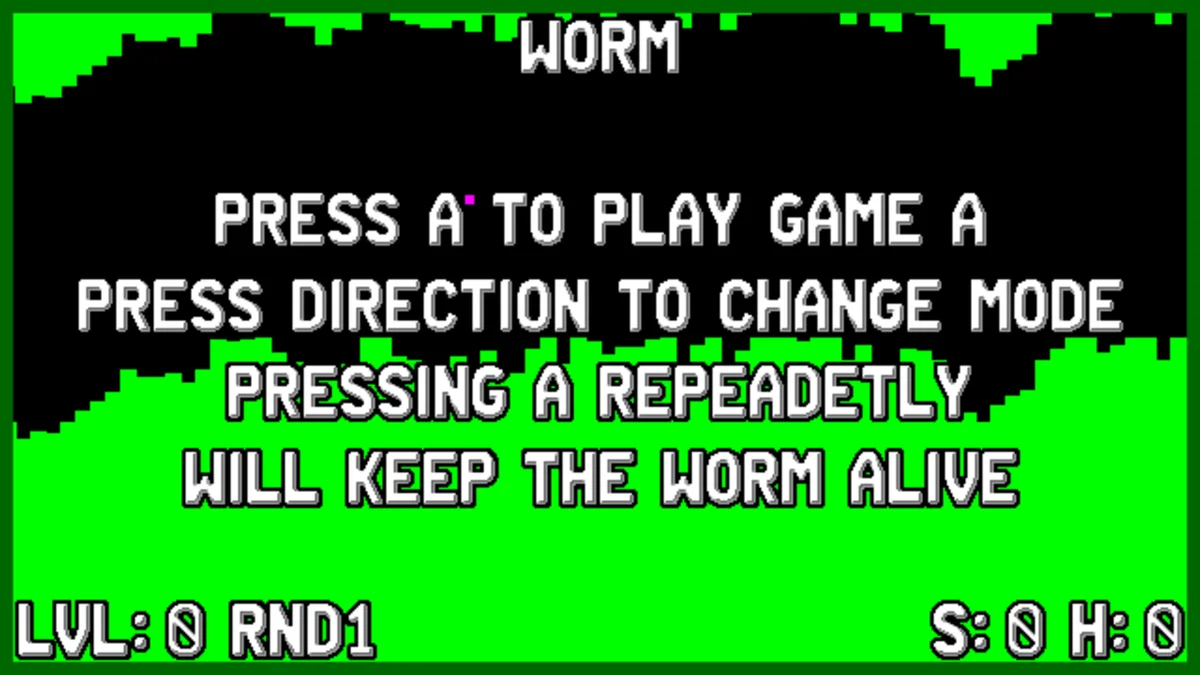
Vircon32 is an open fantasy console, a 32-bit machine designed from scratch with a 640×360 screen, and this game runs in its official emulator compiled for the browser. Click Play. On the title screen, choose the game mode with Left and Right and the level with Up and Down (shown at the bottom left as LVL, with the score S and high score H on the right; the game starts on RND1, a random level each run), then press X. After "READY" and "GO!" the worm starts moving. F2 saves the emulator state and F4 loads it.
Controls
| Key | Vircon32 button | Action |
|---|---|---|
| X (hold / release) | A | climb / fall; start a game |
| Left / Right arrows | D-pad | change the game mode (title screen) |
| Up / Down arrows | D-pad | change the level by one (title screen) |
| Q / W | L / R | change the level by ten (title screen) |
| Enter (hold) | Start | clear the high scores (title screen) |
| F2 / F4 | — | save / load the emulator state |
On a phone or tablet the console buttons appear on screen, around the picture.
Tips
Tap, do not hold. Long presses send the worm into the roof. Short, regular taps keep it on an almost straight line, and you only need longer presses when the tunnel bends.
Look at the far end of the screen. The tunnel comes from the right; deciding early where you want to be is easier than correcting late.
Start with Game B. It has no obstacles and a wide tunnel, so it is the best mode to learn the feel of the worm before the narrow tunnels of A and D.
Credits and licence
Worm is by Davy (joyrider3774) and its code is under the MIT License. It uses the DrawPrimitives and TextFonts libraries of the Vircon32 project (3-Clause BSD) and the Vircon32 22×32 text font by Carra (CC BY 4.0); the game has no other graphics and no sound. We build the cartridge ourselves from the author's source, without changes, using the official Vircon32 tools; the licence text and the exact source are linked from this page.
Screenshots