Portugues
4DTris
Saved games stay in this browser only.
About the game
In ordinary Tetris a piece falls down a flat well and you turn it in the plane of the screen. In 4DTris the well has one dimension more. Each layer of the shaft is a small cube of 2 x 2 x 2 cells, and the shaft is twelve layers deep. The pieces fall along the fourth dimension, from one layer to the next, and they are four-dimensional too: a piece is a handful of small cubes (from one to four), joined along any of the four axes.
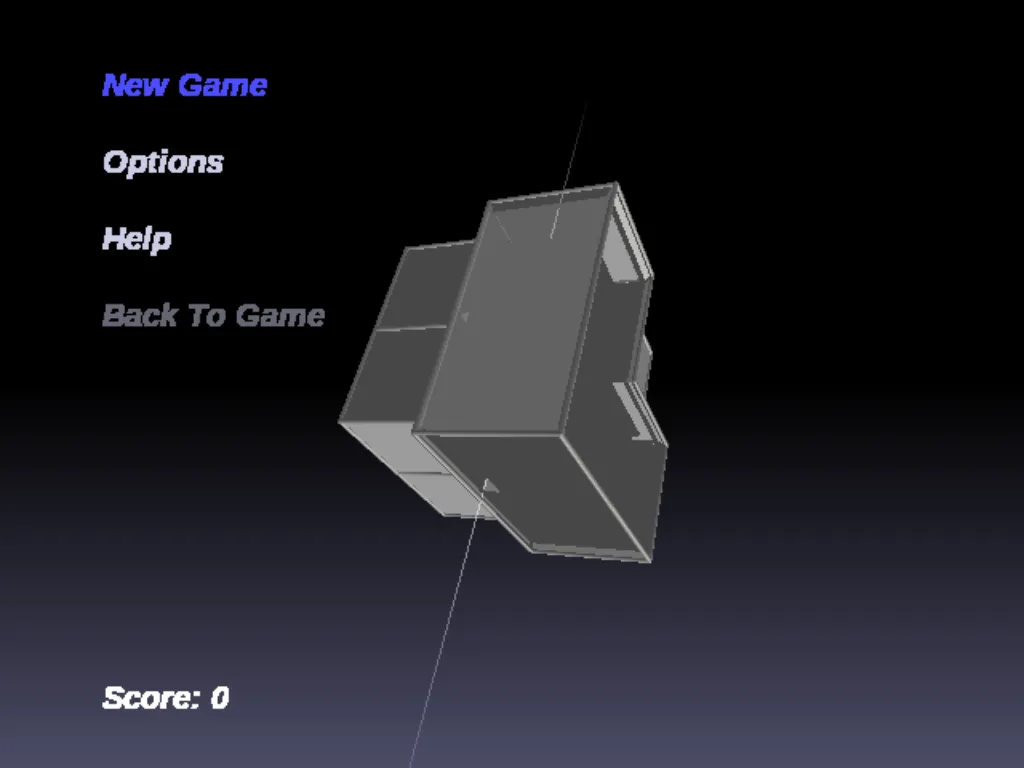
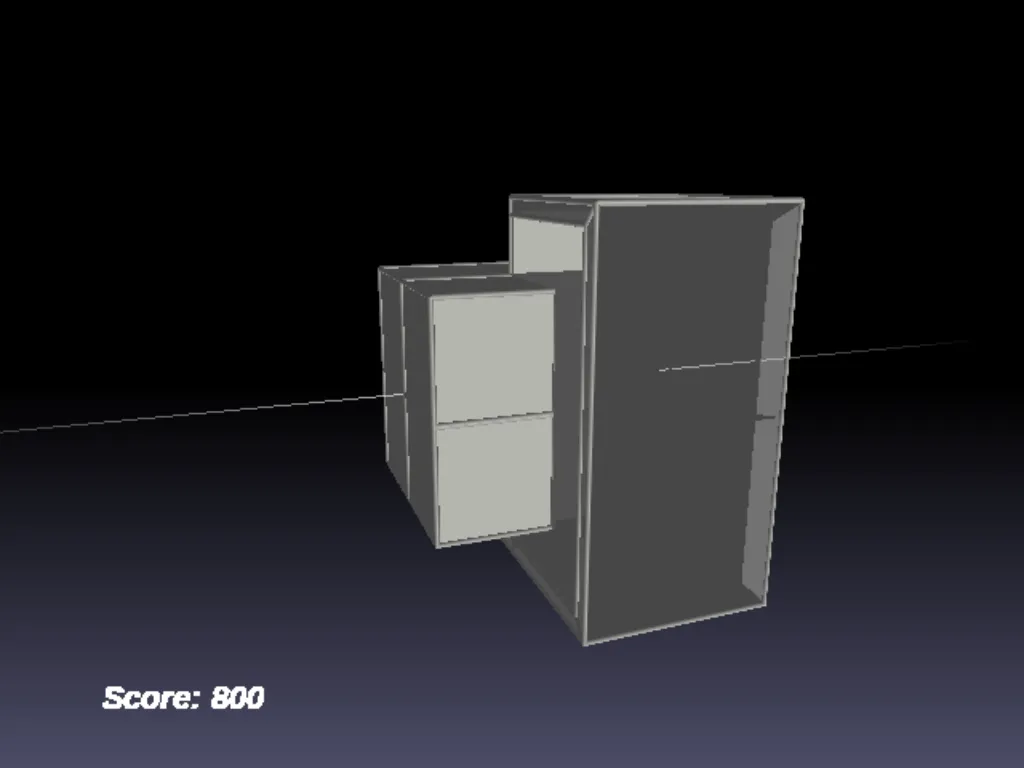
You cannot see four dimensions, so the game draws them the way a shadow draws a cube: the layers are shown as cubes inside cubes, in perspective, and you can turn the whole picture with the arrow keys to look at it from other sides. The pieces can be turned around the four axes, which is what makes it hard: a turn that looks like nothing in one view swings a piece into another layer in another. When all eight cells of a layer are filled the layer disappears and the layers above it drop down. Clearing several layers at once is worth much more than clearing them one by one, and the pieces fall faster as the score grows.
The game was written by László Simon as free software. The first version is from 2008, and the source code is still on GitHub.
Playing it here
This is 4DTris compiled for the browser from the project's source code, in English. The download is small and the game plays offline once loaded. It starts with the menu open and the auto player showing how a game goes in the background: choose New Game with the arrow keys and Enter to play yourself. Your high scores are kept in this browser. There is no sound. A keyboard is required.
How to play
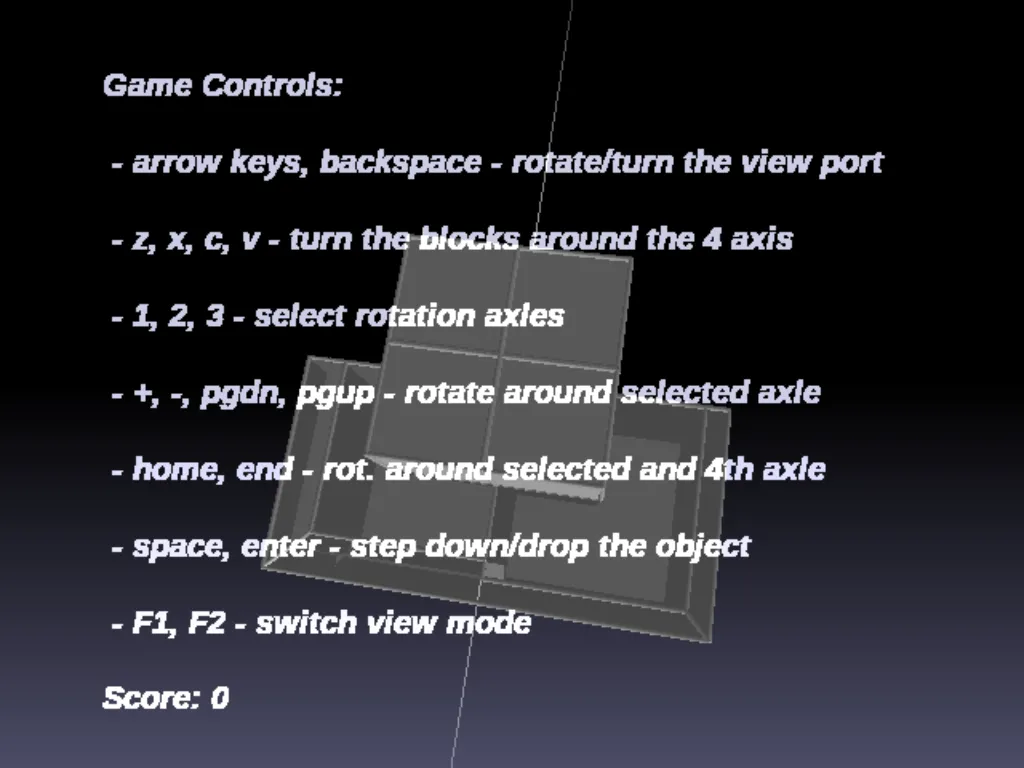
| Key | Action |
|---|---|
| Arrow keys, Backspace | turn the view (Backspace turns it by itself) |
| Z, X, C, V | turn the piece around each of the four axes |
| 1, 2, 3 | choose an axis |
| PgUp, PgDn (or keypad + and -) | turn the piece around the chosen axis |
| Home, End | turn the piece around the chosen axis and the fourth one |
| Space | lower the piece by one step |
| Enter | drop the piece |
| F1, F2 | one-point or two-point projection of the fourth dimension |
| A | auto player on / off |
| Esc | open the menu (New Game, Options, Help, high scores) |
On a laptop without PgUp, PgDn, Home and End keys, use the Fn key with the arrows, or the numeric keypad's + and - if there is one. The Options menu has the difficulty (it changes which pieces appear), the way the cubes are drawn and a grid.
Tips
Start with the view. Turn the picture with the arrow keys until the layers line up and you can tell which cells of the layer in front are empty. Most mistakes come from a piece that is in another layer than you thought.
Try the F1 and F2 projections. One makes the far layers small and the near ones large, the other shows the shaft in a different perspective. Use the one in which you can read the falling piece best.
Use the calm of the start. At first a piece falls slowly. Turn it before it falls, and use Space to lower it only when it fits.
Watch the auto player. Press A to let the program play for a while and see how it fits the odd pieces.
Frequently asked questions
Is it really four-dimensional? Yes, the pieces and the shaft are computed in four dimensions. What you see is a projection onto the screen, like a flat picture of a cube.
Where are my high scores kept? In the storage of this browser, on this device. Clearing the site data erases them.
Why is there no sound? The original has none.
Screenshots