
 Portugues
Azimuth
Saved games stay in this browser only.
About the game
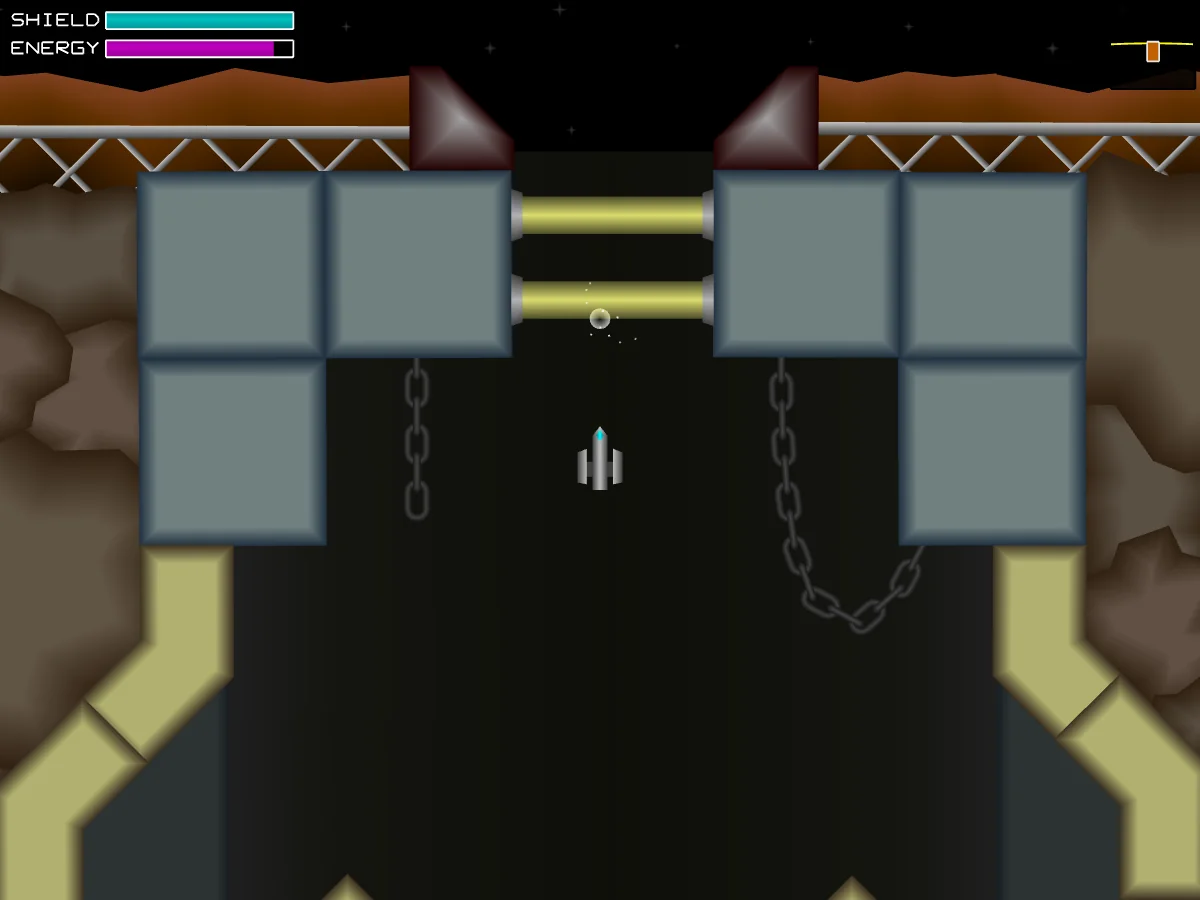
Azimuth is a metroidvania in space. You fly Major Shawna Jemison, call sign "Hopper", a patrol pilot answering a distress signal from Zenith, a remote research colony on a planetoid at the edge of explored space. The signal was an automatic last-resort broadcast from the colony's computer, and it goes dead just as you pick it up. You are the only patrol close enough to help, so you dive in alone to find the colonists and learn what happened to them.
The planetoid is one large connected map of caves, flooded tunnels, lava pits, machine halls and abandoned labs. Your ship flies with real momentum: you turn, thrust and drift, so moving through tight passages is part of the challenge. Many doors and passages stay closed until you find the right equipment, and each new gun, armor plate or ship system opens areas you have already flown past. Along the way you meet the colony's machinery gone hostile, creatures living in the tunnels and a series of large bosses.
Everything on screen is drawn with vector shapes by the game's own code, and the sound effects and music are synthesized while you play: the game has no image or audio files at all. Azimuth was made by Matthew D. Steele, who released version 1.0 in 2016 and published it as free software.
Playing it here
This is Azimuth 1.0.4, the latest version, compiled for the browser from the author's source code. The download is about 4 MB. Saved games and settings are kept in this browser; clearing this site's data deletes them. You need a keyboard to play.
The game pauses whenever the player loses focus, for example when you click outside it; click the game to carry on. The full-screen button of the player works as usual, but the game's own Ctrl-F shortcut does nothing here.
Controls
| Input | Action |
|---|---|
| Left / Right arrows | turn the ship |
| Up arrow | thrust forward |
| Down arrow | thrust backward, once you find the retro thrusters |
| C | fire the main gun (doors open when you shoot them) |
| X + C | hold X and press C to fire rockets or drop bombs |
| Z | use a console; later, lock onto tractor nodes |
| 1 to 8 | choose guns, once you have them |
| 9 / 0 | choose rockets or bombs |
| Escape | pause, with the map and your ship's systems |
| Mouse | menus, options and the pause screen |
You can change every key in Options, on the title screen.
Getting started
Pick a save slot. The title screen has six slots. Click "New Game" in one of them to start; the slot then shows where you are, your play time and your shields and energy.
Watch your two bars. Shield is your health. Energy powers your guns and other systems and refills by itself over time, so firing nonstop drains it.
Save often. Saving happens at save consoles: fly up to one and press Z. It also refills your shield. Quitting to the menu from the pause screen does not save, so you go back to your last save console.
Tips
Two guns at once. Each number key picks one gun, and your ship can have two selected at the same time. They combine, so the charge gun paired with another gun fires a stronger version of that gun's shot. Try different pairs when an enemy shrugs off your usual shots.
Use the map. The pause screen shows every room you have visited. When you are stuck, look for areas you saw but could not reach; a new upgrade usually opens one of them. If you want a nudge, turn on the hint system in Options: the options on the pause screen then show a "Get Hint" button that marks on the map the room to head for next.
Hover over your systems. On the pause screen, put the mouse over any part of your ship to read what it does and which key uses it.
Collect pickups. Destroyed enemies leave blue shield pickups and ammo. Shield batteries and capacitors found around the map raise your maximum shield and energy for good.