Portugues
Block Drop
Saved games stay in this browser only.
About the game
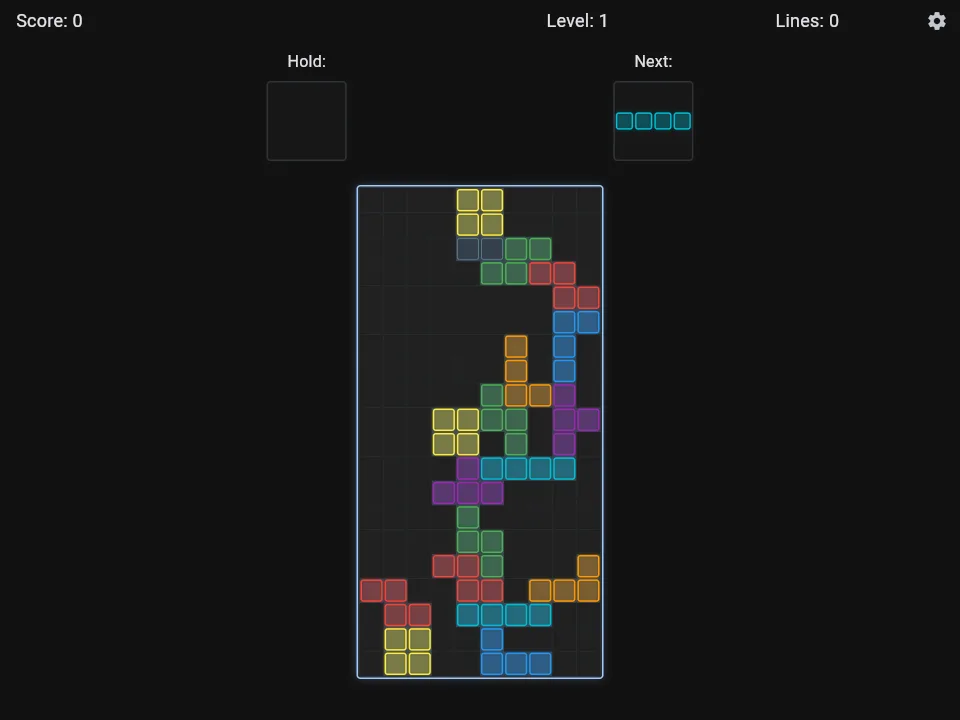
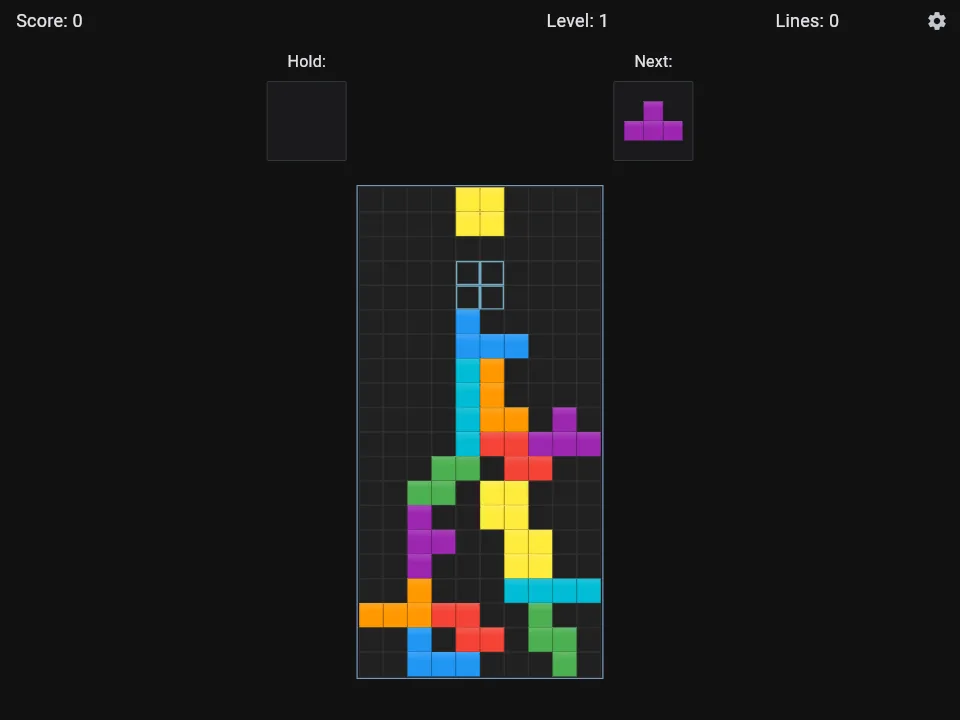
Seven shapes made of four squares each fall one at a time into a tall well. Slide and turn each one so that it fits, fill a whole row and it vanishes, and the pieces above drop down to take its place. The pile grows when you leave gaps and shrinks when you do not, and the game ends when it reaches the top. Clear several rows with a single piece and you score more, and every few rows the level goes up and the pieces fall faster.
Block Drop is a clean, modern take on this old idea. There is a hold slot to set a piece aside for later, a preview of the next one, and a ghost outline that shows where the piece will land. A Practice mode lets you try things out without pressure, and the Settings let you pick one of five visual styles (Classic, Modern, Bubbles, Neon and Retro), light, dark or pure black themes, which gameplay helpers to switch on, and your own keys for a game controller. The game saves the one you are playing, and keeps your best score.
Playing it here
Click Play and wait a moment for the game to load (about 15 MB, downloaded only when you press the button). Music and sound effects start off in this version: open the Settings (the gear, or Esc) and switch them on. Your settings, saved game and high score stay in this browser, so use the same browser next time; clearing the site data erases them. This edition has no links to other websites and no online play: the author's multiplayer mode over a local network was removed. The game starts in your browser's language when it has a translation; a few languages (such as Chinese, Japanese and Arabic) need fonts this edition does not carry, so their text shows as empty boxes.
Controls
| Input | Action |
|---|---|
| Left and right arrows | move the piece |
| Down arrow | soft drop |
| Up arrow or Z | rotate |
| X | rotate the other way |
| Space | hard drop |
| C | hold or swap the piece |
| Esc | settings and pause |
| Q | quit the current game (asks first) |
| Swipe left or right, tap (touch) | move, rotate |
| Swipe down (touch) | soft drop; a fast swipe is a hard drop |
Tips
Keep the surface flat. Gaps buried under other pieces are what end most games, so put each piece where it leaves the fewest holes.
Use the hold slot. Save a long straight piece for a moment when four rows are ready to be cleared at once, which is the best score you can get from one piece.
Look at the ghost. The outline shows exactly where the piece will land, which makes a hard drop safe.
Start in Practice mode. It is a calm way to learn the controls, and the Settings let you turn off helpers and rules as you improve.
FAQ
Is it multiplayer? The original game has a multiplayer mode over a local network. It does not work in a browser and was removed, so this edition is single player.
Is my game saved? Yes. The game you are playing and your best score are kept in this browser. Clearing the site data erases them.
Can I change the keys? The arrows, Z, X, C and Space are fixed on a keyboard; the Settings let you remap the buttons of a game controller.
Why is there no sound at first? Music and sound effects are off by default, as in the original. Turn them on in the Settings.
Credits and licence
Block Drop was made by Brandon Dick (brandonp2412). The source repository has instructions for AI coding agents (an AGENTS.md file), so the game was built with the help of AI. The code is free software under the MIT licence, and the exact source of this version, with the small changes made for this site, is linked from this page. The game uses the Flutter framework.
- Music: "Chiptune Adventures - Stage 1" by Juhani Junkala (OpenGameArt), CC0.
- Four of the sound effects are from the Impact Sounds pack by Kenney (kenney.nl), CC0.
- The other sound effects and the graphics were made by the author for the game.
The licence texts, including the notices of every library in the build and the list of changes made for this edition, are linked from this page.
Screenshots