
 Portugues
Charge Kid
Saved games stay in this browser only.
About the game
Charge Kid is a puzzle platformer about momentum. You control a small kid with a few tricks and an industrial tower to climb, and each level introduces one new idea: jumping again in the air, a boost that sends you upward, a bullet that you shoot and can hold, gates that react to it, and floors that are not there. The titles of the levels tell the story, from "Charges!" and "Jumping through the air!" at the start to "Trick the gates!", "No floor!" and a last "You can do it!". There are seventeen levels and a secret one.
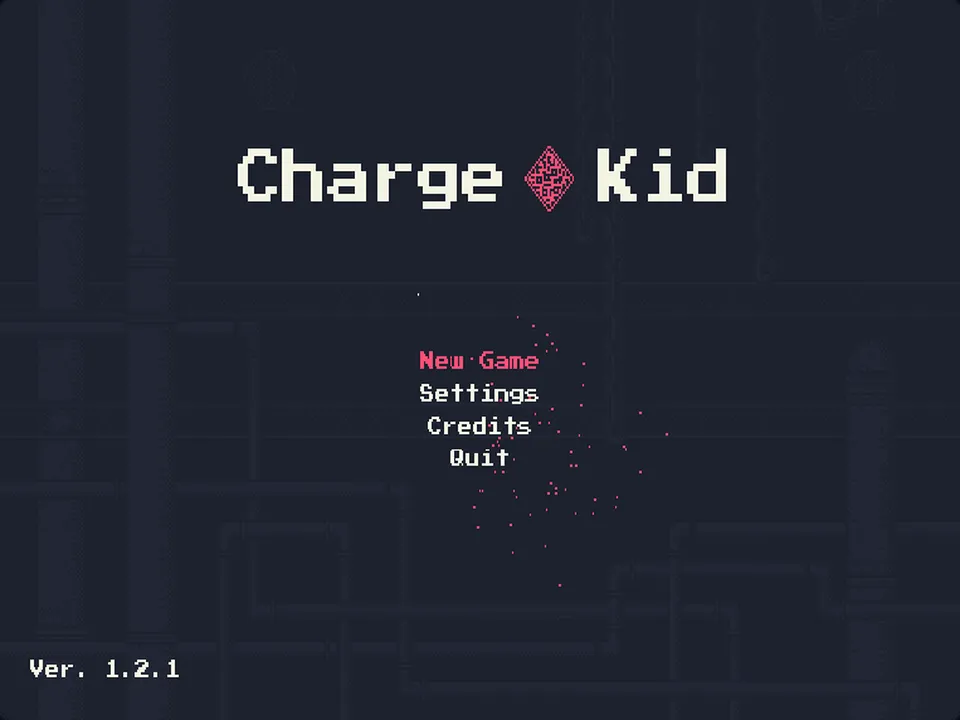
The rooms are small and fit on one screen, so failing costs a few seconds and you try again immediately. The art is dark blue pixel art in an industrial setting, with sparks and soft lights, and the music is a calm electronic and ambient soundtrack that changes during the tower.
Playing it here
Click Play and wait while the game loads (about 55 MB, downloaded only when you press the button, mostly the music). The game opens with a splash screen and then the title menu. Click inside the game once so that it receives the keyboard. Your progress and settings stay in this browser. The Settings menu lets you change the keyboard and gamepad buttons.
Controls
| Input | Action |
|---|---|
| Left and right arrows | move |
| Z | jump (and jump again in the air, when the level allows) |
| X | shoot a bullet |
| C | boost to the bullet |
| Enter | confirm in the menus |
| Esc | back, in the menus |
The keys can be changed in Settings. The game also supports gamepads.
Tips
Read the title of each level. It tells you the new trick, and the first room of a level is usually safe to try it.
Hold the bullet. Some rooms are about when you let go of the shot, not only where you aim it.
Retry without worry. A failed attempt restarts the room quickly; use it to learn the room before you try to solve it cleanly.
FAQ
Do I need a gamepad? No, the keyboard is enough.
Does the Quit option close the page? No. In a browser the game just stops; reload the page to play again.
Is it free to share? Yes. The code is free software under the MIT licence, and the assets are CC0 or Creative Commons Attribution 3.0.
Credits and licence
Charge Kid was made by Ayrton Makoto Euzebio Sato (programming), Rafael de Lima Bordoni (game design, programming, animation and art) and Vicente Reis de Souza Farias (sound effects and music), who published it on GitLab under the name USPGameDev. The code is under the MIT licence and the assets are CC0 or Creative Commons Attribution 3.0.
- Music: "Abandoned" tracks 01, 09 and 20, "hammock" tracks 08 and 10 and "The Big Crunch part 2" by Stevia Sphere, licensed under CC BY 3.0. The other tracks and all sound effects are by Vicente Reis de Souza Farias, CC0.
- Sprites: "industrial" tileset and "robot" by 0x72, CC0. The other art is by the game's authors.
- Font: Press Start 2P, SIL Open Font License.
- Made with Godot Engine 3.2.2 (MIT); the Godot logo shown at the start is CC BY 4.0.
- Changes in this version: the drawings of console controllers in the gamepad menu are replaced by generic text diagrams.
The licence texts, the notices of the libraries inside the Godot engine and the source of this build are linked from this page.