
 Portugues
Crimson Fields
Saved games stay in this browser only.
About the game
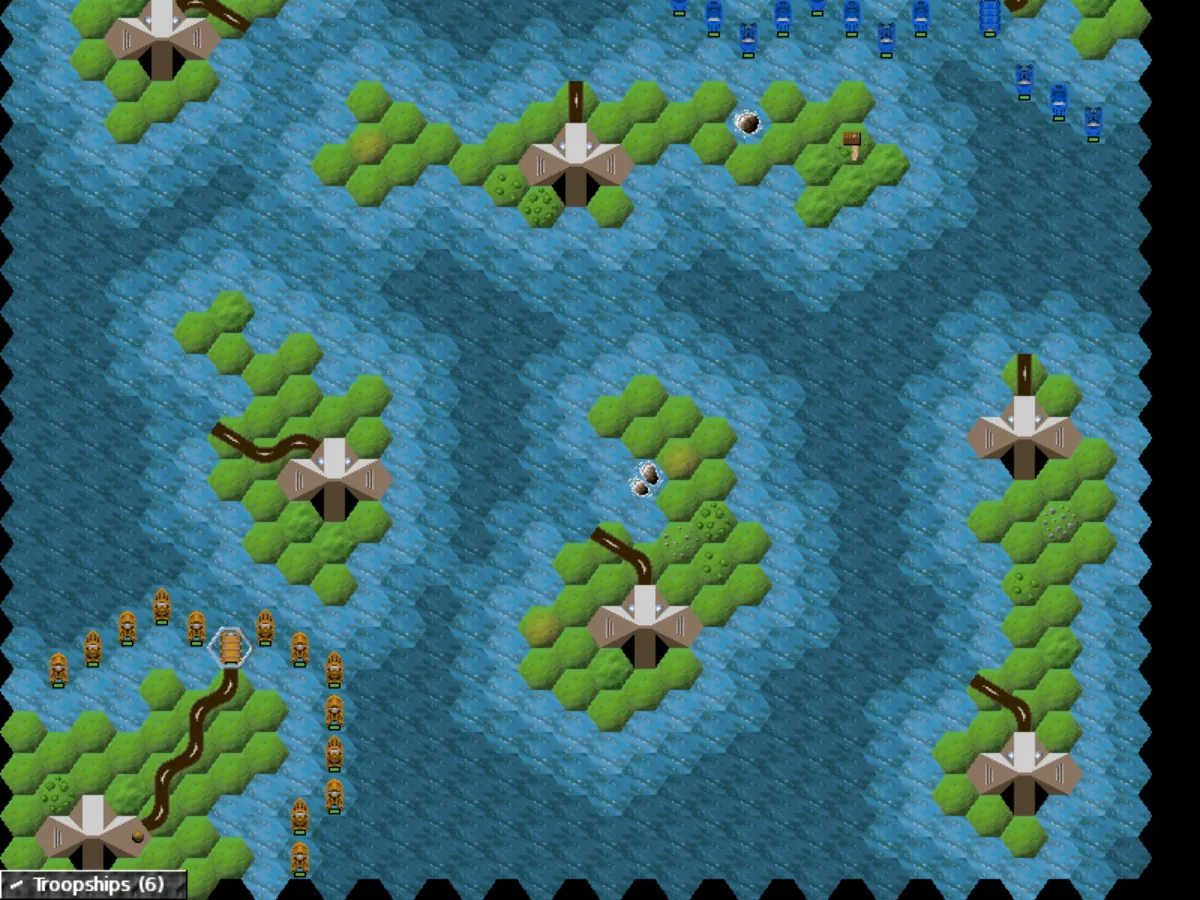
Crimson Fields is a turn-based tactics game played on maps made of hexagons. On most maps you lead the Free Nexus Army, a rebel force on the planet Nexus fighting the Empire of Kand, which landed two years earlier and took over the planet's mines. Each mission comes with a briefing that sets the goal: take the enemy headquarters, hold a vital position, raid an enemy facility, or simply wipe out every enemy unit on the map.
Your army is a mix of infantry, tanks, artillery, anti-aircraft guns, gunships, fighters, bombers, armoured trains, transports, submarines and aircraft carriers, each with its own speed, armour and strength against ground, air and sea targets. Terrain matters: roads are fast but leave units exposed, forests and mountains slow them down, mountains give a strong position in both attack and defence, and aircraft ignore the ground altogether. Units that survive a fight gain experience and move up in rank, so keeping a veteran squad alive pays off later in the battle.
Buildings are where wars are won. Only infantry can capture enemy or neutral buildings, and many of them are worth having: factories build new units, workshops repair damaged ones, and mines produce the crystals that pay for both. Transports can carry crystals from a mine to a factory, and a well-placed workshop can keep a front line going for many turns.
The game ships with two campaigns, "Seed of Resistance" and a tutorial campaign called "The Art of War", plus skirmish maps of different sizes. Every map you reach in a campaign is also unlocked as a skirmish. Against the computer you choose which side to play, and a handicap setting can make a map easier or harder.
Playing it here
This is Crimson Fields 0.5.3, the last release, compiled for the browser from the author's source code. The download is about 10 MB, and the game runs offline once it has loaded. Saved games, settings and the campaign maps you have unlocked are kept in this browser; clearing this site's data deletes them.
The original game also offers play over a network and by e-mail. Those modes are not available in this version; skirmishes against the computer and hot-seat matches, where two players take turns at the same keyboard, work as usual. The music is the game's own soundtrack, played from the original MIDI file with a free sound bank.
Controls
| Input | Action |
|---|---|
| Left click | select a hex or one of your units |
| Double click | move the selected unit there, or attack the enemy on that hex |
| Right click on your unit | unit menu: stats, contents, special skills, undo the last move |
| Right click elsewhere, or F1 | game menu: end turn, map, objectives, save, surrender, quit |
| Arrow keys | move the cursor |
| Space | select the unit under the cursor |
| F2 | jump to your next unit |
| E | end your turn |
| M | show the overview map |
| Escape | deselect the unit, or open the game menu |
| F11 | turn sound effects on or off |
Getting started
Start with the tutorial. In the main menu, switch Maps to Campaigns and pick "The Art of War (Tutorial)". Its three short missions walk you through moving, attacking, clearing mines and using artillery.
Read the briefing and the objectives. Each side gets its own briefing on its first turn. You can read the goals again at any time from the game menu under Objectives.
Look before you move. When you select a unit, the hexes it cannot reach are shaded, and enemies it can attack stay unshaded. Right-click one of your units to see its stats and the terrain it cannot cross.
Tips
Gang up on targets. Every friendly unit next to the defender adds to the attacker's strength, and a unit behind the defender adds even more. The same works in defence, so keep your units close together.
Move artillery last. Artillery and anti-aircraft guns cannot attack in a turn in which they have moved, so fire first and reposition later.
Bring infantry. Only infantry can take enemy or neutral buildings, and capturing the enemy headquarters wins many maps outright.
Spend crystals wisely. A repair always costs 5 crystals, no matter how badly a unit is hurt, and new units cost more. Many maps have no mines at all, so the crystals you start with may be all you get.
Save before big attacks. Use Save in the game menu, then load the game from the main menu by switching Maps to Saved Games.