
 Portugues
Cuyo
Saved games stay in this browser only.
About the game
Cuyo is a puzzle game about falling pieces, with a twist: it is a game about games. Pairs of colored balls fall into a tall well, and when enough balls of the same color are connected they explode. You do not need to make rows or columns, any shape will do. There is grass at the bottom of the well, and the level ends when it is gone, which you do by making explosions next to it.
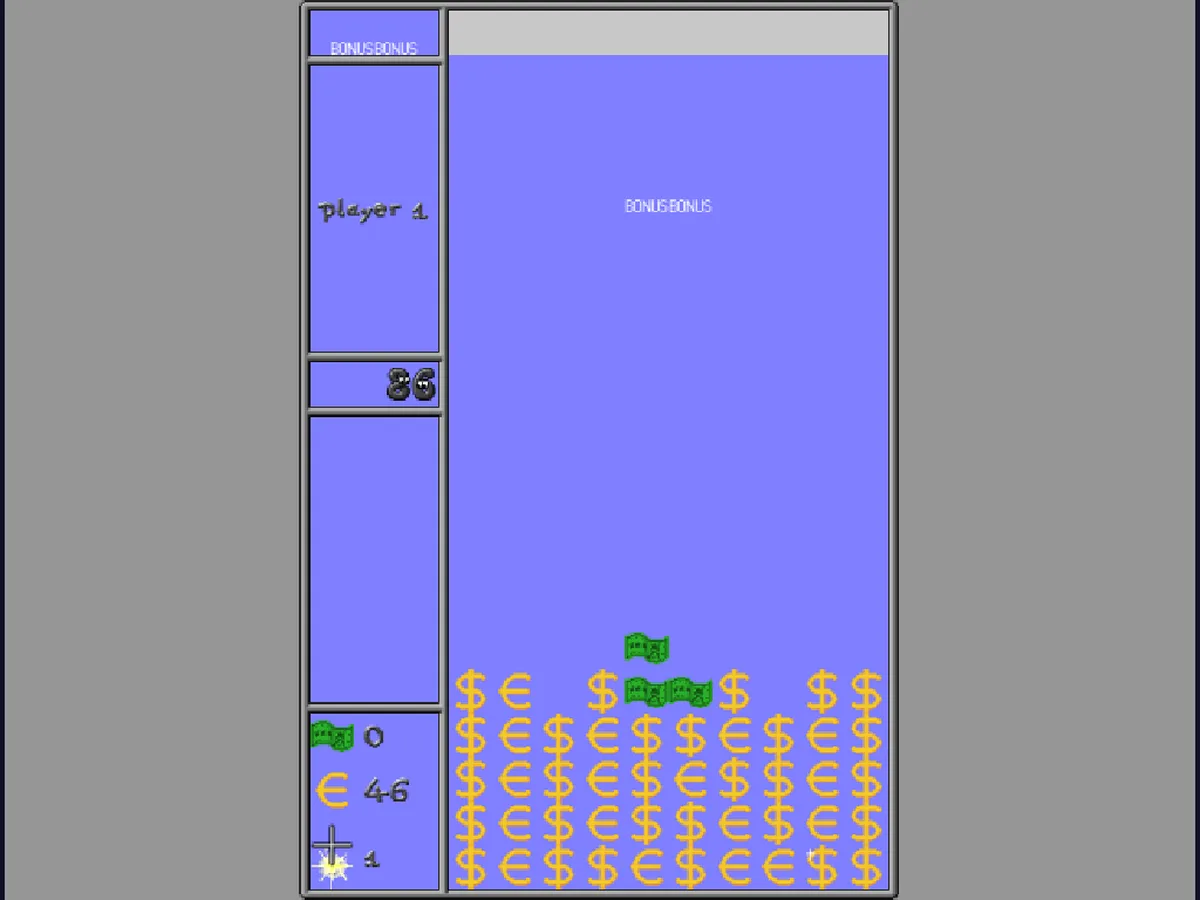
What "enough" means depends on the level, and so does much else. In the first level six connected balls explode. In others it takes four, balls connect diagonally (the Ribbons level) or in eight directions (the Octopi level), or the board is made of hexagons. In the Knights level, balls connect by knight moves, as chess knights do, and pawns do not connect at all. There are levels with doors and walls, a treasure hunt, a farm, a maze, fractals, fish, memory cards and many more, and almost every one has its own graphics. Some of them have rules so different that they play like another game altogether. There are over sixty, in a standard track and a few others.
You can play alone, with two people sharing the keyboard, or one against the computer. In the games for two, every explosion one player causes sends grey balls to the other (they explode when something else explodes next to them), and a tower that grows too tall hands a row to the opponent.
Cuyo was created by Immanuel Halupczok in 1999, with Bernhard Seckinger and Mark Weyer and a long list of people who contributed levels, graphics and music. It is free software.
Playing it here
This is Cuyo 2.1.0 compiled for the browser from the project's source code, with its levels, graphics and music. A few levels were left out: the ones named after well-known commercial games or showing the name of a computer brand, and one was renamed. The game is in English. The download is about 6 MB. Your keys, names and settings are kept in this browser; clearing this site's data deletes them. Click the Start button first, so the page gets the keyboard and the browser lets the game play sound.
The levels open up as you play: at the start, "Start at level" only lists the first one.
Controls
| Input | Action |
|---|---|
| A / D or Left / Right arrow | move the falling pair left / right |
| W or Up arrow | turn the pair |
| S or Down arrow | drop the pair |
| Space | start a level |
| Mouse or arrow keys, Enter | choose in the menus |
| Highlighted letter | shortcut for that menu item |
| Escape | go back, or leave the level |
The keys of each player (one set per player, with the two-player mode) can be changed in Preferences.
Getting started
Start with the first level. New Game starts with "Noseballs", the simplest level: connect six balls to make them explode and try to clear the grass.
Pick the players. The main menu has "1 player", "2 players" and "player vs. Computer", and a difficulty setting.
Read the level text. Before each level a short text tells you its name, its author and the rule that makes it different, such as how many balls explode.
Tips
Look at where explosions will touch the grass. The grass only goes when an explosion is next to it, so keep room next to it for the group to pop.
Let chains do the work. When balls fall after an explosion and connect again, they explode again. Plan one group on top of another.
Use the preview. The panel on the left shows the next pair and the grey and grass counts, so you can plan the next move before the pair arrives.
Take the odd levels slowly. When a level looks strange, read its description first: the rules are in the text, and they are often unusual.
FAQ
Do I need to play the levels in order? The standard track goes in a fixed order, one level after the other as you finish them. The main menu also has a "Level track" setting to play the levels in other selections and orders.
Is there a win? Each level ends when the grass is gone, and the next one starts. The game has no final screen: you play as far as you can.