
 Portugues
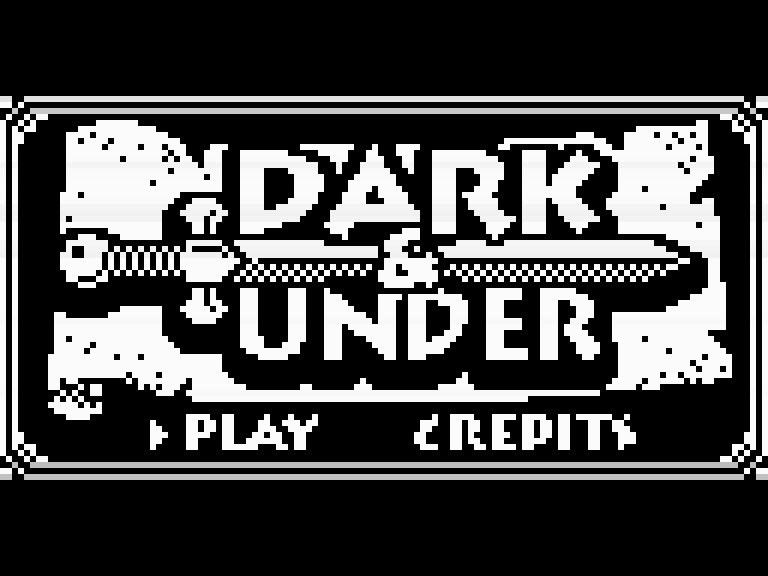
Dark & Under
Saved games stay in this browser only.
About the game
Dark & Under is a dungeon crawler in the old style: the corridors are drawn in first person, one step and one quarter turn at a time, and a small map in the corner fills in as you explore. There are three levels, from the Hallways of the Dead down to the dragon's lair, and each one ends at a door you have to find and open.
The maze is full of things that want to stop you. Rats and slimes are easy, skeletons and floating eyes much less so, and some of the creatures follow you through the corridors. When one reaches you, the screen switches to a battle: the enemy strikes first, then you choose to attack, raise your shield, read a magic scroll or drink a potion, and the damage on each side comes from a roll of the dice. Defeated enemies give experience, and every level up lets you pick a point of attack or of defence.
Along the way you find keys for locked doors and gates, potions that restore health, scrolls that deal heavy damage in a fight, and swords and shields that make you permanently stronger. The inventory has room for only three of the items you carry, so choosing what to keep matters.
Playing it here
This is a homebrew game made for the Arduboy, the open, credit-card-sized handheld with a tiny black-and-white screen: a new game by independent developers, not a commercial release. It runs here in Ardens, an Arduboy emulator. Click Play now, choose PLAY on the title screen with Z, and you start at the entrance of the first level.
The game has its own save: open the inventory with X, move to SAVE and press Z. It keeps one game, which LOAD brings back, in the emulated memory of the Arduboy, stored in this browser automatically. F2 also saves the complete state of the game at any moment, and F4 brings it back. A gamepad works too.
Controls
| Key | Arduboy button | Action |
|---|---|---|
| Up / down | D-pad | step forward / step back |
| Left / right | D-pad | turn left / right; choose in menus and fights |
| Z | A | show the full map; confirm in menus and fights |
| X | B | open the inventory (save and load there); go back |
| Up / down, then Z | D-pad + A | choose attack or defence when you level up |
| F2 / F4 | — | save / load the state |
A few things worth knowing
Keys are used from the inventory. Stand next to a locked door or gate, open the inventory with X, pick the key and choose the hand icon. Some gates lock behind you once you pass, so look around before stepping through.
The shield pays off with a good defence. Raising it always deals one point of damage and lets you act again right away, and the damage you take depends on the enemy's strength against your defence. The higher your defence, the safer it is to wear an enemy down this way.
Keep a scroll for the hard ones. A scroll always deals five points of damage, more than most early attacks, and it is gone once read.
Swords and shields go straight to you. Picking one up adds a point of attack or defence on the spot and does not take an inventory slot.
Credits and licence
Dark & Under was made in 2017 by Garage Collective: code by Simon Holmes and art by Cyril Guichard. Pharap helped with many later improvements, including the 2023 version 2.0.3 that runs here. It is free software under the BSD 3-clause licence and uses the Arduboy2 library by Scott Allen (BSD). The licence texts are linked from this page.