
 Portugues
Me and My Shadow
Saved games stay in this browser only.
About the game
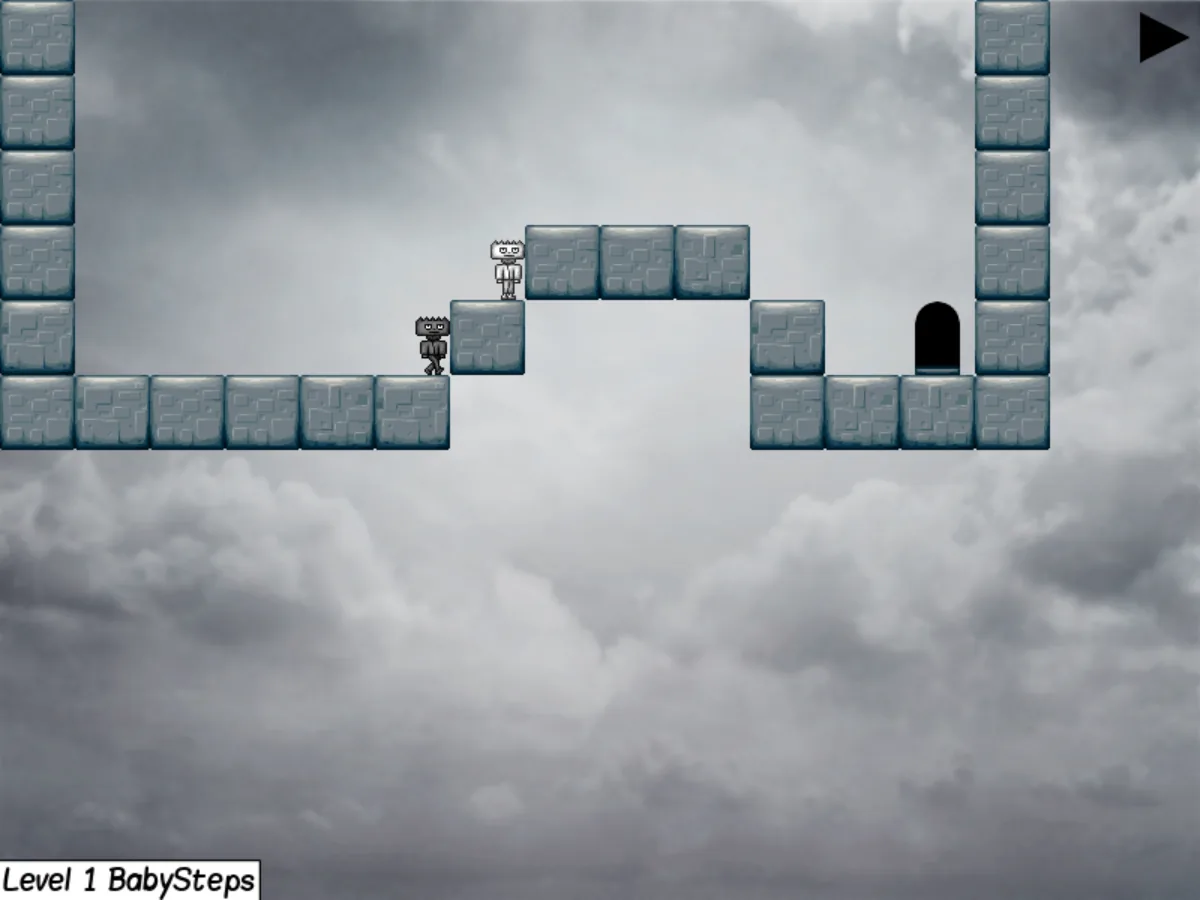
In Me and My Shadow you have to get a small figure to the exit door of each level, and the only help you get is your own shadow. Press Space and the game starts recording everything you do: every step, jump and switch you pull. Press Space again and the shadow, standing where you started, plays the whole recording back while you are free to move on your own.
That simple idea turns every level into a timing puzzle. The shadow can hold down a switch that opens a door on your side of the level, act as a step you jump on, or walk along shadow blocks that only the shadow can stand on. Spikes are deadly for both of you, and fragile blocks, moving platforms, conveyor belts, portals, swap points that trade your places, crates to push and keys for locked doors keep adding new ways to combine the two.
Every level has a target time and a target number of recordings. Finishing it earns a bronze medal, meeting one of the two targets a silver one, and meeting both a gold one, so even a level you have already solved can be replayed with a cleaner plan. The game also keeps statistics and a list of achievements.
The game was started by Luka Horvat in 2011 and has been extended since then by a team of volunteers, who added new block types, more level packs, scripting for levels, the Cloudscape theme and translations into thirteen languages.
Playing it here
This is version 0.5a of Me and My Shadow, the latest release, compiled for the browser from the project's source code. The download is about 27 MB, and the game plays offline once it has loaded. Your progress, settings, statistics and any levels you build in the editor are kept in this browser; clearing this site's data deletes them.
The desktop version can download extra levels and themes from the internet through its Addons menu. This version never goes online, so that menu only shows a short notice.
Controls
| Input | Action |
|---|---|
| Left and Right arrows | walk |
| Up arrow | jump |
| Down arrow | use a switch, portal, swap point or checkpoint |
| Space | start recording; press again to let the shadow play it back |
| R | restart the level |
| F3 | go back to the last checkpoint you activated |
| Tab | move the camera between you and the shadow |
| Escape | open the menu |
| Mouse | pick options in the menus and the editor |
Every key can be changed in Options, on the Controls tab.
Getting started
Start with the tutorial. On the level selection screen, the arrows next to the pack name switch between the level packs. The tutorial pack has 25 short levels that teach one idea each, from the first jumps to switches, portals and keys.
Then move on to the classic pack. Its 24 levels are where the original game started, and each one unlocks the next. The default pack adds another 19 levels.
Watch the shadow. The shadow starts each recording from wherever it is standing, not from where you are, and it obeys the same rules you do: it can fall into a gap or land on spikes, and if it dies you have to restart.
Tips
Plan the recording before you press Space. It often helps to walk to the right spot first, think through the moves the shadow needs, then record only those.
Use the shadow as a platform. You can jump on top of the shadow, which is the answer to many walls that look too high.
Restart freely. R puts everything back at the start, and checkpoints save you from replaying a long level after a mistake; walk onto one and press Down.
Chase the medals later. Get through a level first, then look at the target time and recordings on the level selection screen and try again for gold.
Build your own levels. The Map Editor on the main menu uses the same blocks as the game. Levels you save there appear in the level selection, in the Levels pack.