Portugues
OpenSSN
Saved games stay in this browser only.
About the game
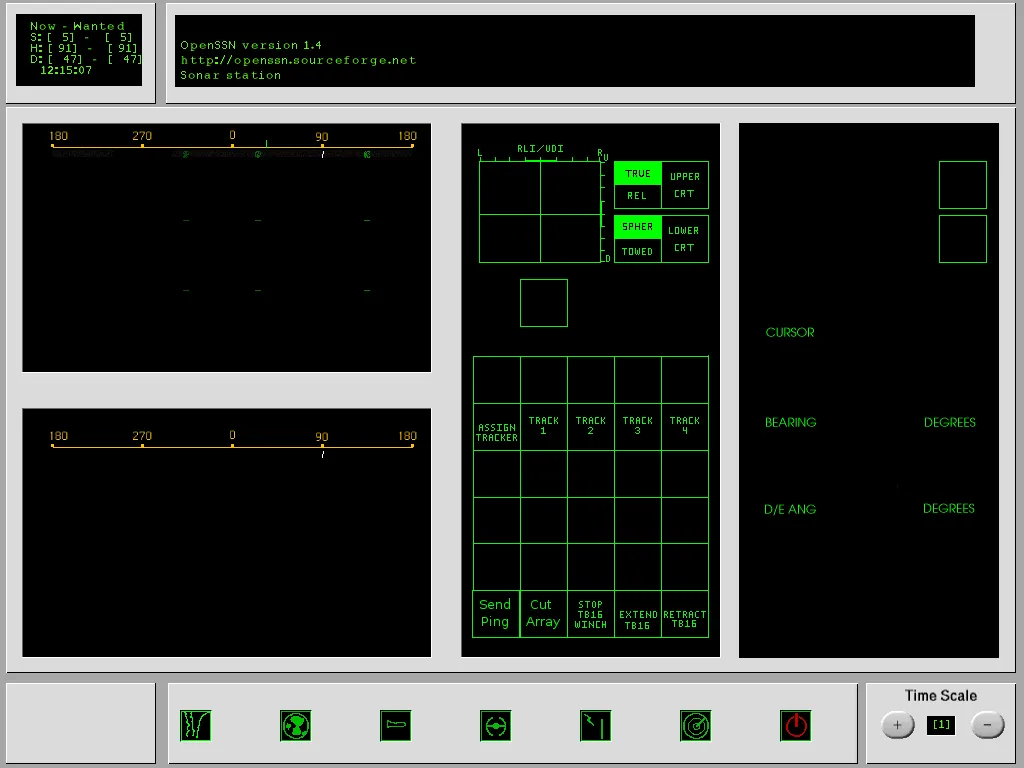
OpenSSN puts you in the captain's chair of a modern nuclear attack submarine. There is no outside view: you work through a set of control stations, as a real boat does. The map shows what your crew has detected, the sonar station draws bearings as they come in, the radar and ESM consoles listen for ships and aircraft above the waves, the helm console sets course, depth and speed, and the weapons station loads and fires torpedoes and noise makers. Every ship in the game has its own sonar, speed and depth, so how loud you are, how deep you sit and whether you reveal yourself with an active ping all matter.
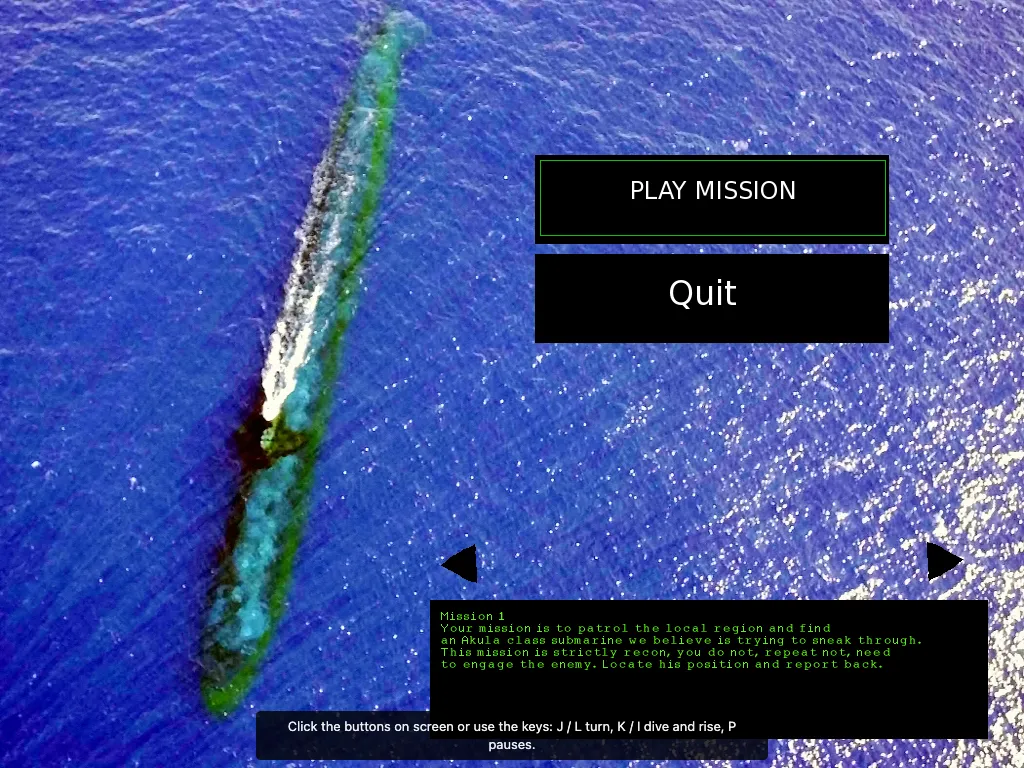
There are eleven missions, from a quiet recon patrol to hunting a missile submarine, escorting a friendly boat and clearing a stormy sea of enemy attack submarines while avoiding friendly fire. Each one starts with a short briefing on the menu screen, and the arrows next to it pick the mission.
The project grew out of LinuxSSN, a submarine simulator started around 2000 by Michael Bridak and Rick McDaniel, which Jesse Smith picked up and extended. This is version 1.4, from 2013. It is a game for patient players: it is slow, quiet and technical, and it rewards listening more than shooting.
Playing it here
This is OpenSSN 1.4 compiled for the browser from the project's source code. It is a download of about 6 MB and plays offline once loaded. Nothing is saved: closing the page ends the mission. The sound effects (a ping, a torpedo launch and an explosion) are new ones made for this version, because the originals have no recorded origin. A keyboard and a mouse are required, and the screen is a fixed 1024 x 768 picture, so a desktop or a large tablet works best.
Controls
The game is played with the mouse on its on-screen buttons, and with the keyboard. The original asks for the numeric keypad and the F keys, which laptops and browsers do not give you, so this version also accepts the letters below.
| Input | Action |
|---|---|
| J / L (or keypad 4 / 6) | turn left / right |
| K / I (or keypad 2 / 8) | dive deeper / rise |
| + / - | faster / slower |
| Q / A / Z | go up one thermal layer / hold depth / go down one layer |
| S / X | go to the surface / to periscope depth |
| M, O, B, H, D, V (or F2, F1, F3, F4, F5, F6) | map, sonar, weapons, helm, ESM and radar stations |
| G | send an active sonar ping |
| E / R / W | extend / retract / hold the towed sonar array |
| T, N, U, F, then 1 to 6 | load a torpedo, load a noise maker, unload or fire the chosen tube |
| TAB | select the next target |
| C | centre the map on your boat |
| Insert / Delete | change the scale of the map |
| Page Up / Page Down | speed up / slow down time |
| P | pause |
| Esc | close the game (reload the page to play again) |
First steps
Start with mission 1. It is a recon patrol: you only have to find the enemy boat, not fight it. Raise the speed a little, open the sonar station (O) and watch for a trace. Your own boat is loud when it is fast.
Mind the layers. Sound bends at thermal layers, so a contact that vanishes may only be on the other side of one. Q and Z move you up and down a layer, and A holds the depth you are at.
An active ping tells everyone where you are. G is useful to measure a range, but any enemy with sonar hears it.
A torpedo needs a target. Press TAB until the target you want is selected on the map, load a tube (T, then the number), and fire it (F, then the number). Fired torpedoes chase the target by themselves; noise makers (N) are decoys that can draw away the ones fired at you.
Frequently asked questions
Why is the map empty at first? The map shows only what your crew has detected, plus your own boat. Contacts appear after the sonar, radar or ESM picks them up.
Why is there no sound until I click? Browsers keep the audio off until the page has had a click or a key press.
Do I need the numeric keypad? No. Use J, K, L and I, or click the buttons.
Screenshots