Portugues
Up, Down, Top-down
Saved games stay in this browser only.
About the game
Up, Down, Top-down is a platform puzzle game written by Somebud0180 for Sprig, the open-source game console made by Hack Club that you program in JavaScript. You are a tiny white figure in a black void, and the way out is a green flag. Between you and the flag are floating blocks, gaps, and the part that gives the game its name: blocks that change which way is down.
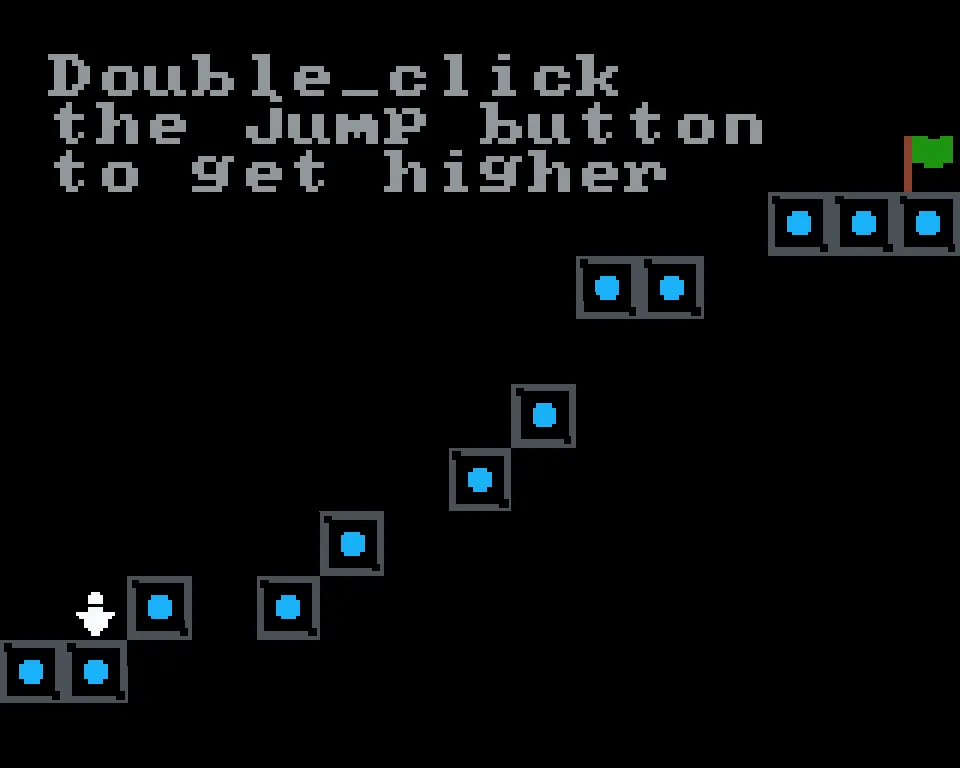
The first levels are plain platforming. You run, you jump, and a second press of jump in mid-air lifts you a little higher, which is the first thing the opening level tells you. Then the gravity blocks arrive. Stand on one and the world flips: you fall upward and the ceiling becomes your floor. Later maps add a third mode, a top-down view where gravity is gone and you can walk in all four directions, like in a maze. Each of the twenty maps asks you to chain these ideas together and reach the flag, and if you fall off the world or touch something you should not, the game shows "You died" and puts you back at the start of the map.
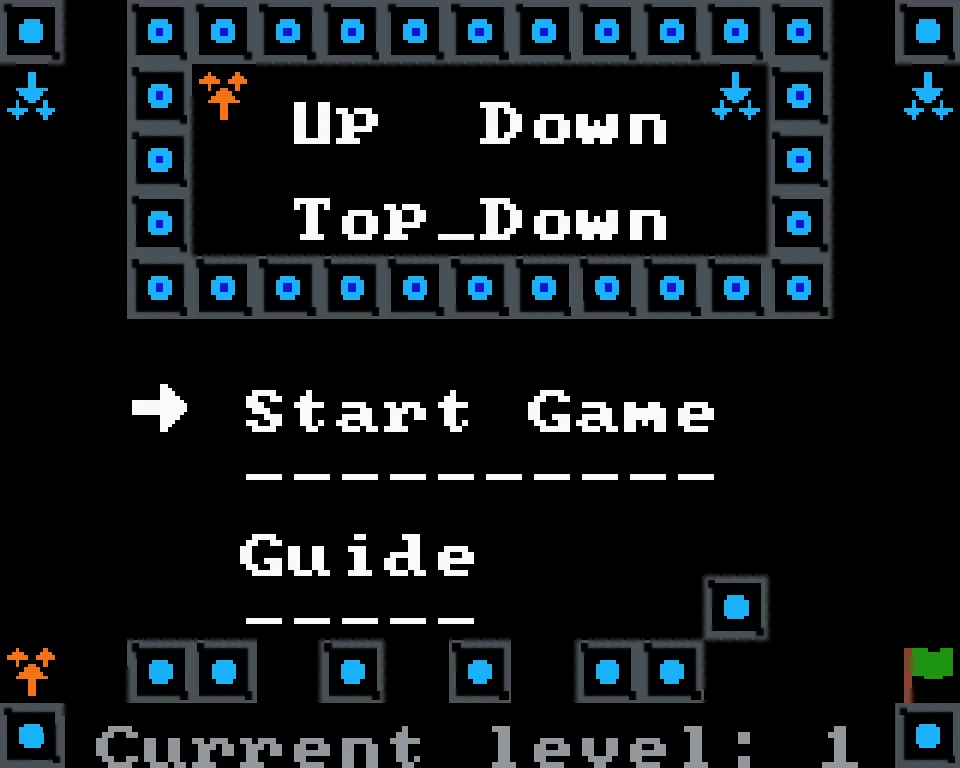
The game was built with care around its menu: a title screen with a pointer, a Guide that explains every key and every block (including a block marked with three question marks that you will have to figure out yourself), and a finish screen that thanks you when the twentieth map is done. A line of text at the top of each map gives a hint when something new appears.
Playing it here
Click Play and the game starts in the page, on the Sprig's own 160×128 screen scaled up so the pixels stay sharp. Start Game takes you through a short level card and into the first map. Jumping, walking, gravity flips and the finish screen have their own sound effects. J returns to the menu and the menu remembers your map until you close the page; nothing is saved to disk.
On a phone or tablet, two groups of buttons appear under the screen, like the eight buttons of the console. On a computer, use the keyboard; the arrow keys work like W, A, S, D.
Controls
| Key | Action |
|---|---|
| A, D (or left, right arrows) | Run left and right |
| I or K | Jump; press twice in the air for a double jump |
| W, S (or up, down arrows) | Move up and down in top-down mode |
| L | Confirm in the menu; skip to the next level in the game |
| J | Back to the menu |
Tips
Double jump is your friend. Most of the first gaps are one tile too wide for a single jump. Press jump again at the top of the arc.
Look before you flip. When you stand on a gravity block you swap floor and ceiling, so check what is on the other side before you step on it.
Read the hint text. New blocks are announced by a line of text at the top of the map, and the Guide in the menu lists every block.
Skipping is built in. L moves to the next level, so if one map has you stuck, you can skip it and come back later from the menu.
FAQ
Is this an official Sprig game? It comes from the public Sprig game gallery, where anyone can send in a game. This one was sent in by its author, Somebud0180, and it runs here unchanged.
What is a Sprig? A small console with a 160×128 screen and eight buttons, made by Hack Club to teach programming by making games. Its games are plain JavaScript programs, and the engine that runs them is open source.
How many levels are there? Twenty maps, then a finish screen.
Does it save my progress? Only while the page is open: the menu remembers your level, but closing the page starts you at the first map again.
Screenshots