
 Portugues
Zatacka X
Saved games stay in this browser only.
About the game
Zatacka X is a remake of "Achtung, die Kurve!", the classic multiplayer game of growing lines. Every player steers a line that moves by itself and leaves a solid trail behind it. You can only turn left or right. Touch a wall, your own trail or somebody else's and you are out; the last line alive wins the round and a point. Now and then a line leaves a small gap, which is your chance to slip through.
The X in the name is what was added: special weapons. Before a match each player picks one from a list of eleven, and during the round a third key fires it. Lightning-speed makes your line fast, Frost wave slows the other lines down, Confusion inverts their controls, Sharp turn makes an ultra sharp turn, Time step jumps through time and space and Warp takes you to a random spot on the map. There are also the Mole, to dig your way out, Ghost walk, to turn into a ghost, Tron-mode, with no more smooth turns, Chili run, which is hot, hot, hot, and a rocket launcher that blasts a hole. Weapons have a limited number of charges, so when to use them is part of the game.
Up to eight players can share one keyboard, each with their own three keys, and the game also has computer players, a duel mode for two players, a score cap to end a match, a border you can show or hide, and particle effects when someone crashes.
Zatacka X was written by Simen Heggestøyl, with Gwilym Kuiper, Patrick Bauge Skevik and Sebastien Chevalier, and released as free software in 2010. The graphics are by Simen and Anders Heggestøyl, the music and most sound effects by Charles Vaughan, and the menu fonts are Jura and Anka/Coder. The graphics and audio are shared under Creative Commons Attribution-ShareAlike.
Playing it here
This is Zatacka X 1.1.0 compiled for the browser from the authors' source code, with the graphics, music and sounds that come with it, and one change to the graphics: the chili icon of the Chili run weapon, whose license is not stated, was replaced by one we drew. The download is about 7 MB. The settings and the players' names and keys are kept in this browser; clearing this site's data deletes them. The game is in English. Click the Start button first, so the page gets the keyboard and the browser lets the game play sound.
The game was made for a window of a fixed size, which the page scales to fit. The Fullscreen entry in the settings does nothing here.
Controls
Every player has a left key, a right key and a weapon key. The defaults are below, and each player's keys can be changed in the settings, under Player config.
| Player | Left | Right | Weapon |
|---|---|---|---|
| 1 (red) | Left arrow | Right arrow | Up arrow |
| 2 (blue) | Z | C | X |
| 3 (green) | V | N | B |
| 4 (yellow) | , | - | . |
| 5 (pink) | Q | E | W |
| 6 (cyan) | R | Y | T |
| 7 (white) | I | P | O |
| 8 (orange) | F1 | F3 | F2 |
In the menus the arrow keys move and Enter chooses; in the main menu, with START GAME selected, Right adds a player. Escape goes back (or ends the round), and Enter leaves the screen that shows the scores after a round.
Getting started
Start with two players. Pick START GAME in the main menu, choose a weapon for each player and play. The first player uses the arrow keys; the second uses Z and C.
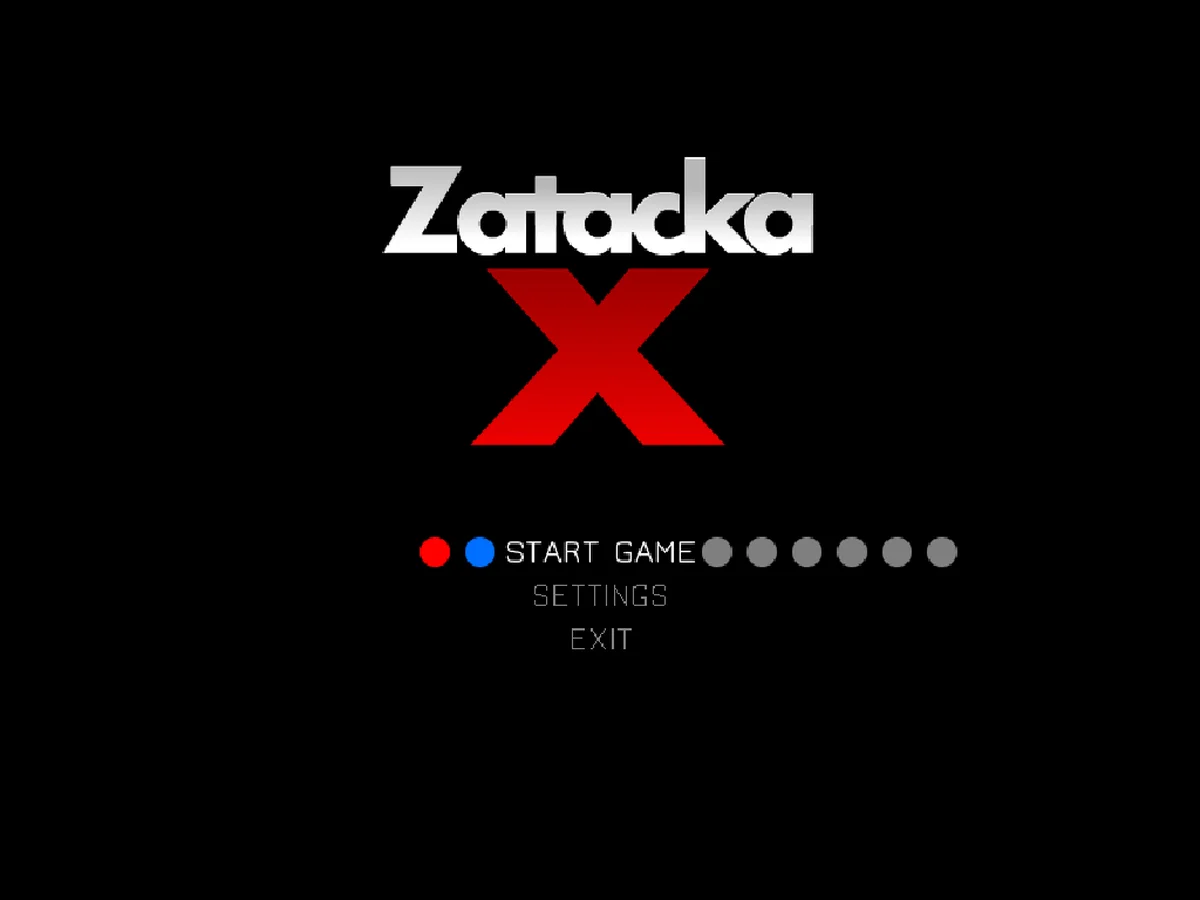
Add players. In the main menu, the colored dots next to START GAME are the players. With START GAME selected, press Right to add one.
Try without weapons. Turn WEAPONS off in the settings for the plain old game, where the only skill is steering.
Tips
Mind the walls. Hitting a wall ends your round just like hitting a trail, so turn early instead of in the last moment.
Use the holes. Lines leave a small gap now and then. Slipping through someone else's gap is how you escape when you are boxed in.
Save the weapon for the right moment. Warp, Sharp turn and the Mole are for getting out of a trap, while Frost wave and Confusion are for when other lines are close to yours.
Make the first turns small. The start of a round is when the lines are closest to each other.
FAQ
Is there a network game? No. It is a game for people sharing a computer; there is no online mode.
Can I play alone? Yes, against computer players: the player config in the settings has an AI switch for each player.
Why does it end when I press Escape in the main menu? Escape in the main menu quits the game. Use Play again to start it over.