Portugues
Asteroid's Revenge
Saved games stay in this browser only.
About the game
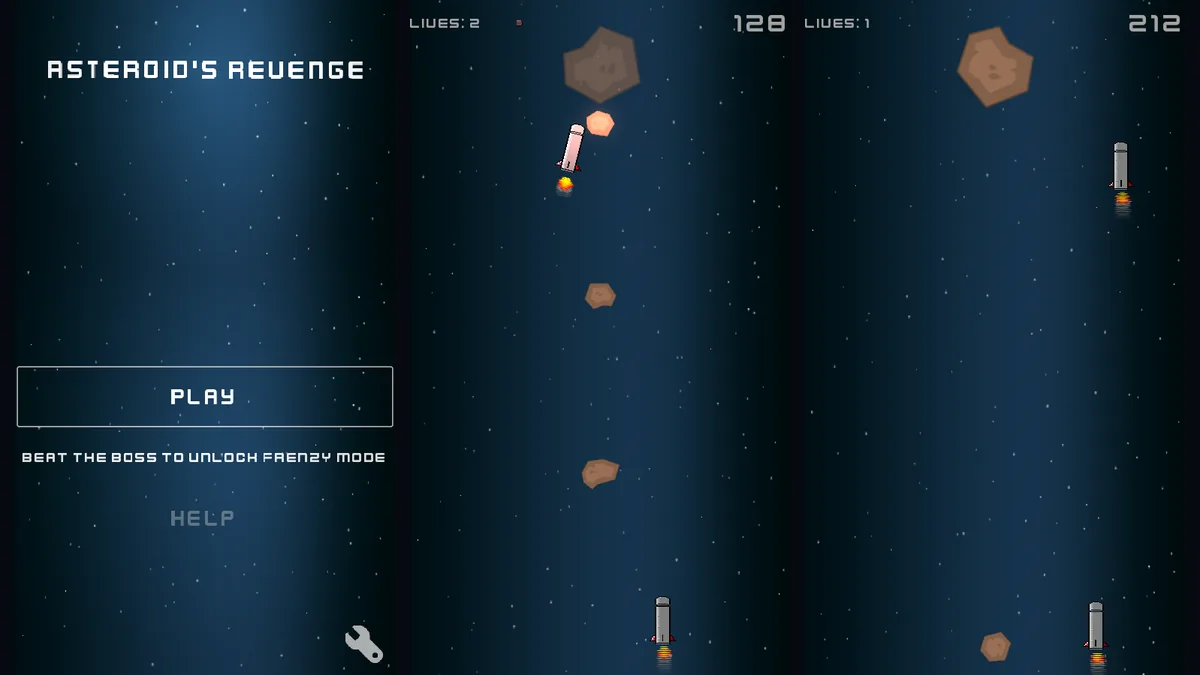
Asteroid's Revenge turns the old space-shooter idea around. The ships are not the heroes here: you are a brown space rock, spinning slowly as you fall down a tall starry field, and the ships want you gone. They fill your path with straight lasers, lasers that bounce off the walls, lasers that curve, grow, spring or blink out of sight and back, spinning blades and homing missiles. You slide left and right (and a little up and down) to slip through the gaps.
You are not defenceless. Space throws a small rock straight ahead of you, which is how you deal with what gets in your way. You carry five of them, shown by the red bar next to your lives, and the bar only fills up again after you take a hit, so each throw counts.
Your score is how far you have fallen. Every few hundred points the traps come faster and in new kinds, and at 1000 points a large boss ship arrives to fight you directly. Beat it and two new modes open on the menu: Frenzy mode, a harder run with its own records, and Boss Rush, a chain of boss fights that get tougher each time. The game keeps your best (and your worst) score.
The art is clean and simple, a starry blue column with glowing white lasers and a cartoon rock, and the soundtrack is calm space music that suits the slow spin of the asteroid. It started as an Android game, so the screen is tall and narrow, like a phone held upright.
Playing it here
Click Play and wait for the page to load (about 30 MB, downloaded only when you press the button). The menu appears with a Play button; click it, or open Help to see the controls. Your records and settings are kept in your browser.
The web version uses Godot's Compatibility renderer, so a few particle trails are simpler than in the desktop and Android versions. The Quit button is hidden, since a browser page cannot close itself.
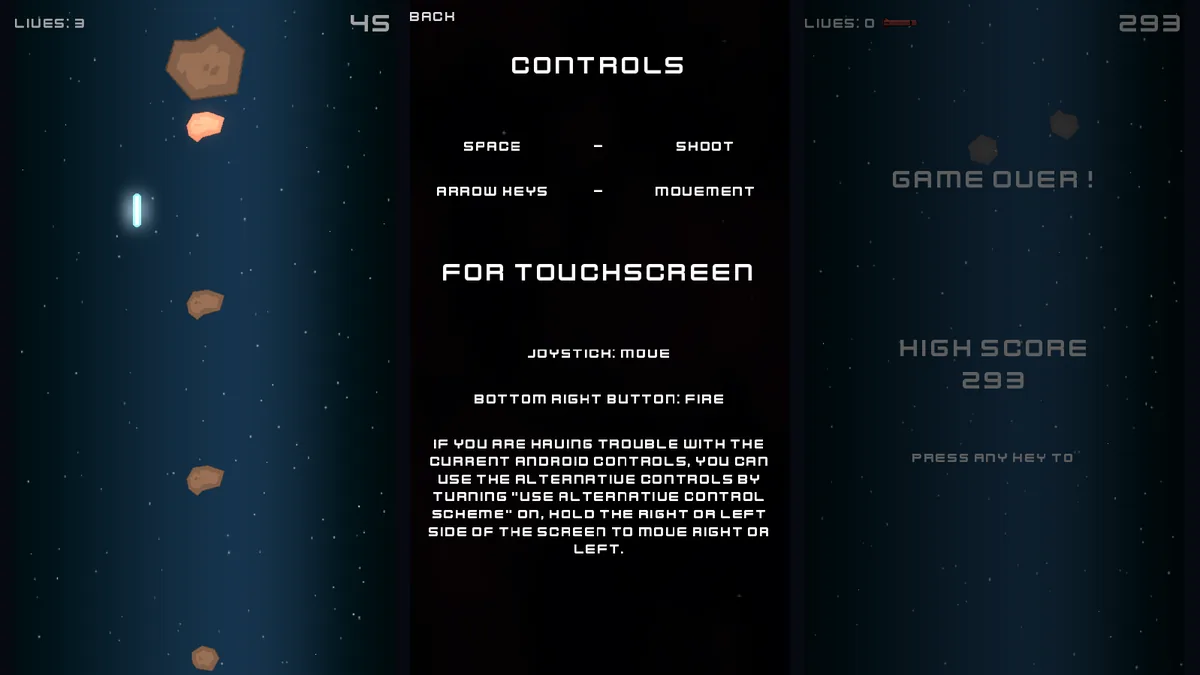
Controls
| Input | Action |
|---|---|
| Arrow keys or WASD | move the asteroid |
| Space | throw a small rock |
| Mouse | click the menu buttons |
Tips
Do not leave the screen. Drifting off the top or the sides ends the run at once, so keep the asteroid inside the column.
Save your rocks. With only five throws until your next hit, use them on what really blocks your way.
Watch the shape of each laser. Every kind moves differently: some bounce, some bend, some vanish and reappear. Learn them and you can see the gap before it opens.
The boss comes at 1000. Get there with your lives intact; beating it opens the two extra modes.
FAQ
Is my score saved? Yes, your high score, lowest score and settings stay in your browser.
Does it work on a phone? It was made for touch screens, but this page is tested with a keyboard; on a phone it may or may not show the on-screen joystick.
Is it really free to share? Yes. The code is under the GNU GPL (its source is published with the game), the author's art is CC BY-SA 4.0 and every other asset is under a free licence, all listed below.
Credits and licence
Asteroid's Revenge was made by mlm-games (ragebreaker) with Godot. Code under the GNU General Public License version 3; the author's own assets under Creative Commons Attribution-ShareAlike 4.0 (https://creativecommons.org/licenses/by-sa/4.0/).
- Space Shooter Redux art and fonts by Kenney (kenney.nl), CC0.
- Missile art by samoliver (OpenGameArt.org), CC0.
- Music "Through Space" by maxstack (OpenGameArt.org), Creative Commons Attribution-ShareAlike 3.0 (https://creativecommons.org/licenses/by-sa/3.0/), unchanged.
- Music "Space music: out there" by yd (OpenGameArt.org), CC0.
- Launch sounds © Michel Baradari (apollo-music.de), Creative Commons Attribution 3.0 (https://creativecommons.org/licenses/by/3.0/), hosted on OpenGameArt.org, unchanged.
- Virtual Joystick for Godot by Marco F., MIT License.
- It runs on Godot Engine 4.5.1 (MIT).
For this site the Quit button was hidden, and three sounds with no stated origin (the menu click, the "missile locked" warning and the menu transition) were replaced with new sounds made from scratch and released as CC0. The licence texts, the notices of the libraries inside the Godot engine and the source of this build are linked from this page.
Screenshots