
 Portugues
LiDAR Dungeon
Saved games stay in this browser only.
About the game
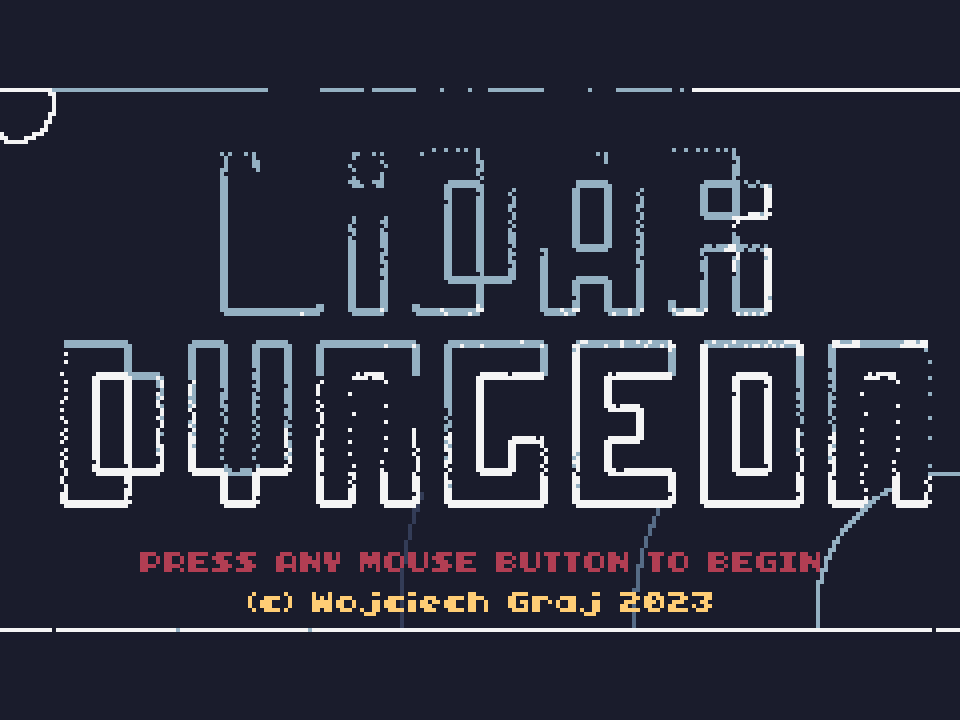
LiDAR Dungeon begins in total darkness. You are a small robot sent into a mysterious spaceship, and the only way to see anything is your scanner: every scan fires a fan of laser beams in the direction you are aiming, and each beam leaves a dot where it hits a wall. The dots fade as you move on, so the map of each room exists only as long as you keep scanning it.
Enemies show up the same way, as flashes in the dark, and a scan that touches a sleeping one wakes it up. Most of them shoot back in dense, slow patterns that you have to weave through, and now and then a much tougher guardian appears. Defeated enemies can drop upgrades: more speed, a scanner with longer range, wider spread, faster reload or beams that bounce off walls, and a weapon with more damage, more bullets, faster reload, longer range or bouncing shots, or a new gun altogether. Some drops restore health. The panel on the right always shows your current numbers.
The ship is generated anew on every run and split into screens. A compass points to the teleporter that takes you one deck deeper, and reaching the teleporter on the fourth deck wins the run. Losing all your health ends it, and a statistics screen tells you how you did.
Playing it here
LiDAR Dungeon was made for TIC-80, a fantasy console: an imaginary 1980s-style computer with a 240 by 136 screen and 16 colours, for which independent developers write new games. Wojciech Graj wrote it in seven days for the 7DRL Challenge 2023, a yearly jam for roguelikes, and it runs here in the official TIC-80 web player.
You need a mouse and a keyboard: the mouse aims, its two buttons fire and scan, and the arrow keys move. Click Play, click again on the title screen, read the controls and click "Enter ship" to begin. Esc opens the TIC-80 menu, where the controls can also be remapped.
Controls
| Input | Action |
|---|---|
| Arrow keys | move the robot |
| Mouse | aim the scanner and the weapon |
| Left mouse button | fire (hold to keep firing) |
| Right mouse button | scan |
| Z | music on / off |
| Esc | TIC-80 menu |
A few things worth knowing
Scan before you step, but know what it does. Walls are invisible until a beam touches them, and so are sleeping enemies, which wake up when a beam finds them. Scanning ahead tells you what is coming before you walk into it.
Upgrades change how you play. A wider scan shows more of a room at once, a faster reload lets you scan more often, and extra bullets or bouncing shots make crowded rooms much easier. The dots of each scan fade after about a second, so a quick scanner is worth a lot.
Keep moving. Enemy bullets are slow but come in patterns. Standing still to aim is the quickest way to get boxed in.
Credits and licence
LiDAR Dungeon was created by Wojciech Graj, who made the code, the graphics, the music and the sound effects, with testing by Jan Czajka and Yahor Dauksha. It is free software under the GNU Affero General Public License, version 3 or later. The cartridge holds the game's readable Lua source, and the author's repository is hosted alongside the game. It runs here in the TIC-80 web player (MIT licence). The licence text and the source code are linked from this page.