Portugues
Super Transball 2
Saved games stay in this browser only.
About the game
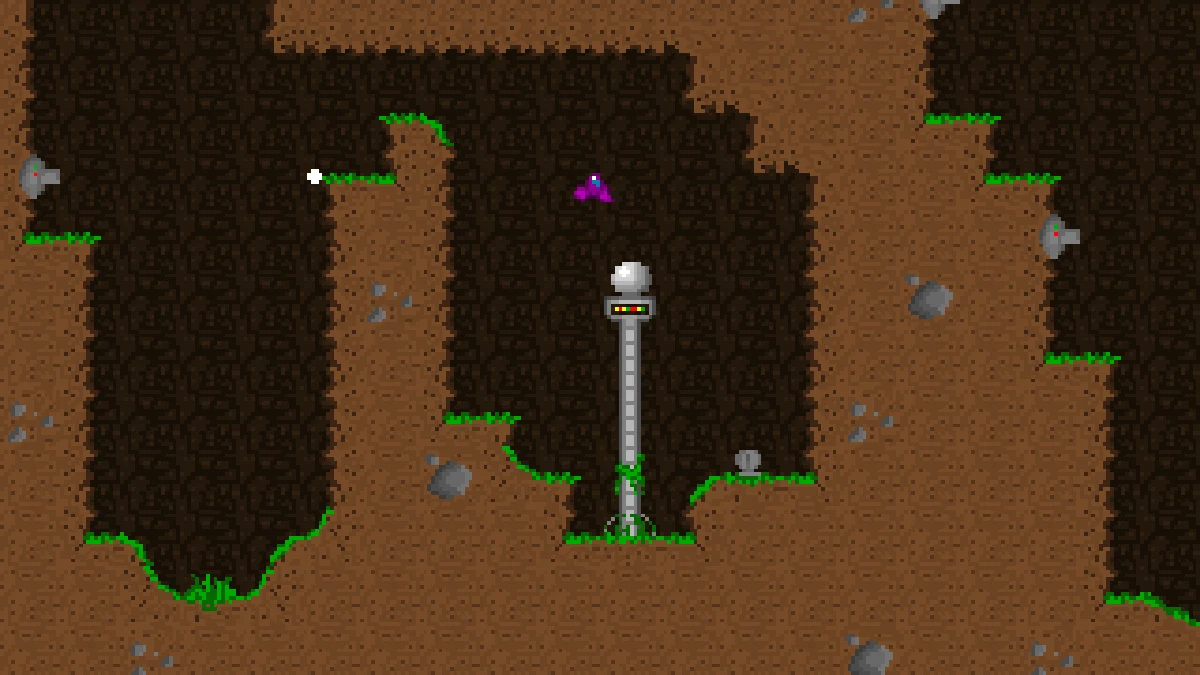
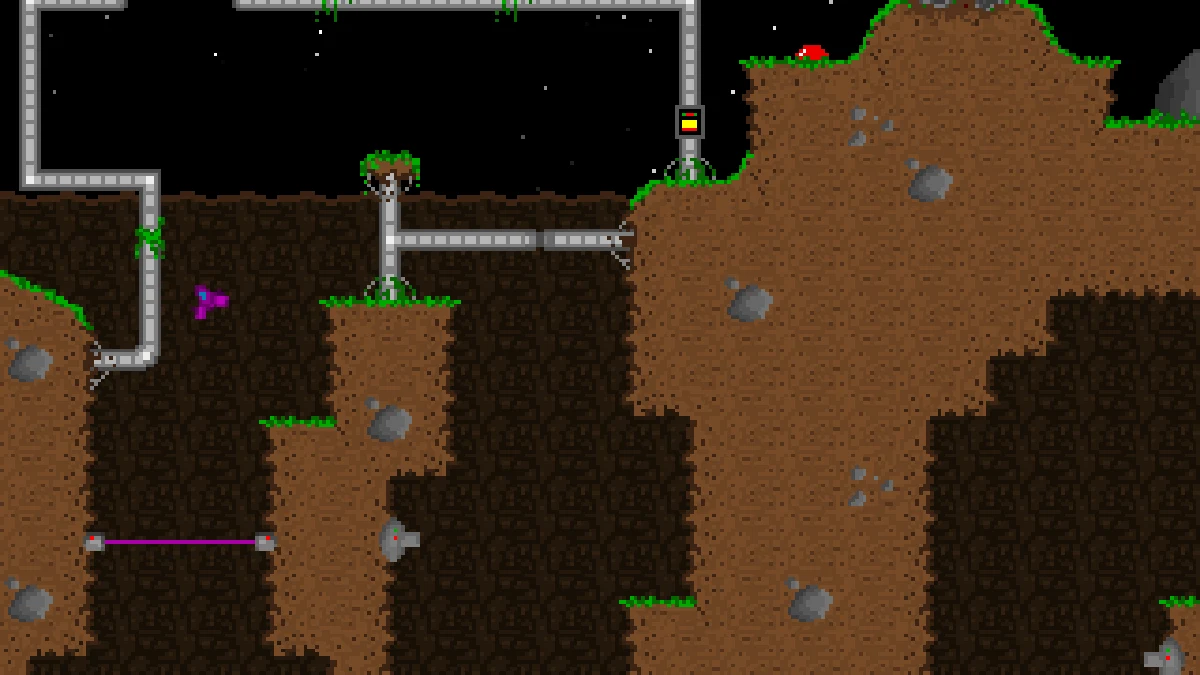
Super Transball 2 is a cave flyer built around gravity. Your small ship is always falling, and the only way to stay in the air is to point its nose and fire the thruster. Every level is a cavern hiding a white sphere: find it, hold the tractor beam over it until it turns blue, and then fly it out through the top of the map. The sphere hangs below the ship as it goes, so every turn and every burst of thrust swings it around, and the walls are deadly to both of you.
The caverns get more crowded as you go. Cannons fire from the walls, some of them aiming at you, tanks roll along the ground and shoot back, lasers block the passages, and doors open and close when you pick up the sphere or when it bounces on a switch. Thrust and guns burn fuel, so the fuel tanks scattered through the levels matter as much as the enemies.
Before each game you pick one of three ships: the Shadow Runner, fast and with retro thrusters but weak guns; the V-Panther 2, the balanced one and the easiest to fly; and the X-Terminator, slow and heavy with the strongest weapons. The game was made by Santiago Ontañón as BRAIN Games between 2002 and 2005, as the sequel of the author's own Transball games.
Playing it here
This is version 1.5, the last one, compiled for the browser from the source code the author shipped with the game. The download is about 2 MB. It has three level packs: the main one with 15 levels, Second Assault with 8 and a Sample Pack with 3, switched with L in the main menu. Every flight is saved as a replay, and your keys and replays stay in this browser. The game is in English.
In this version the arrow keys fly the ship; the original keys were Q, A, O and P, and you can bring them back, or pick any others, with K in the main menu.
Controls
| Key | Action |
|---|---|
| Up arrow | main thruster |
| Down arrow | retro thrusters (Shadow Runner only) |
| Left / Right arrows | turn the ship |
| Space | fire; confirm in the menus |
| Enter | tractor beam |
| P | pause |
| Escape | leave the level or the screen |
| C, L, K, I, R | main menu: enter a code, change level pack, redefine keys, instructions, replays |
Getting started
Watch the demos. Leave the title screen alone for a few seconds and the game plays recorded flights behind the menu; they show how the sphere is picked up and carried.
Pick the V-Panther 2. It is the easiest ship to control. The Shadow Runner is the fastest and the only one that can brake, but it takes practice.
Grab the sphere. Hover just above the white sphere and hold Enter until it turns blue. From then on it follows the ship on a tether, and you have to reach the top of the map with it.
Use the codes. Every level shows a code on its title card. Write it down: C in the main menu takes a code and starts from that level.
Tips
Short bursts. Long thrusts build up speed that is hard to kill. Tap the thruster, let gravity pull a little, and tap again.
Mind the swing. With the sphere attached, turn slowly and give it room in narrow passages: it hits the walls before the ship does.
Watch the fuel. The bar at the top left is your fuel, and firing uses it too. Fly over the fuel tanks to refill before the long climbs.
Hit the switches with the sphere. Some doors only open when the sphere bounces on a switch; drop it on purpose and catch it again.
Study your replays. R in the main menu lists every flight. Tab switches to the fastest flight saved for each level.
Screenshots