Portugues
Atari 2600 homebrew: making games for a 1977 console
The Atari 2600 is one of the oldest consoles anyone still writes games for, and arguably the strangest. It has no frame buffer, no tiles, almost no memory, and a graphics chip that knows nothing about a whole picture, only about the line it is drawing right now. Yet new games for it appear every year, written by hobbyists who enjoy the puzzle of making it do anything at all. This guide explains how the console works, why programming it is unlike any other machine, which tools today's developers use, and how to play the homebrew games on FredyGames, including what all those switches on the console are for.
A console from 1977
Atari released the Video Computer System, or VCS, in 1977. It was renamed the Atari 2600 in 1982, and it stayed on sale, in several redesigns, for well over a decade. It was designed at a time when memory was extremely expensive, and the engineers kept the parts list as short as they possibly could. Three chips do almost all the work:
- The CPU is a MOS 6507, a cut-down version of the 6502 that also powered the NES and many home computers. It runs at about 1.19 MHz and can only address 8 KB of memory, of which the cartridge gets a 4 KB window.
- The RIOT chip provides the console's entire RAM, 128 bytes, along with a timer and the inputs from the joysticks and the console switches.
- The TIA (Television Interface Adaptor) generates the picture and the sound.
To put 128 bytes in perspective: this paragraph is longer than that. Every variable in a 2600 game, from the score to the position of each enemy, has to fit in that space, together with the processor's stack.
Racing the beam
On most consoles, the game builds a picture in memory and the video hardware sends it to the television. The 2600 cannot do that, because there is nowhere near enough memory to hold a picture. Instead, the TIA draws whatever its registers say at the exact moment the television's electron beam passes over each point of the screen. If the program wants the next line to look different, it has to change those registers while the beam is on its way. This is known as racing the beam, a phrase that also became the title of a 2009 book by Nick Montfort and Ian Bogost about the console.
The timing is tight. The processor gets 76 cycles per scanline, and most instructions take two to six cycles, so there is time for only a few dozen instructions per line. An NTSC frame has 262 lines: a few for vertical sync, about 37 of vertical blank before the picture, 192 visible lines, and about 30 of overscan after it. The game logic, reading the joystick, moving enemies and checking collisions, has to fit in the blank periods at the top and bottom, while the visible part is spent feeding the TIA.
What the TIA can draw is just as limited:
- A playfield, a low-resolution pattern of 40 blocks across the screen, usually with the right half mirroring or repeating the left. Walls, mazes and scenery are made from it.
- Two players, sprites only eight pixels wide, which can be stretched or copied across the line.
- Two missiles and a ball, single blocks of colour that can be made a little wider.
That is the whole list. Everything else you see in a 2600 game, a row of enemies, a score, a detailed title screen, is the programmer reusing those few objects, changing their shape, colour and position line by line. Games with many objects often flicker, drawing some of them on one frame and the rest on the next.
Kernels: the heart of every game
The code that runs during the visible part of the frame is called the kernel. It is a carefully timed loop that, line after line, loads the right graphics into the TIA and repositions objects, counting cycles so that each change lands at the right moment. Writing a good kernel is the central craft of 2600 programming. A game might have different kernels for different parts of the screen: one for the play area, another for the score at the bottom.
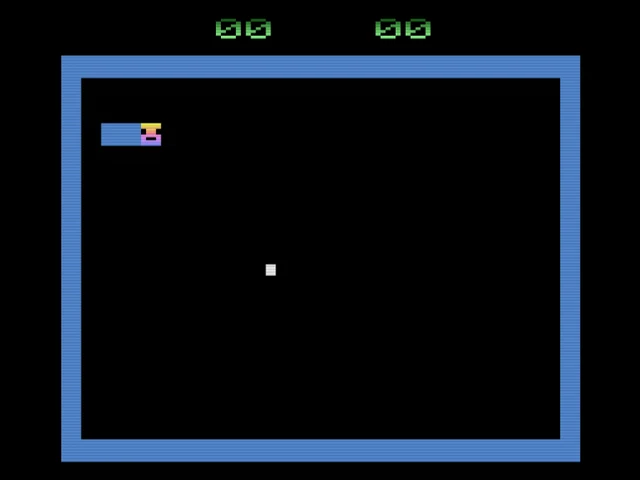
Two games on the site show what that craft means in practice. Snakes, by Robin Sergeant, rebuilds the classic snake game for a machine with 128 bytes of RAM, and its author explains how every segment of the snake's body had to fit in a single byte. 2048 2600, by Carlos Duarte do Nascimento, squeezes the whole sliding-number puzzle, board and all, into a 2 KB cartridge.
Cartridges can also grow. Bank switching lets a cartridge swap different blocks of program into the 4 KB window, and some boards add extra RAM. Ms Snake! uses a 32 KB cartridge with extra RAM, which leaves room for its large animated title screen.
batari Basic or assembly?
There are two main ways to write a 2600 game today, and our catalogue has plenty of both.
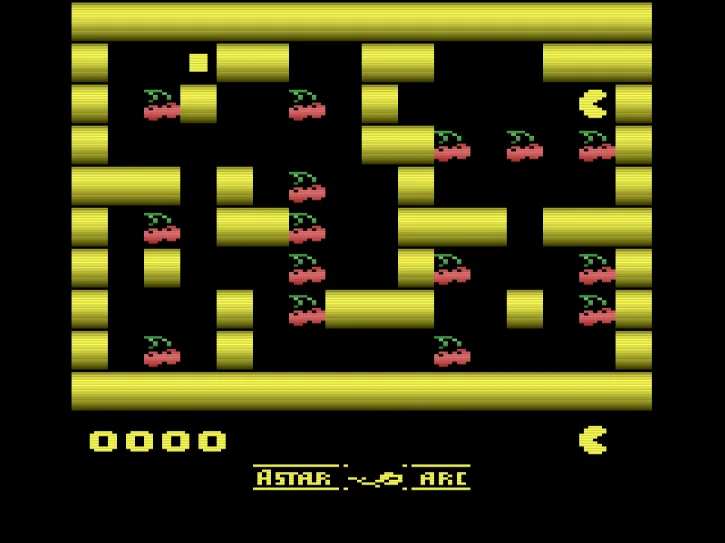
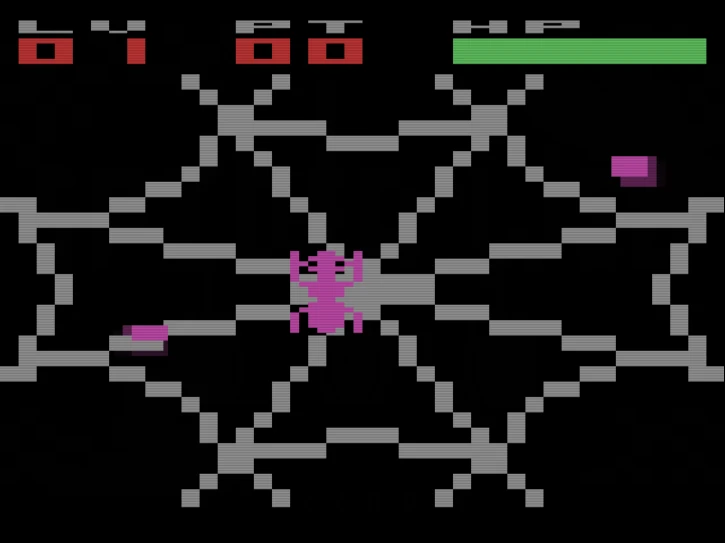
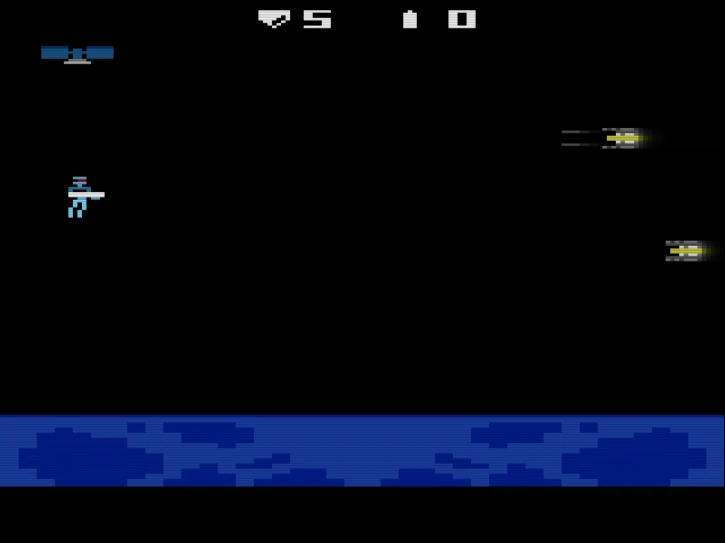
Assembly with DASM. Most serious 2600 work is written directly in 6502 assembly, which gives the programmer control over every cycle. DASM, a free macro assembler, has been the standard tool for years, and the community's reference header files are written for it. AStar, Spider Web and Terra7 are written in assembly, and since all three are copyleft, the ROMs we serve were assembled by FredyGames from their authors' source with DASM, and that source is hosted with each game. Cyloid, Dungeon Deck and Snakes are also written in 6502 assembly.
batari Basic. Created by Fred Quimby, known in the community as batari, it is a BASIC-like language that compiles a game into assembly, which DASM then turns into a cartridge. It comes with ready-made kernels, so a developer can draw a playfield and move two sprites without counting a single cycle. The trade-off is flexibility: the standard kernels decide what the screen can look like, and ambitious ideas eventually need assembly. batari Basic has brought many new people into 2600 development, and some very good games are written with it, including Berta And Butterflies, Bounstryk, Pipes 2600 and Ms Snake!.
Whichever way they choose, developers test in emulators. Stella, the best-known 2600 emulator, includes a detailed debugger that shows the beam's position, the cycle count and the TIA registers, which makes kernel work far less painful than it was in the early days of the hobby.
The homebrew community
Homebrew for the 2600 began in the 1990s, when hobbyists started documenting the hardware and sharing their findings on mailing lists. Today the centre of the scene is AtariAge, whose forums host development discussions, and which also produces physical cartridges of many homebrew games. AStar, for example, has a cartridge edition with 24 levels; the free edition on FredyGames is a separate release with eight levels made for it.
That mix of free and commercial releases is typical. Many 2600 developers sell cartridges, some publish their source code, and a few do both. FredyGames only hosts games whose authors released them under a licence that allows redistribution, including on a site with ads; our guide on how we check licences explains why. Courses and game jams bring in new people too: Dungeon Deck was written in 2025 for an Atari 2600 programming class, and Berta And Butterflies won a Polish programming competition in 2024.
Joysticks, switches and how our player maps them
The 2600 joystick has one stick and a single button. The console itself has a row of switches that games read just like controls, and many homebrew games give them new jobs.
| Key | Atari 2600 | What it usually does |
|---|---|---|
| Arrow keys or WASD | Left joystick | move |
| Space or V | Left joystick button | fire, confirm |
| I J K L | Right joystick | second player |
| B | Right joystick button | second player's button |
| Enter | Game Reset | start or restart a game |
| Backspace | Game Select | choose a game mode |
| F1 | Left difficulty switch | flips between B and A |
| F3 | Right difficulty switch | flips between B and A |
| P | — | pause (emulator) |
Difficulty switches were originally a handicap for each player: position A meant harder, B meant easier. Our player starts both switches on B, and each press of F1 or F3 flips one of them. Homebrew authors use them in inventive ways:
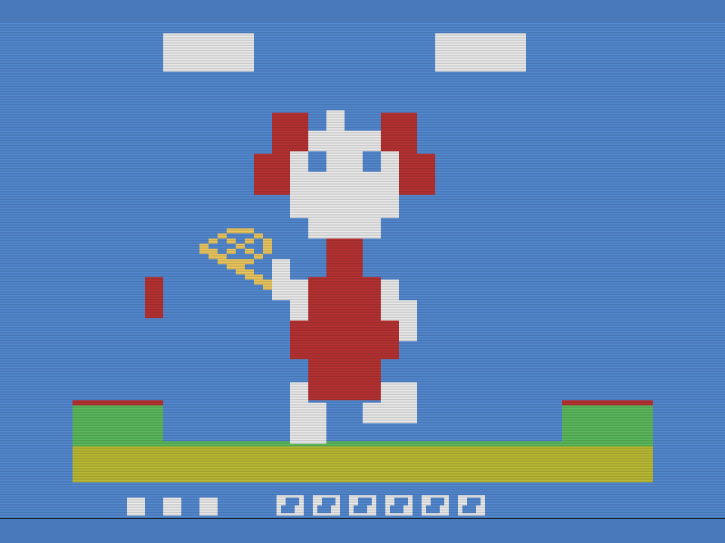
- In Berta And Butterflies, F1 switches between beginner and advanced mode on the title screen.
- In Spider Web, setting either switch to A makes the bugs and the swatter faster.
- In Bounstryk, a switch on A hands that player over to the computer, so F3 lets you play alone against it.
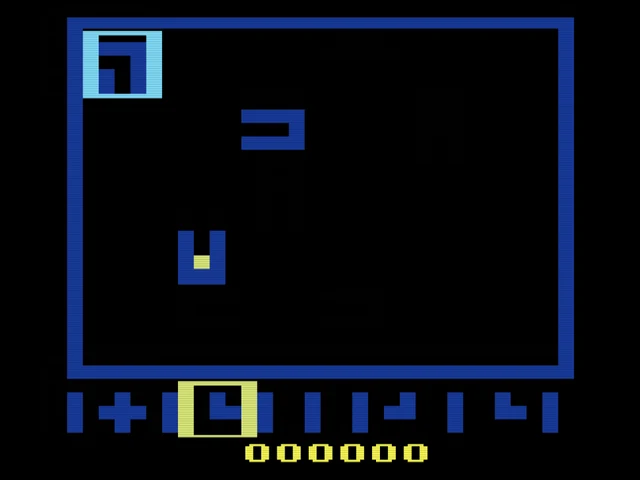
- In AStar, each press of F1 undoes your last move, and F3 turns the fade between levels on or off.
Game Select and Game Reset were how you chose a mode and started a game before menus existed. Many homebrew games still use them: in Dungeon Deck, Backspace picks the difficulty on the title screen and lets you run away from a room during play; in 2048 2600, it switches between one and two players. The console's colour/black-and-white switch is not mapped in our player, so games that use it for pausing are paused with P instead.
There are no save states for the 2600 here. Like on the real console, a game lasts as long as you keep playing, and high scores are kept until you close the page. Our player runs games in NTSC, the American television standard most homebrew targets. For gamepads and other practical tips, see playing retro games in your browser.
A tour of our Atari 2600 games
The full list is on the Atari 2600 platform page. A few highlights:
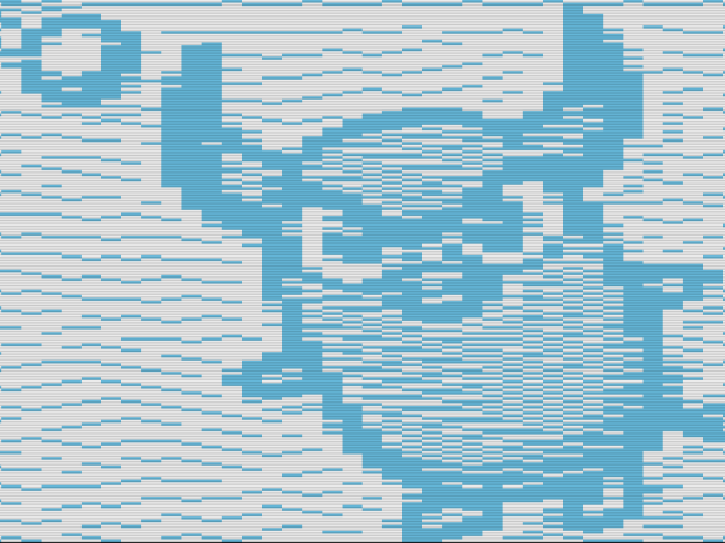
- AStar is a sliding puzzle in which Bob only stops when he hits something, and a movable block is the only way to make him stop where you need. Every level has a par worked out by a solver program, and finishing them all in par is a real challenge.
- Spider Web puts you in charge of a spider guarding its web: stun the bugs with silk, eat them for health, and keep away from the swatter, across twenty levels with music that speeds up.
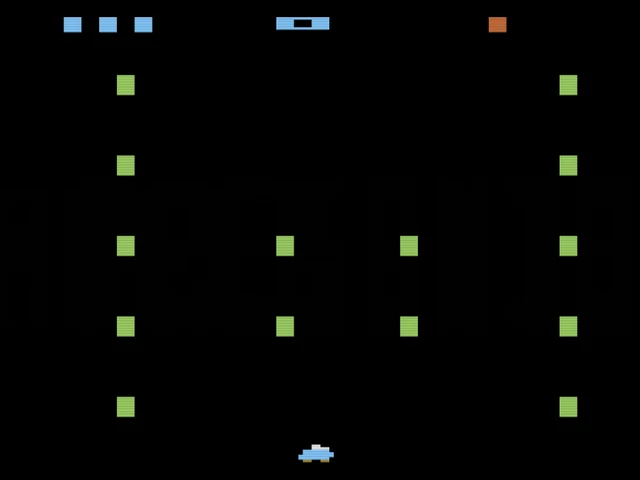
- Terra7 is a horizontal shooter with a clear mission: shoot down 250 invaders to charge a defence satellite, while rescuing the astronauts drifting past.
- Bounstryk is a one-on-one ball game that mixes a ball that never slows down with the shoving of air hockey, for two players or against the computer.
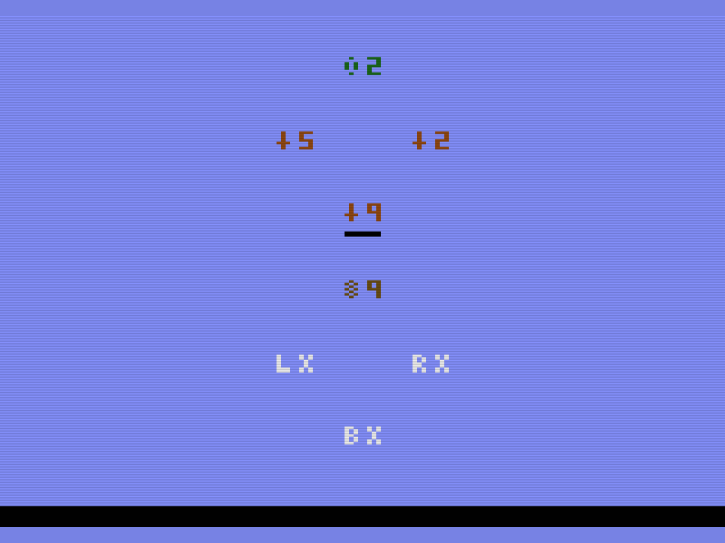
- Dungeon Deck turns a dungeon crawl into a 45-card deck of monsters, swords, shields and potions. It is a small, tense game of arithmetic and sacrifice.
- Berta And Butterflies is a reflex game in the spirit of early-1980s LCD handhelds, with an elephant catching butterflies in four spots.
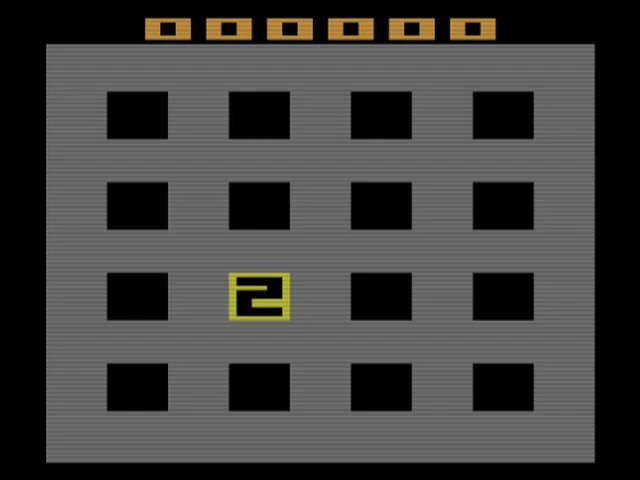
- 2048 2600 adds a two-player mode the original puzzle never had, and Pipes 2600 asks you to lay pipe before the water reaches the end.
Where to start
If you want to see what careful assembly can do on this machine, start with Spider Web or Terra7. If you prefer to think, AStar and Dungeon Deck will keep you busy for an evening. For two people on one keyboard, try Bounstryk. And to compare the 2600 with the consoles that followed it, read NES homebrew: where to start and Sega homebrew today, or go back to the basics with what is homebrew?.