Portugues
Sega homebrew today: Master System, Game Gear and Mega Drive
Sega's home consoles of the 1980s and 1990s never stopped getting new games. Long after the last official cartridges left the factories, hobbyists kept studying the Master System, the Game Gear and the Mega Drive, and today all three have small, active homebrew scenes, with yearly competitions and modern tools that make writing a complete game a realistic project for one person. This guide explains what the hardware can do, how homebrew is made for it today, why the Sega scene feels different from the NES and Game Boy ones, and which of the Sega games on FredyGames to try first. All of them run in your browser.
Three machines, two families
Sega's consoles of this era fall into two families. The Master System and the Game Gear share almost the same 8-bit design, while the Mega Drive is a 16-bit machine that still carries the older chips inside it.
Master System
The console first appeared in Japan in 1985 as the Sega Mark III, and a redesigned version reached the West as the Master System in 1986. It trailed the NES in North America and Japan but did well in Europe, and in Brazil it became a long-lived favourite: Tectoy, Sega's Brazilian partner, kept selling versions of it for many years after it had left shops elsewhere.
The hardware in brief:
- A Zilog Z80 processor at about 3.5 MHz, the 8-bit CPU family also found in home computers such as the MSX.
- 8 KB of work RAM and 16 KB of video memory.
- A 256×192 picture built from 8×8 tiles on one scrolling background layer, plus up to 64 sprites, no more than eight on the same line.
- Generous colour for an 8-bit machine. Each tile can use 16 colours, chosen from a palette of 64, and up to 32 colours can be on screen at once. Compared with the NES, where a background tile has only three colours plus a shared backdrop, Master System graphics can look noticeably richer.
- Simple sound. A programmable sound generator provides three square-wave channels and a noise channel. In Japan, an FM sound chip was also available, but most homebrew targets the standard chip.
The controller has a D-pad and two buttons, called 1 and 2. There is no Start button on the pad: the Pause button sits on the console itself, which is why some games use it in unusual ways.
Game Gear
The Game Gear, released in 1990 in Japan and the following year in the West, is very close to a portable Master System. It uses the same processor and an expanded version of the same video chip, but its colour screen shows a 160×144 window of the picture, and its colours come from a much larger palette of 4,096. It also has a Start button on the unit and stereo sound through headphones. Porting a game between the two is mostly a matter of fitting it into the smaller window.
Mega Drive, or Genesis
The Mega Drive arrived in Japan in 1988 and in North America in 1989, where it was sold as the Genesis. Europe, Brazil and most other markets kept the Mega Drive name, and that is the one we use on this site, though both names refer to the same console.
- A Motorola 68000 processor at about 7.6 MHz, a 16-bit design (32-bit inside) that was also used in computers such as the Amiga and the early Macintosh.
- A Z80 as a second processor, usually dedicated to sound. It is the same CPU as the Master System's, and with an adapter the Mega Drive could play Master System cartridges.
- 64 KB of work RAM and 64 KB of video memory.
- A picture usually 320×224 pixels wide, with two scrolling background planes, a fixed "window" layer for status bars, and up to 80 sprites.
- Four palettes of 16 colours, picked from 512. Working within that limit shapes the look of many Mega Drive games.
- FM sound. A Yamaha FM synthesis chip with six channels sits next to a Master System-style sound generator. Together they give the console its punchy, metallic sound.
The original pad has three action buttons, A, B and C, plus Start. A later six-button pad added X, Y and Z and a Mode button, and some games, homebrew included, use them.
How Sega homebrew is made today
Hobbyists have been writing for Sega hardware since the late 1990s, and the community site SMS Power! has been at the centre of the 8-bit side for most of that time. It hosts documentation, tools, a large homebrew archive and a coding competition held every year. Many of the Master System games on FredyGames were first written for it.
The tools fall into three groups:
- SGDK is a free development kit for the Mega Drive created by Stephane Dallongeville. It bundles a C compiler for the 68000 with libraries for sprites, tile maps, input and sound, so a developer can write an entire game in C. It is widely used today, and three of our games are built with it: KłełeAtoms MD, Minesweeper MD and Lock and Toad.
- devkitSMS is a set of C libraries and tools for the Master System and Game Gear, used together with the SDCC compiler. It handles the video chip, the controllers and music playback, and it has made 8-bit Sega development far more approachable. Dragon Blaster, Food Fighter, Geometry Blaster, Land on My Base, Primates and Raposa do Sol were all made with it. GBDK-2020, a kit better known for the Game Boy, can also produce Master System and Game Gear games: the Game Gear puzzle 225 is one example.
- Assemblers remain popular with developers who want complete control. Z80 assemblers such as WLA DX are common on the 8-bit side, and on the Mega Drive developers use 68000 assemblers such as vasm, which is what Retail Clerk '89 is built with.
Sound gets special attention on the Mega Drive, because the FM chip is powerful but fiddly. Community sound drivers handle the hard part: Retail Clerk '89 uses the Echo driver and Miniplanets REMIX uses Sona, both written by Javier Degirolmo (Sik), who is also the author of Miniplanets.
How the Sega scene differs from NES and Game Boy
If you have read our guides to NES homebrew and Game Boy homebrew, a few differences stand out.
C is a comfortable choice. NES development traditionally happens in 6502 assembly, and C on that processor is possible but awkward. The Mega Drive's 68000 is a pleasant target for a C compiler, and even the Z80 handles C well enough for many games. That lowers the barrier for programmers who come from other fields.
More colour per tile. Sixteen colours per tile on the Master System, and four 16-colour palettes on the Mega Drive, give artists more room than the NES or the original Game Boy do.
A smaller, close-knit community. The Sega scenes are smaller than the Game Boy one, and much of the activity revolves around a few long-running places and events, such as the SMS Power! competition. The same names show up again and again in our catalogue.
Commercial cartridges are common. Several of the best-known modern Mega Drive games are sold on physical cartridges and are not freely licensed. That is a fair way to fund the work, but it keeps them off this site. Everything on FredyGames was released by its author under a licence that allows redistribution, including commercial use; our guide on how we check licences explains the rules.
A tour of our Master System games
All of these are on the Master System platform page.
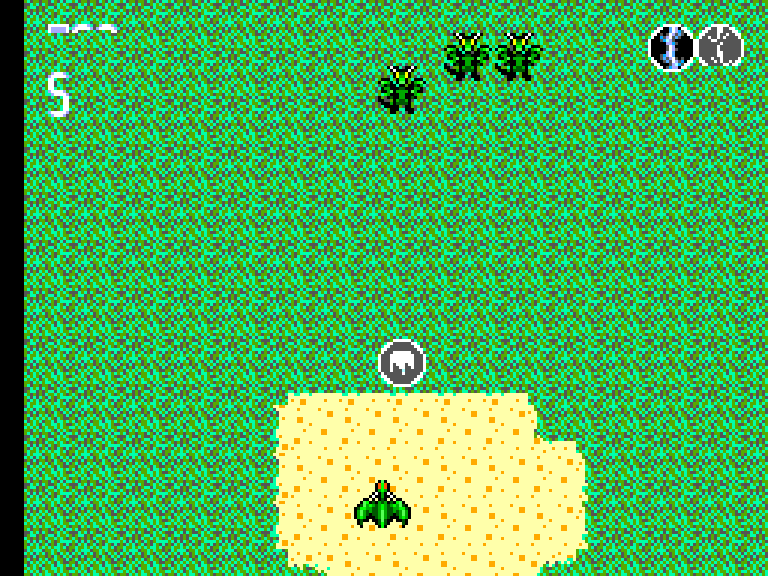
- Dragon Blaster by Haroldo O. Pinheiro is a one-minute score attack: fly a small dragon, collect lightning, fire and wind orbs and combine two of them into a stronger shot before a skeletal dragon takes over the sky.
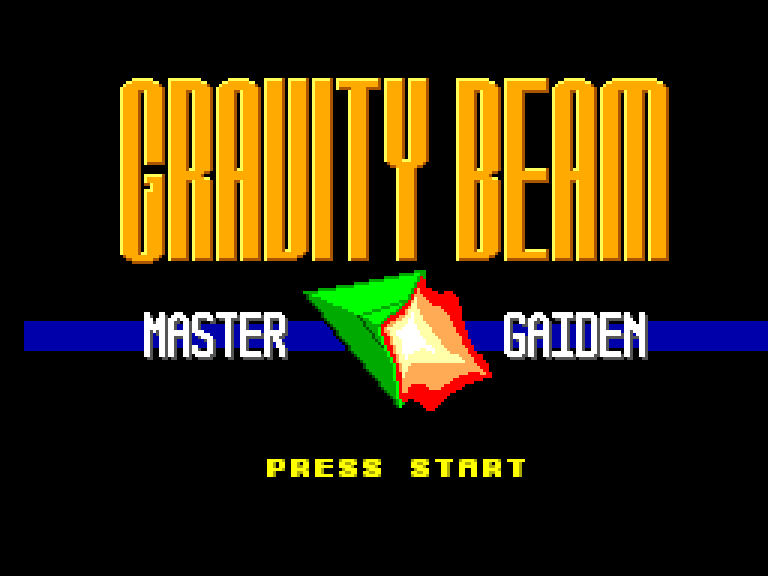
- Gravity Beam: Master Gaiden by Mathew Carr is a cave-flying game with a twist: hook a fragile nuclear bomb with a gravity beam and drag it out of the caverns of Mars without letting it hit the walls.
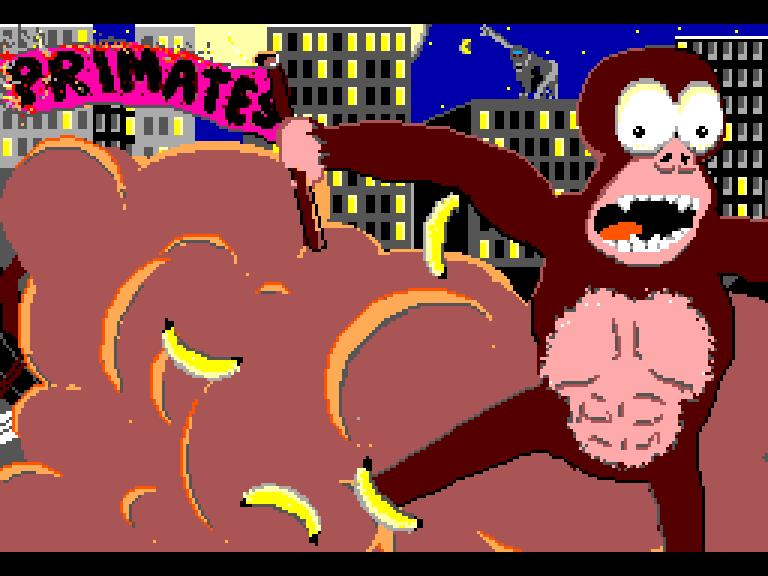
- Primates by Will Britton is an artillery duel between two apes throwing exploding bananas across a city skyline, playable against the computer or a friend sharing the keyboard.
- Land on My Base, also by Will Britton, and Lander 2 by jmimu are two takes on the lunar lander: one with a rotating thrust marker and a solar wind, the other with side thrusters that push the rocket the opposite way.
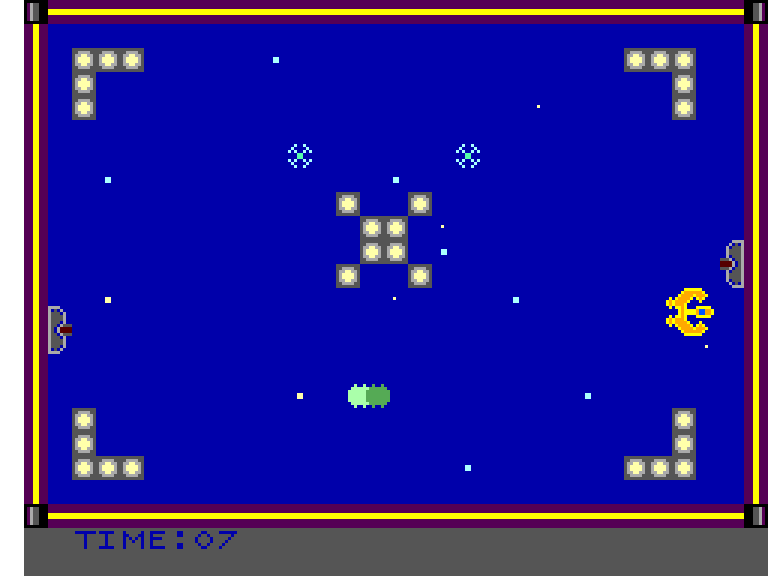
- Raposa do Sol by tibonev is a single-screen arcade game about collecting satellites under turret fire, with a ten-stage campaign and an endless random mode. Its title is Portuguese for "sun fox".
Our Game Gear game
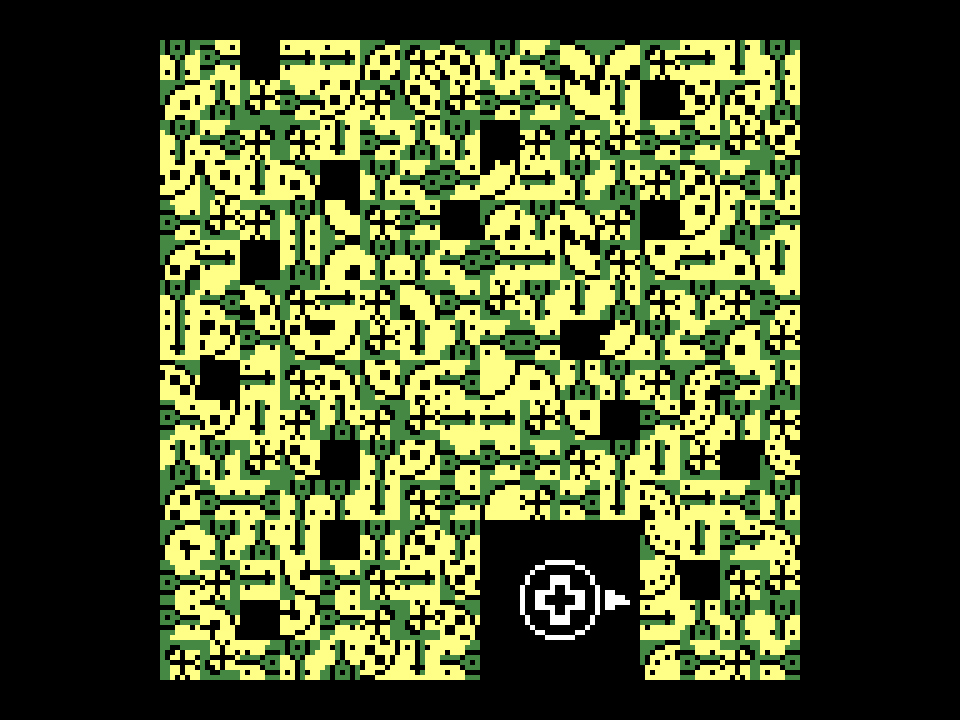
225 by Pineberry Fox is on the Game Gear platform page. It is a sliding 15-puzzle in which every piece is itself a scrambled 15-puzzle: 225 tiles in all. It has no text at all and was designed to be playable without telling colours apart. It started on the Game Boy before its author ported it to both Sega 8-bit machines.
A tour of our Mega Drive games
All of these are on the Mega Drive platform page.
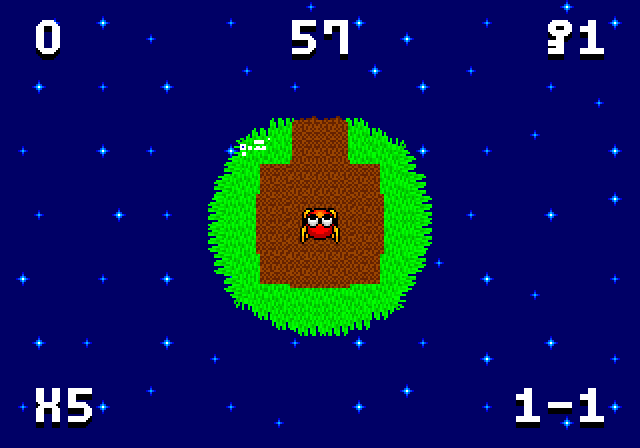
- Miniplanets REMIX by Sik is a platformer set on tiny round planets that curve under your feet, so walking far enough in one direction brings you back to where you started. The REMIX edition is a 2022 overhaul of the 2016 original, and the whole game, assets included, is under the zlib licence.
- Lock and Toad by Safety Stoat Studios is Sokoban with bullets: push every block onto its target while drones, turrets and sprinklers fill the room with fire. Thirty rooms, a bonus round and a boss.
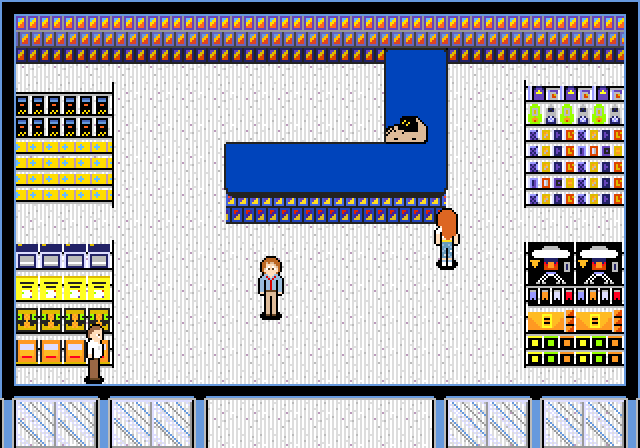
- Retail Clerk '89 by Hugues Johnson is a short story game set in a shopping mall in December 1989. You talk your way through eight days of the Christmas rush, and your choices lead to one of three endings.
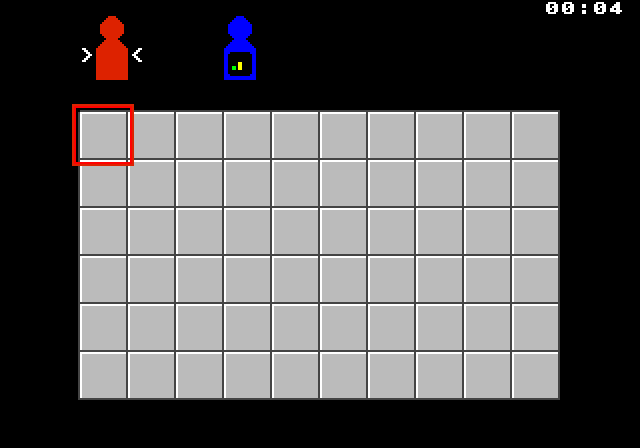
- KłełeAtoms MD by Nightwolf-47 is a chain-reaction strategy game for up to four players or computer opponents, and Minesweeper MD, by the same author, brings the classic logic puzzle to the console with a best-times table saved on the cartridge.
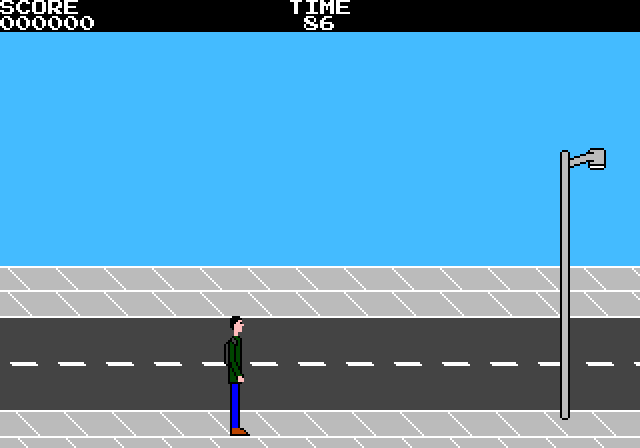
- Alex vs Bus: The Race by Alexandre Almeida is a runner with a very ordinary goal: catch the bus before it leaves. It is free software under the GPL, and we host its source code alongside it.
Playing them here
The Master System and Game Gear games run in Gearsystem, and the Mega Drive games in ClownMDEmu, both compiled to WebAssembly. Click Play on a game page and the cartridge starts in a few seconds.
| Key | Master System / Game Gear | Mega Drive |
|---|---|---|
| Arrow keys | D-pad | D-pad |
| Z | Button 1 | A |
| X | Button 2 | B |
| C | — | C |
| A / S / D | — | X / Y / Z (six-button pad) |
| Enter | Pause (Master System), Start (Game Gear) | Start |
| Shift | — | Mode |
| F2 / F4 | save / load a state | save / load a state |
A few practical notes:
- Enter is the Master System's Pause button, which lives on the console rather than the pad. Most games simply pause, but not all: in Raposa do Sol, pressing it on the title screen erases the saved high score.
- Cartridge saves are automatic. Games that saved to battery-backed memory on a real cartridge, such as Retail Clerk '89 and Lock and Toad, keep that data in your browser.
- F2 and F4 work everywhere. They take and restore a snapshot of the whole console, which is handy for games without a save of their own, such as Miniplanets REMIX, which uses passwords instead.
For more on keyboards, gamepads and where your saves are stored, see playing retro games in your browser.
Where to start
For a quick taste of the 8-bit side, play Dragon Blaster, which lasts exactly one minute, then try Gravity Beam if you want something that takes skill and patience. On the Mega Drive, Miniplanets REMIX shows off what the hardware can do, Lock and Toad is the one to pick if you like puzzles with your action, and Retail Clerk '89 is a gentle evening of reading and wandering. If you are curious about the homebrew idea itself, read what is homebrew?, and to see how games are made for an even older console, continue with Atari 2600 homebrew.