Portugues
Simon Tatham's Puzzles: a guide to the collection
Some games are worth playing once. Others become a habit: a puzzle with your morning coffee, another one on the train, a hard one saved for a quiet evening. Simon Tatham's Portable Puzzle Collection belongs firmly to the second kind. It is a set of small logic puzzles that has been quietly growing for over twenty years, and every one of them can generate a fresh grid whenever you want one. This guide explains what the collection is, why so many people keep it close at hand, what each of the puzzles on FredyGames asks of you, and how to get started without feeling lost.
What the collection is
The collection was started in 2004 by Simon Tatham, a British programmer best known as the author of PuTTY. His idea was simple: he wanted a set of one-player puzzle games that would run the same way on every computer he used, so he wrote a small framework that handles the window, the drawing and the input, and then wrote each puzzle on top of it. That is what "portable" means in the title. The same code runs on Windows, macOS and Linux, on phones through community ports, and in a web browser.
Over the years other people contributed puzzles of their own. Several of the ones we host, including Black Box, Bridges, Galaxies, Guess, Light Up, Magnets, Same Game, Signpost, Singles, Tracks and Unequal, were written by James Harvey. Jonas Kölker wrote Filling, Palisade and Range, Loopy is the work of Mike Pinna and Lambros Lambrou, Netslide came from Richard Boulton, Undead from Steffen Bauer, Unruly from Lennard Sprong and Mosaic from Didi Kohen. Inertia is Simon Tatham's version of a Windows game by Ben Olmstead, rewritten with the help of the source code Olmstead released. Simon Tatham still maintains the whole collection and publishes regular snapshots of the source code.
All of it is free software under the MIT licence, which allows anyone to copy, modify and redistribute the puzzles, including on a site with advertising, as long as the copyright and permission notice travel with them. Each puzzle page on FredyGames links to that licence, along with the exact source snapshot we compiled and the build script.
Why people love it
Every puzzle is generated. There is no fixed book of levels to run out of. Each time you press New game, the program builds a new grid for the size and difficulty you picked. In practice the supply is endless.
The puzzles are fair. For most of the collection, the generator checks that the grid it built has exactly one solution and that the solution can be reached by reasoning at the difficulty you asked for. Easy levels need only the simplest deductions; the hardest ones may ask you to follow a chain of consequences, and a few levels named Unreasonable admit openly that some trial and error will be needed. Even the version of Minesweeper in the collection places its mines so that you never have to guess.
They are honest little programs. No timers nagging you, no lives, no adverts inside the game, no daily limits. You get a grid, unlimited undo, and, in most of them, a Solve option for when you have had enough.
They scale. Nearly every puzzle has a Type menu with presets from tiny to huge, and a Custom option for anything in between. A 5x5 grid takes a minute; a 30x30 one can fill an evening.
A tour of the puzzles we host
FredyGames hosts every puzzle in the collection, each on its own page with the full rules, controls and solving tips. Here are all forty of them, grouped by the kind of thinking they ask for; the browser games page always has the full list.
Number grids and Latin squares
A Latin square is a grid where every row and every column holds each number exactly once, the same rule that sits behind Sudoku. Four puzzles add their own twist to it:
- Solo: the classic Sudoku, with blocks as well as rows and columns, plus variants with diagonals and killer cages.
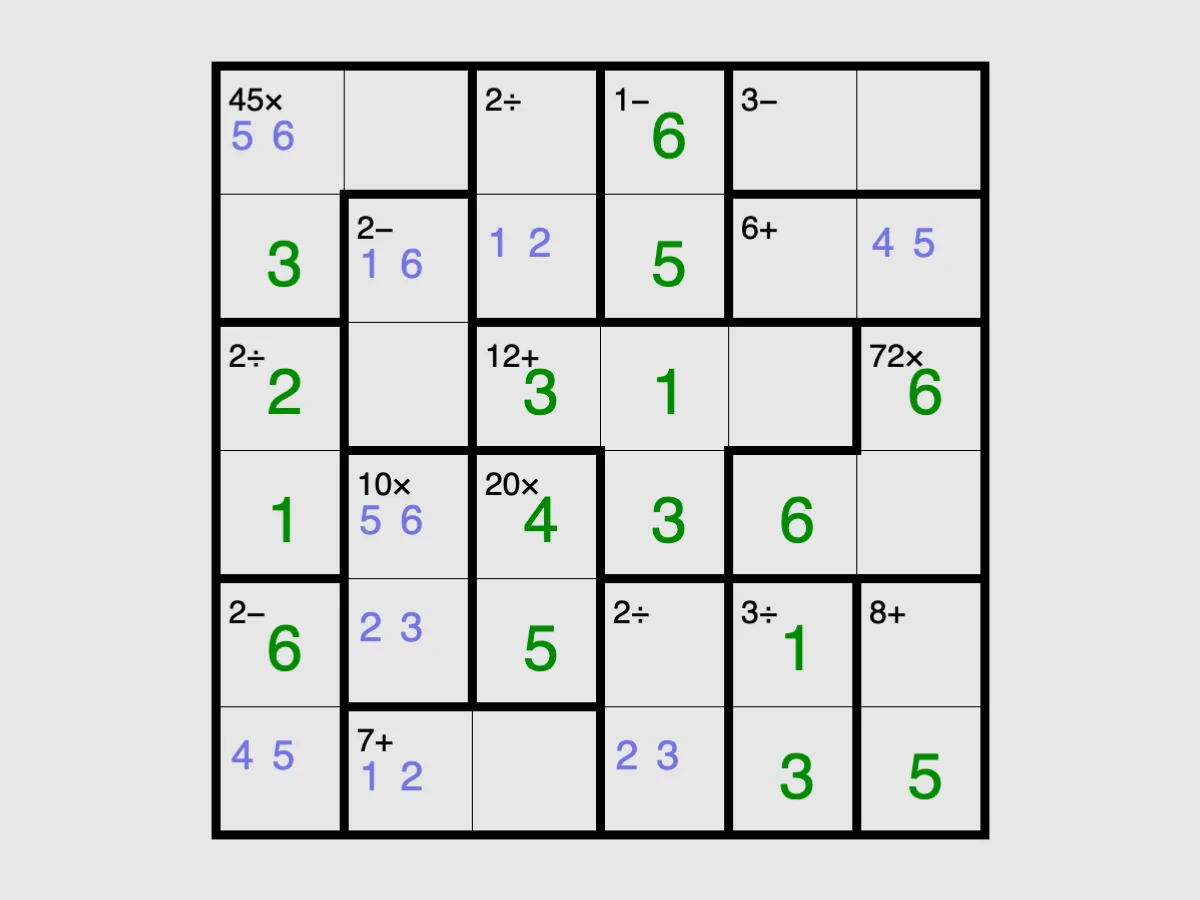
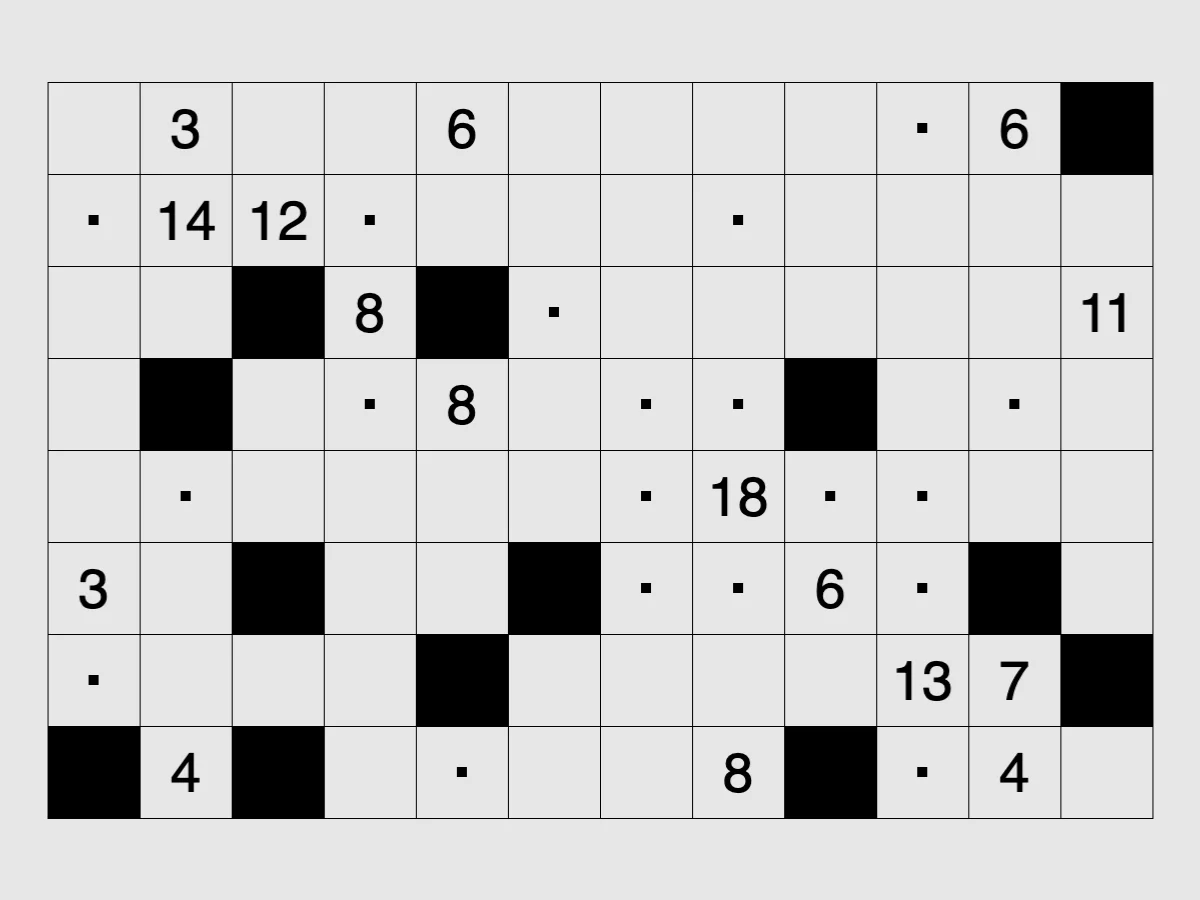
- Keen: no starting digits; outlined blocks show a target and an operation (add, subtract, multiply or divide) that their digits must produce.
- Towers: each number is the height of a tower, and the clues around the edge say how many towers you can see from that side.
- Unequal: greater-than signs between squares, or in the Adjacent mode bars marking neighbours whose numbers are consecutive.
Loops and paths
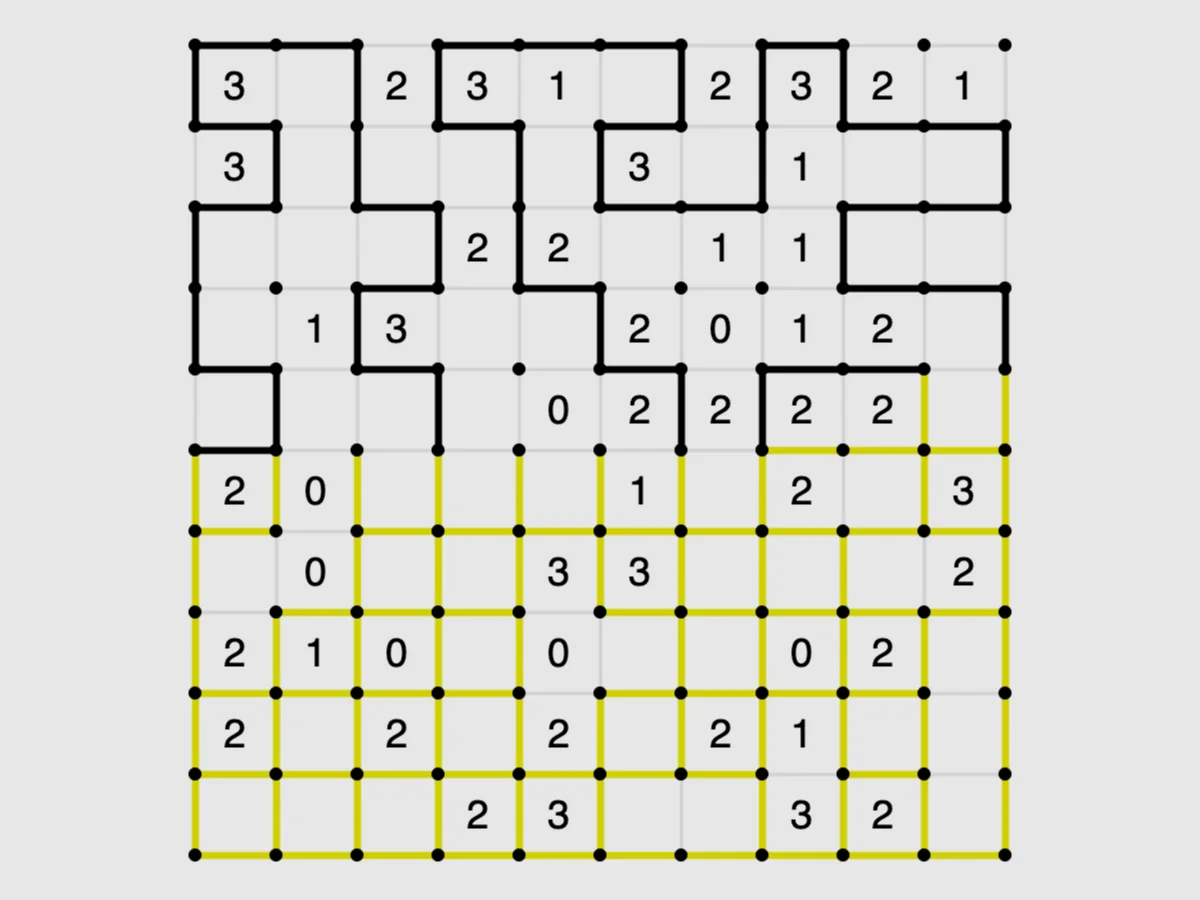
- Loopy: draw a single closed loop along the grid lines, where each number says how many of its four sides the loop uses.
- Tracks: lay one railway line from A to B, with clues counting the track squares in each row and column.
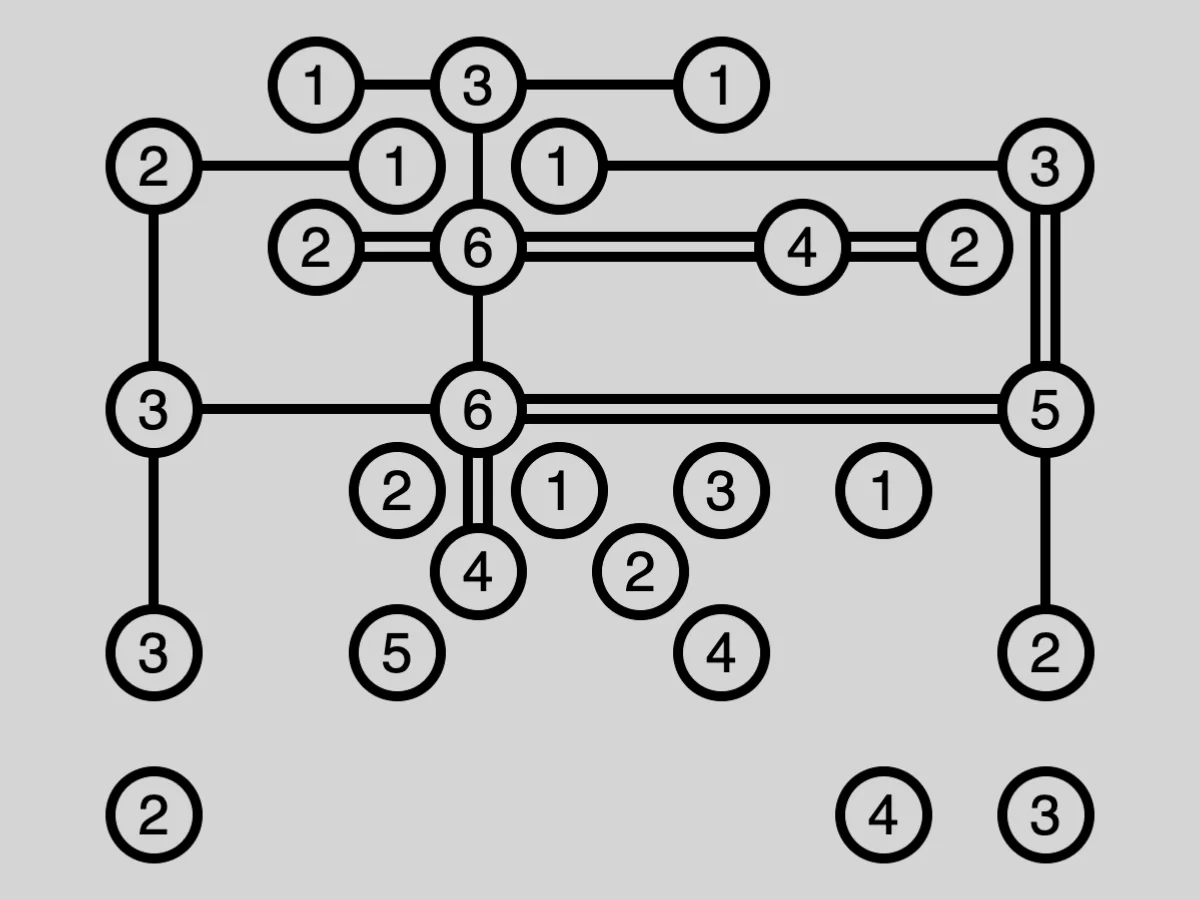
- Bridges: join numbered islands with straight bridges, one or two between each pair, until they form a single connected group.
- Signpost: number the squares in order, each arrow pointing towards the next square in the sequence.
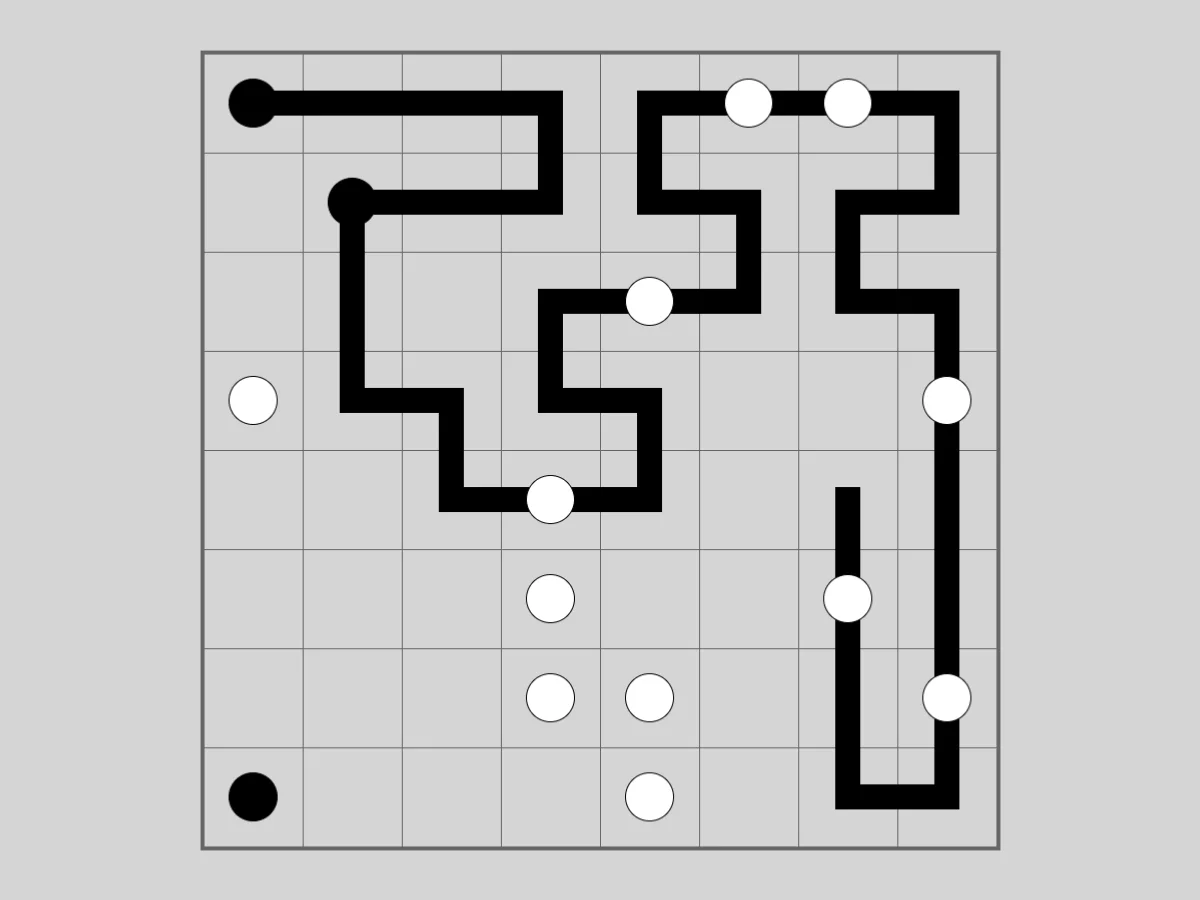
- Pearl: draw one closed loop that turns on every black pearl and runs straight through every white one, the puzzle also known as Masyu.
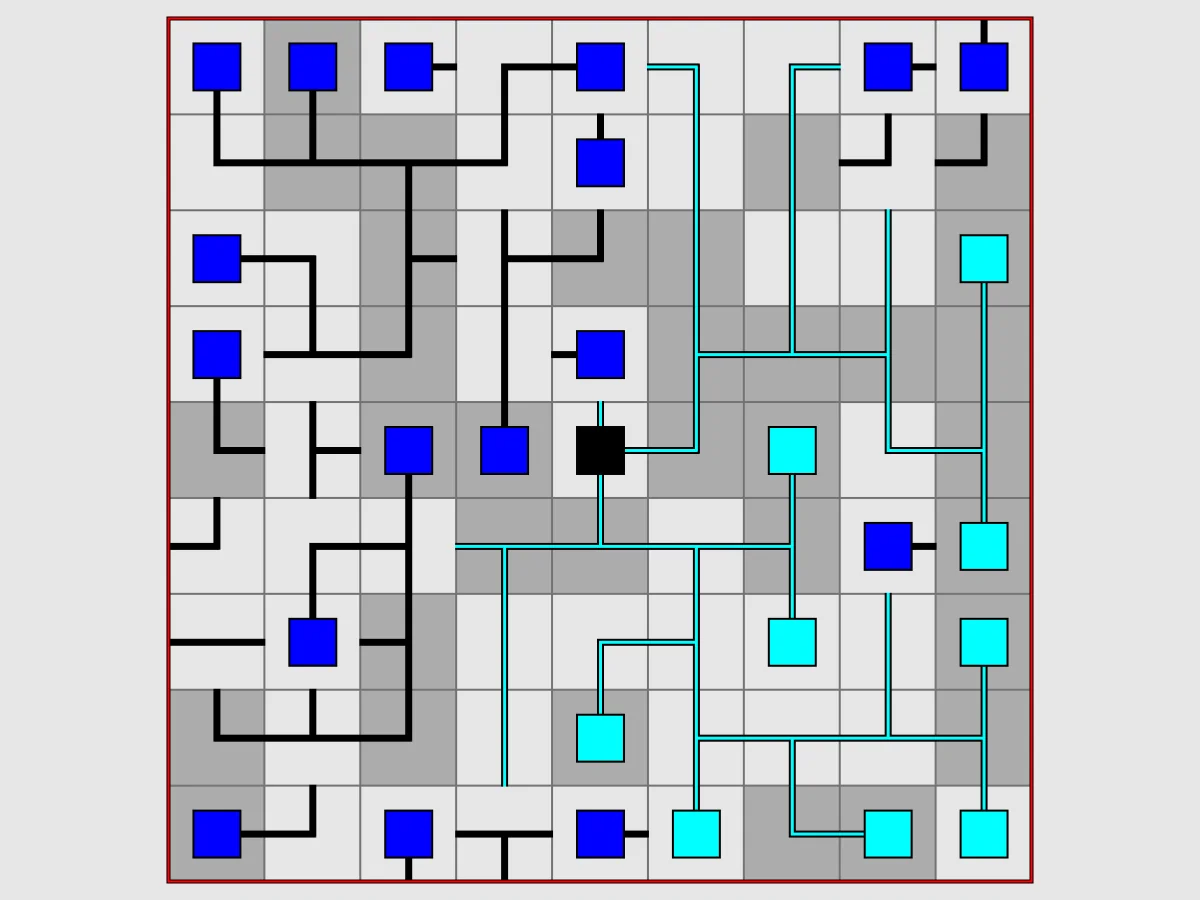
- Net: rotate the tiles until every cable connects into one network with no loose ends and no loops.
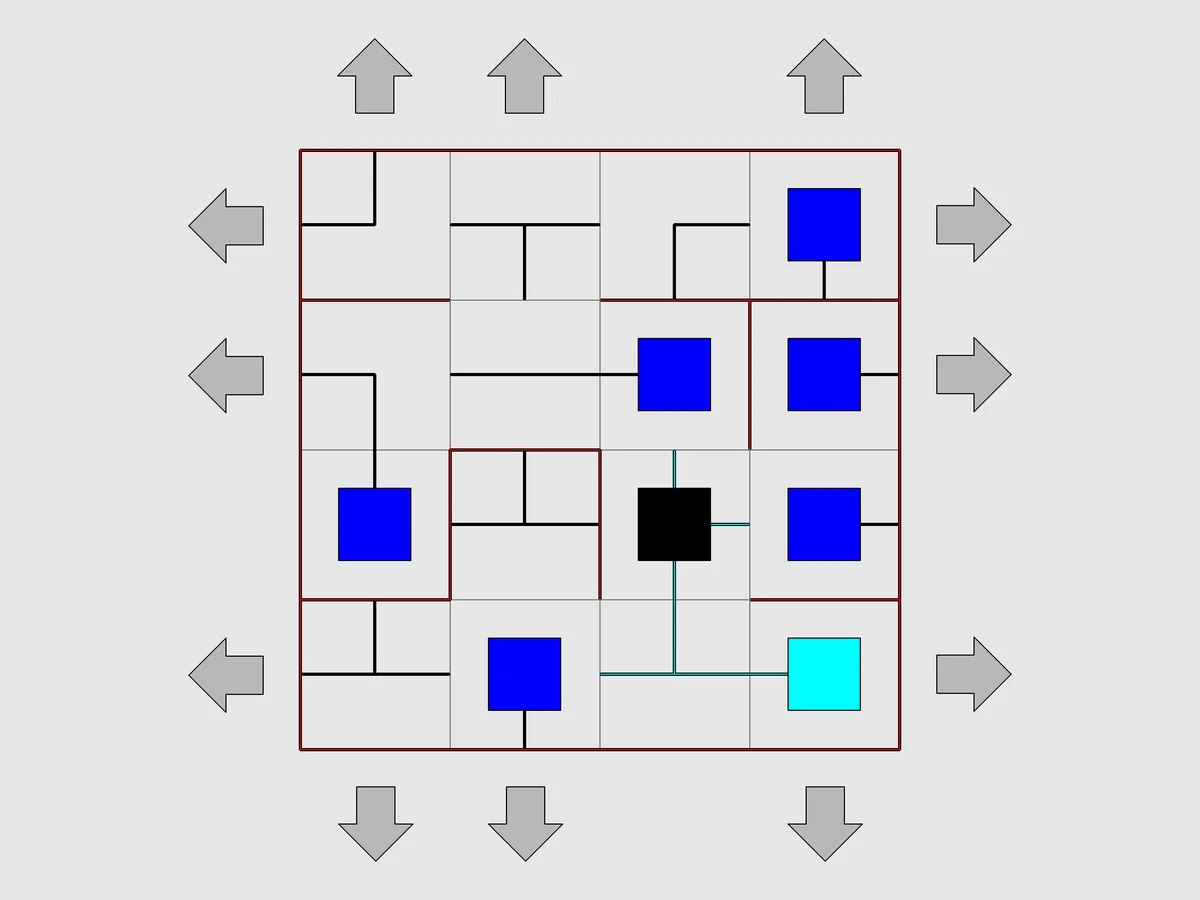
- Netslide: the same network, put back together by sliding whole rows and columns instead of turning tiles.
Dividing the grid into areas
- Rectangles: split the grid into rectangles, each containing one number equal to its area.
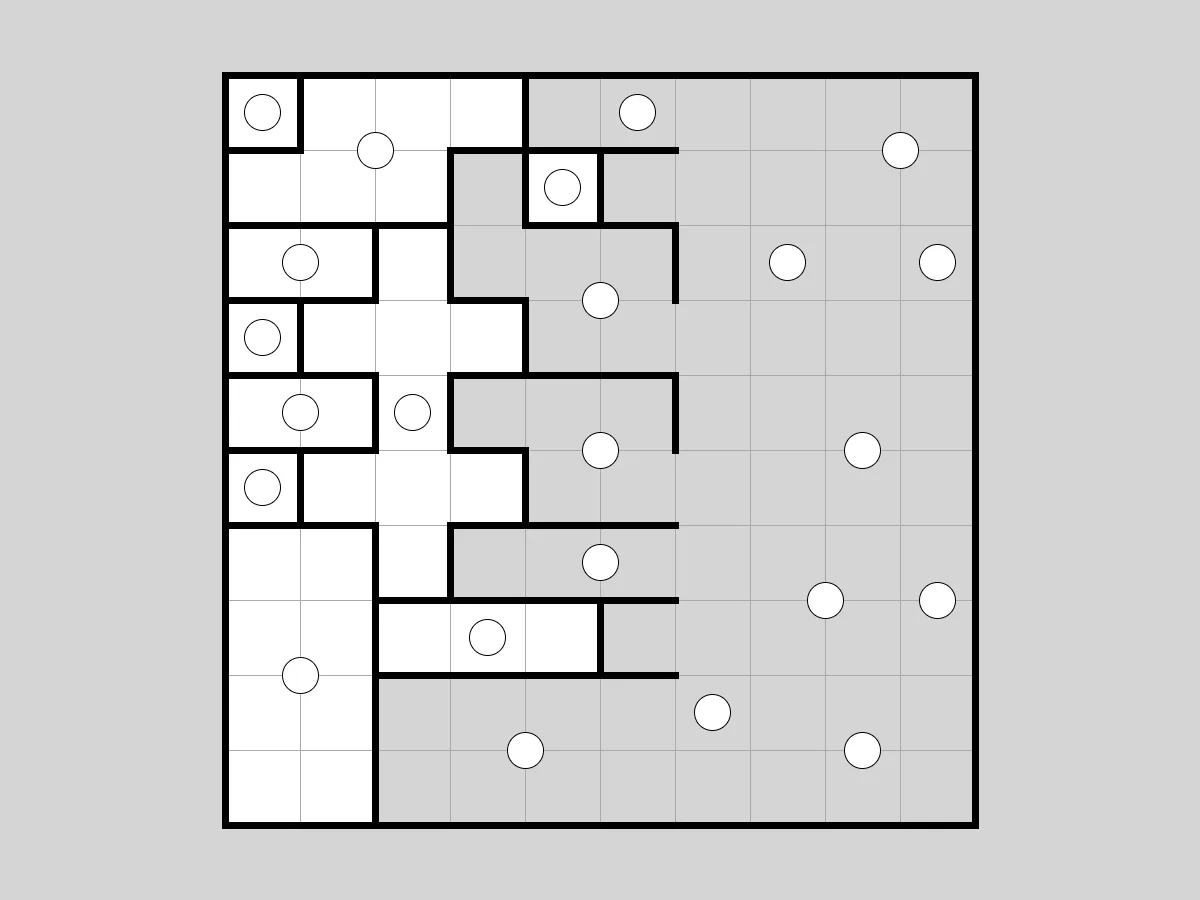
- Galaxies: split the grid into regions that each hold one dot and look the same when turned half a turn around it.
- Dominosa: find where a complete set of dominoes lies, using only the numbers printed on the grid.
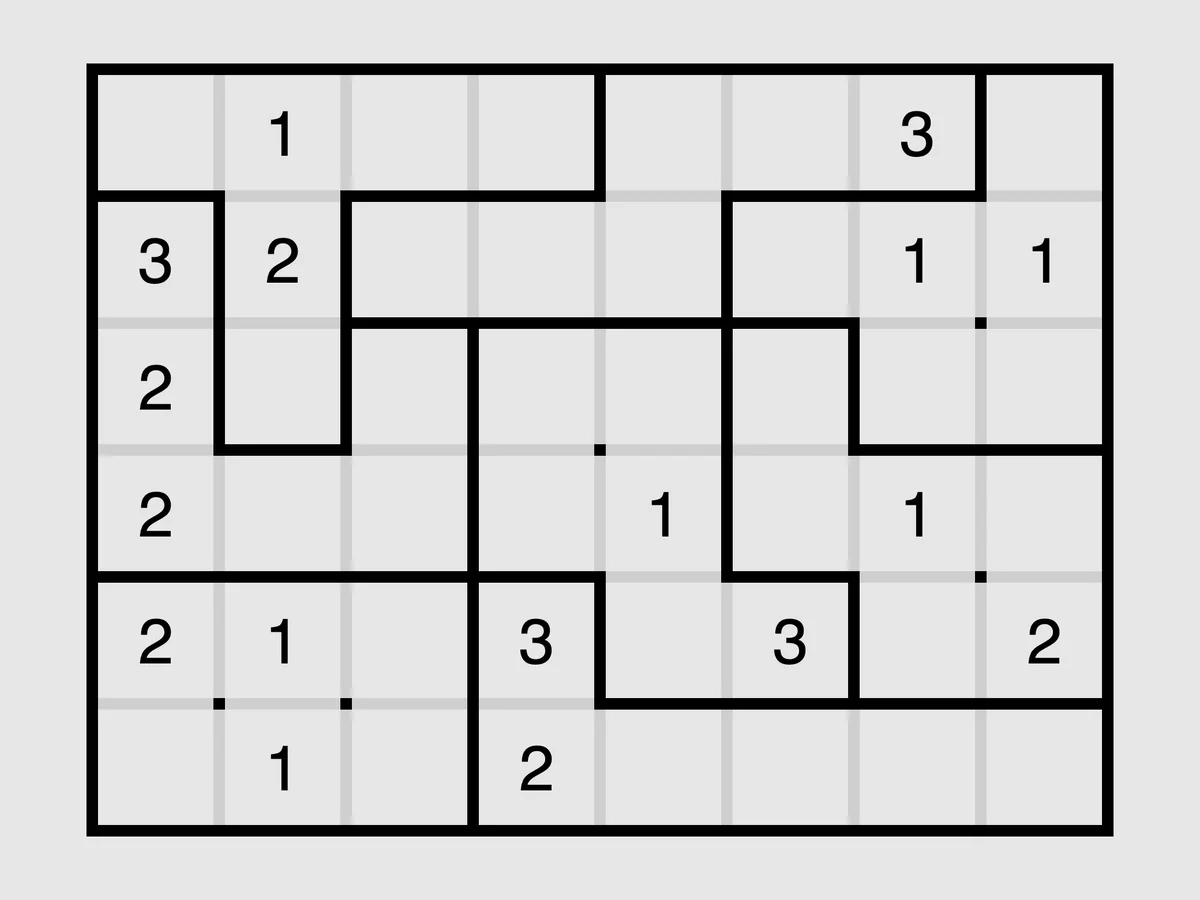
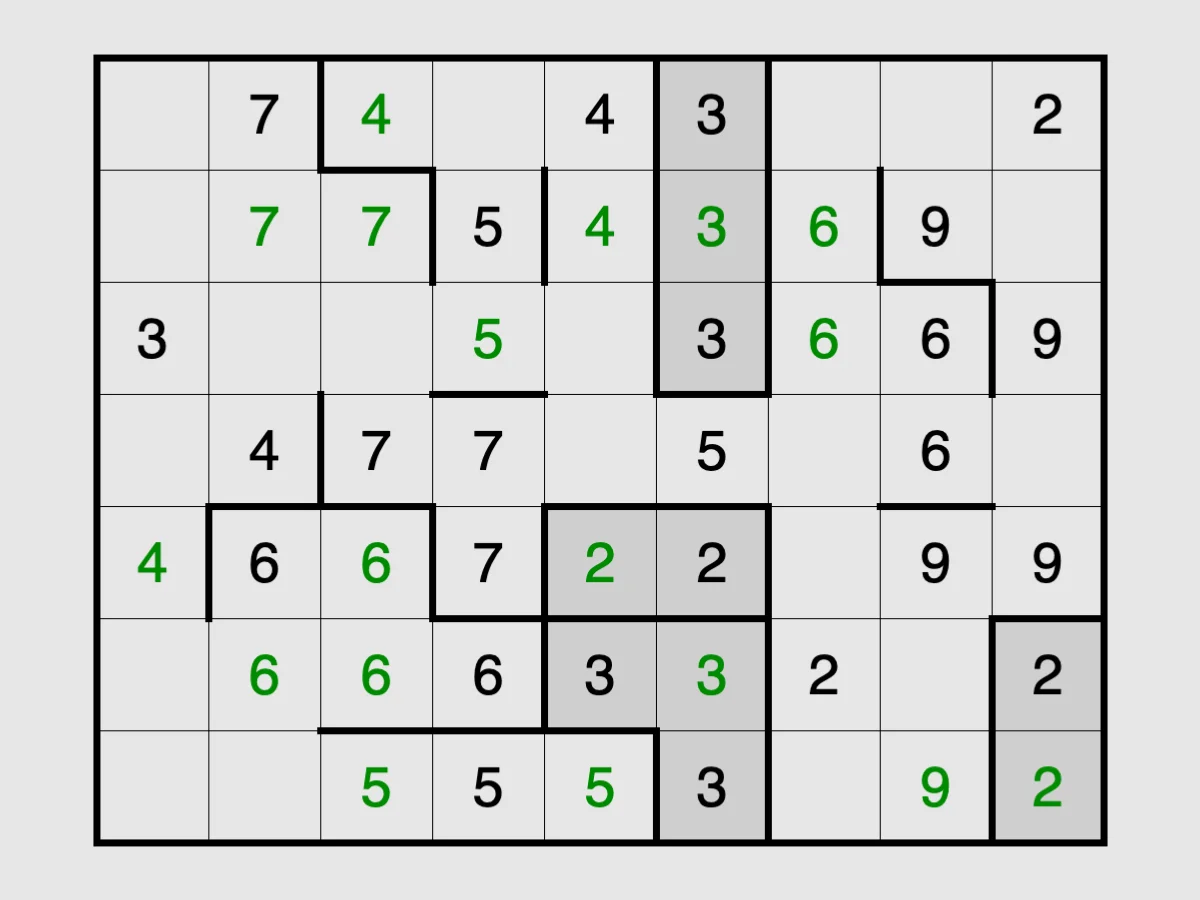
- Filling: write a digit in every square so that each group of equal touching digits has exactly that many squares, the puzzle also known as Fillomino.
- Palisade: split the grid into regions of equal size, where each number counts the walls around its square.
Placing and shading
- Light Up: place light bulbs so that every white square is lit and no bulb shines on another.
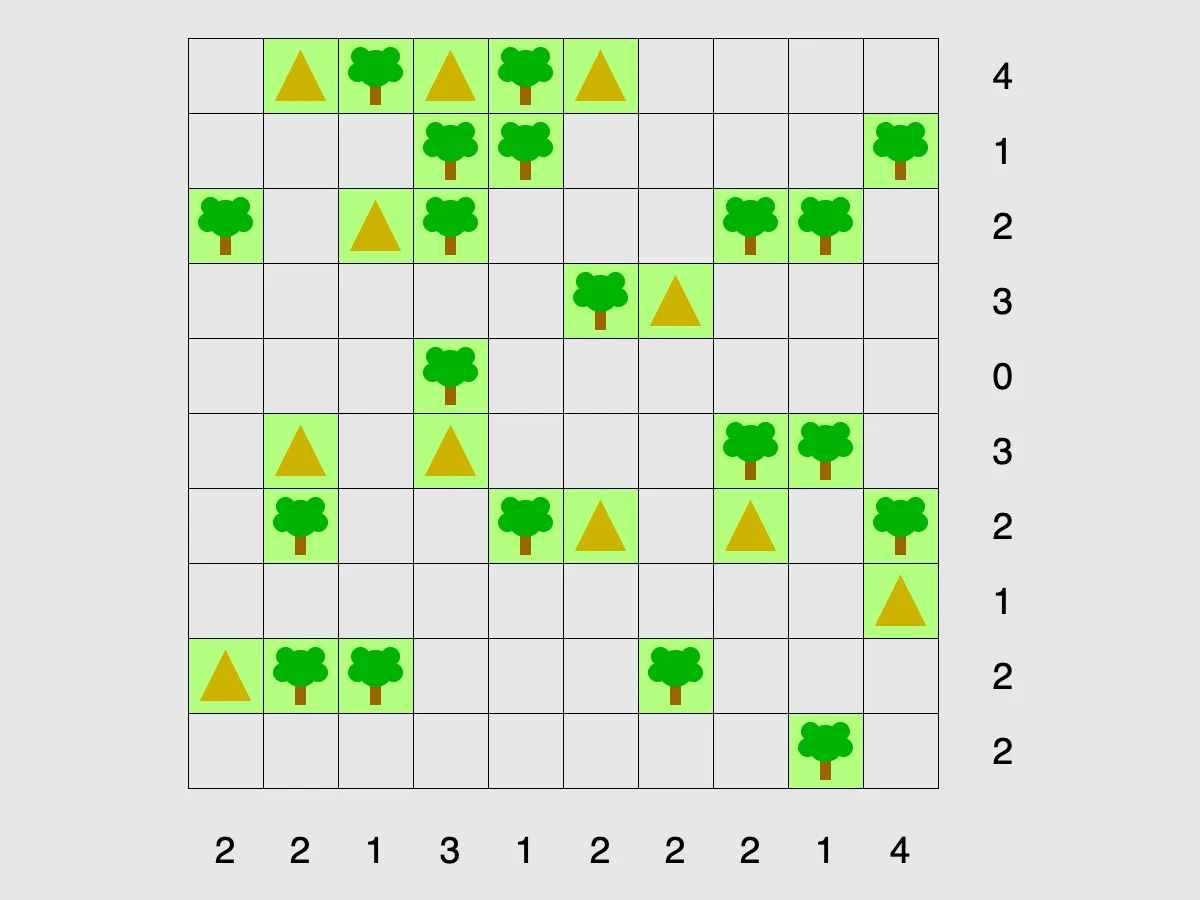
- Tents: pitch one tent next to every tree, with no two tents touching, to match the counts on each row and column.
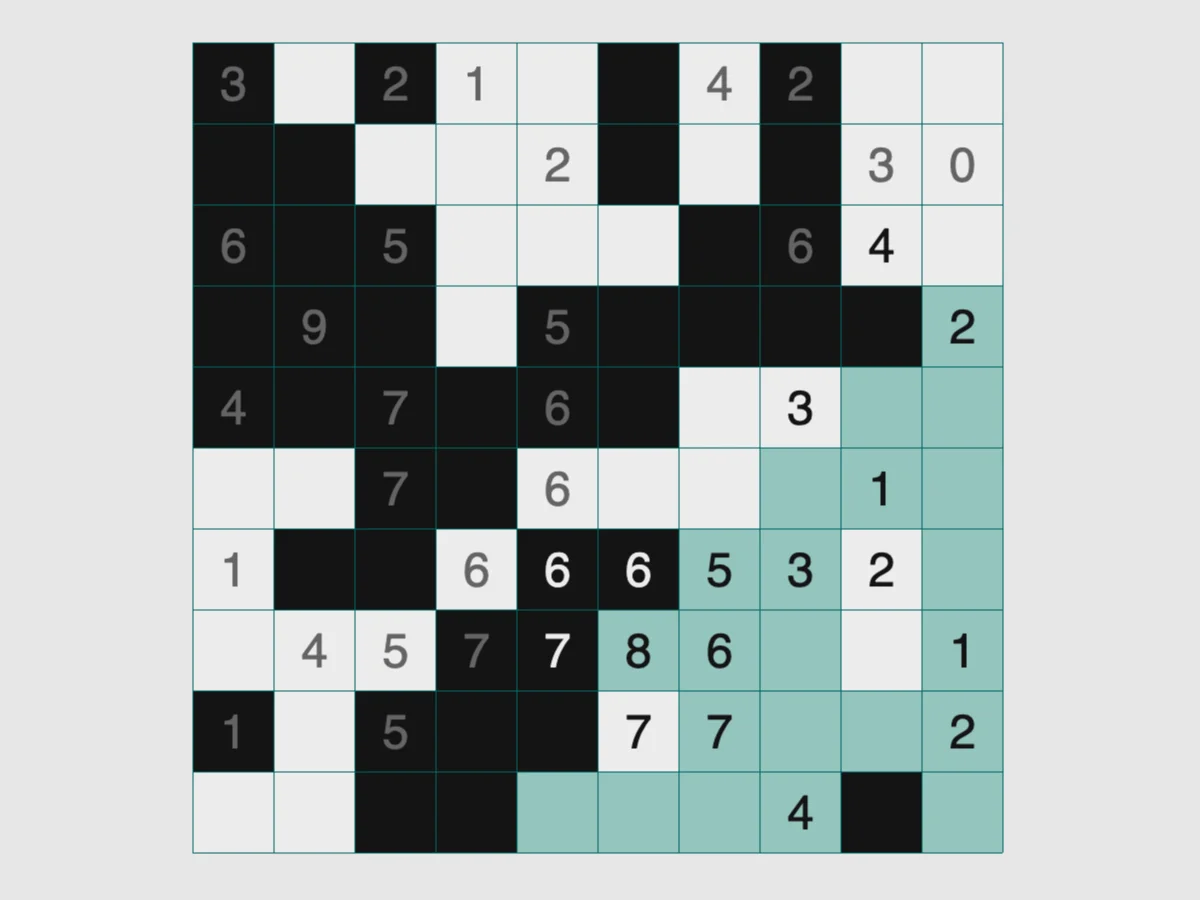
- Singles: shade squares so that no number repeats in a row or column, without two black squares side by side or cutting the white area in two.
- Pattern: the picture puzzle also called a nonogram, where the clues give the lengths of the black blocks in each line.
- Slant: draw a diagonal in every square, matching the circled counts on the points and never closing a loop.
- Range: shade squares so that each number sees exactly that many white squares in straight lines, with no black squares touching and the white area in one piece.
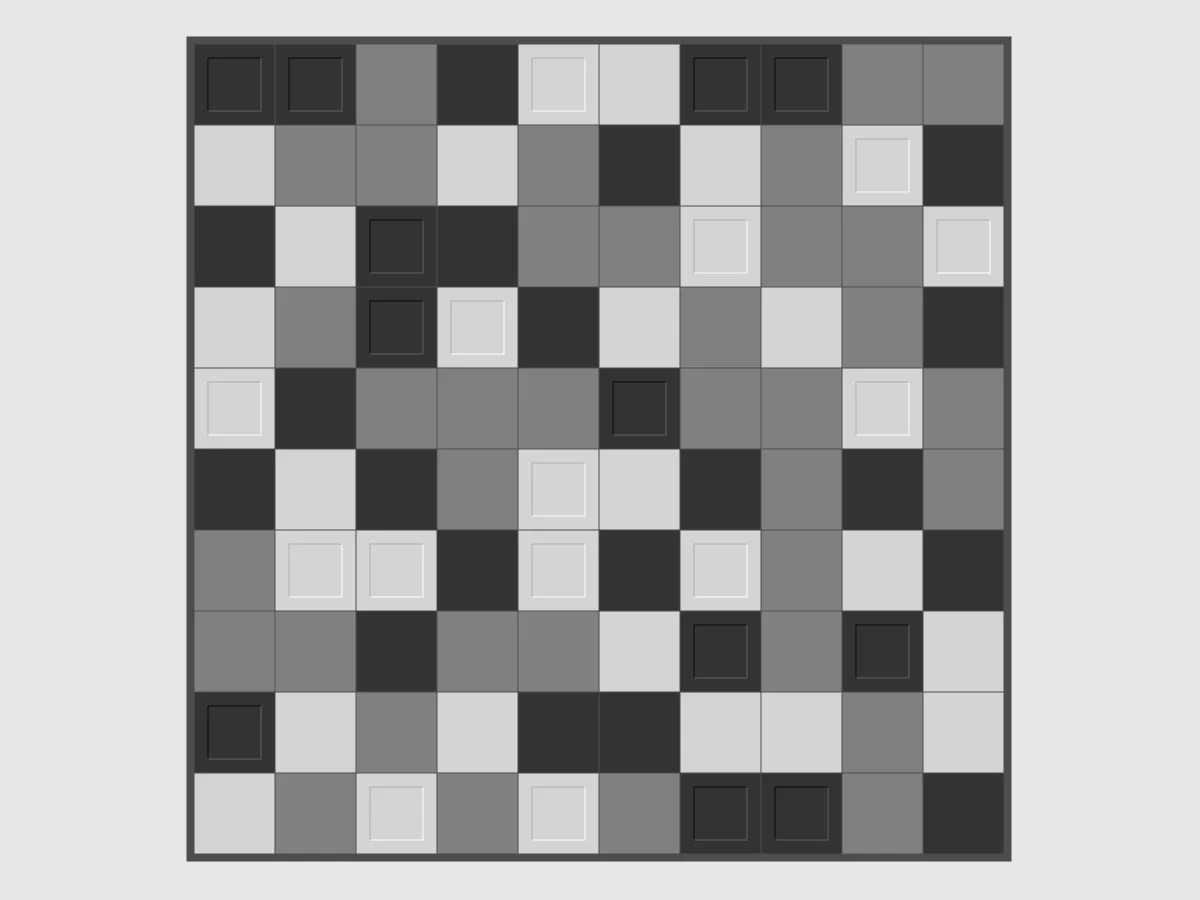
- Unruly: colour every square black or white, half and half in every row and column, never three of a colour in a line.
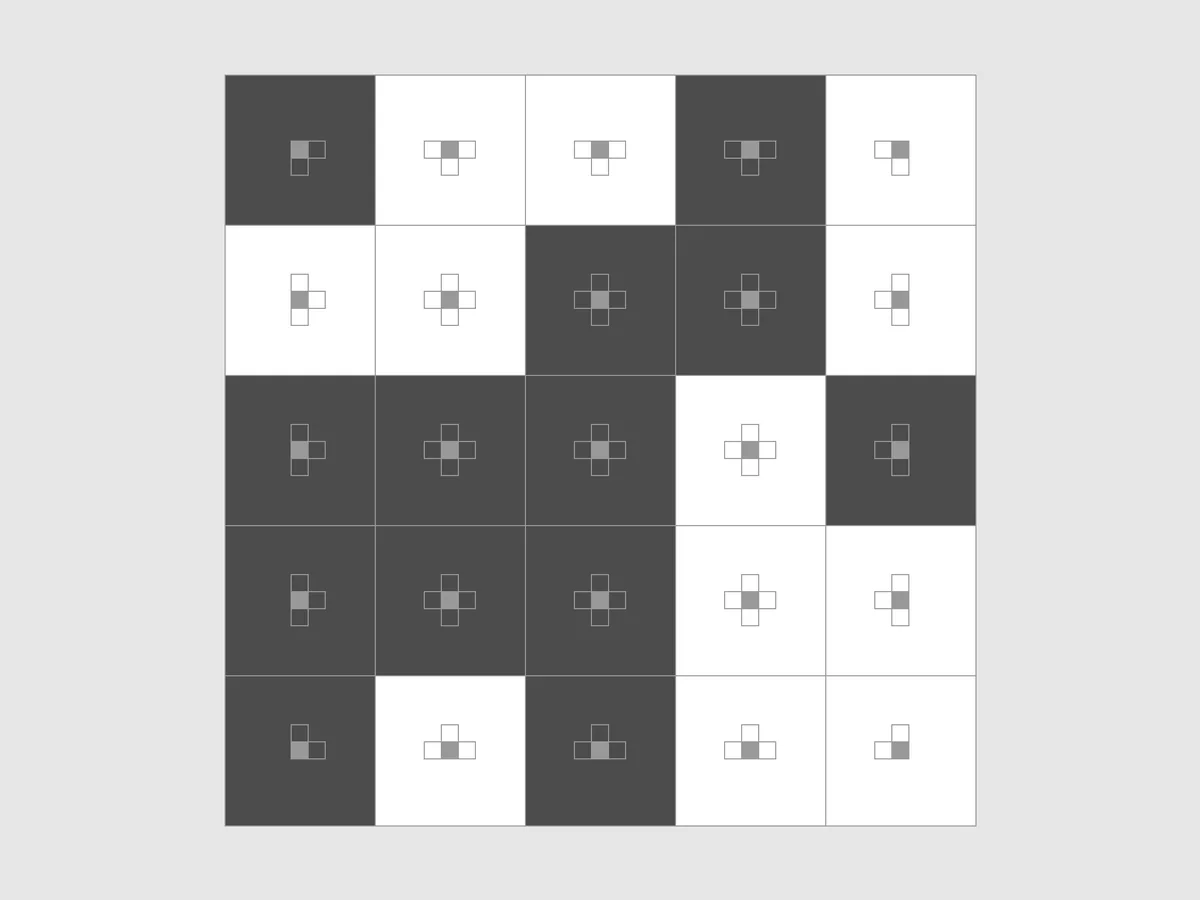
- Mosaic: shade squares so that every clue counts the black squares in the 3x3 block around it, and watch a pattern appear.
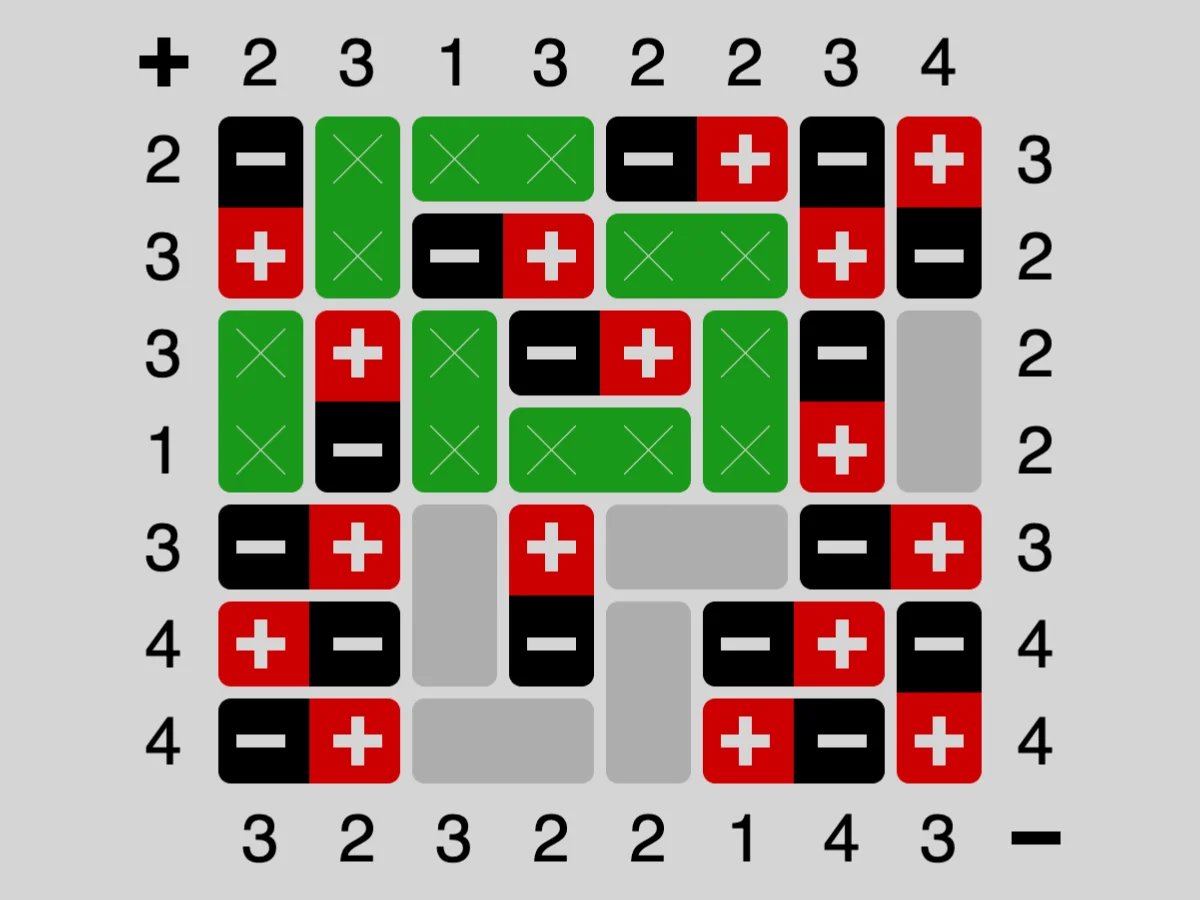
- Magnets: decide which dominoes are magnets and which way round they go, matching the plus and minus counts with no equal poles side by side.
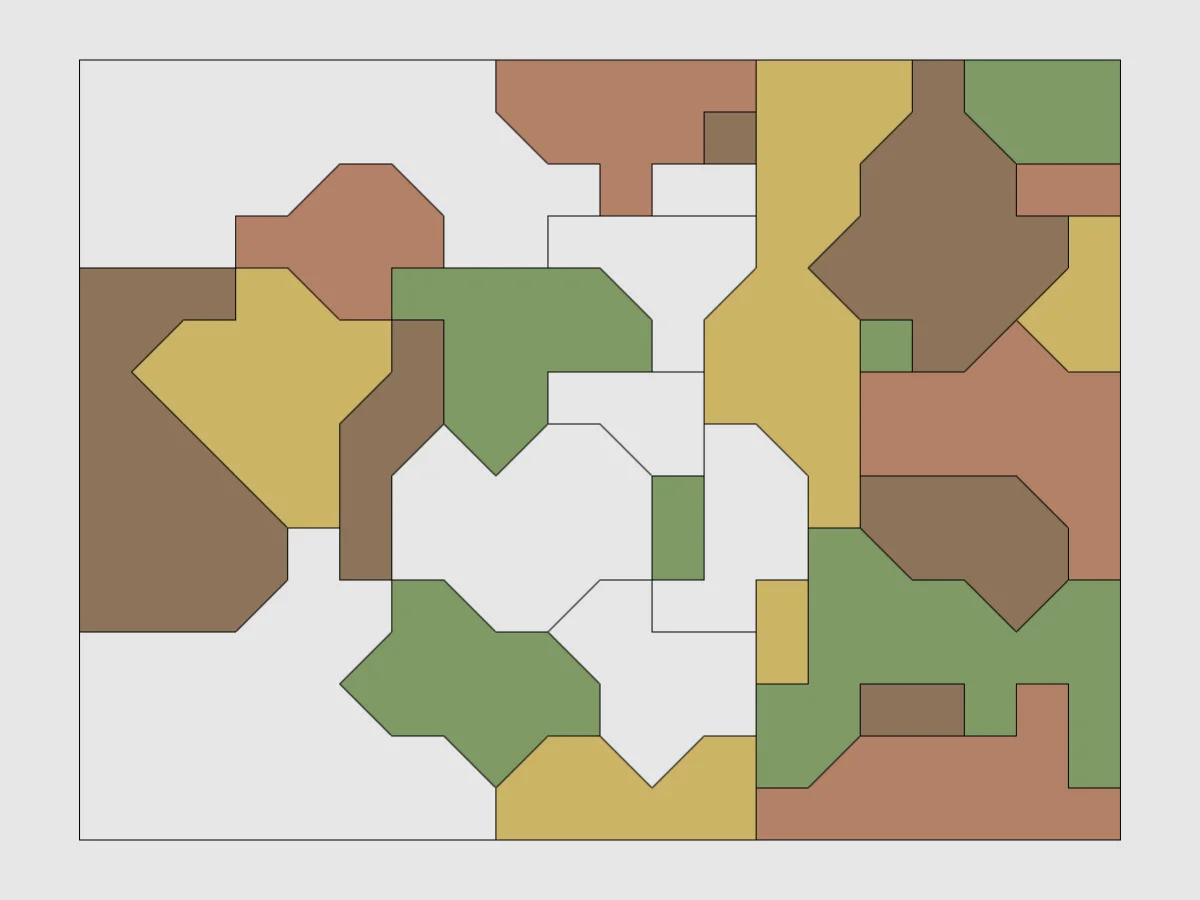
- Map: colour every region of a map with four colours so that no two neighbours share one.
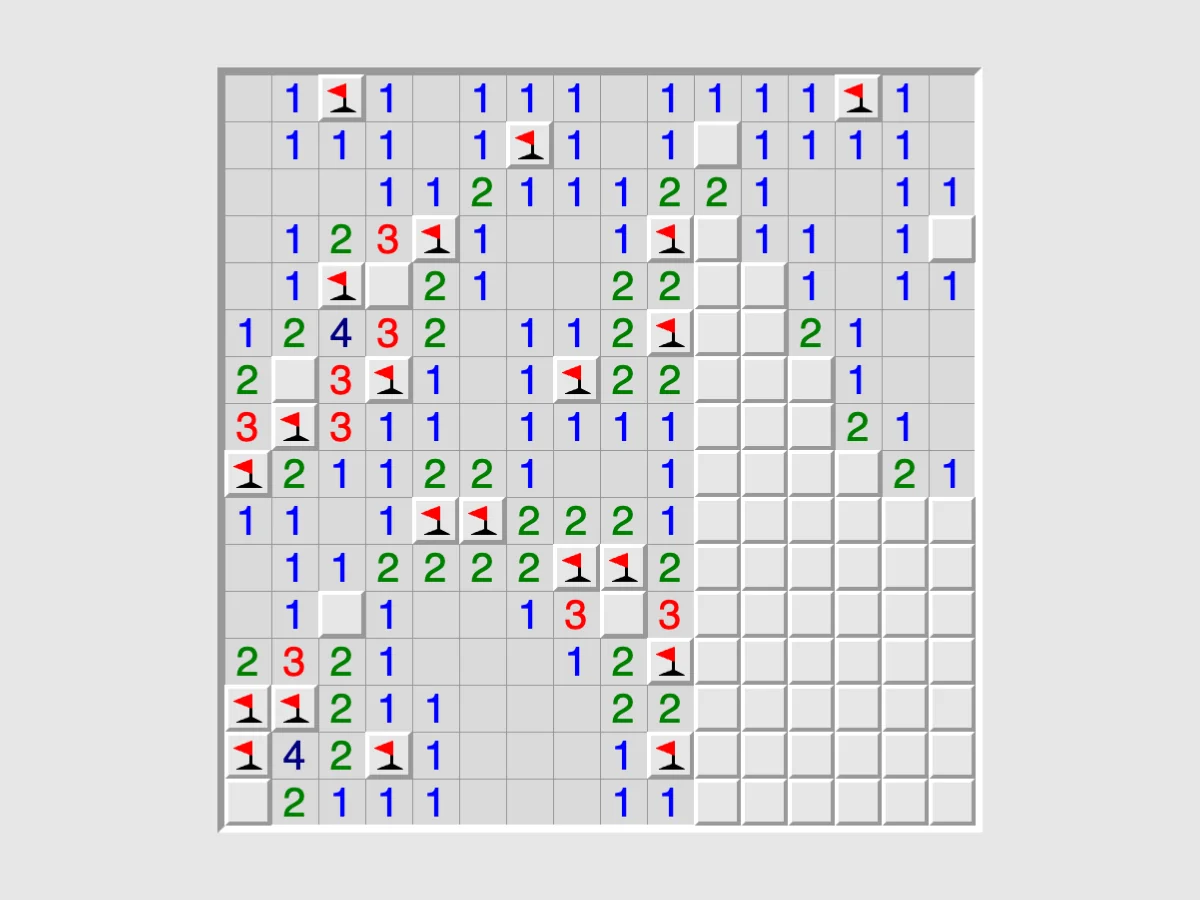
- Mines: the familiar minefield, on square and stranger grids, built so that logic alone is always enough.
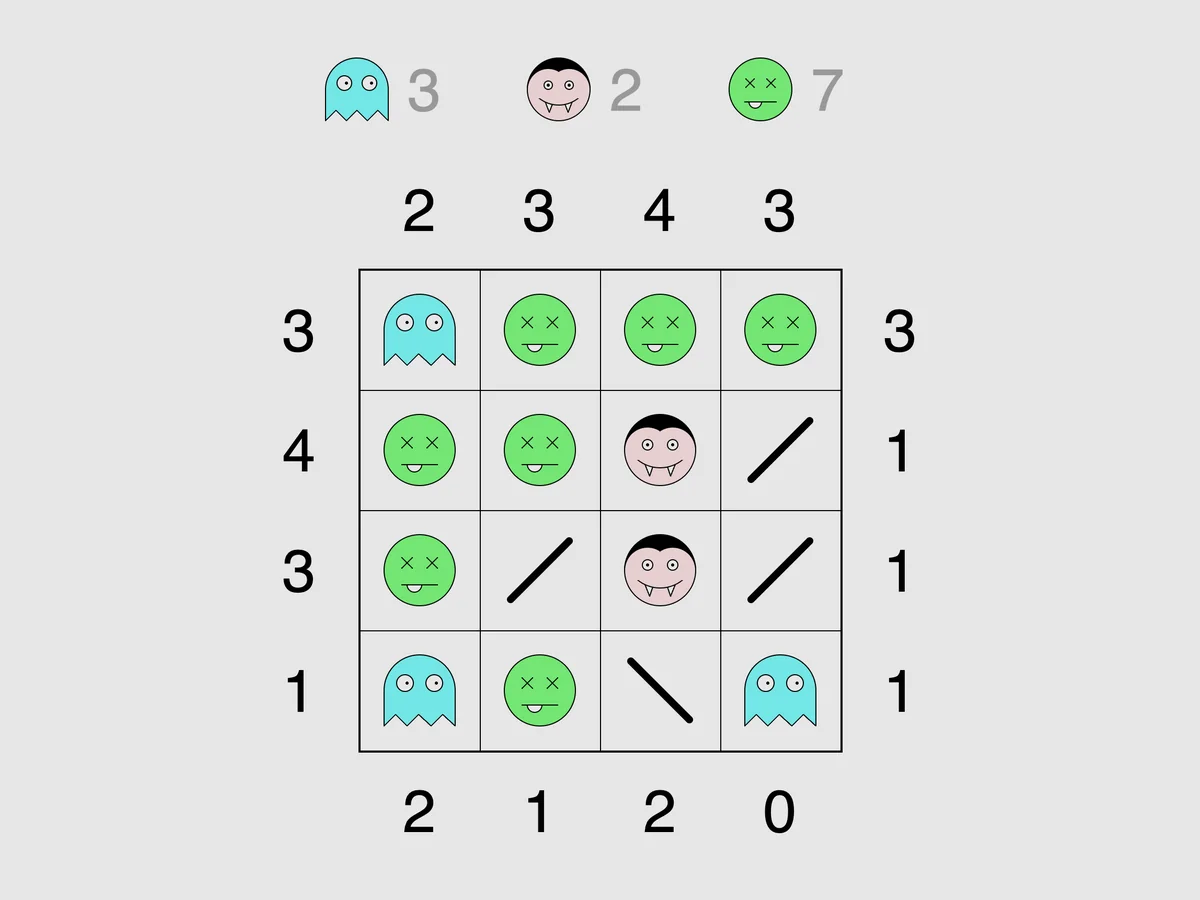
- Undead: fill a grid of mirrors with ghosts, vampires and zombies, where vampires have no reflection and ghosts appear only in mirrors.
Hidden information
Two puzzles hide the answer and make you ask questions to find it:
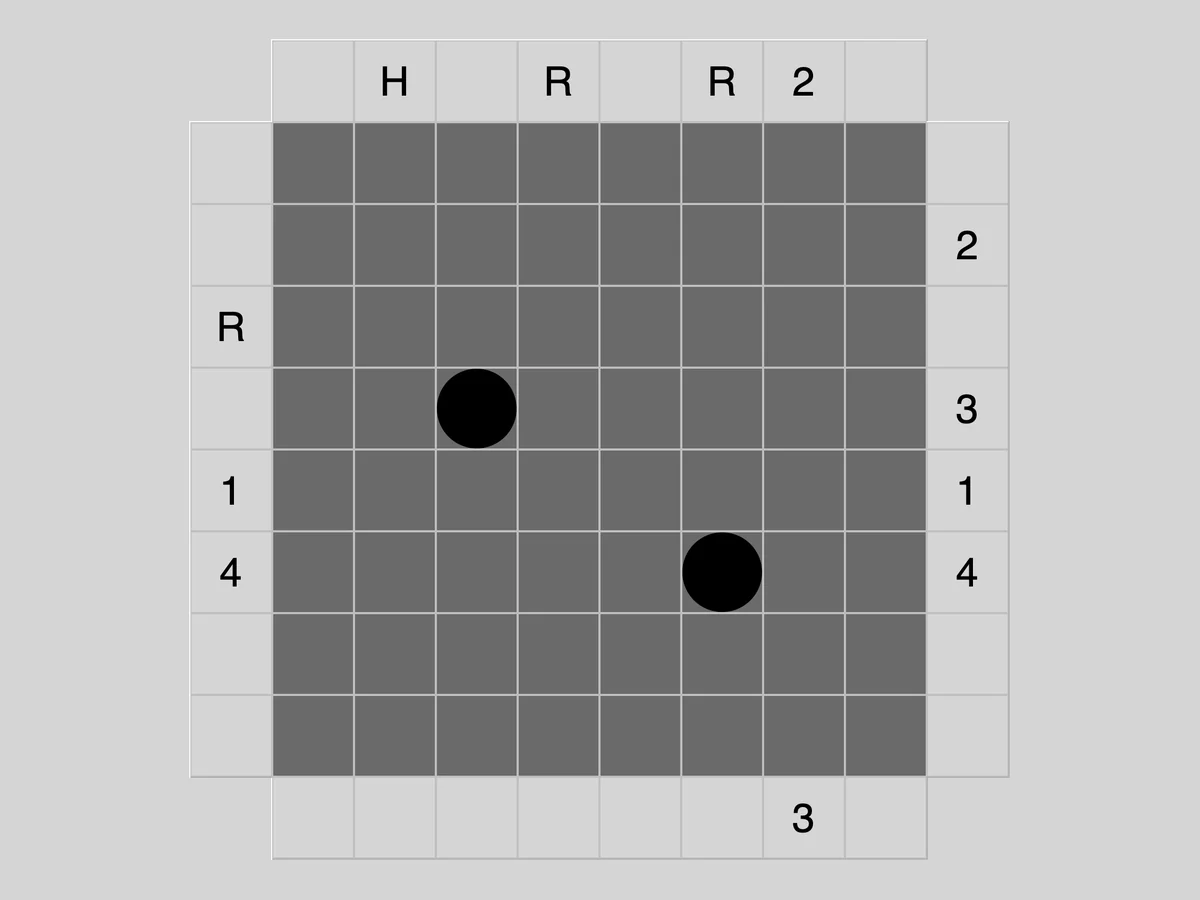
- Black Box: fire beams into a dark box and deduce where the hidden balls are from how the beams bounce, stop or come back.
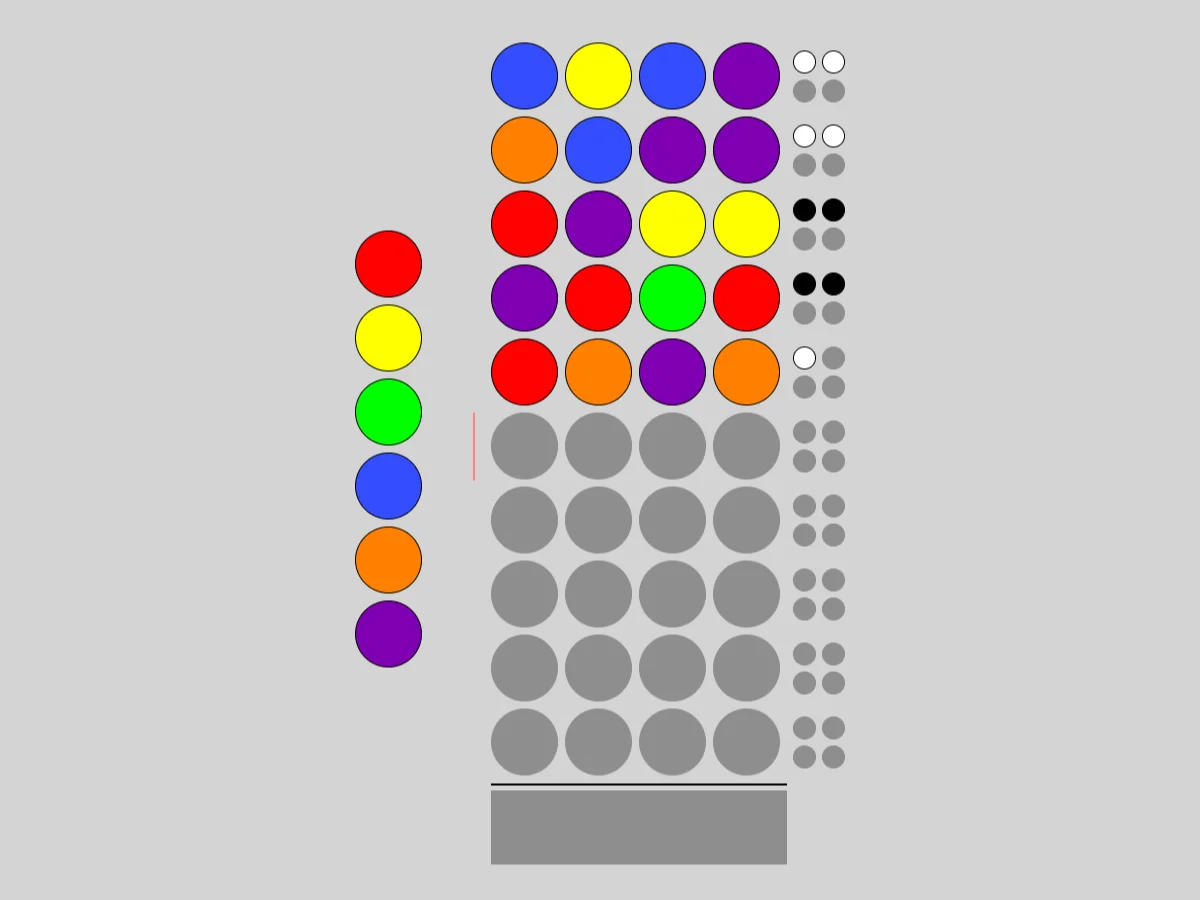
- Guess: work out a hidden row of coloured pegs from the black and white marks each of your guesses earns.
Sliding, turning and untangling
Several puzzles are more about hands than deduction:
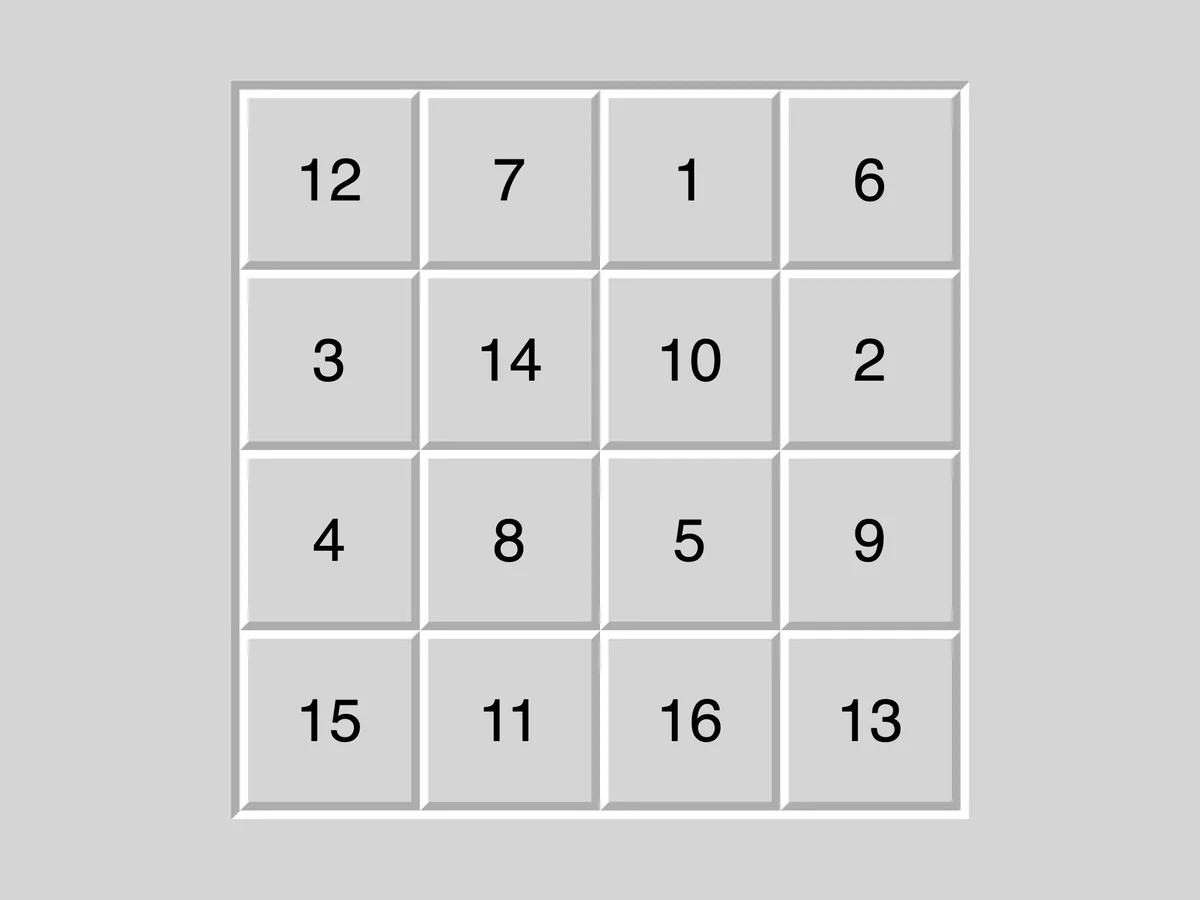
- Fifteen: the old sliding-tile puzzle; put the numbers in order by moving tiles into the gap.
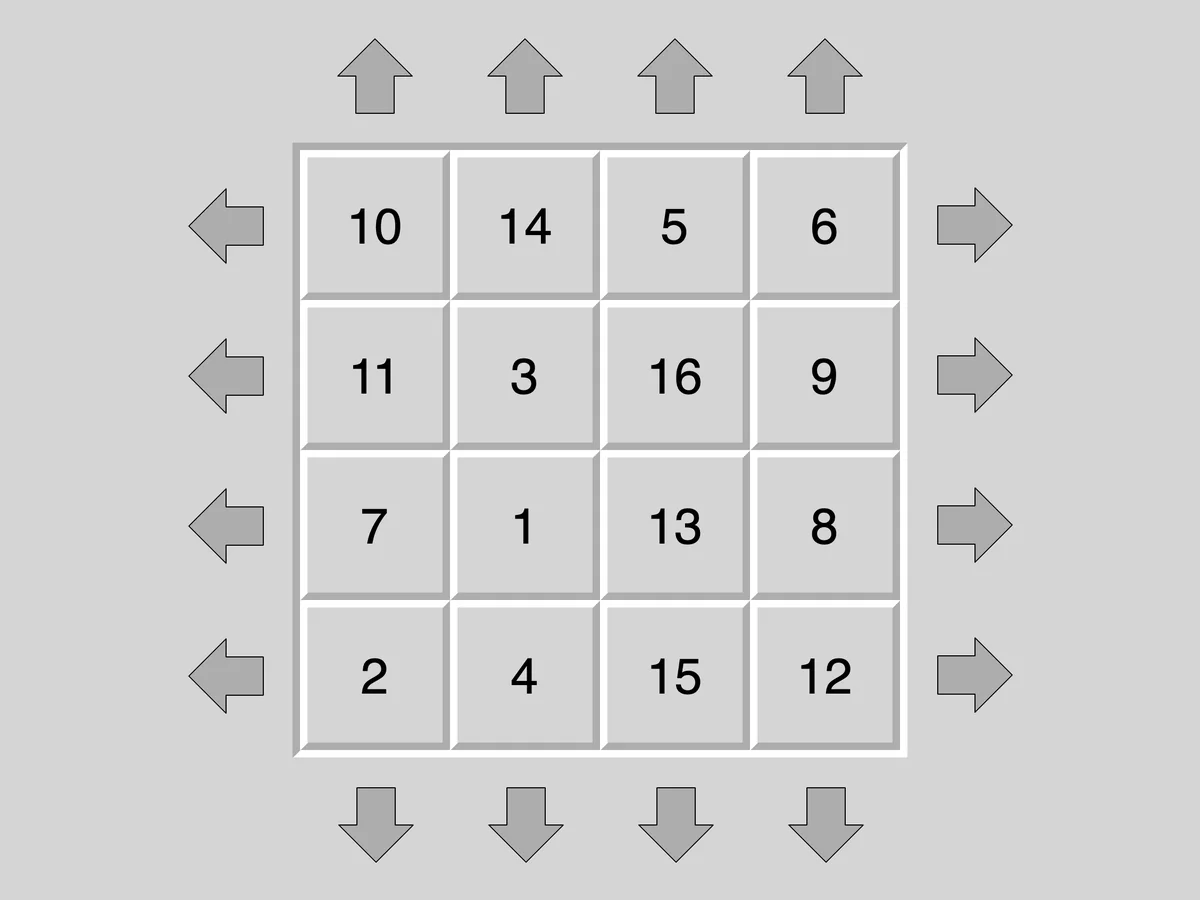
- Sixteen: a full grid with no gap, sorted by shifting whole rows and columns round.
- Twiddle: sort numbered tiles by turning small square blocks of them a quarter turn at a time.
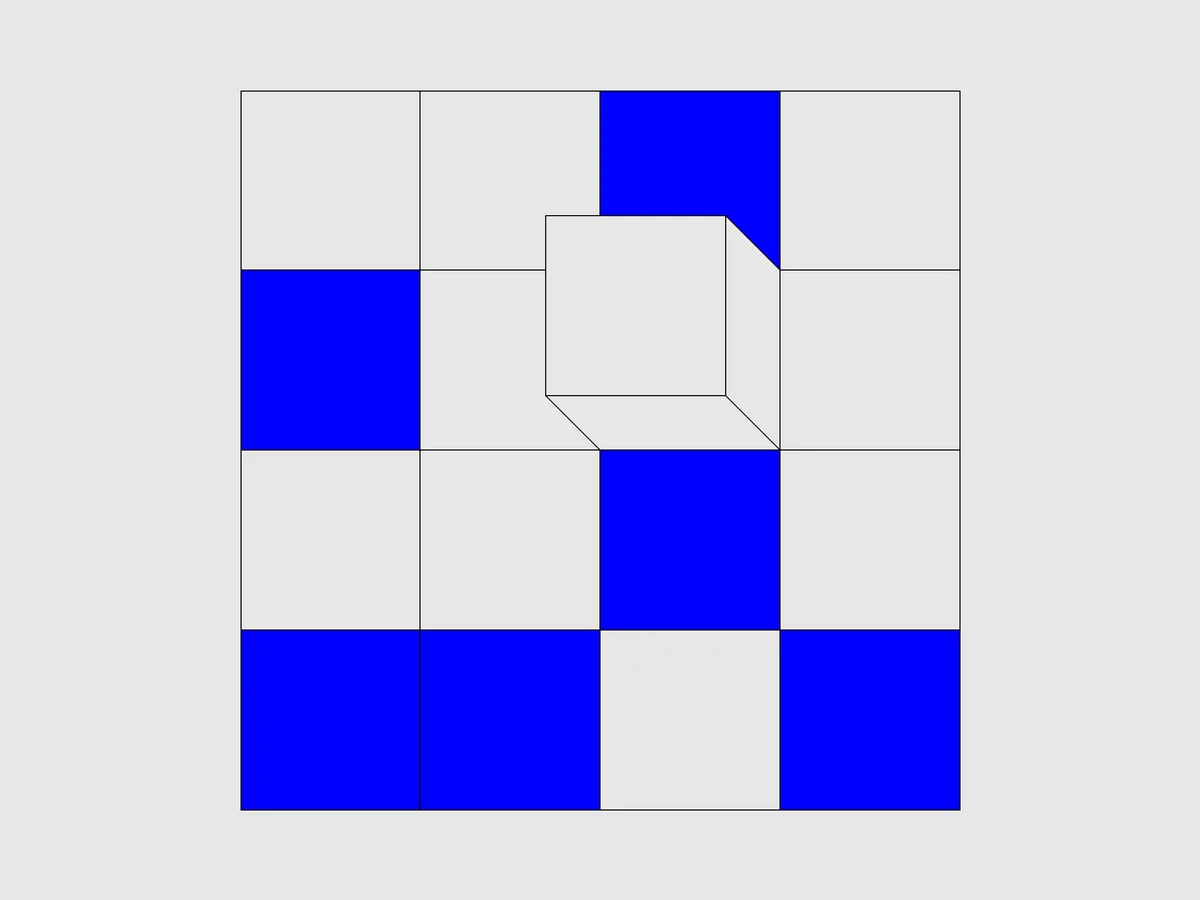
- Cube: roll a cube over a grid to pick up a blue square on every face, in as few moves as you can.
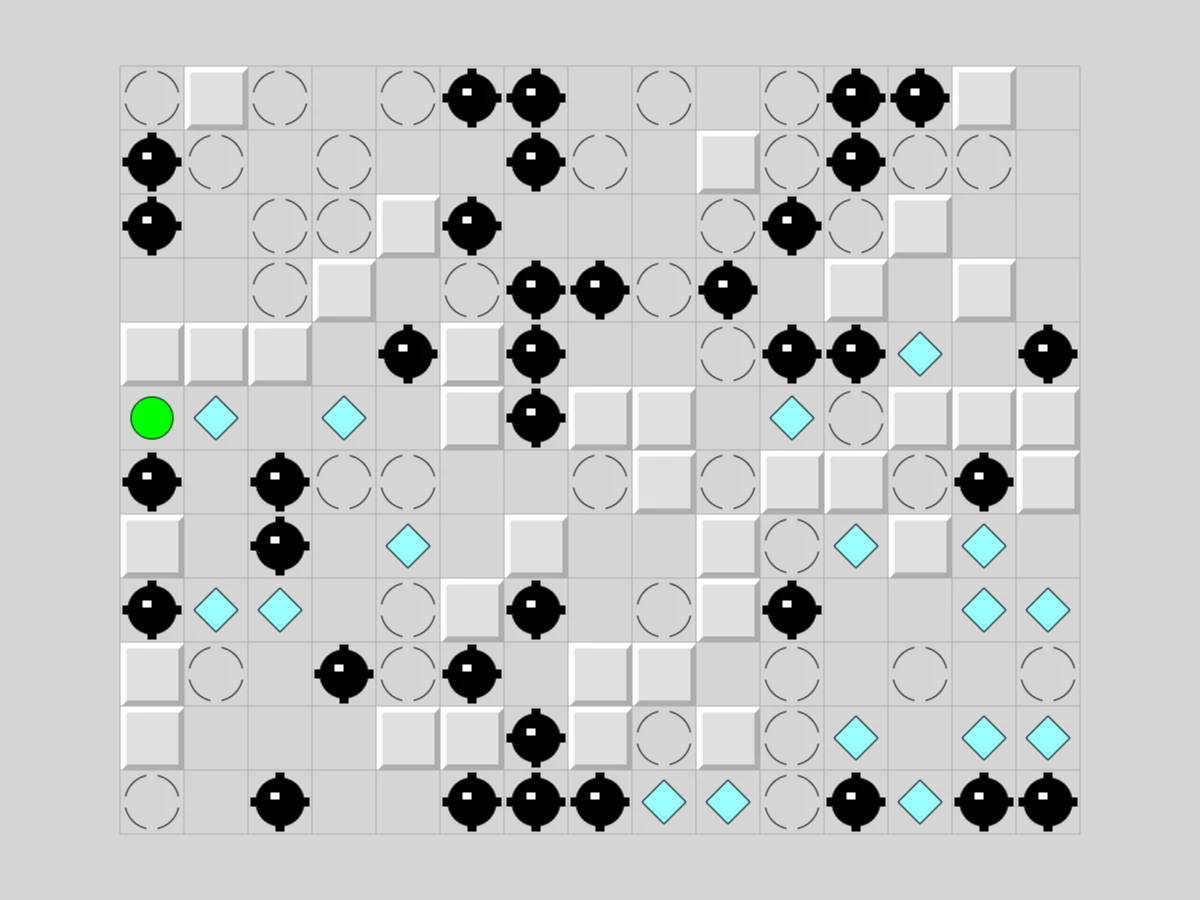
- Inertia: steer a ball that only stops at walls and stop squares, in eight directions, to collect every gem without hitting a mine.
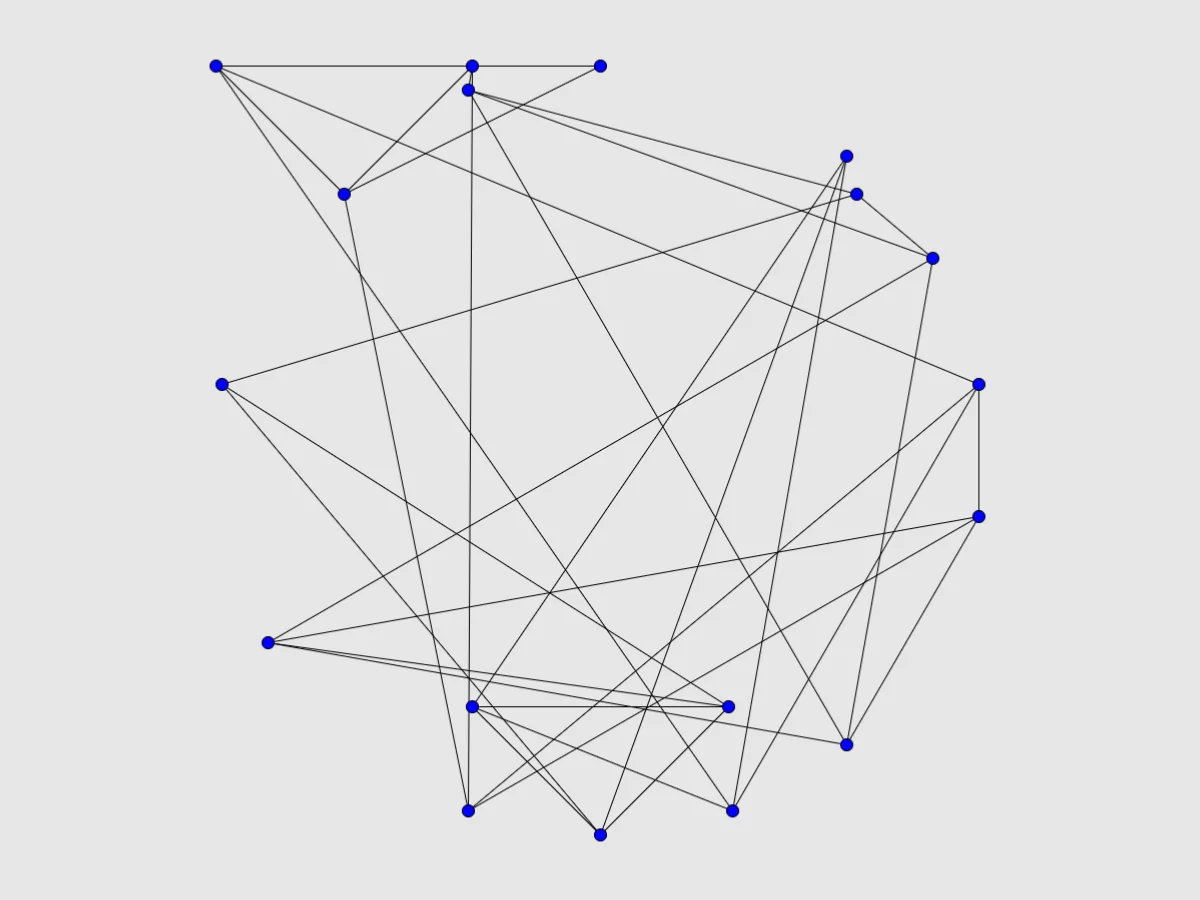
- Untangle: drag the points of a tangled network until no two lines cross.
Clearing the board
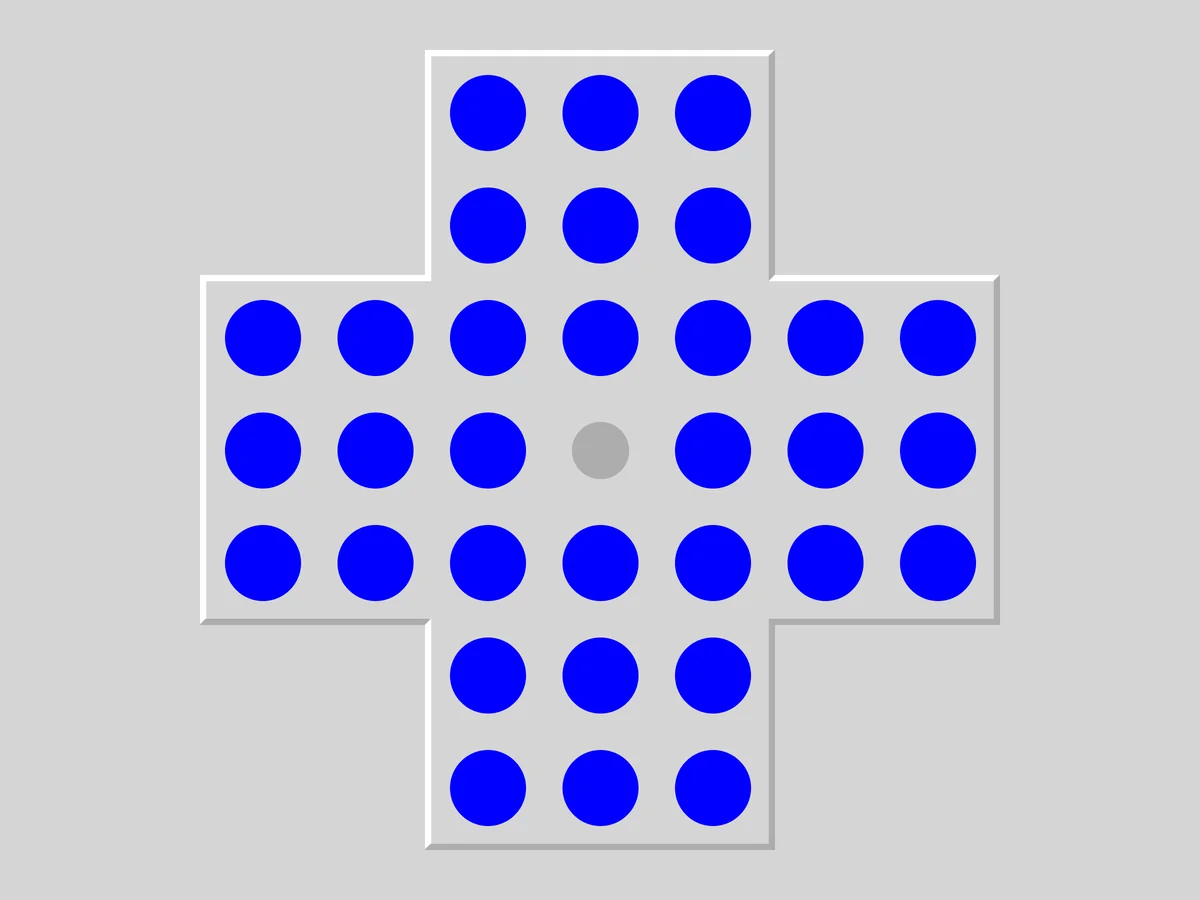
- Pegs: peg solitaire; jump pegs over each other until only one is left.
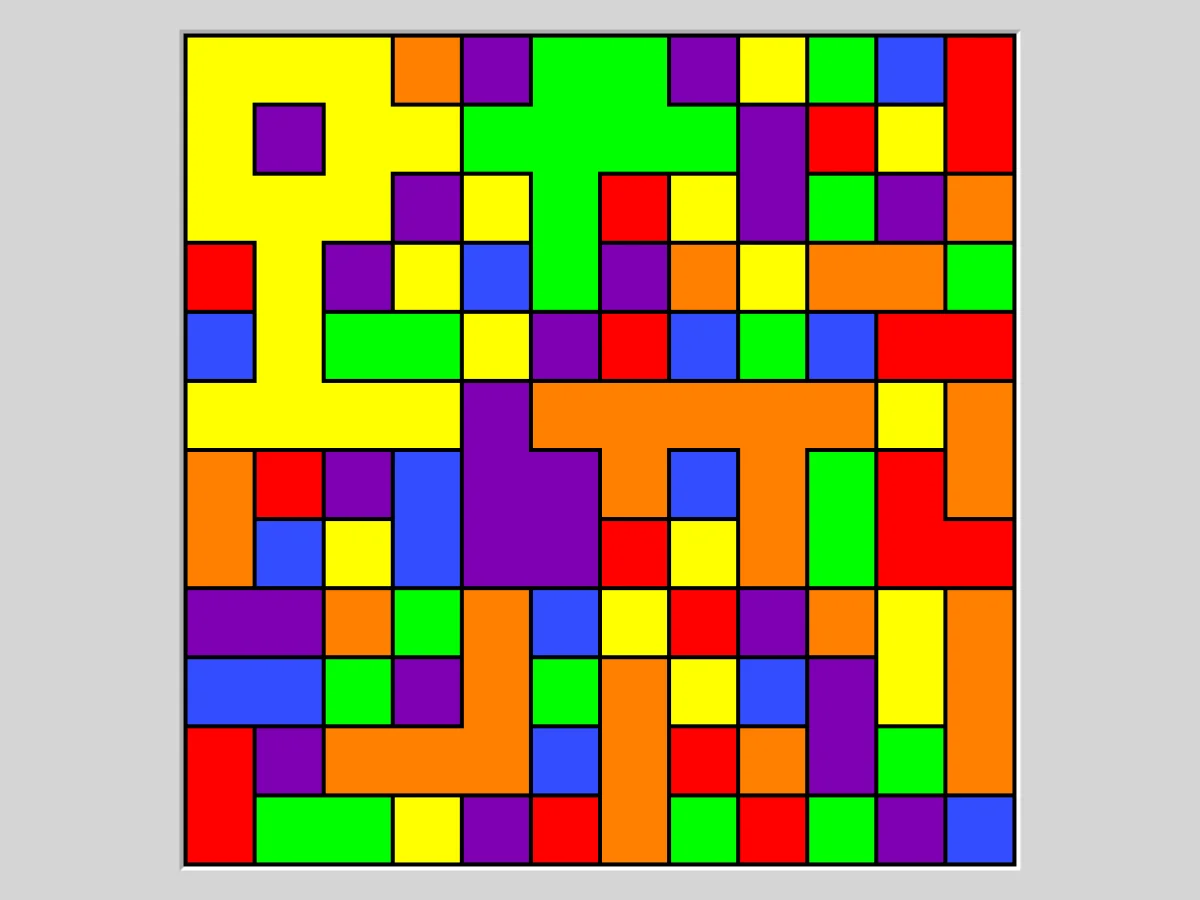
- Same Game: remove groups of the same colour, letting the rest fall, until the grid is empty.
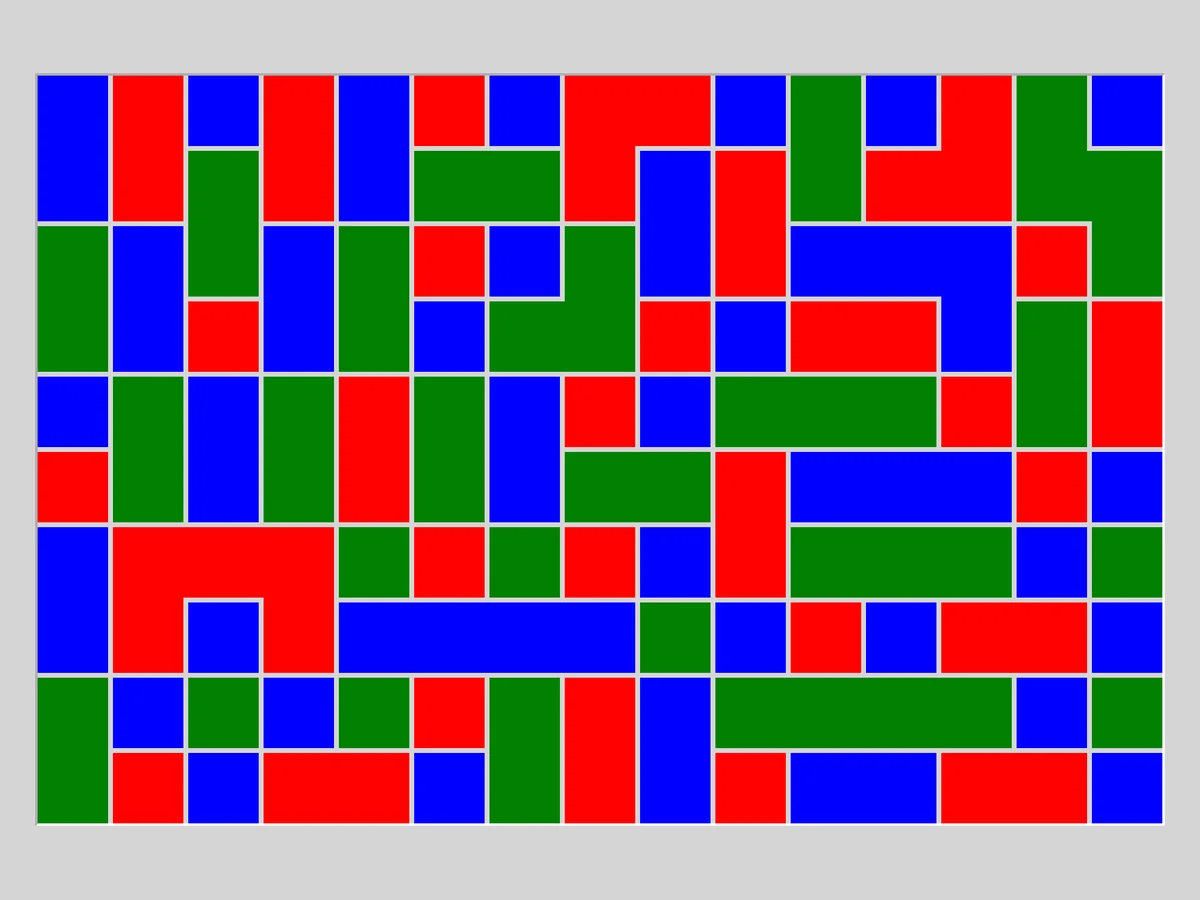
- Flood: flood the grid with one colour from the top left corner, a colour at a time, within the move limit.
- Flip: turn every square light when each click flips a whole group of squares.
If you are not sure where to start, Loopy, Tents and Light Up teach the habits of the whole collection quickly, and Keen is the best introduction to the number puzzles for anyone who already knows Sudoku.
Strategy that works across the collection
Each puzzle page has its own specific tips, but a handful of habits carry over to nearly all of them.
Start small and easy. The default size is often a medium one. Open the Type menu and pick the smallest grid at the easiest level for your first few games. You will see the basic deductions in isolation, and they will feel obvious much sooner.
Look for forced moves first. Every puzzle has squares that can only go one way: a 0 in Loopy, a 4 in Light Up, which needs a bulb on every side, a single-square block in Keen, a row in Tents whose clue is 0. Fill those in before thinking hard about anything else. Each forced move tends to create the next one.
Use marks for what you have ruled out. The second mouse button, or the Mark button on a touch screen, records negative information: a line that is not part of the loop, a square that cannot hold a tent, a pencil mark for a digit still possible. Writing down what is impossible is often how the possible becomes visible.
Work from the edges and corners. Squares on the border have fewer neighbours, so their clues are more restrictive. Many puzzles open up from the outside in.
Think about the whole as well as the parts. Several puzzles have a global rule: one loop, one connected network, all white squares joined. When a move would close off a region or finish a loop too early, that alone rules it out.
Undo freely. Undo and redo are unlimited, and they are part of the game, not cheating. If you want to test an idea on a hard grid, try it, follow where it leads, and step back if it breaks something. Restart takes you to the start of the same grid.
Let the game catch errors. Most puzzles show clear mistakes in red: a repeated digit, an island with too many bridges, two bulbs facing each other. They do not reveal the answer, but they stop a small slip from ruining a long solve.
How our player works
Every puzzle runs in a WebAssembly build that FredyGames compiled from the author's official source snapshot, without changes to the puzzles themselves, in a page of our own that loads nothing from other sites. When you click Play, the puzzle appears with a menu bar above the board:
- New game, Restart, Undo, Redo and Solve. Solve shows the answer, and you can undo it to carry on by yourself.
- The Type menu holds the size and difficulty presets, plus Custom.
- The Game menu lets you type in a game ID or a random seed (handy for sharing a specific grid with a friend), download the current game as a file, load a saved file and change the preferences.
Your game is saved automatically. The puzzle in progress, with its whole undo history, is kept in your browser and comes back the next time you open the page. As with every save on the site, it lives only on that browser and device, and clearing the site's data removes it. Our guide to playing in your browser explains how local saves behave.
On a phone or tablet, a tap acts as the main click. For the second action, the one a right click does on a computer, turn on the Mark button in the menu; your taps then place marks until you turn it off. The number puzzles, such as Solo, Keen, Towers and Unequal, also show a row of number keys below the board, so you never need the on-screen keyboard.
On a computer, the keyboard works too: the arrow keys move a cursor, Enter and Space act on the square under it, and N, U and R start a new game, undo and redo. Each game page lists the exact keys.
Where to go next
Every puzzle from the collection that we host is on the browser games platform page, alongside other games written for the web, and our guide to browser games and js13kGames introduces the rest. If you enjoy the slow, deliberate kind of play these puzzles reward, our beginner's guide to text adventures is a good next stop, and how FredyGames checks every game's licence explains why a collection like this one, free and open from the start, is exactly the kind of software we are glad to host.