Portugues
A beginner's guide to text adventures
A text adventure has no graphics, no music and no reflex tests. It describes a place in a few sentences, then waits for you to type what you want to do. That modest premise has produced some of the most inventive games ever written, and it is one of the easiest genres to start: if you can read and type, you can play. This guide covers what these games are, where they came from, how to talk to them, and which ones on FredyGames make the best first steps.
What interactive fiction is
Text adventures are also called interactive fiction, often shortened to IF. The two names describe the same thing from different angles: an adventure, because you explore and solve problems; fiction, because what you are really doing is reading a story that reacts to you.
A typical turn looks like this:
Kitchen
A narrow room with a window over the sink. A drawer is slightly open.

> open drawer
You open the drawer, revealing a small brass key.

> take key
Taken.
The game describes, you act, the game responds. The part of the program that reads your sentence is called the parser, and a good one understands far more than you might expect: several objects at once, pronouns like "it", and whole sentences such as put the key in the box.
A very short history
The genre began in the mid-1970s with Colossal Cave Adventure, written by Will Crowther and later expanded by Don Woods, which let players explore a cave by typing two-word commands. It inspired a group at MIT to write Zork, a larger and much more articulate game. Several of its authors founded Infocom, which split Zork into three parts so it would fit on home computers and released Zork I in 1980.
Infocom's trick for reaching so many different computers was the Z-machine: an imaginary computer for which the games were written, plus a small interpreter for each real machine. The same story file could then run anywhere. That idea is why these games still run today, and why they run in your browser on FredyGames.
Commercial text adventures faded in the late 1980s as graphics took over, but the form never died. Hobbyists reverse-engineered the Z-machine, wrote new tools to create games for it, and built a community with annual competitions that still release dozens of new games every year. Most of the IF on FredyGames comes from that community, including games written in the 2020s for computers from the 1980s.
How to type commands
Commands usually start with a verb, followed by the thing you want to act on. You do not need perfect English; short and direct works best.
| What you want | Type | Short form |
|---|---|---|
| Walk somewhere | north, south, east, west, northeast... up, down, in, out |
n, s, e, w, ne, u, d |
| Look around again | look |
l |
| Look closely at something | examine lamp |
x lamp |
| See what you carry | inventory |
i |
| Pick up or put down | take lamp, drop lamp, take all |
get lamp |
| Use objects together | put key in box, unlock door with key |
— |
| Talk to someone | ask guard about tower, talk to guard (depends on the game) |
— |
| Let time pass | wait |
z |
| Repeat the last command | again |
g |
| Keep or load progress | save, restore |
— |
| Take back a move | undo |
— |
| Ask for help | help, hint, about (when the game offers them) |
— |
A few habits help enormously:
- Examine everything. The room description mentions a painting?
x painting. Most of the clues in a text adventure are hidden one level deeper than the first description. - Read the replies carefully. If the game says "You can't see any such thing", the object is not here or uses a different name. Try the exact noun the text used.
- Save before anything risky. Some games, especially older ones, let you make mistakes you cannot undo. Saving with several file names gives you a choice of where to go back to. On FredyGames, saves are kept in your browser, as our guide to playing retro games in your browser explains.
- Try
undo. Most modern games accept it and take back your last move. Some very old games may not, which is one more reason to save. - Look for the help command. Many games, especially newer ones, explain their own commands with
helporabout, and some include context-sensitive hints.
Drawing a map
Mapping is the oldest text adventure skill, and still one of the most satisfying. Each time you enter a new place, write its name in a box and draw a line for the exit you took. Mark doors that are locked, places that are dark and objects you left behind.
Paper and pencil work perfectly; a spreadsheet or a free diagram tool also works. Watch for two classic tricks: passages that do not lead back the way they came (going north and then south does not always return you), and mazes of rooms with identical descriptions. The usual answer to a maze is to drop a different object in each room so they become distinguishable.
Modern games are kinder. Several in our catalogue list the exits in the status line or describe them clearly, and some have no compass directions at all.
The puzzles you will meet
Puzzles in text adventures tend to fall into a few families, and recognising them makes them easier:
- Locks and keys, in the broadest sense: a door, a guard or a machine blocks the way, and something elsewhere opens it.
- Object combinations: using two things together, or using one thing in an unexpected way.
- Light and darkness: many games, Zork above all, make you find a light source before you can explore underground.
- Timing: something happens on a schedule, and you must be in the right place at the right moment.
- Characters: people who want something before they will help, or who react to what you show them and ask them about.
- Wordplay: some games build their entire world around language, where changing a word changes the thing.
When you are stuck, step back. Re-read the descriptions, examine the objects you carry, and list what you have not yet used. The answer is usually in plain sight.
Hints and walkthroughs: a little etiquette
There is no shame in getting help. Infocom itself sold hint booklets printed in invisible ink, so that players could reveal one clue at a time. The same principle is a good guide today: take the smallest hint that gets you moving.
Start with the game's own hint or help command, if it has one. Then look for graded hints, which reveal answers gradually. Save full walkthroughs for when you are truly stuck, or for after you finish, when they show you everything you missed. And if you write about a game, warn readers before revealing puzzle solutions; part of the joy is the moment the answer clicks.
Where to start on FredyGames
All of these play in the browser with nothing to install. They are listed roughly from gentlest to most demanding.
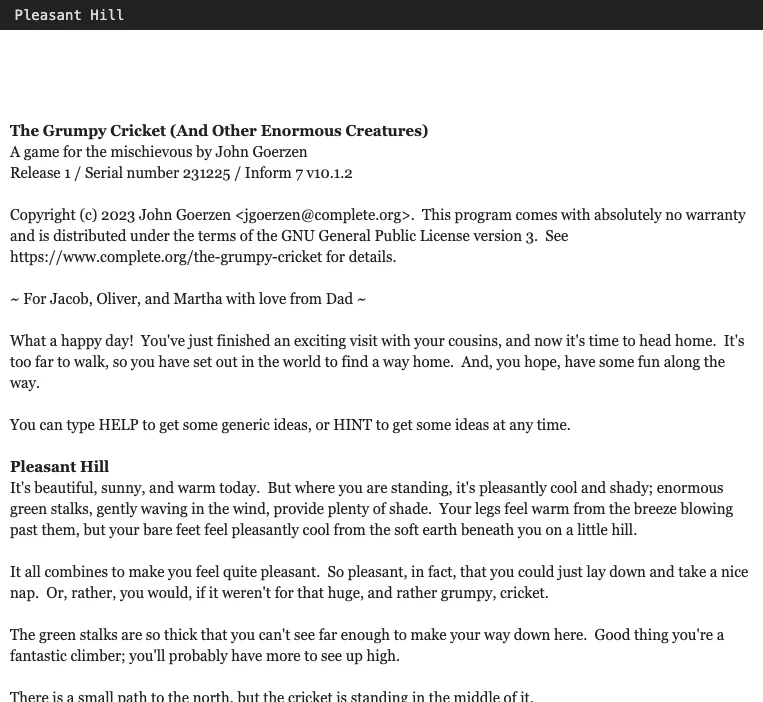
- The Grumpy Cricket. Written for the author's children and ideal for anyone's first text adventure: nobody dies, you cannot get permanently stuck, and the
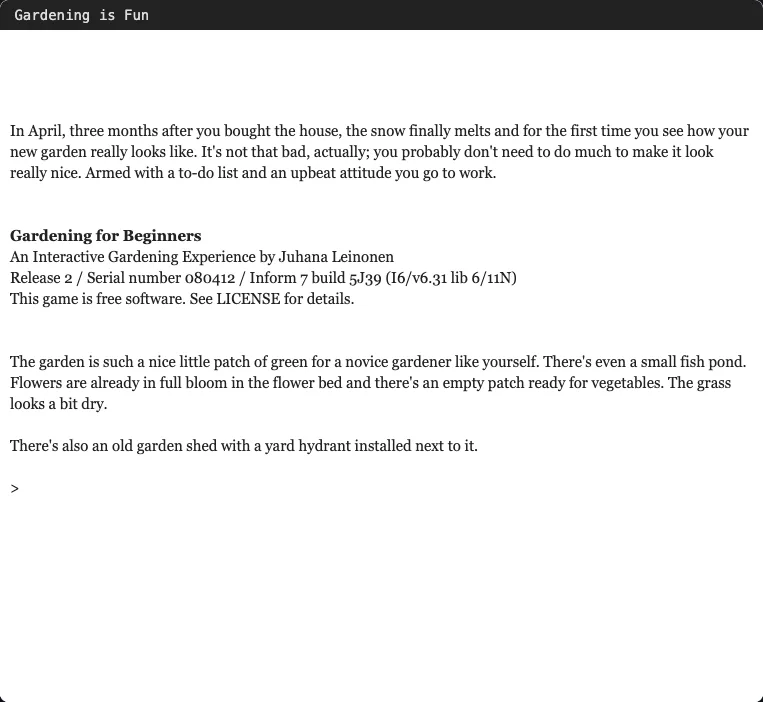
hintcommand always knows where you are. - Gardening for Beginners. A short comedy set in one garden and a shed. There is nowhere to get lost, and a to-do list tells you what is left.
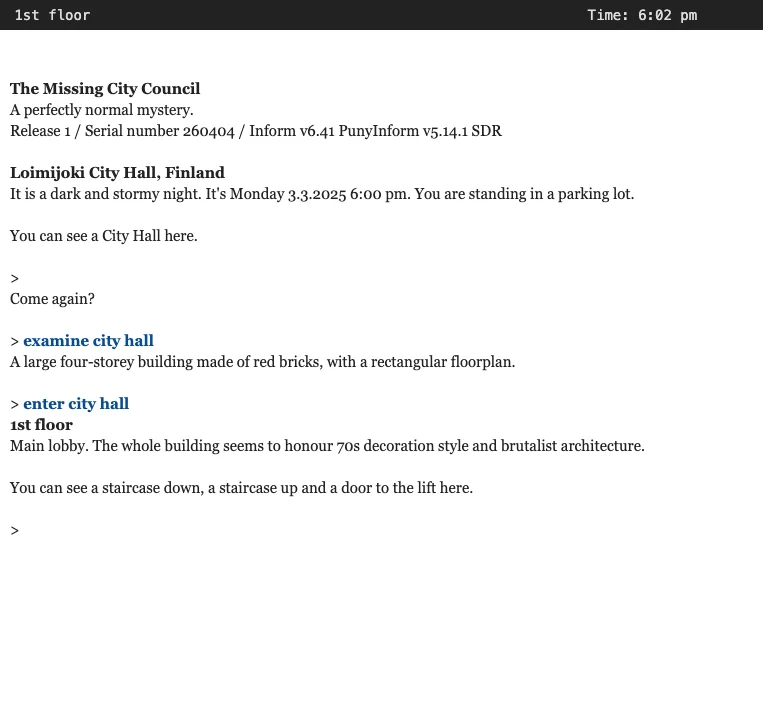
- The Missing City Council. A short, forgiving mystery in a town hall where the front door only opens one way. It can be finished in one sitting, and nothing you do leaves you stuck.
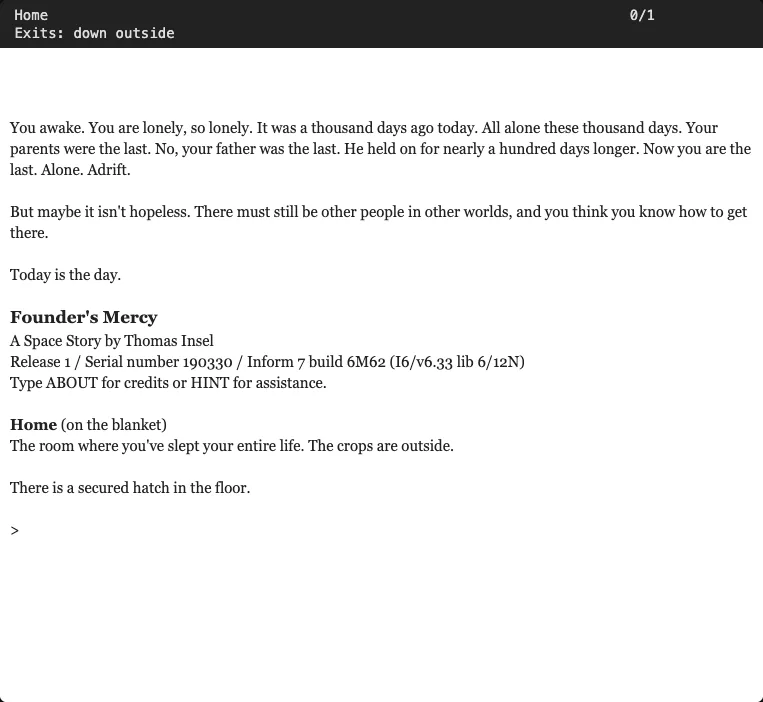
- Founder's Mercy. A quiet, melancholy story aboard an abandoned space station, designed so it cannot become unwinnable. It uses ship directions instead of compass points, and the status line lists the exits.
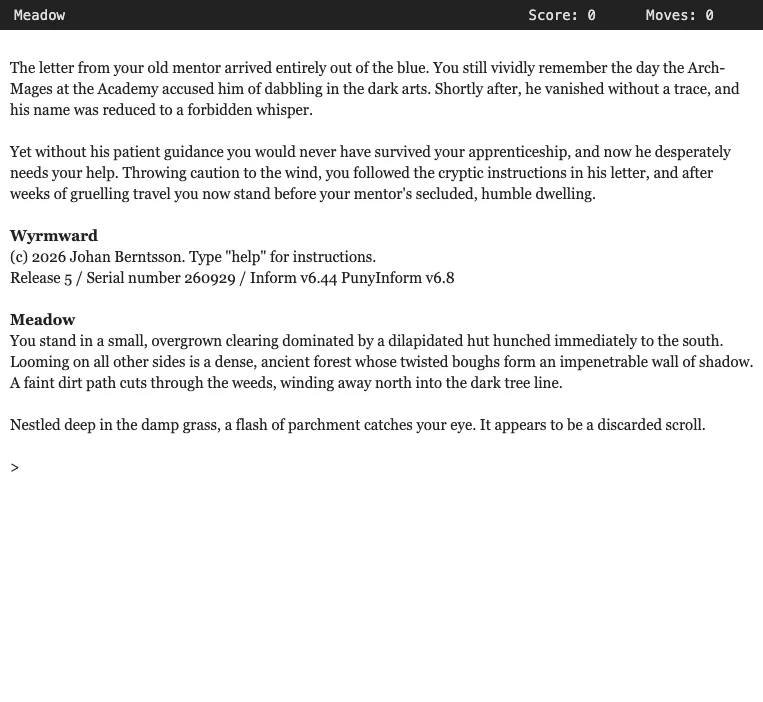
- Wyrmward. A fantasy adventure built around a spellbook, very much in the style of the 1980s classics, with a score to chase.
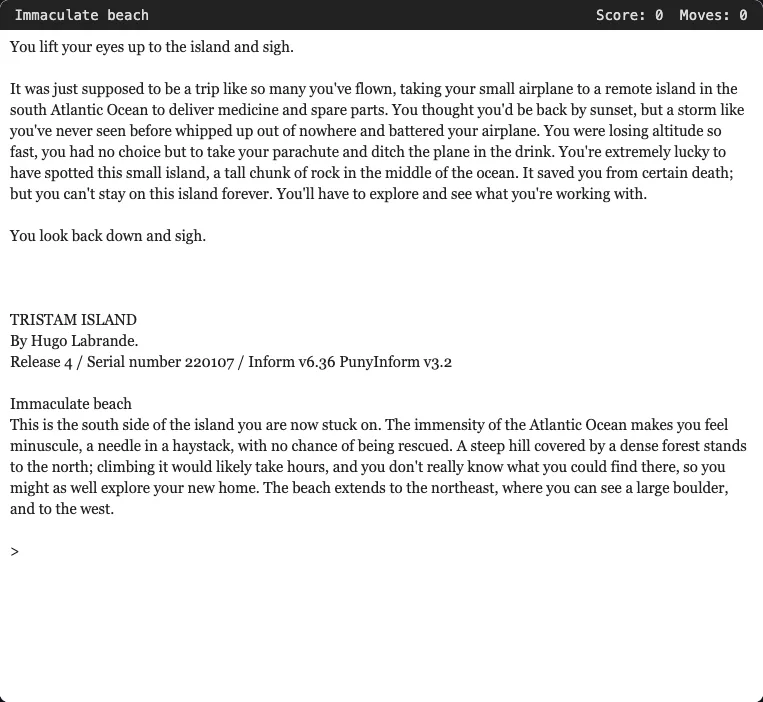
- Tristam Island. A castaway exploring a deserted island, written in the classic style but with a modern sense of fairness.
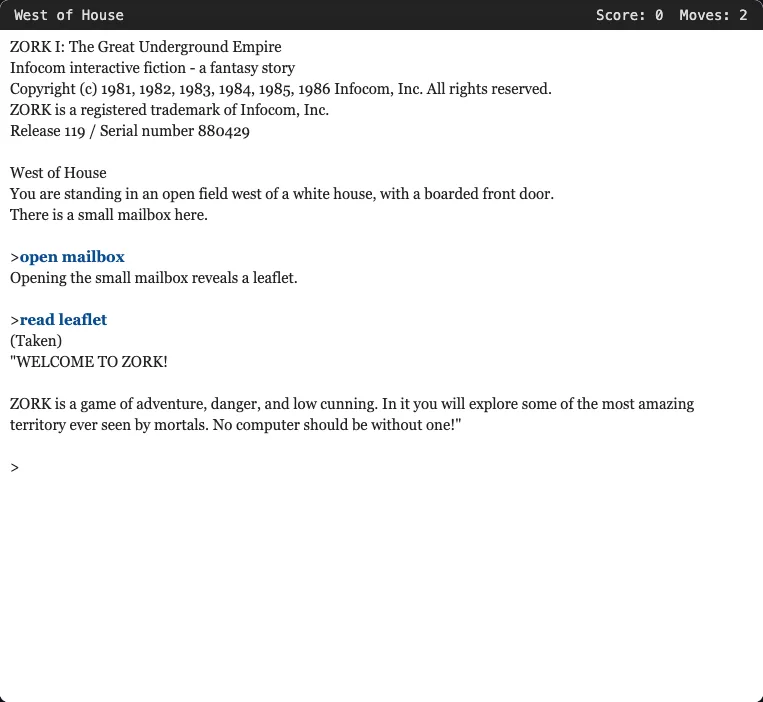
- Zork I. The classic. Funny, sprawling and sometimes unfair in the manner of its time; play it with a map and frequent saves, and beware the grue.
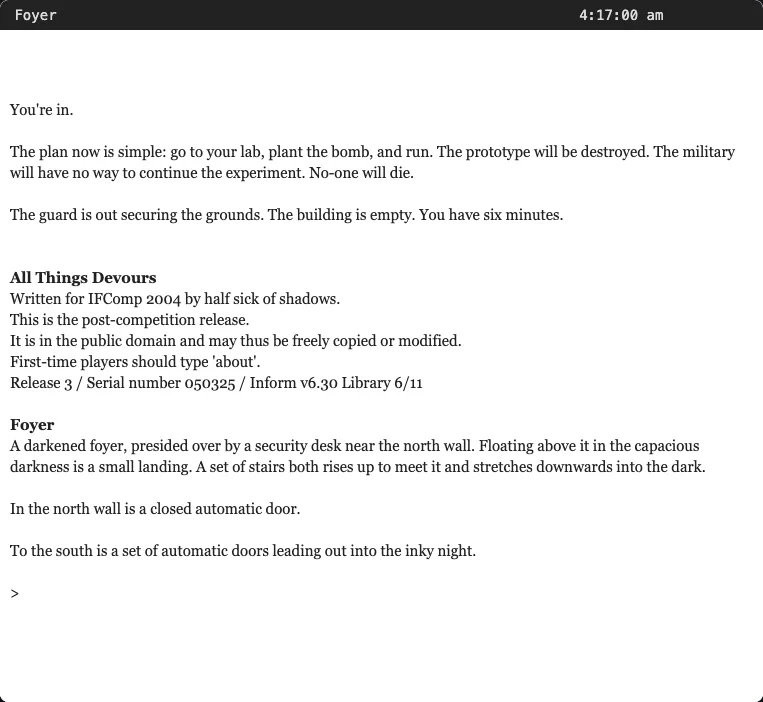
- All Things Devours. A tightly built game about time with a clock that matters in every move. Expect to replay it several times. Best saved for when you are comfortable with the basics.
Once those feel familiar, the rest of the text adventures on FredyGames go in many directions: the comic prison breaks of Escapade!, the short and contemplative Starborn, or the wordplay of Counterfeit Monkey, a long game widely regarded as one of the best of the form.
Closing thoughts
Text adventures ask for a little patience in exchange for a lot of imagination. The pictures are drawn in your head, the world answers back, and the best moment, when a puzzle suddenly makes sense, belongs entirely to you. Start with something gentle, keep a map, save often, and do not be afraid to type something odd: sometimes that is exactly what the author hoped you would try.
Curious about the rest of the catalogue? Read what homebrew is and how we check every licence; every game here, including these adventures, is shared with its rights holder's permission.