Portugues
NES homebrew: where to start
Forty years after it reached shops, the NES is still getting new games. They are not reissues or ports of old titles: they are fresh designs, written by independent developers for the original 8-bit hardware and often released with their full source code. This guide explains what makes the console an interesting target, what the modern homebrew scene looks like, and which of the NES games on FredyGames are the best places to start. Every one of them runs in your browser, with nothing to install.
The hardware in a nutshell
The Family Computer, or Famicom, launched in Japan in 1983, and a redesigned version arrived in North America as the Nintendo Entertainment System in 1985. Inside both is the same small set of chips, and its limits shape every game written for it.
- The CPU is a Ricoh chip built around a 6502 core, the same family of processor found in many home computers of the era, running at under 2 MHz. Games are traditionally written directly in 6502 assembly language.
- Work memory is just 2 KB of RAM. Everything the game needs to remember from moment to moment, from the player's position to the score, has to fit in that space.
- The picture processor (PPU) draws a 256×240 image made of 8×8 pixel tiles. There is no frame buffer to paint pixels into freely; instead the game arranges tiles on a background grid and positions up to 64 sprites on top.
- Colour is rationed. The background is coloured in 16×16 pixel blocks, each block choosing one of four small palettes of three colours plus a shared backdrop colour. Sprites get four palettes of their own.
- Sprites have a per-line limit. Only eight sprites can appear on the same horizontal line. Put a ninth there and it simply is not drawn, which is why so many NES games flicker: they rotate which sprites get dropped each frame so that everything stays at least partly visible.
- Sound comes from five channels built into the CPU chip: two pulse waves, a triangle wave (usually the bass), a noise channel for drums and explosions, and a channel that plays low-quality samples.
The cartridge is part of the machine too. Program code and graphics live on separate chips in the cartridge, and larger games add a mapper, extra logic that swaps banks of memory in and out so the console can reach more data than its address space allows. Choosing a mapper is one of the first decisions a homebrew developer makes, because it sets how big the game can be and what tricks are available.
None of this is a complaint. These constraints are the reason NES games look and sound the way they do, and working within them is a large part of the appeal for people who still write for the system.
The homebrew scene today
NES homebrew has been around since the late 1990s, when hobbyists began documenting the console's behaviour from scratch. Today that knowledge is collected by the NESdev community, whose wiki and forums describe the hardware in enough detail to write a game, or an emulator, without any official documentation.
A few kinds of tools come up again and again:
- Assemblers and compilers. The cc65 suite is the most common choice: its ca65 assembler and ld65 linker are used by many projects, and its C compiler lets developers write parts of a game in C. Several of the games below are built with it. Other assemblers, such as asm6 and NESASM, have their own followings.
- Libraries. Small, freely licensed libraries handle the repetitive work: reading the controller, updating the screen safely during the brief window when the PPU allows it, playing music. Shiru's neslib, for example, is widely used by developers who prefer C.
- Graphics and music tools. Tile editors understand the NES palette rules, and music trackers export songs in a format that a small sound driver can play back on the real console.
- Emulators with debuggers. Modern emulators can pause on any instruction, show the contents of video memory and flag code that would misbehave on real hardware. They make development far less painful than it was in the early days.
Competitions and game jams keep the scene moving. The NESdev community has run coding competitions over the years, and general events such as Ludum Dare or the GitHub Game Off regularly attract NES entries. Many homebrew games are later produced as physical cartridges by their authors or small publishers, which is a reminder that these are real games for a real machine, not just files for emulators.
Why only some homebrew is here
FredyGames only publishes games whose authors have explicitly allowed redistribution, typically through a free software or Creative Commons licence that also permits commercial use, since this site shows ads. That rules out a lot of excellent homebrew that is sold on cartridge or offered as a free download without redistribution terms. When a licence requires it, as the GPL does, we host the complete source code of the exact build we serve. The details are on our licences page and in our guide on how we check licences. If you are new to the idea, what is homebrew? covers the basics.
Every game below runs in jsnes, an NES emulator written in JavaScript. F2 saves a snapshot of the game in your browser and F4 restores it, and a gamepad works if you have one.
A tour of our NES games
Arcade action
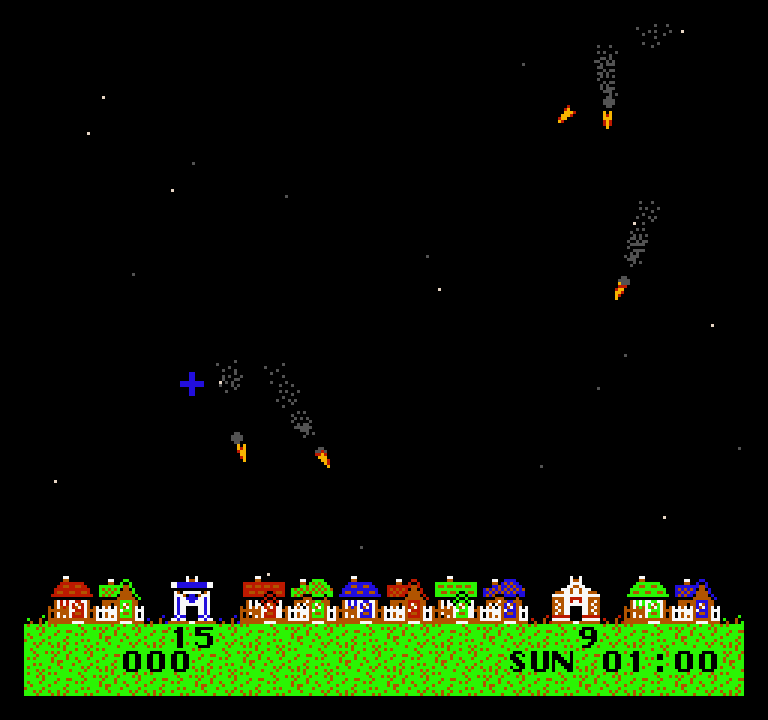
- Thwaite by Damian Yerrick is a missile-defence game: you guard a row of houses from falling warheads across a week of nights, with two silos, limited ammunition and a cursor that accelerates and brakes. It is a good example of polish on tight hardware, including smoke and explosions made to look translucent by flickering them. (Note the photosensitivity warning on its page.) It also supports two players in co-operative mode.
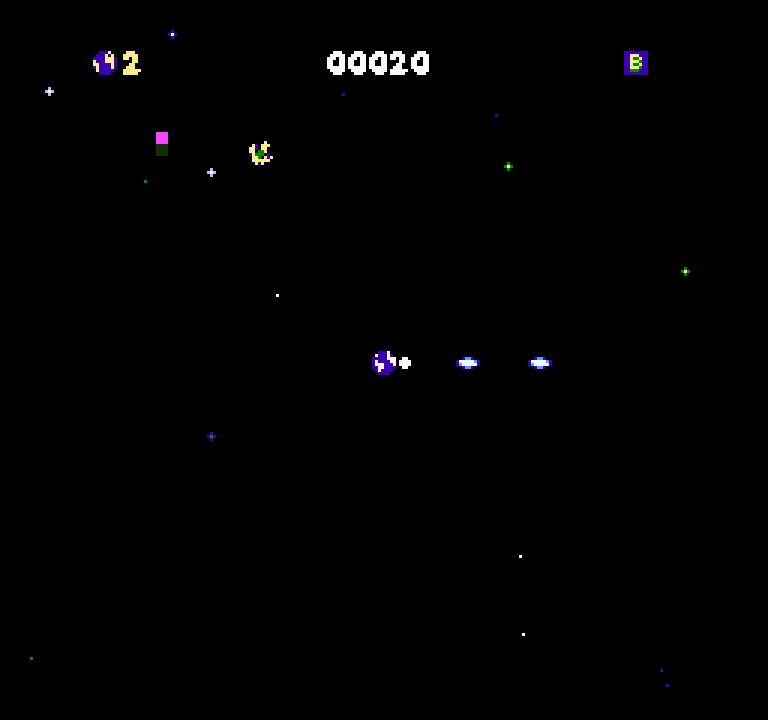
- Lunar Limit by Pubby is an arena shooter where your ship fires on its own and your job is to steer and rotate the gun. Separating movement from aiming makes it feel like a twin-stick shooter on a two-button pad.
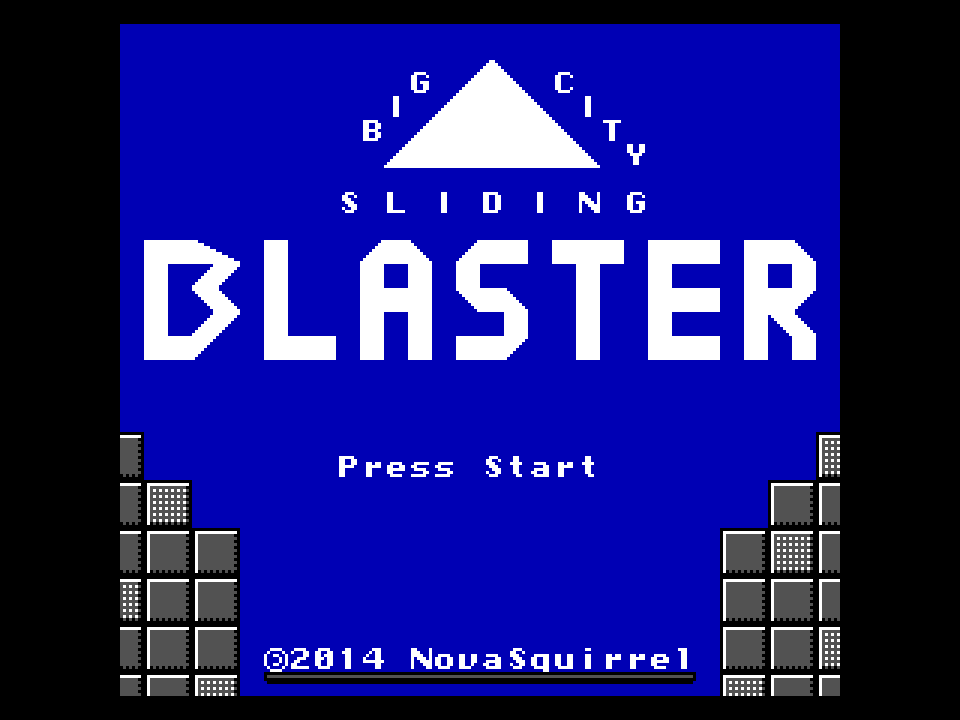
- Big City Sliding Blaster by NovaSquirrel takes away walking altogether. You glide around each arena and boost toward your crosshair, so every move is a small physics problem. A friend can join at any time, and there is a level editor.
- Falling and Lawn Mower are short, focused score-chasers. Falling is a dodging game that slowly ramps up to full speed; Lawn Mower, made by Shiru for a 2011 NES coding competition, asks you to cut every patch of grass before the fuel runs out.
Platformers
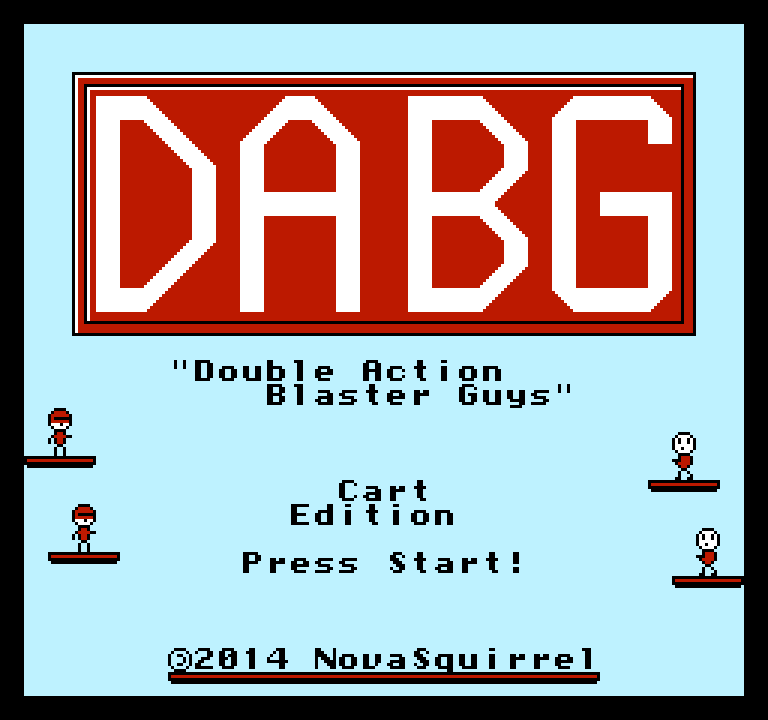
- Double Action Blaster Guys, also by NovaSquirrel, is a single-screen arcade platformer with 52 levels whose goals change from room to room: defeat enemies, collect money, survive a timer. It has drop-in co-op and its own level editor.
- Stallar was made for the Ludum Dare 50 game jam. It looks like a standard run-and-jump game, and it is better not to read too much about it before playing.
Puzzles
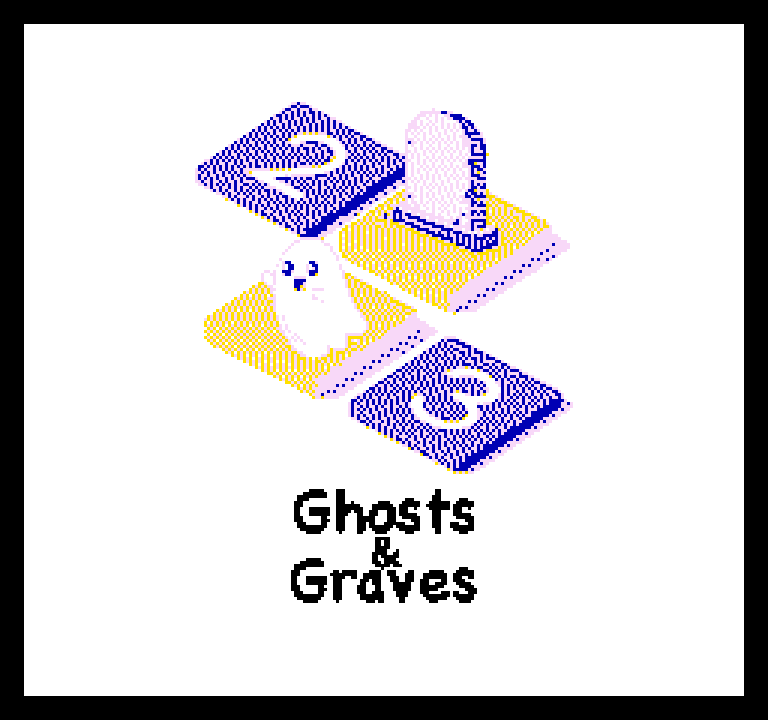
- Ghosts and Graves is a pure logic puzzle with 700 levels: deduce where each grave's ghost is hiding from the numbers on the edges of the grid. If you enjoy pen-and-paper logic puzzles, this one alone can last weeks.
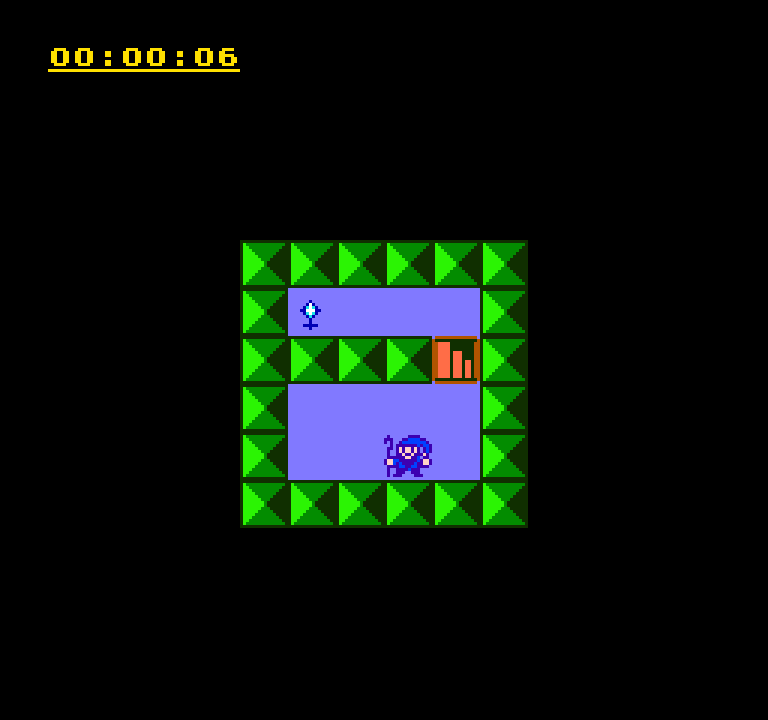
- Ralph 4, by Pubby, is a room-by-room maze where touching anything sends you back to the start of the room. A clock and a death counter turn it into a speedrun challenge.
- Lan Master asks you to rotate cable pieces until every computer joins one network, against a timer, across 50 levels. Shiru released it into the public domain.
- Concentration Room is Damian Yerrick's take on the classic memory card game, with a light story mode and a computer opponent.
Strategy, RPG and two-player games
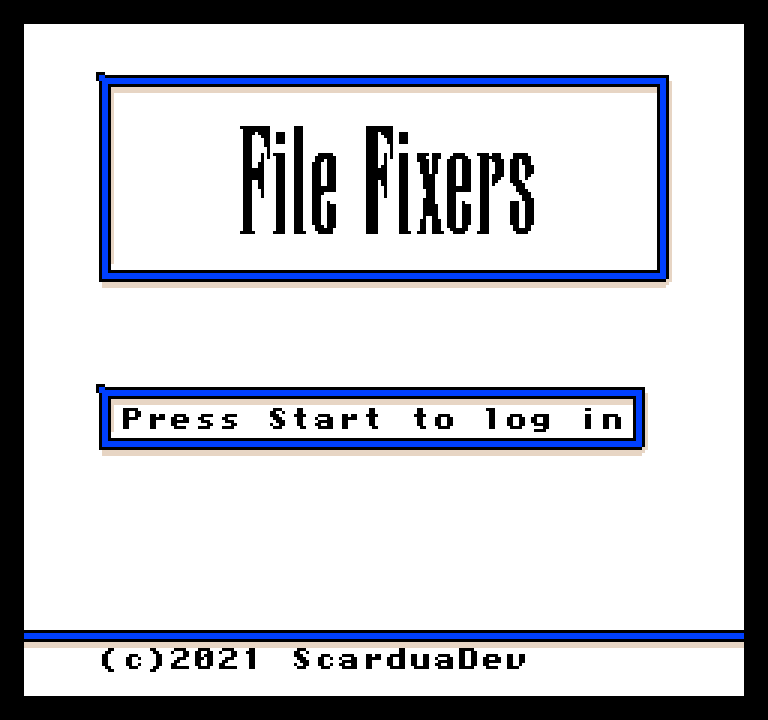
- File Fixers turns a computer into a fantasy kingdom and its drivers into dungeons. It is a turn-based tactics RPG made in a month for the GitHub Game Off 2021, built with freely licensed NES libraries, and it is one of the most ambitious games in our NES section.
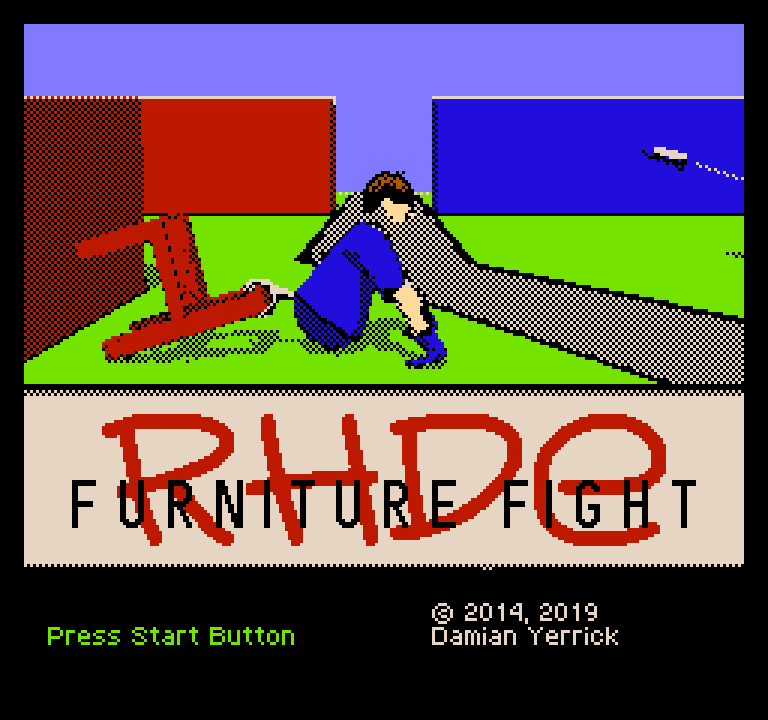
- RHDE: Furniture Fight is a head-to-head game for two people: furnish your house, raid your rival's across the road, then repair the damage. It needs two players, so grab a friend and a second gamepad.
- 8-Bit Table Tennis is about as simple as games get, written in 6502 assembly, and also strictly for two.
Where to start
If you want one game to understand what modern NES homebrew can do, play Thwaite or Double Action Blaster Guys. If you prefer something calm, start Ghosts and Graves and see how many worlds you can clear. If you are curious about development, look at the source code we host for the GPL games, such as Thwaite and Concentration Room: they are readable, well-organised examples of complete NES projects.
The full list is always on the NES platform page. For tips on controls, gamepads and saves, see playing retro games in your browser, and if you want to see what the handheld side of the scene looks like, continue with Game Boy and Game Boy Color homebrew today.