Portugues
Saving your progress in browser games
FredyGames has no accounts and no cloud saves. Nothing you do in a game is sent to us, which is good for privacy and has one catch: your progress lives in a single browser on a single device. Once you know where it is kept and what can erase it, saving stops being a gamble.
This guide covers the kinds of saves you will meet, how they differ from platform to platform, and what to do before you clear your browser or switch computers. For key tables and gamepads, see Playing retro games in your browser.
Three kinds of saves
Save states (F2 and F4). A save state is a snapshot of the whole emulated machine. Press F2 to take it and F4 to return to it, at any moment, even in a game that never had a save feature. Each game keeps one state; a new F2 replaces the old one. The consoles and computers with this feature are the NES, Game Boy and Game Boy Color, Game Boy Advance, Nintendo DS, Mega Drive, Master System and Game Gear, PC Engine, Atari 5200, MSX, Arduboy, Uzebox, CHIP-8 and Vircon32. The Atari 2600 and TIC-80 players have none. On Macs and some laptops you may need to hold Fn with the function key. On a touch screen, the NES, Game Boy, Game Boy Advance, Mega Drive, Master System, Game Gear, PC Engine, Arduboy, MSX, Uzebox and CHIP-8 players draw SAVE and LOAD buttons that do the same as F2 and F4; the Nintendo DS, Atari 5200 and Vircon32 players have no such buttons on a touch screen.
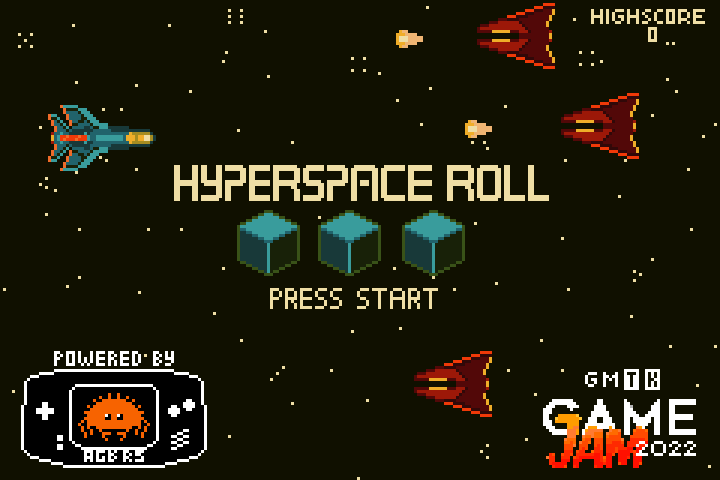
Battery saves. Many cartridges had memory that survived switching the console off. The players imitate it: when the game writes to that memory, the player copies it to the browser. You do nothing. Aevilia, a story-driven Game Boy Color role-playing game, has battery-backed save files that persist this way, and the game saves your best score in Hyperspace Roll on the Game Boy Advance. Game Boy, Game Boy Advance, Mega Drive, Master System, Game Gear, PC Engine, Arduboy, Uzebox and Nintendo DS games with save memory work alike, and Vircon32 keeps its memory card the same way. The NES player stores only the F2 state, not cartridge memory.
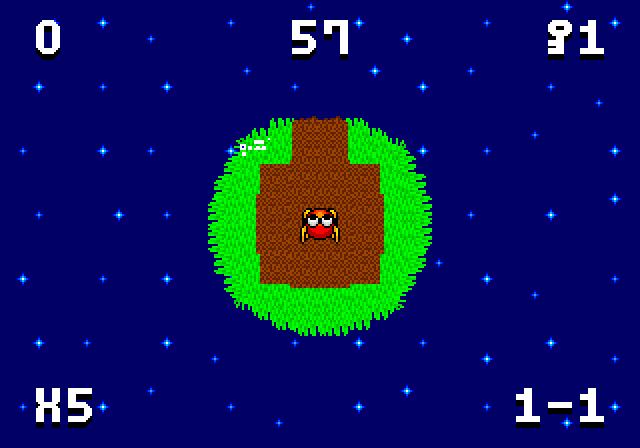
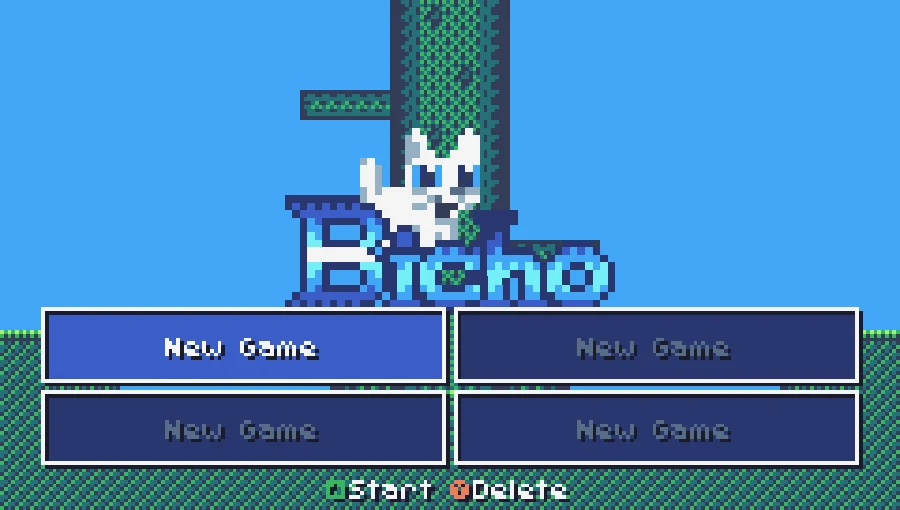
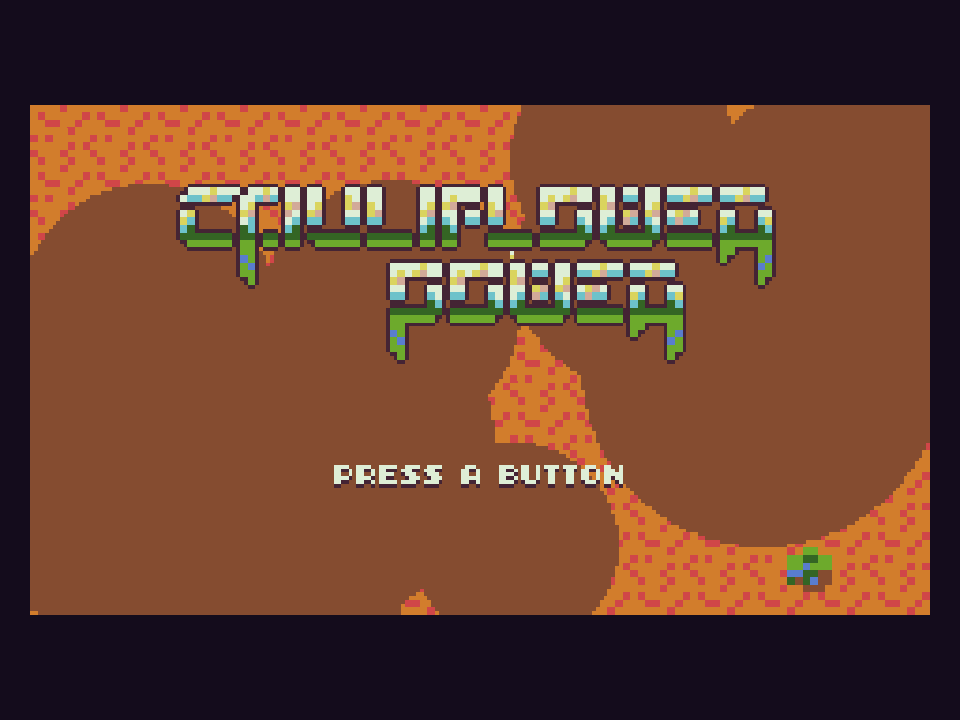
The game's own saves. A menu, a password, a save command or a checkpoint that the game writes itself. This is the sturdiest option, because it does not depend on the emulator version. Bicho on TIC-80 has four save slots, and Cauliflower Power remembers the levels you unlocked. Miniplanets REMIX has no battery save; it uses passwords, and F2 is the backup if you do not want to write one down.
A practical rule: use the game's own save for long games and treat F2 as a safety net before a risky moment. A state belongs to the exact version of the emulator that made it, and a player update can make an older state fail; several players then show a message that it comes from another version.
How it works on each kind of game
Players differ, so here is what is behind each one:
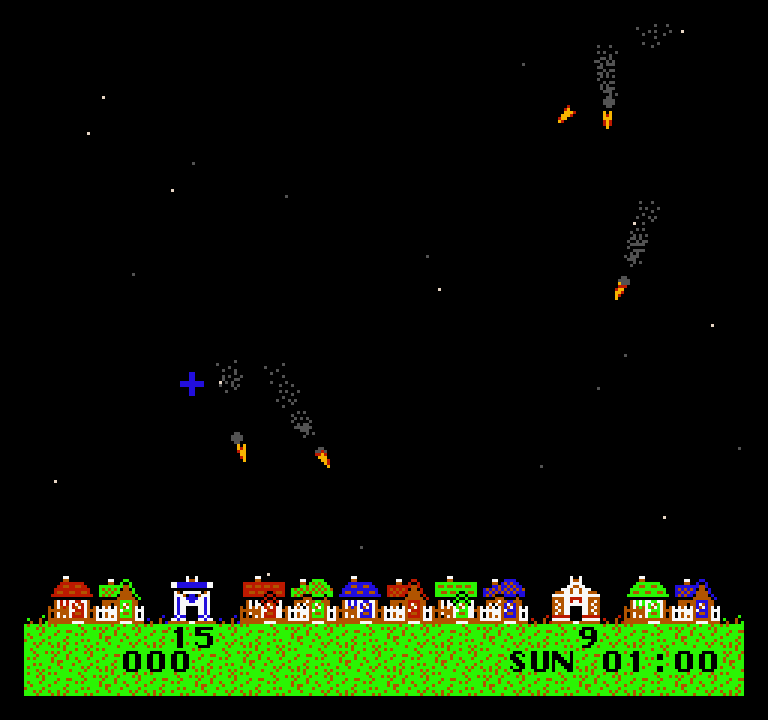
- NES, Game Boy, Game Boy Advance, Mega Drive, Master System, PC Engine, Arduboy, Uzebox, MSX, CHIP-8. States and battery saves go into the browser's local storage, one entry per game (the NES and MSX players keep only states; CHIP-8 also keeps the SUPER-CHIP flag registers, which some games use as a save). Thwaite on the NES is a good place to try F2 and F4, since a night of missiles is easy to rewind.
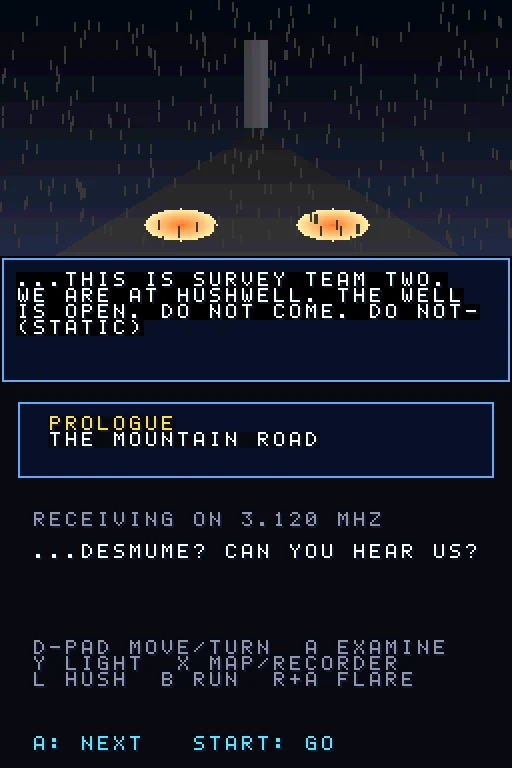
- Nintendo DS, Vircon32 and Atari 5200. On the DS, cartridge saves are in local storage, and on Vircon32 the console's memory card is; the F2 state of all three goes to IndexedDB, a larger browser database. Hushwell, a DS horror game, saves at the radios inside the game.
- TIC-80. The player itself stores the game's persistent memory in IndexedDB.
- WASM-4. The game's own disk is kept in local storage. The runtime's state keys, 2 and 4, only work while the page stays open; a reload loses that snapshot.
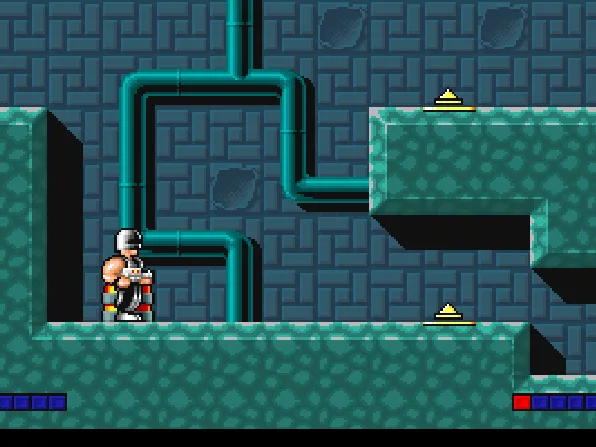
- DOS. The DOS player saves the browser-side disk of the game when the tab is hidden, when you leave fullscreen and at similar moments, so most DOS games remember what they wrote to disk. Many also have their own keys: in Electro Man, F2 stores the last checkpoint and F3 loads it.
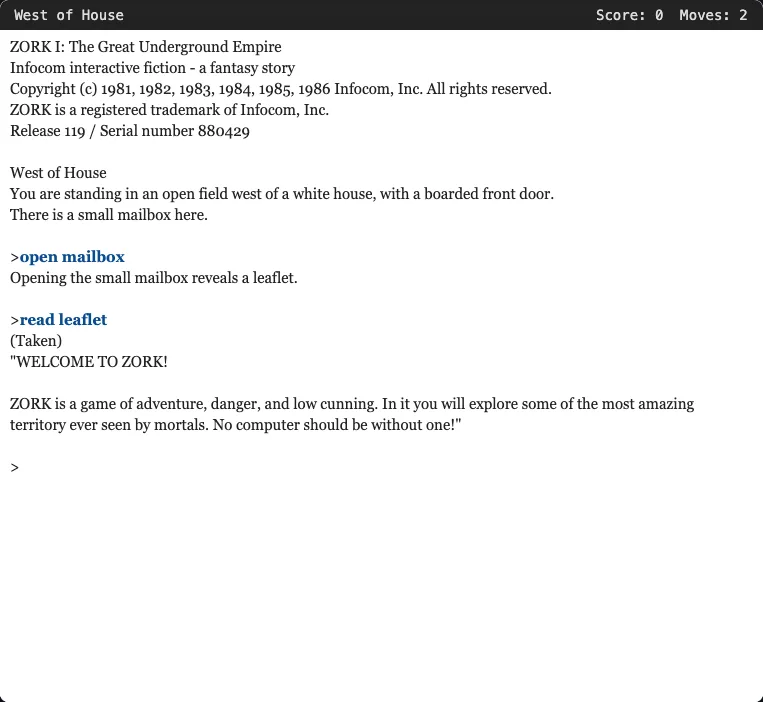
- Text adventures. Type
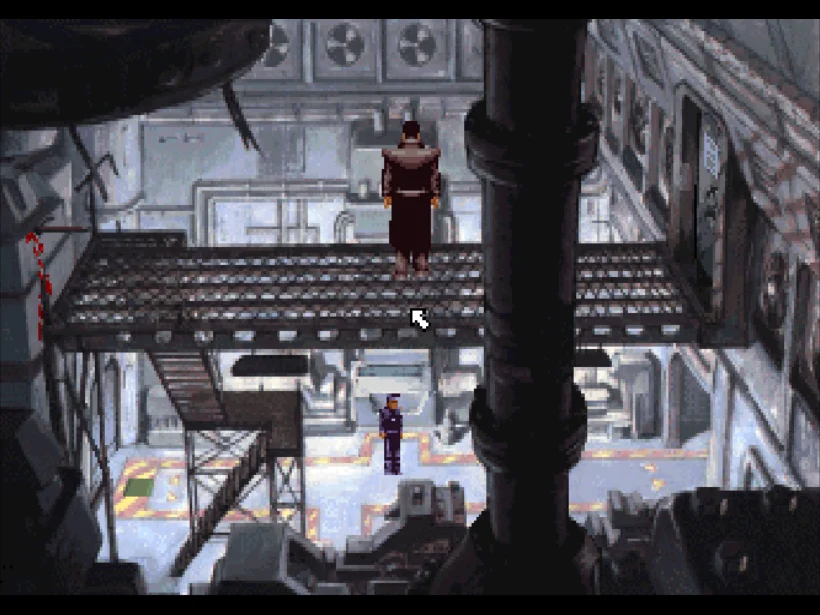
save, thenrestorenext time. Zork I keeps the file in this browser. - ScummVM adventures. Saves are kept in IndexedDB. In Beneath a Steel Sky, press F5 for the game menu or Ctrl+F5 for the ScummVM menu to save and load.
- LÖVE, Pyxel and pygame games. Each game gets its own IndexedDB database. A game only writes there if its author coded saving; many do not.
- Flash. Ruffle stores the game's local data in local storage, keyed by the file.
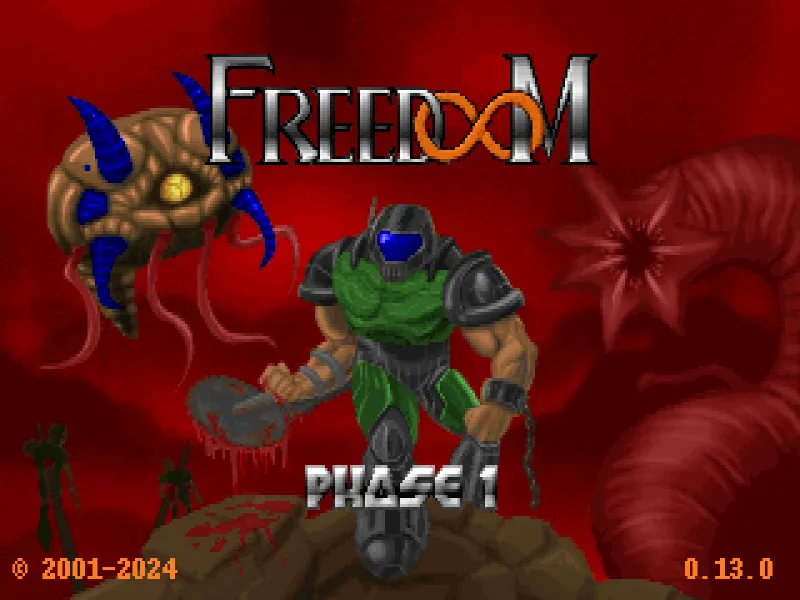
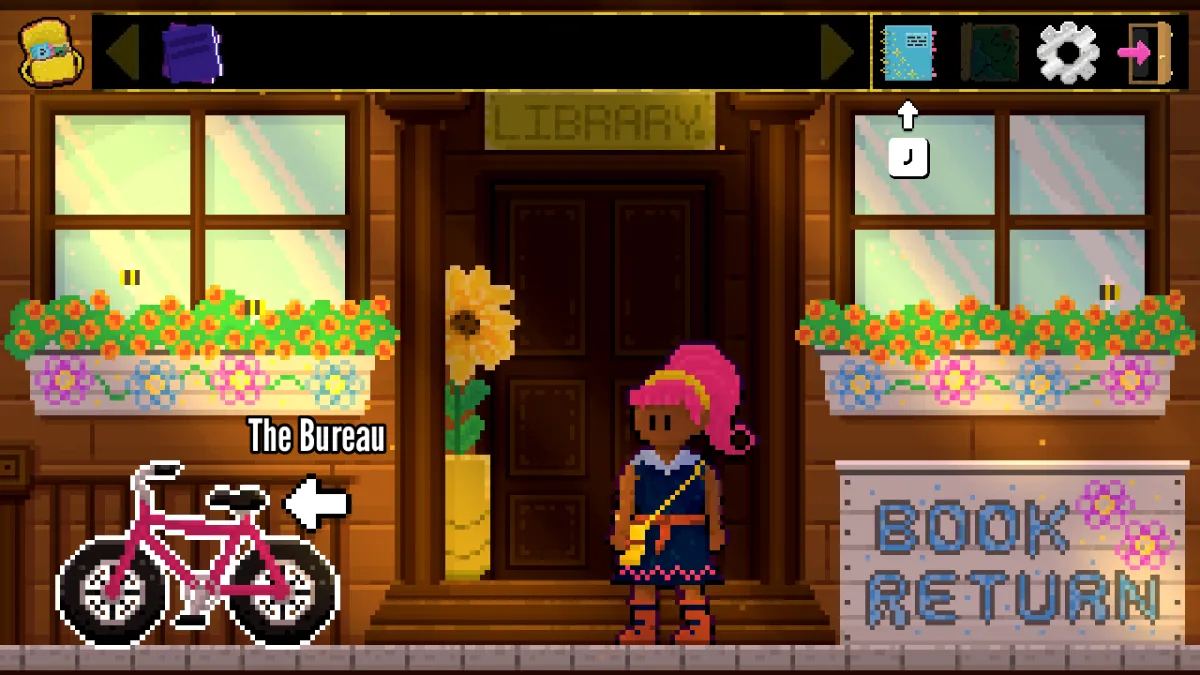
- Godot and other web games. Each Godot game now keeps its saves in its own IndexedDB database, so two games can no longer overwrite each other's settings (a game's first visit after the change copies what the old shared area held, so nothing is lost). The Case of Bad Bureaucracy saves in the browser; Freedoom has six save slots on F2 and loads on F3. Some games keep nothing: Aqua Journey says so on its page, and 3D Fighter keeps only scores, options and replays.
Each game page says what is saved. When it says nothing, assume the game starts fresh every visit.
What erases a save
Everything above sits in your browser's site data for fredygames.com, so anything that clears it clears your saves:
- Clearing cookies and site data. Choosing "cookies and other site data", the "clear all" cleaners and browser extensions that wipe storage on exit all delete saves. Cache-only cleanup does not.
- Private or incognito windows. Saves work during the session and vanish when the last private window closes.
- Blocked storage. If the browser blocks site data, or the disk quota is full, the console players show "Could not save" when you press F2, instead of pretending. Allow site data for fredygames.com or free space.
- Long absence. Some browsers, Safari especially, can remove site data for sites you have not visited in a while (Safari has been reported to do so after about a week of use without a visit; an icon added to the home screen is treated differently). Return now and then, or keep a note of passwords.
- A different address. Storage belongs to one site address, and we redirect other hostnames to fredygames.com so that saves stay in one place.
Moving to another browser or device
There is no export button, and saves do not travel with you. Progress in Firefox on a laptop is invisible to Chrome on a phone. What you can do:
- Finish or reach a good stopping point before switching.
- Use passwords or codes where the game offers them, since they work anywhere: Miniplanets REMIX is one.
- Write down what you need: the level you reached, the code, the chapter.
- Stay on one browser for the long games. It is the only dependable way to keep a long Game Boy RPG or a Freedoom campaign.
Good habits
- Save before bosses, long walks and anything that cannot be undone.
- Take an F2 snapshot before trying something silly.
- Play the first minutes of a new game before investing hours, then check the page for what it saves.
- If you plan to clear browsing data, do it with "keep" exceptions for fredygames.com, if your browser has them.
Saves are small and local, which makes them private and a bit fragile. A little care keeps them.