Portugues
New to FredyGames? A quick tour
FredyGames is a collection of free games that run in your browser: old computers, handheld consoles, fantasy consoles and games written for the web. There is nothing to install and no account. This tour covers the first ten minutes: where to look, what happens when you press Play, and why you will notice that things download only after that click.
Start from the home page
The home page opens with a short introduction and a row of Recently added games, the twelve newest. Below it come rows by platform, each in the order of the menu. A row is a quick way to see what a platform feels like before you commit to it.
If you want a first game right now, any of these start quickly and work with a keyboard (and, for most, a gamepad or a touch screen):
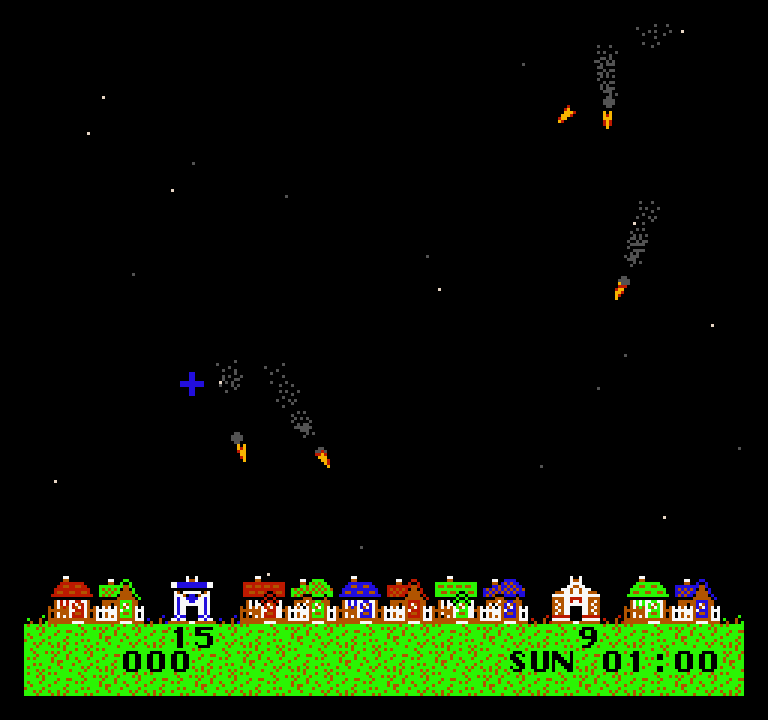
- Thwaite, a NES homebrew game where you defend a town from missiles with two silos.
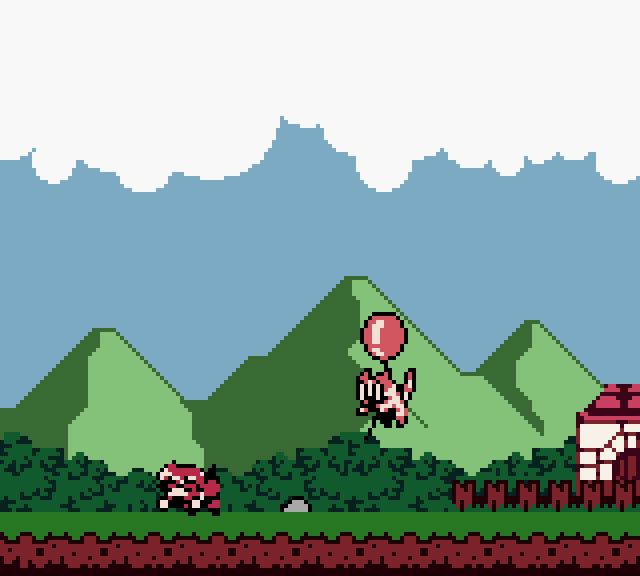
- Tobu Tobu Girl Deluxe, a Game Boy Color platformer about bringing your cat back from the sky.
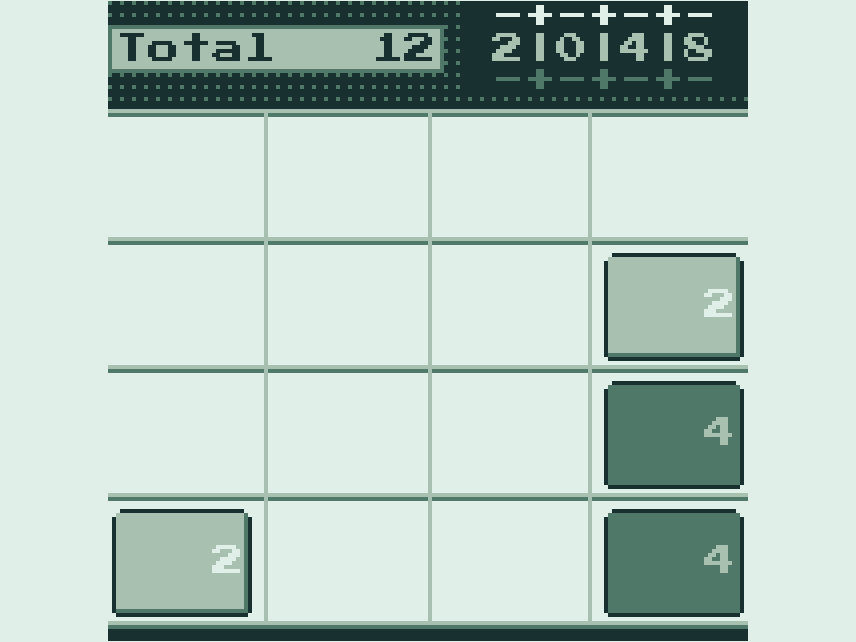
- 2048, the sliding number puzzle in a compact WASM-4 version.
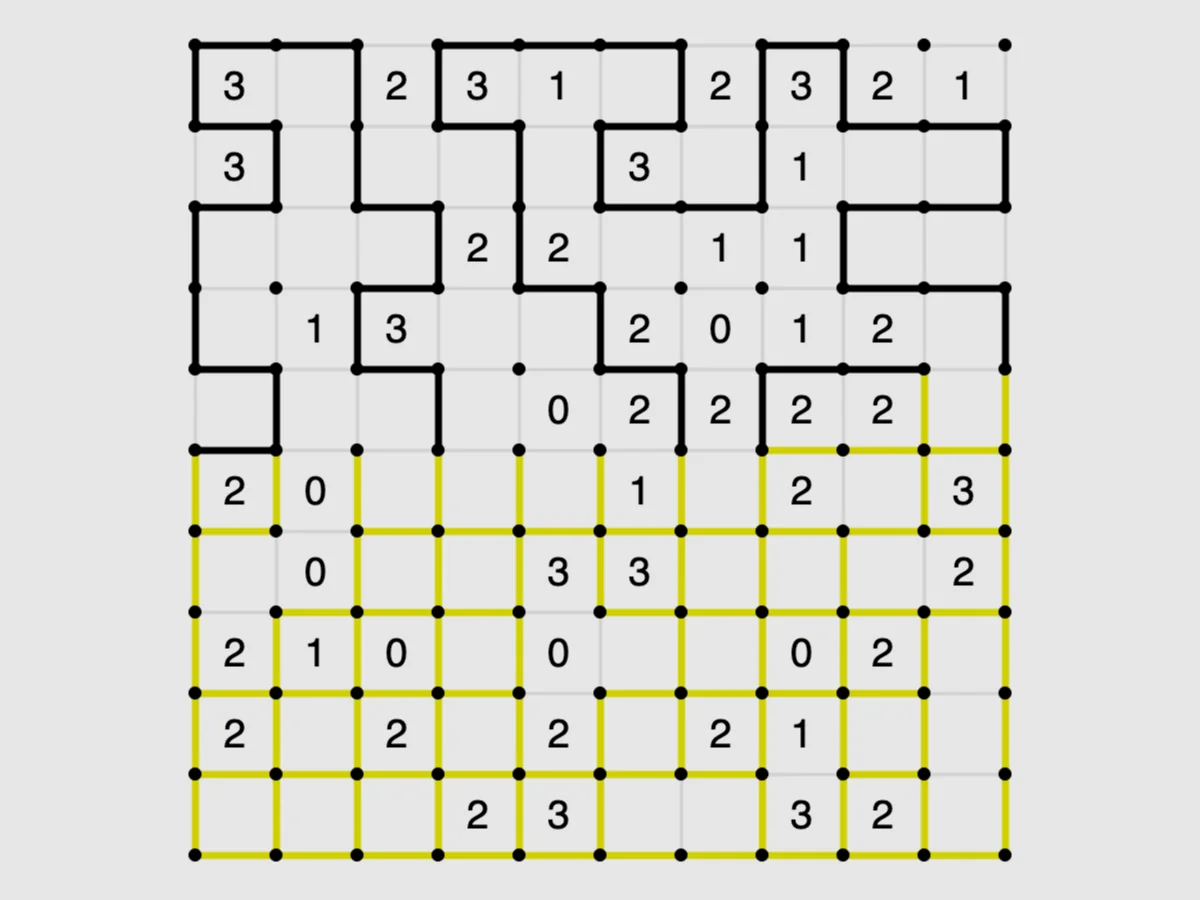
- Loopy, a loop-drawing puzzle from Simon Tatham's collection.
Browse by platform
The main way to browse is the platform a game was made for: NES, Game Boy, Mega Drive, DOS, text adventures, browser games and more. Open Platforms in the menu for a list with the number of games in each, or visit all platforms. Every platform page has a short text about the system and a filter by genre.
Platforms are an honest way to organize things here, because a platform decides how a game plays. NES, Game Boy and Mega Drive games use a keyboard, a gamepad or, on a touch screen, on-screen buttons. Text adventures use typed commands. Fantasy consoles such as TIC-80, WASM-4 and Vircon32 are virtual machines built by hobbyists; the fantasy console guide explains why they exist. If a word like "homebrew" is new to you, What is homebrew? covers it.
Browse by genre
If you know the kind of game you like, use Browse by genre, or open the genre pages: puzzle, platformer, shooter, roguelike, strategy and many others. Each page has an introduction and a row of games from different platforms, so a genre page is the place to compare how the same idea plays on a Game Boy and in a browser. There are also themed guides, such as puzzle games and platform games.
Search
The box at the top of every page filters the catalogue while you type, right in your browser. Press Enter to open a full results page. It looks at the title, developer, year, platform and genre (not the description text), accepts accents loosely and needs every word you type to match, so "puzzle nes" narrows the list. Start with part of a title; if nothing matches, try a shorter word. The drop-down list under the box starts after two letters and shows the first eight matches. The full list is also on the Games page, which can be filtered by platform.
What a game page tells you
Each game page has the same parts:
- Poster and Play button. The game itself.
- Controls. Keys, mouse and gamepad buttons. Read this before you start: it saves a lot of guessing. On a touch screen, a game that has no touch controls also shows a notice that it needs a keyboard, and a "Keyboard" tag on its card.
- Description and tips. Written for this site, with a short FAQ.
- Details. Year, platform, genre and the date the game was added.
- Licence block. The licence, the line that gives us permission to redistribute, a link to the original source and the full original licence text.
- Source code, when the licence requires it.
What happens when you click Play
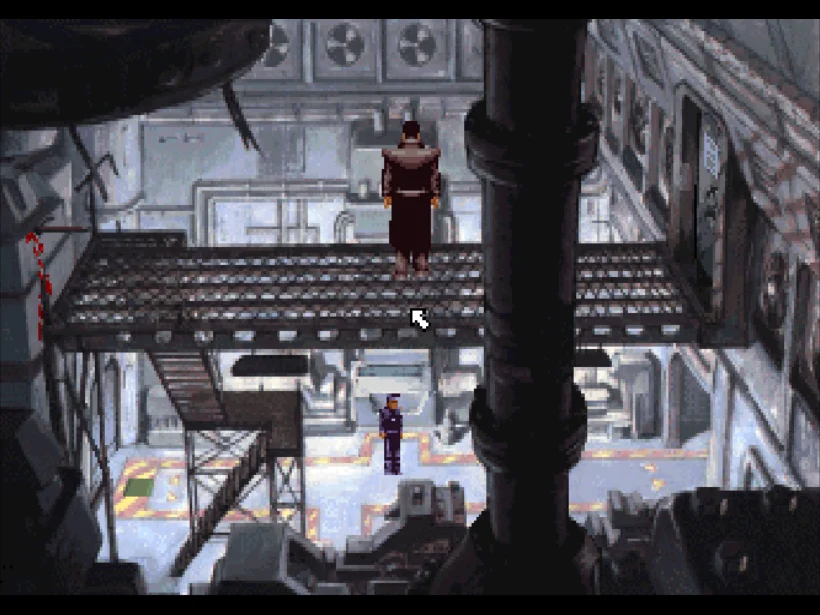
Until you click, the page holds only text, screenshots and a poster. The emulator and the game file are not downloaded yet. After the click, the player loads in the same frame. A Game Boy cartridge starts almost at once, while a DOS game boots a virtual PC and an adventure such as Beneath a Steel Sky downloads tens of megabytes first, with a progress counter.
We do it this way for three reasons:
- Fast pages. Browsing the catalogue costs almost no data, and the page loads quickly even on a slow connection.
- No surprises. Nothing heavy runs in your browser unless you ask for it.
- Browsers require it. Audio can only start after you interact with the page, and the click counts. If a game is silent after loading, press a key or click inside it.
Two habits help: click inside the game once so it receives the keyboard, and look at the Controls table when something does not respond. Sound, fullscreen and gamepads are covered in Playing retro games in your browser.
Saves
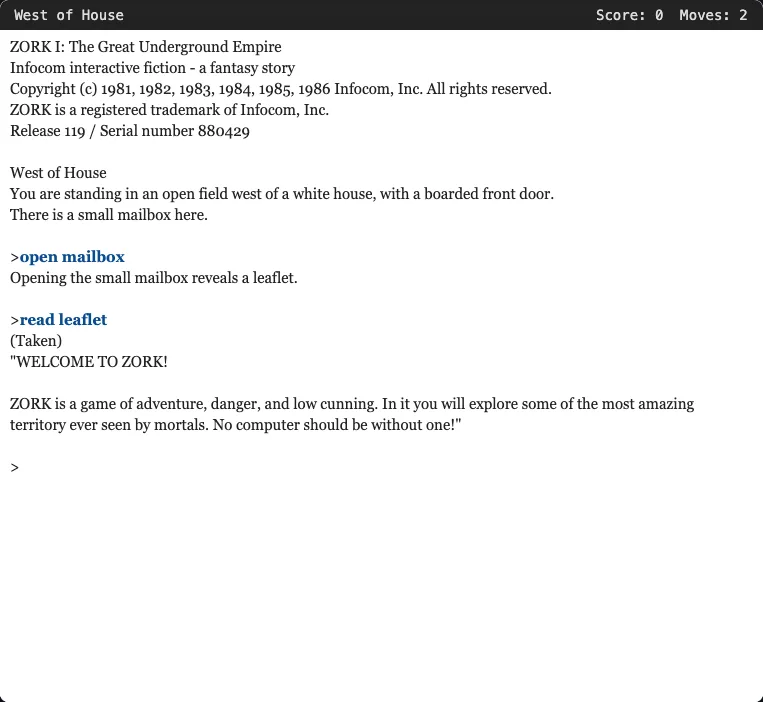
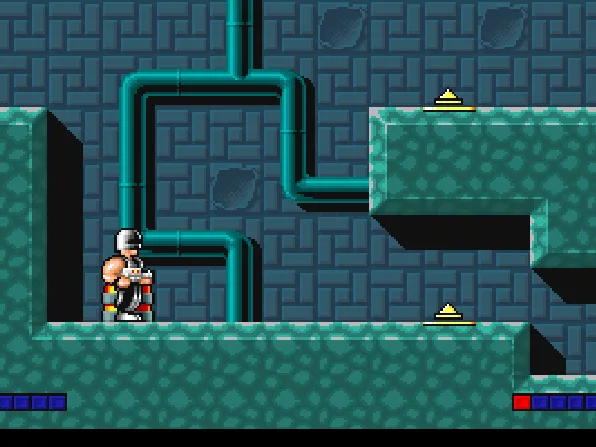
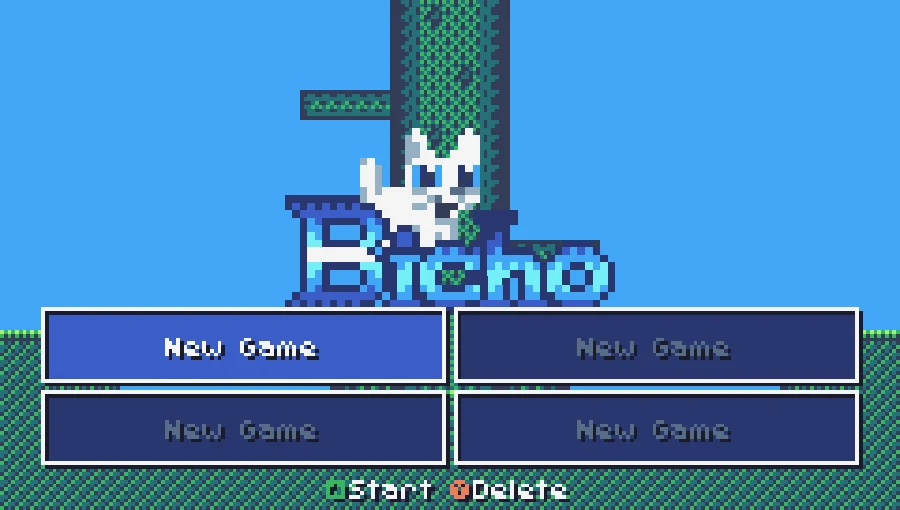
There are no accounts, so progress is kept in your browser. Press F2 to save a state and F4 to load it in most console games (on a touch screen, the SAVE and LOAD buttons do the same), or use the game's own save: type save in Zork I, press F2 for a checkpoint in Electro Man, pick a slot in Bicho. The catch is that clearing site data removes the saves. Saving your progress in browser games explains it all.
Phones, tablets and gamepads
Most console players draw on-screen controls on a touch screen: NES, Game Boy, Game Boy Advance, Mega Drive, Master System, Game Gear, Atari 2600, Arduboy, MSX, Uzebox, PC Engine, TIC-80, CHIP-8, Nintendo DS, Atari 5200, Vircon32 and WASM-4. Some games, such as many DOS games, still want a keyboard or a Bluetooth pad, and they are tagged. See Playing on phones and tablets and Playing with a gamepad. For two people at one computer, there is Two players, one keyboard.
Why the games are free to play
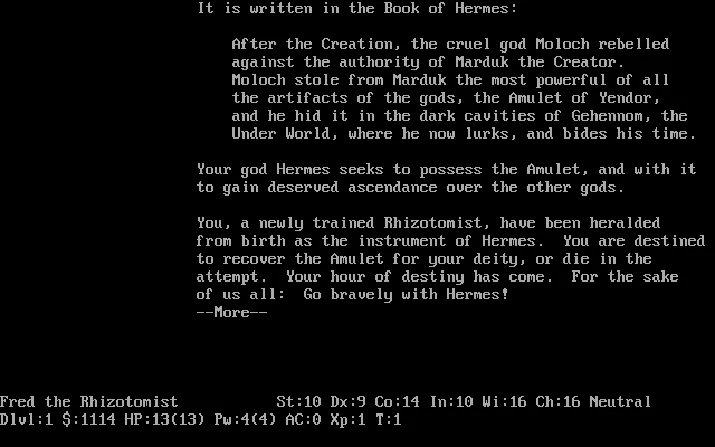
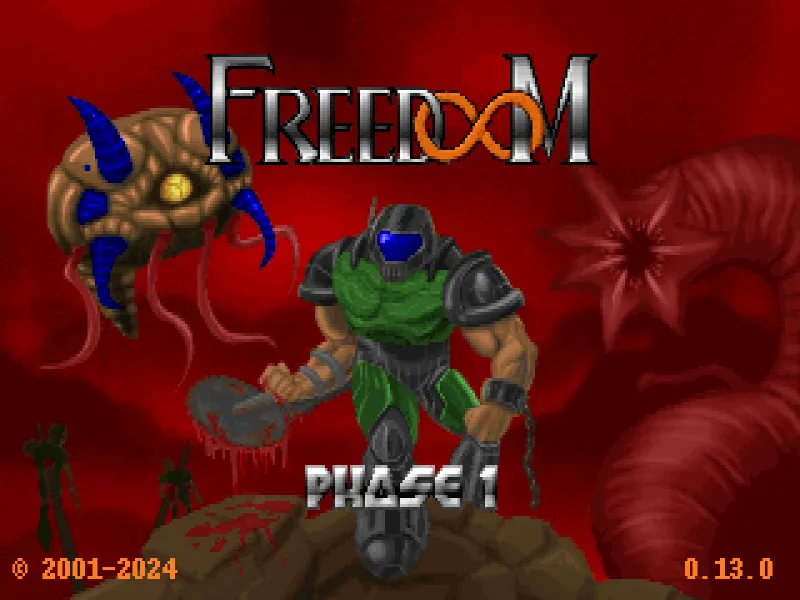
Every game is here with permission from whoever holds the rights: a free licence chosen by the author, or an official statement that allows redistribution. We do not host commercial ROMs or abandoned games, and we write that down for each one: the licence block on every page shows where permission comes from. Games under copyleft licences, such as NetHack and Freedoom, come with the source code for the exact version we serve. The Licenses page lists the licences of the emulators and engines, with their source, and How FredyGames checks every game's licence explains our rules in detail.
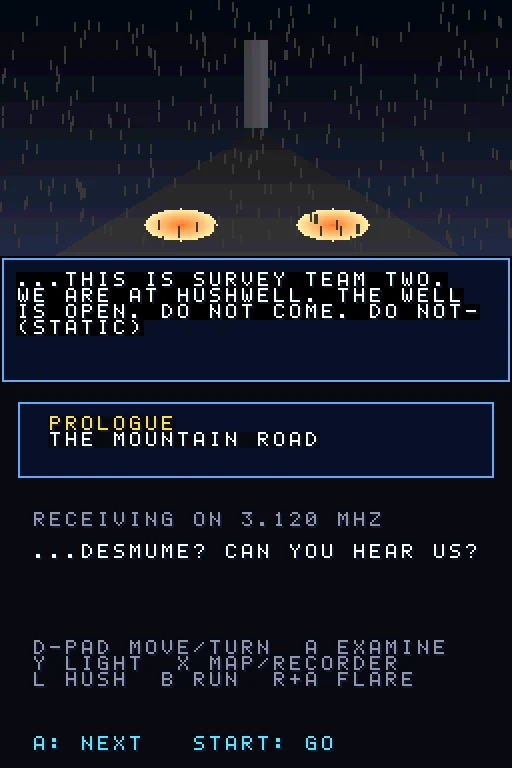
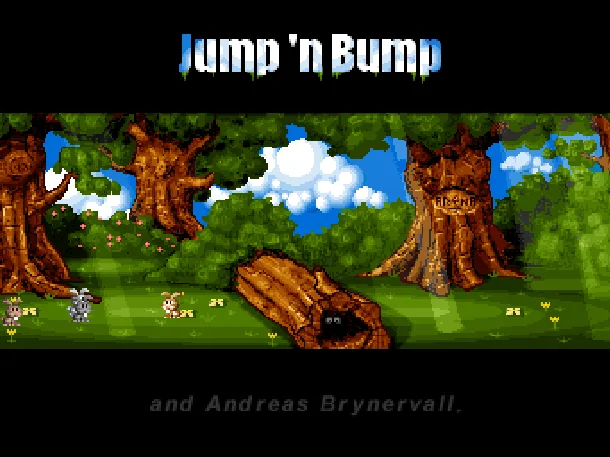
Many games are homebrew, made recently by independent developers for old systems. Hushwell is a horror game for the Nintendo DS that did not exist a few years ago. Others are older classics that are redistributable today, like Jump 'n Bump, the rabbit-stomping arena game for two or three people on one computer.
Where to go next
- Look at the newest additions on the home page.
- Pick a platform you remember and try three of its games.
- Read a guide: Playing retro games in your browser is the most complete one.
- Bookmark fredygames.com and come back; new games arrive regularly.