Portugues
Two players, one keyboard: free local multiplayer games
Before online play, a second player was whoever sat next to you. That kind of game still works, and it gives you something online matches rarely do: you can hear the other player groan.
FredyGames has no online multiplayer, so everything in this guide is local: two or more people at the same computer, sharing a keyboard or plugging in gamepads. We list games whose pages confirm a local mode, with the keys each player uses, plus practical advice about keyboards, which were not built for this. The whole set lives on the multiplayer genre page.
How sharing a keyboard works
A keyboard is one device, and a browser tab sees it as one stream of key presses. Games that support two players on one keyboard simply assign different keys to each person. The usual arrangement, seen over and over below:
- Player 1 takes the arrow keys, often with Space, Enter or Z and X for actions.
- Player 2 takes W, A, S and D on the left side, or the numeric keypad on the right.
Both layouts keep each player's hands apart.
Two practical notes before you start:
- Click inside the game first. Several pages below say the game only receives the keyboard after a click. It is the usual reason a second player "does nothing".
- Check for a numeric keypad. Some games put player 2 on the keypad. Many laptops do not have one. If yours does not, pick a game where player 2 uses letters, or plug in a gamepad. The page of C-Dogs SDL, for instance, warns that a laptop without a keypad can only play as player 1.
Ghosting and rollover: why a key sometimes does not register
Cheap keyboards do not read every key independently. Inside, the keys are wired in a grid, and when too many are pressed at once, the keyboard cannot always tell which ones. The result is ghosting (a key press that appears from nowhere) or blocking (a press that is ignored). Two players hammering keys at the same time is exactly the situation that triggers it.
You notice it as a jump that does not happen or a bomb that never drops. What helps:
- Spread the players apart on the keyboard. Keys that share a row or column in the internal grid are the ones that interfere. Left-hand and right-hand clusters are usually safer than two groups side by side.
- Avoid long chords. Fighting games ask for several keys at once (movement, a punch, a kick). If a combination fails only when both players press at the same time, the keyboard is the likely cause, not you.
- Know the limit. If a key works alone but not while a friend's keys are held down, that is your keyboard. Gaming keyboards sold as "N-key rollover" or "anti-ghosting" remove most of the problem.
- Remap the keys when the game allows it. 3D Fighter, Pacewar and Super Tux Party all have a controls menu or an Options screen for this, according to their pages.
- Or use a second input device. A gamepad takes its player off the keyboard entirely.
When to use a gamepad
If the page says gamepads work, a controller is almost always the more comfortable option for the second player, and it avoids ghosting altogether. Connect the pad, then press a button while the game page is open: browsers only show a controller to a page after it has been used. Our guide to playing retro games in your browser covers how gamepads are detected, which systems accept them and how the NES and Uzebox players assign a second controller, so we will not repeat that here.
Of the games below, 20461 Dioretsa accepts up to four gamepads, 3D Fighter two for Versus, and Super Tux Party needs them for more than two humans.
Games for a shared keyboard
Jump 'n Bump
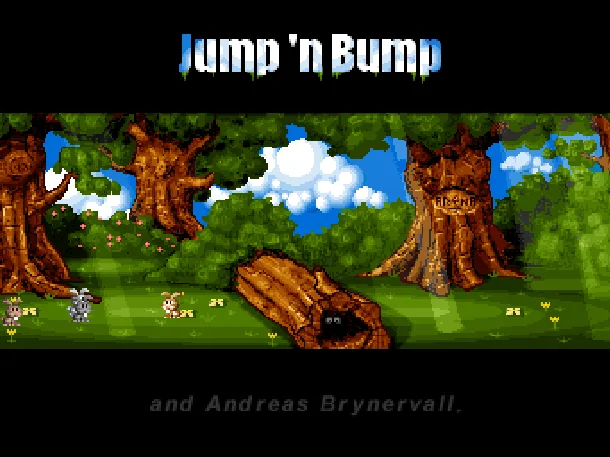
Jump 'n Bump is the simplest idea in this guide, and one of the most fun. Rabbits share a small arena and the only attack is landing on another one's head. Each stomp scores a point and sends the loser to a random spot. There are no computer opponents, so you need people.
It runs in DOSBox, and it takes up to three people on one computer:
| Rabbit | Left | Right | Jump |
|---|---|---|---|
| Dott | Left arrow | Right arrow | Up arrow |
| Jiffy | A | D | W |
| Fizz | left mouse button | right mouse button | both buttons |
The page's hints: the rabbit above almost always scores, a tap is a hop while a held key is a leap, and the mouse player must click into the game first to capture the mouse.
Blast Arena
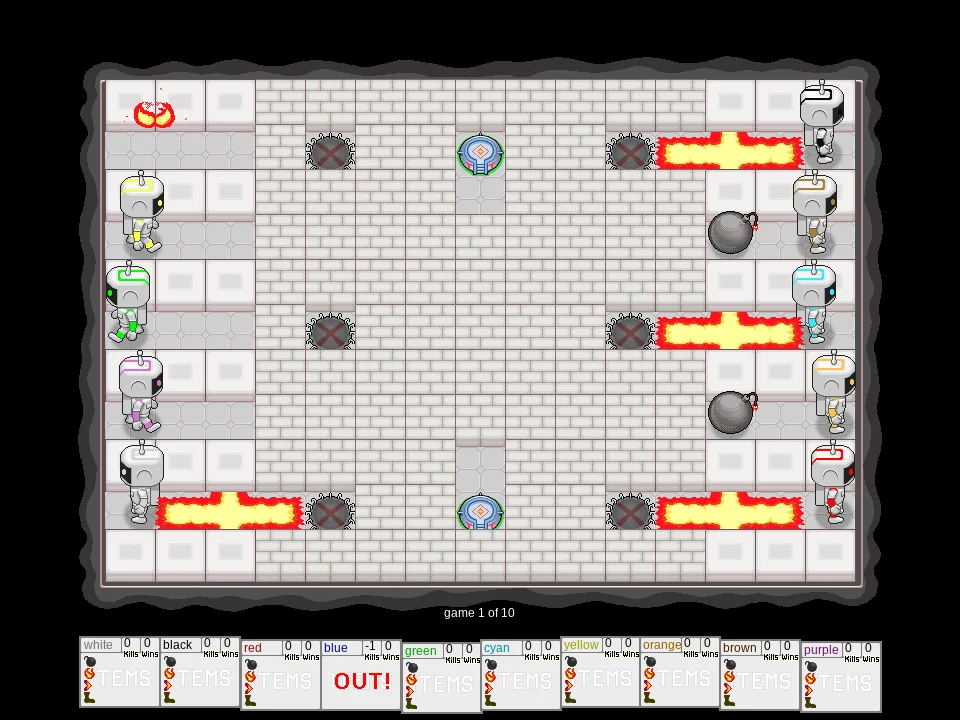
Blast Arena is a bomb-dropping arena in the old tradition: drop a bomb, step away, let the flames catch the others, collect the power-ups from broken blocks. It supports up to ten slots, but a keyboard fits fewer, so the page recommends leaving the extra slots to bots. Three players can share the keyboard:
| Player | Move | Bomb | Special |
|---|---|---|---|
| 1 | W A S D | C | V |
| 2 | Arrow keys | Enter | Right Shift |
| 3 | U (up), K (right), J (down), H (left) | O | P |
In the setup screen you choose, for each slot, a player, a bot or nobody. One tip from the page applies to everyone: a bomb blocks its tile once you step off it, so always leave yourself a way out of the cross.
Angry, Drunken Dwarves
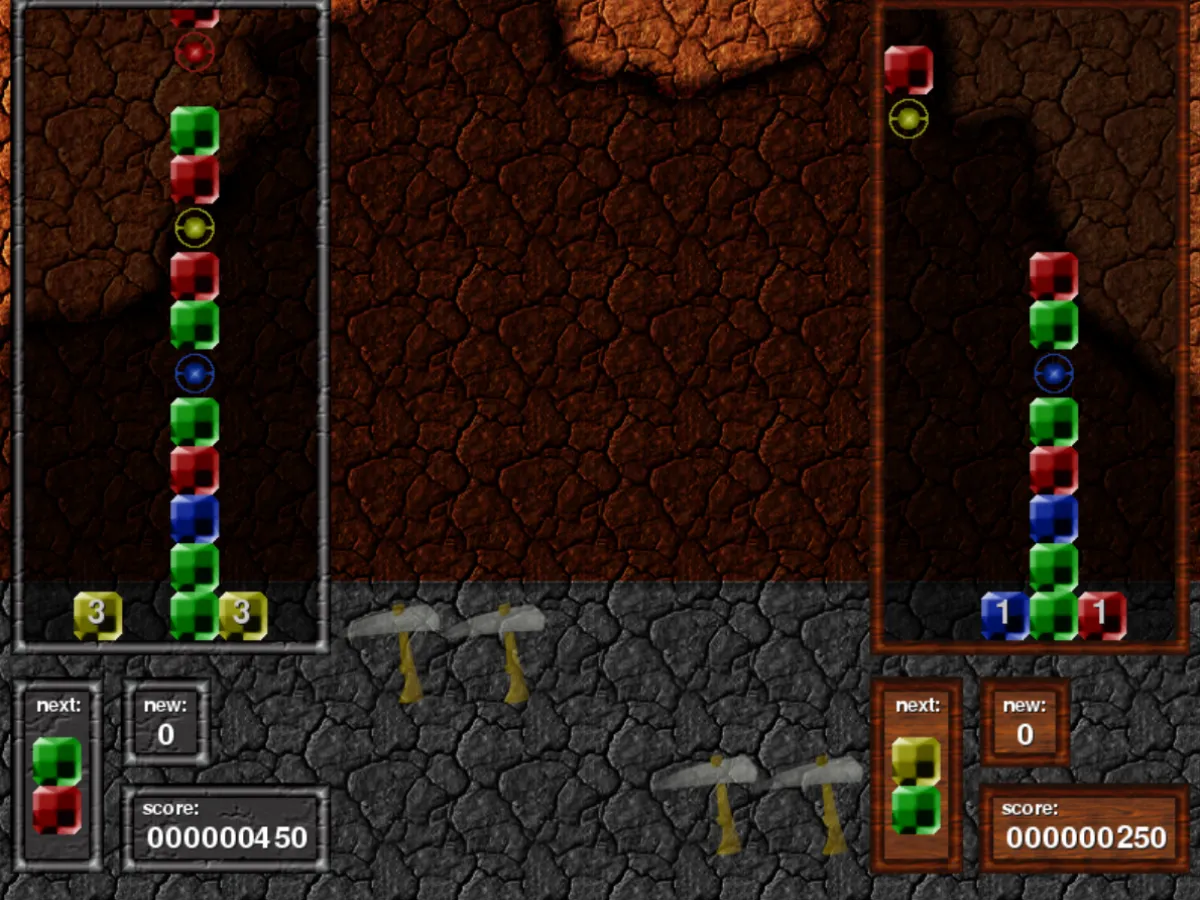
Angry, Drunken Dwarves is a falling-gem puzzle duel. Each dwarf has a well, and gems you destroy on your side fall as counter gems on the other.
| Player 1 | Player 2 | |
|---|---|---|
| Move and drop faster | Arrow keys or W A S D | I J K L |
| Rotate | Q / E | U / O |
| Confirm in menus | Enter or 1 | Backspace or 2 |
Player 1 gets the left side of the keyboard or the arrows, player 2 the right side. Gems merge into crystals only as solid rectangles of one colour, and chains multiply the attack.
Pacewar
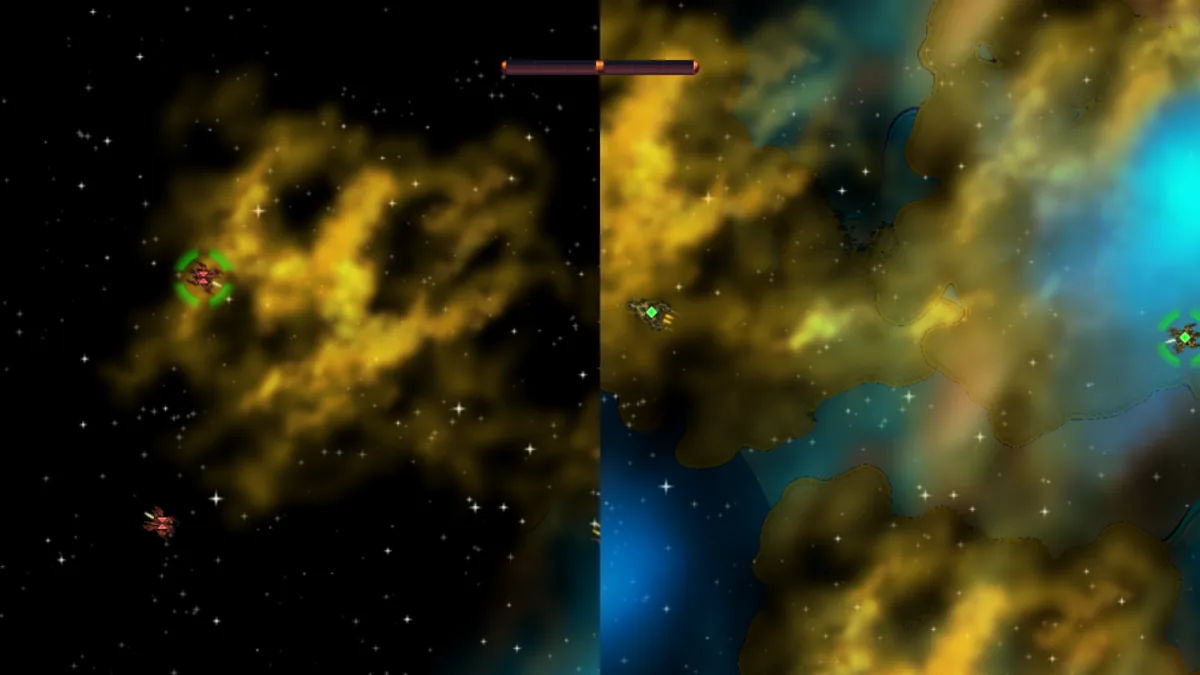
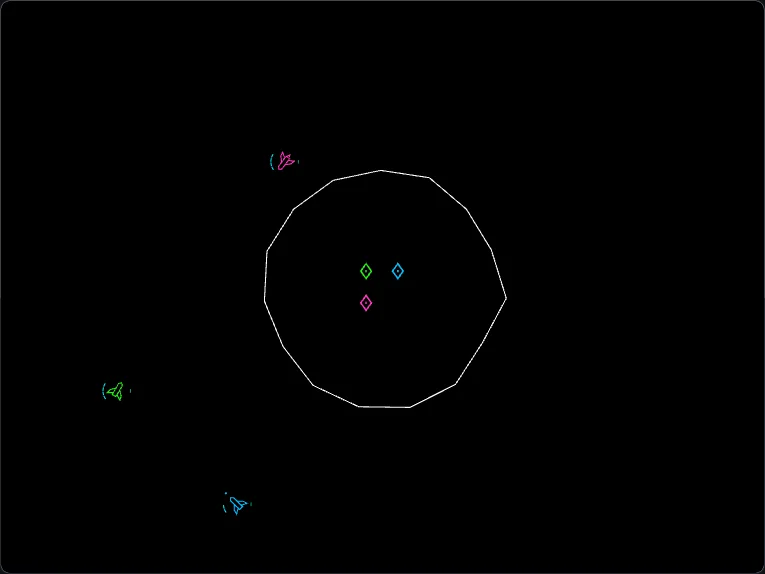
Pacewar puts two fleets in one arena and you fly one ship from your team, while the computer flies the rest. Choose "2-player" in the menu for a split screen on one keyboard.
| Player 1 | Player 2 | |
|---|---|---|
| Thrust | Up | W |
| Turn | Left / Right | A / D |
| Shoot | Space | Left Shift |
Each player needs only four keys, so few presses happen at once. The Controls menu lets you change keys, and a joystick can be set up there if your browser sees one.
Slingshot
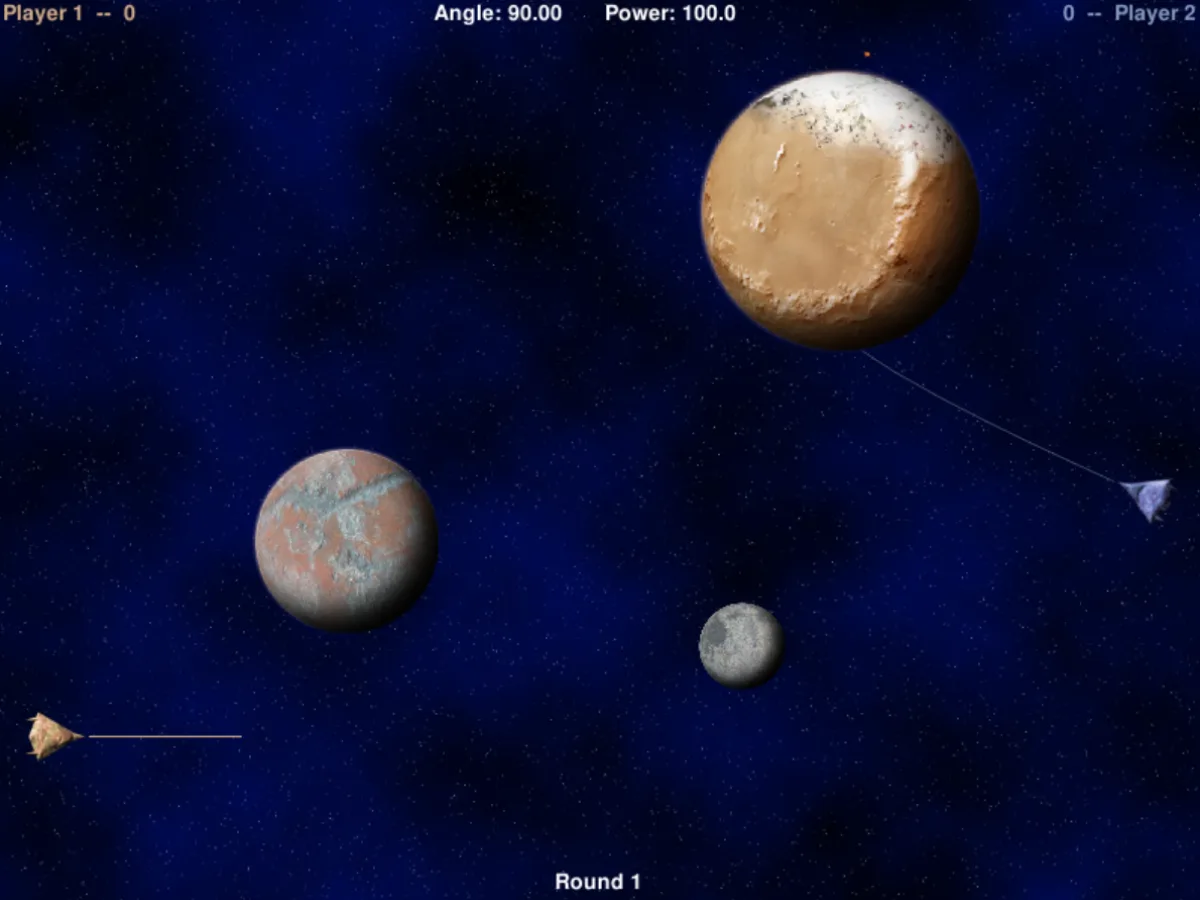
Slingshot is a game for two people who take turns, so the two of you never press keys at the same time and ghosting is not a worry. Two ships sit on opposite sides of a field of planets, and each player in turn sets the aim and power of a missile that the planets bend with their gravity. Power costs points, so a shot that lets a planet do the work scores more than a hard one. There is no computer opponent.
Left and right arrows turn the aim, up and down change the power, and Space or Enter fires.
Fighting and sports
3D Fighter and Neon Rumble
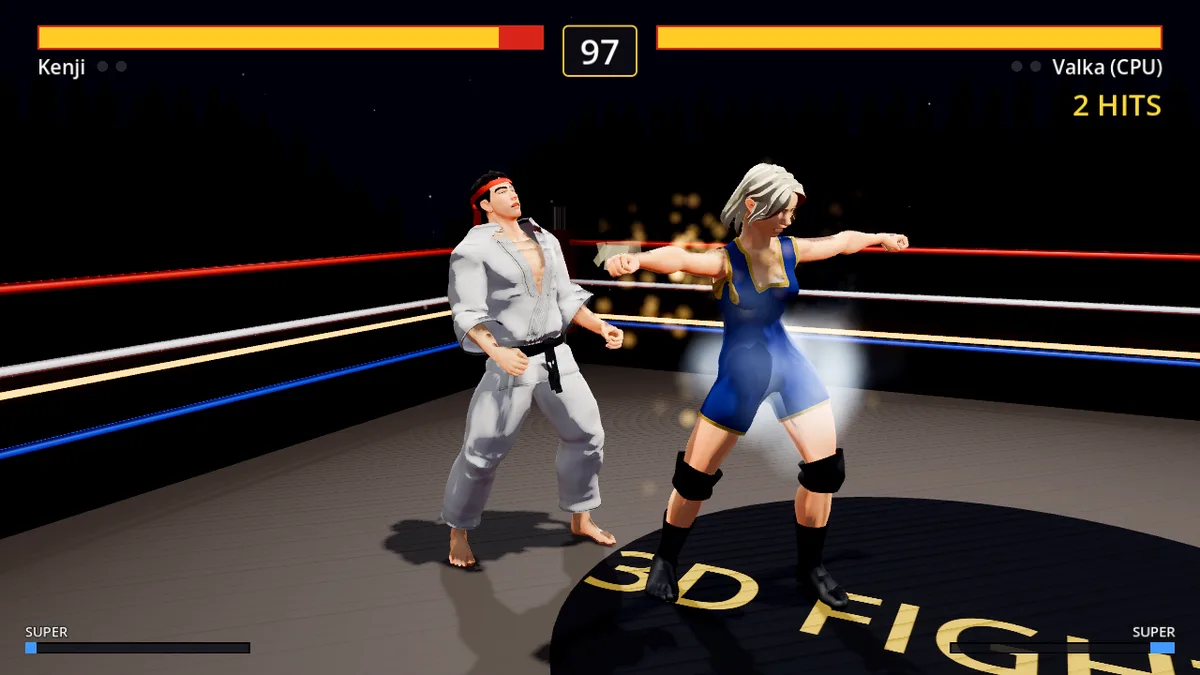
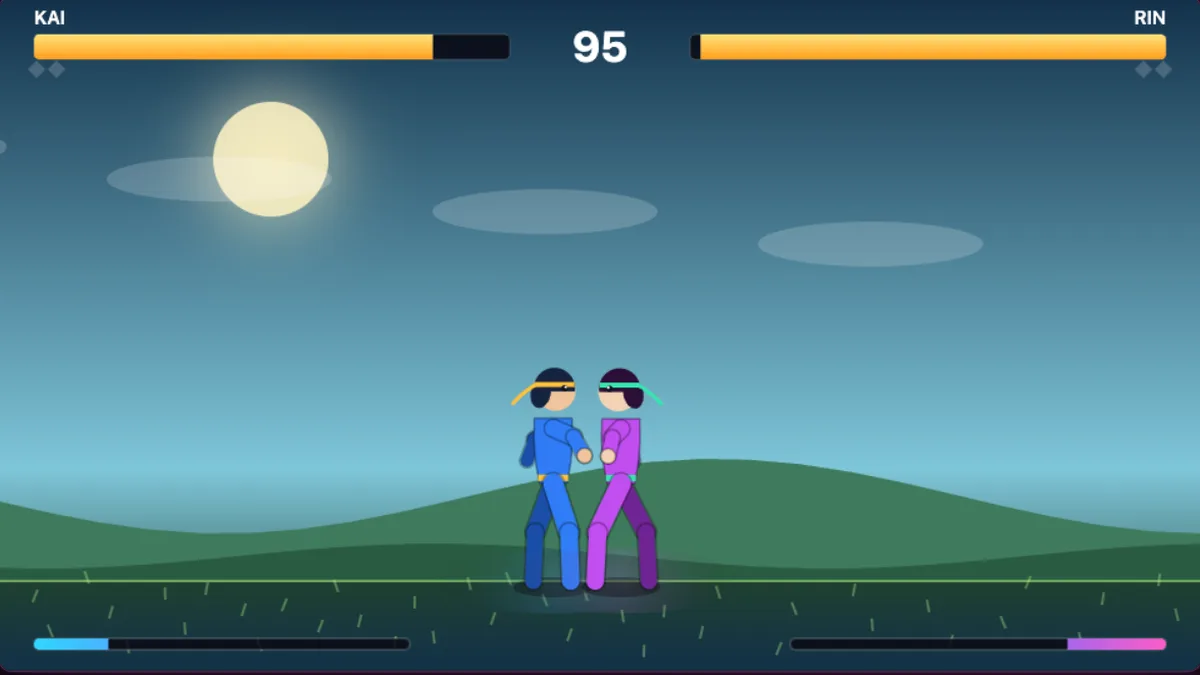
Fighting games are the hardest on a shared keyboard, because each player needs movement keys and several attack buttons, and some moves need two keys at once. Two of ours have a two-player mode.
3D Fighter is a one-on-one 3D game with eight fighters and a Versus mode for two players on the same keyboard or with two gamepads. Player 1 moves with W A S D, uses U and I for light and heavy punch, J and K for kicks, and L to sidestep. Player 2 uses the arrow keys and the numpad: 4 and 5 for the punches, 1 and 2 for the kicks and 6 to sidestep. It is a real 3D game and a large first download, about 135 MB.
Neon Rumble is a lighter 2D fighter with six fighters. On the title screen, press 2 for two players on one keyboard.
| Action | Player 1 | Player 2 |
|---|---|---|
| Move / jump / crouch | A D / W / S | arrows / up / down |
| Jab / heavy / kick | J / K / L | numpad 1 / 2 / 3 |
| Ranged attack | U | numpad 4 |
| Throw | J + K | numpad 1 + 2 |
Both games use the numpad for player 2, so on a laptop without one you will need the remapping options (3D Fighter lists every key under Options, Controls) or a pad. 3D Fighter's page suggests learning one special move at a time in Training, and Neon Rumble's page points out that jab and heavy together throw an opponent who only blocks, and break a throw when you are grabbed.
Blobby Volley 2
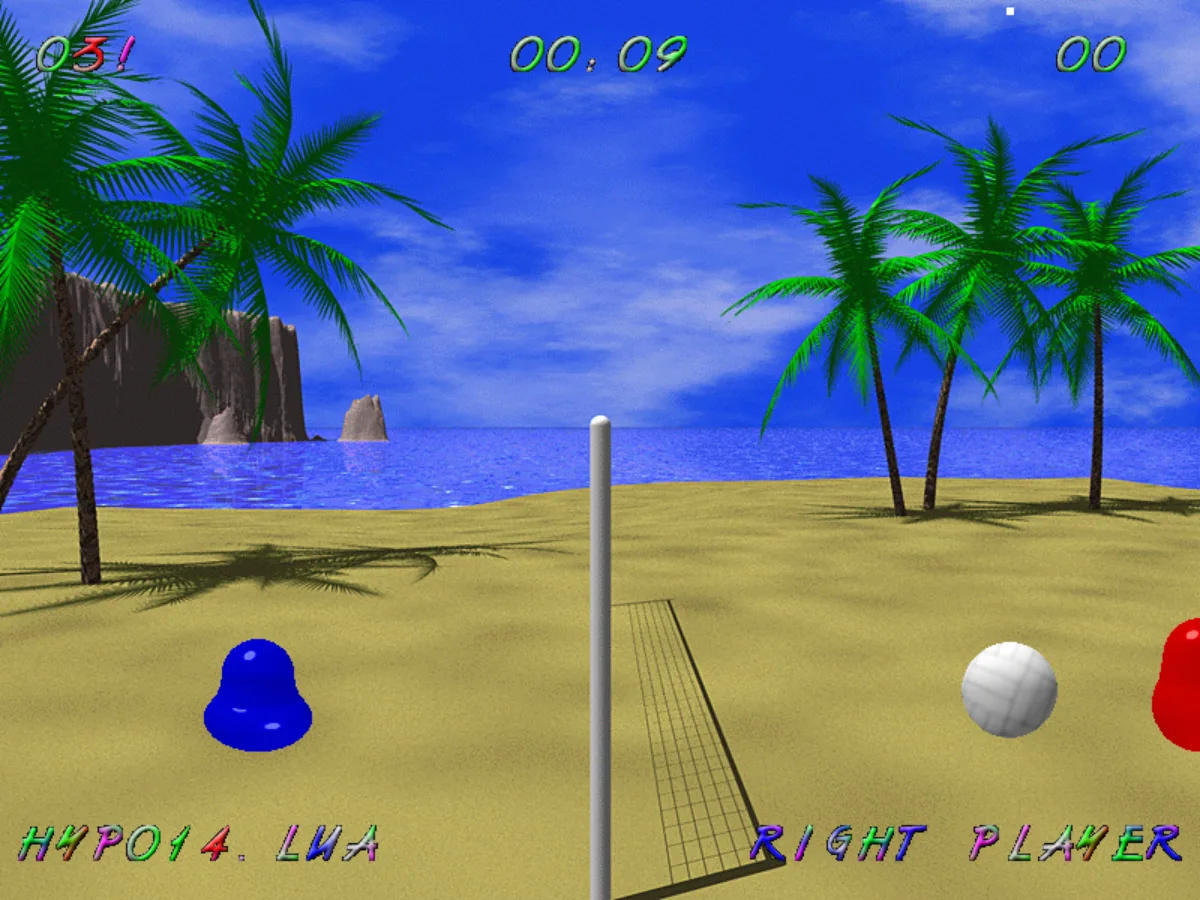
Blobby Volley 2 is a beach volleyball game with two blobs, a net and floaty physics. A team may touch the ball three times before sending it over, and the first to 15 points with a two-point lead wins. By default you play the right blob against a bot. For two players, open Options and set both sides to human: the left blob then uses A, D and W, and the right blob uses the arrow keys and Up. Its page advises jumping into the ball to hit it harder.
8-Bit Table Tennis
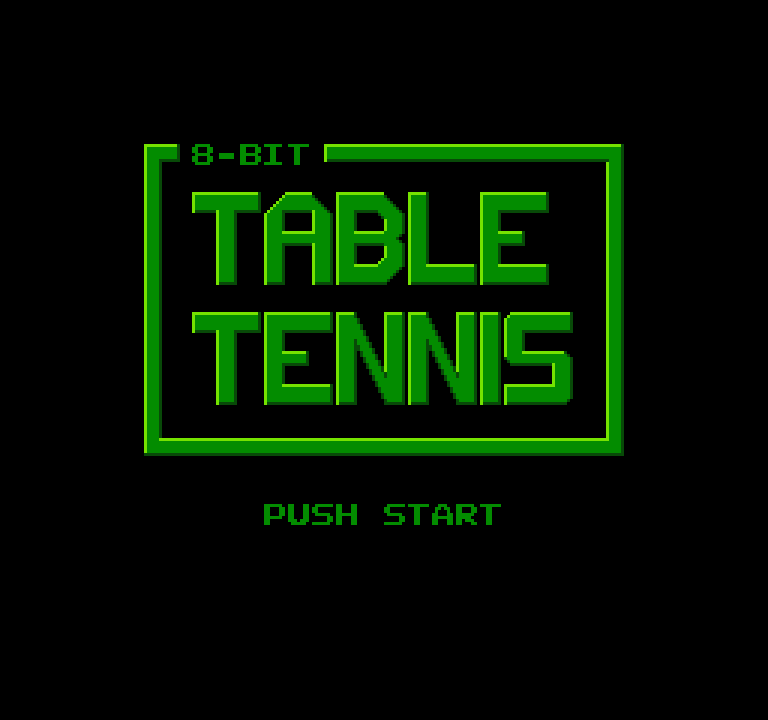
8-Bit Table Tennis is a NES homebrew game with one rule: two paddles, one ball, first to eleven. It needs two players, as there is no computer opponent.
| Player 1 | Player 2 | |
|---|---|---|
| Move the paddle | Up / Down arrows | Numpad 8 / 2 |
| Serve | X | Numpad 7 |
Player 1 presses Enter on the title screen to start. The ball waits in the middle until the serving player presses the serve key.
Co-op and party games
Big City Sliding Blaster
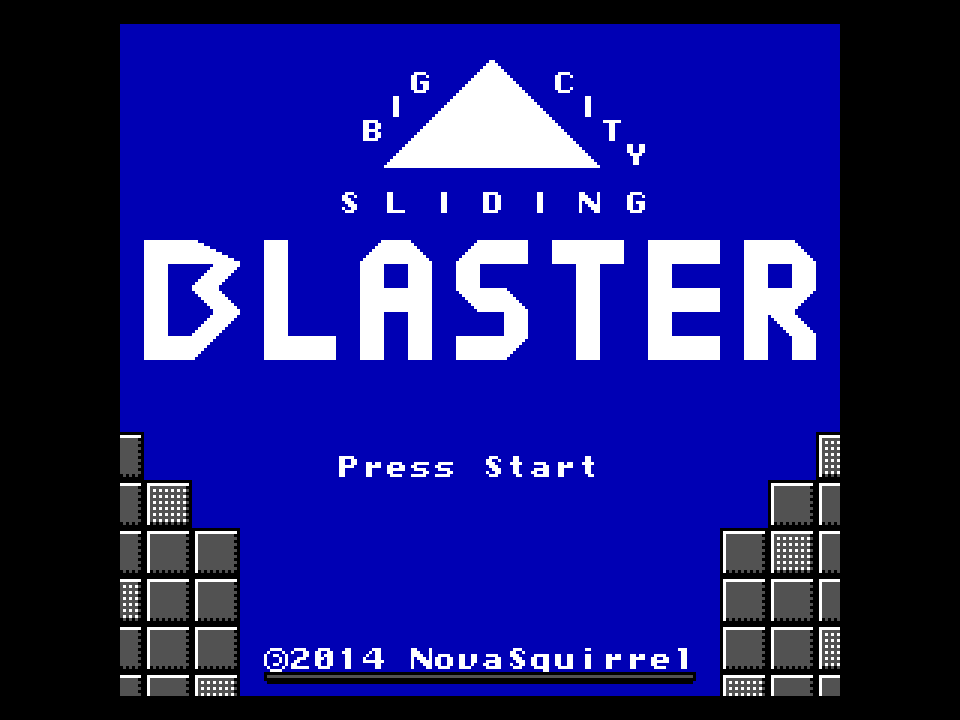
Big City Sliding Blaster is a NES shooter where you never stop gliding and can only steer with a boost. It is playable alone, and a friend can join at any moment by pressing A and B together (X and Z on the keyboard for player 1's pad). Player 2 uses the numeric keypad, with 8, 2, 4 and 6 to move, 7 for A and 9 for B, or a second gamepad. When player 2 joins, player 1 hands over some health, so do it while player 1 can spare it.
20461 Dioretsa
20461 Dioretsa is a space shooter for one to four pilots on one screen. Player 1 uses the arrow keys with Space to fire and Down to rewind two seconds. Player 2 uses W A S D (Z Q S D on French keyboards), with E to fire and S to rewind. Gamepads join by pressing a button, and N adds an AI pilot. With up to four pilots on one screen, the extra ones are best on gamepads, which the game accepts.
Super Tux Party
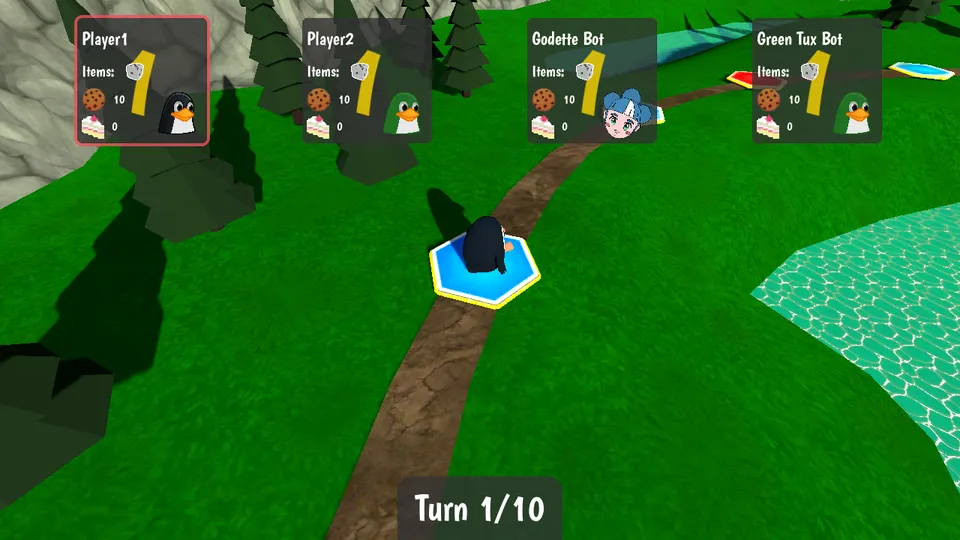
Super Tux Party is a sofa game: a dice-rolling board with a minigame after every round, for up to four players. Empty seats are filled by bots. Two people can share the keyboard:
| Input | Player 1 | Player 2 |
|---|---|---|
| Move | Arrow keys | W, A, S, D |
| Actions | V, B, N, M | U, I, O, P |
| Confirm | Space | Space |
Click inside the game once so it receives the keyboard, then choose New Game and press a button of a free input set to add each player. More than two humans need gamepads. Each minigame shows every player's controls before it starts, and has a Try button. It is a big download, about 73 MB.
Other games with a local second player
More pages describe a local two-player mode:
- Bugz and UzeSnakes on the Uzebox have two-player modes, but the second player needs a second gamepad.
- RHDE: Furniture Fight for the NES is two-player only, with player 2 on the numeric keypad or a second gamepad.
- C-Dogs SDL runs for one or two players on a keyboard, and the second one uses the numeric keypad.
- Pocket Broomball has a 2 Players mode where each player uses their own half of the screen.
Where to start
If you have never done this, start with Jump 'n Bump: the rules fit in one sentence and each rabbit needs only three keys. Blobby Volley 2 and 8-Bit Table Tennis are just as easy to explain to someone who has never played a game. For a longer evening with more than two people, choose Super Tux Party (with a few gamepads) or Blast Arena. For rematch-hungry pairs, 3D Fighter or Neon Rumble; for a quieter evening, take turns at Slingshot.