Portugues
Tiny open consoles: Arduboy and Uzebox
Not every console on FredyGames came from a large company. The Arduboy and the Uzebox were designed by individuals, for hobbyists, around the same family of small 8-bit microcontrollers used in countless electronics projects. Their designs and software are open, their games are written by their communities, and many of those games are free software. This guide introduces both machines, explains why their openness matters, and picks the games worth trying first. A short section at the end looks at a much older console with a similar do-it-yourself spirit today: the Atari 2600.
What they have in common
Both consoles are built around AVR microcontrollers, a family of 8-bit chips best known to many people through Arduino boards. A microcontroller puts a processor, program memory and a little RAM on a single chip. It is meant for controlling appliances and gadgets, not for running games, which is exactly what makes these consoles interesting: everything you see and hear is squeezed out of a part with a few kilobytes of memory.
The other thing they share is openness. Their software libraries are published under free licences, the hardware is documented, and people build their own compatible devices. For the games on this site, that has a practical consequence too: because the toolchains are open, we can compile games ourselves from their authors' source code when needed, and host that source next to the game.
Arduboy: a game system the size of a credit card
The Arduboy was created by Kevin Bates. It started as a prototype the size and thickness of a credit card, and after a successful Kickstarter campaign in 2015 the consumer version shipped in 2016, a little thicker but still small enough for a wallet. Later models, starting with the Arduboy FX, added a flash memory chip that holds hundreds of games on the device at once.
Its specifications are tiny even by retro standards:
| Part | Arduboy |
|---|---|
| Processor | ATmega32U4, 8-bit, 16 MHz |
| Program memory | 32 KB of flash (part of it used by the bootloader) |
| RAM | 2.5 KB |
| Save memory | 1 KB of EEPROM |
| Screen | 1.3-inch OLED, 128×64 pixels, monochrome |
| Controls | d-pad and two buttons (A and B) |
| Sound | piezo speaker |
The chip is the same one found on some Arduino boards, and that is the key to the Arduboy's community. Games are written in C++ with the Arduino tools and a free library, Arduboy2, that handles the screen, buttons and sound. Anyone who has blinked an LED with an Arduino can start writing a game the same afternoon, and the community forum runs game jams that produce new titles every year.
A 128×64 black-and-white screen sounds limiting, and it is. But it forces strong graphic design: clear silhouettes, careful use of dithering, and animation that reads well in a handful of pixels. Some of the best Arduboy games also push the processor much further than you would expect.
Arduboy games to start with
All of these are on the Arduboy platform page.
- Mystic Balloon by TEAM a.r.g. is a platformer of 39 maze-like levels where your balloons are both your float and your health. It is one of the best-loved Arduboy games and a good showcase of what the screen can do.
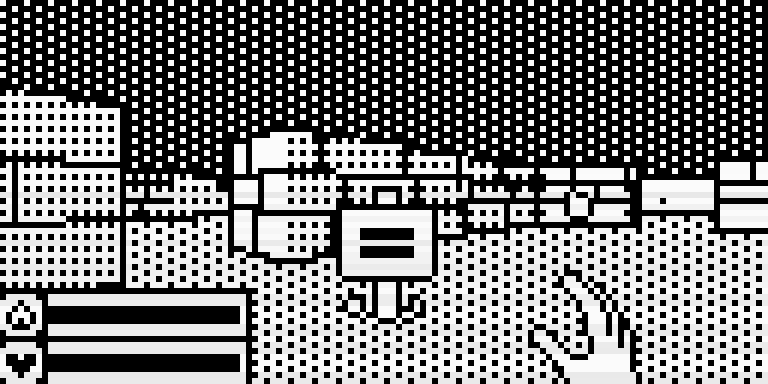
- Catacombs of the Damned! by James Howard is a first-person dungeon crawler that runs in smooth 3D on that 128×64 screen, with ten randomly generated floors. It is genuinely surprising on an 8-bit microcontroller.
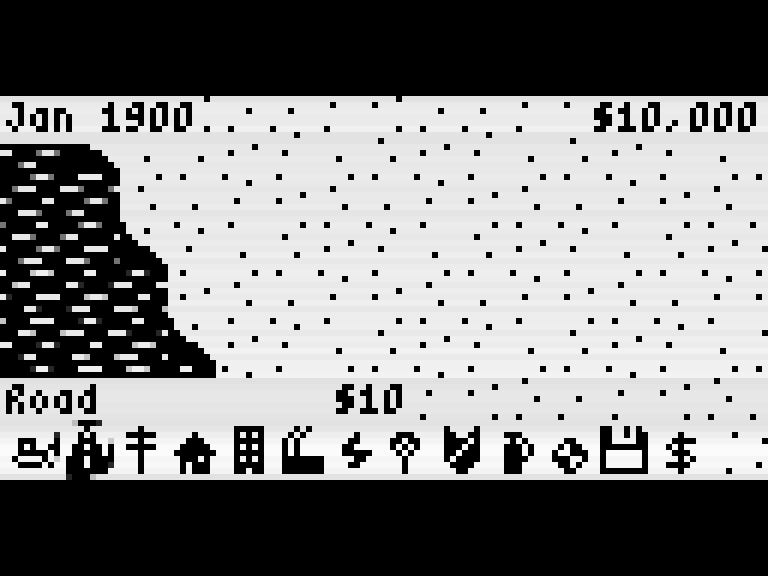
- MicroCity, also by James Howard, is a full city-building simulation with zones, power, budgets and fires. We compile it ourselves from the author's source.
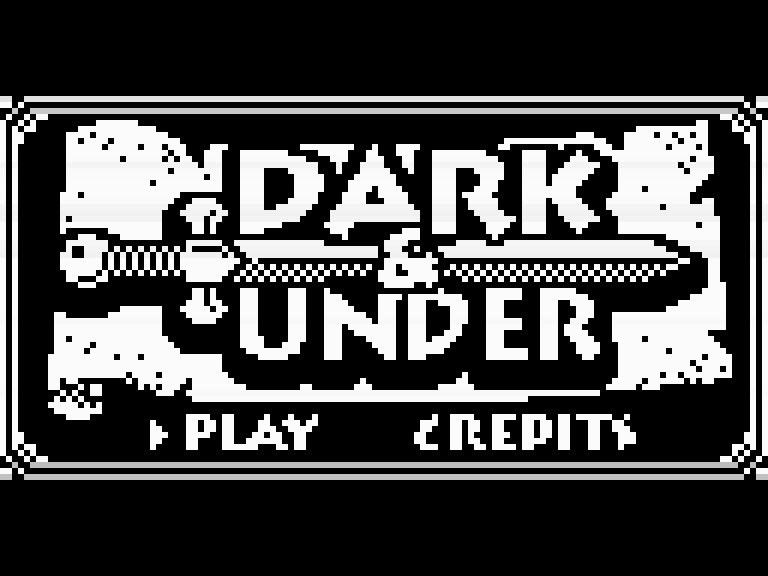
- Dark & Under is a first-person dungeon crawler in the old style, with turn-based fights decided by dice rolls and a small automap.
- Evade 2 puts you in a starfighter cockpit against wireframe 3D enemies, wave after wave.
- Hello, Commander is a light-hearted turn-based tactics game, and Cribbage is the classic card game with a computer opponent who explains the scoring.
- For something quick, try OBONO's many small arcade games, such as Chri-Bocchi Cat, a two-minute juggling act, or the upright falling-block puzzle Stairs Sweep.
Uzebox: a console that draws its picture in software
The Uzebox, created by Alec Bourque and first published in 2008, takes a very different approach. Most consoles have dedicated chips for video and sound. The Uzebox has none: a single microcontroller does everything, including generating the television signal line by line, in software.
According to the project's own specifications:
| Part | Uzebox |
|---|---|
| Processor | ATmega644, 8-bit, overclocked to 28.6 MHz |
| Program memory | 64 KB of flash |
| RAM | 4 KB |
| Colours | 256 on screen, from 3 bits of red, 3 of green and 2 of blue |
| Sound | 5 channels, mixed in software |
| Video out | composite and S-Video |
| Controllers | two ports for NES/SNES-compatible pads |
| Storage | SD card slot |
Generating video in software means the processor spends much of its time feeding pixels to the screen at exactly the right moment, and the game logic runs in the time left over. That work is done by the Uzebox kernel, a library compiled into every game that handles video, sound and controllers. It offers several video modes, from tile-based layouts to bitmaps, so each game chooses the trade-off between resolution, colour and free processor time that suits it.
The project is open in a strict sense: the schematics and the kernel are released under the GNU GPL version 3. Hobbyists build their own boards from the published design, and assembled versions have been sold by small makers. Because the kernel is GPL and compiled into each game, the games themselves are typically GPL too, which is why we host the full source, kernel included, next to each one.
Uzebox games to start with
Both are on the Uzebox platform page.
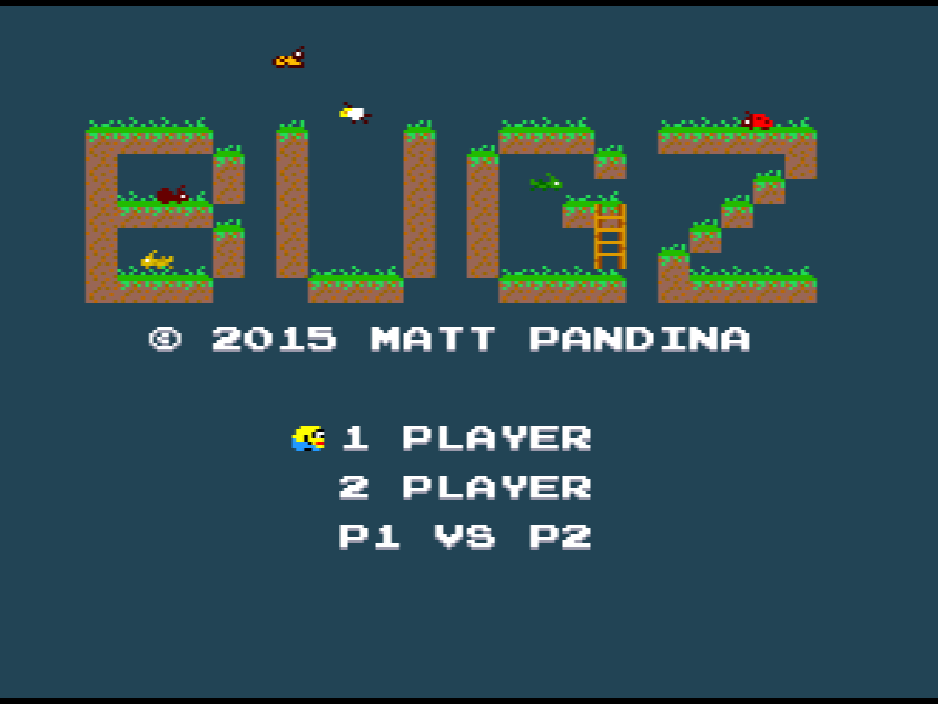
- Bugz is a single-screen platformer in the old arcade tradition: collect every cookie, stomp the insects from above and race the bonus clock across 21 levels. It also has two-player modes.
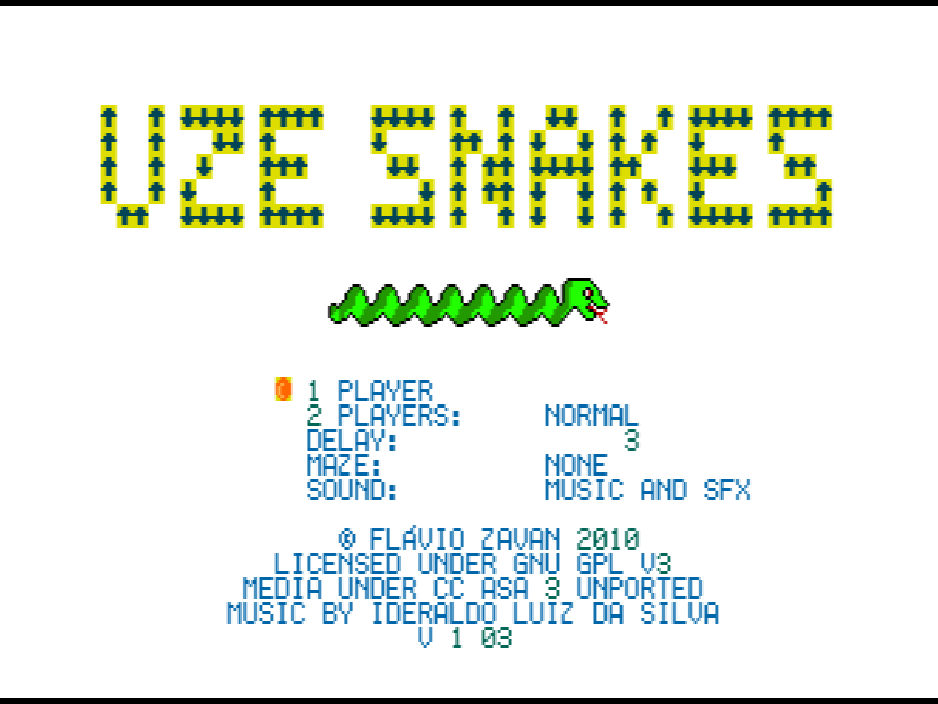
- UzeSnakes is the familiar snake game made with care, with power-ups that speed you up, reverse your controls or swap your head and tail, and a mode for two players.
Both run in CUzeBox, an accurate Uzebox emulator that we compile to WebAssembly.
Why open hardware matters
It is easy to treat openness as a technical detail, but for small game platforms it makes a real difference.
- The platform outlives its maker. When the design and software are public, the community can keep building devices, fixing tools and writing games even if the original seller stops.
- Emulation is accurate. Documented hardware is far easier to emulate faithfully than a machine whose behaviour had to be reverse-engineered.
- Learning is built in. Many games publish their source code, so the next developer can see exactly how a 3D renderer fits in 32 KB or how a kernel paints a screen with no video chip.
- Sharing is legal. Free licences are what let a site like FredyGames host these games at all. Our guide on how we check licences explains what we look for, and the full texts are on the licences page.
Sidebar: the Atari 2600 homebrew scene
The Atari 2600 is not open hardware, and it is far older than either console above: it launched in 1977. But its homebrew scene shares the same spirit of doing a lot with very little. The console has just 128 bytes of RAM and no frame buffer at all. The program has to update the graphics chip while the television beam is drawing each line, a style of programming often called "racing the beam". Developers today use free assemblers and tools such as batari Basic, and the community still produces new cartridges every year.
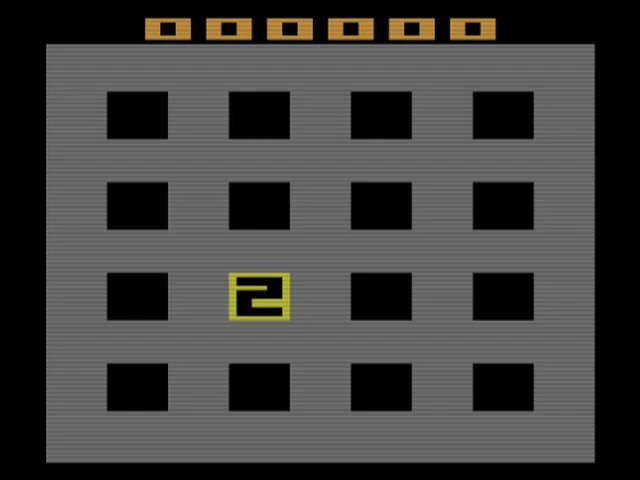
Our Atari 2600 games are all new, freely licensed homebrew. 2048 2600 fits the sliding number puzzle, plus a two-player mode, into a 2 KB cartridge. Dungeon Deck turns a dungeon crawl into a solitaire-style card game, and Legendary Spear is a quick arcade joust in the spirit of the console's early classics.
Where to start
If you want to be impressed, play Catacombs of the Damned! and remember it runs on a chip with 2.5 KB of RAM. If you want something to sink time into, try Mystic Balloon or MicroCity. For the Uzebox, Bugz is the best introduction. Then compare them with the imaginary machines in fantasy consoles explained, or read what is homebrew? for the bigger picture. Practical tips on controls and saves are in playing retro games in your browser.