Portugues
Strategy and city builders in your browser
Strategy games ask you to plan instead of react. You lay a railway and wait to see whether it pays, you zone a patch of land and find out what the town does with it, you move a tank one hex and wonder whether the enemy can reach it. This guide walks through the strategy and city-building games on FredyGames that run in a browser tab, grouped by what you actually do in them, with the first steps that each game's own page and manual support. Most want a mouse, so a computer is the comfortable way to play.
If you want the whole shelf rather than a guided tour, the full lists are under Strategy and Simulation.
Building a system that has to pay for itself
Two games here are less about winning than about keeping a growing machine in balance.
OpenTTD
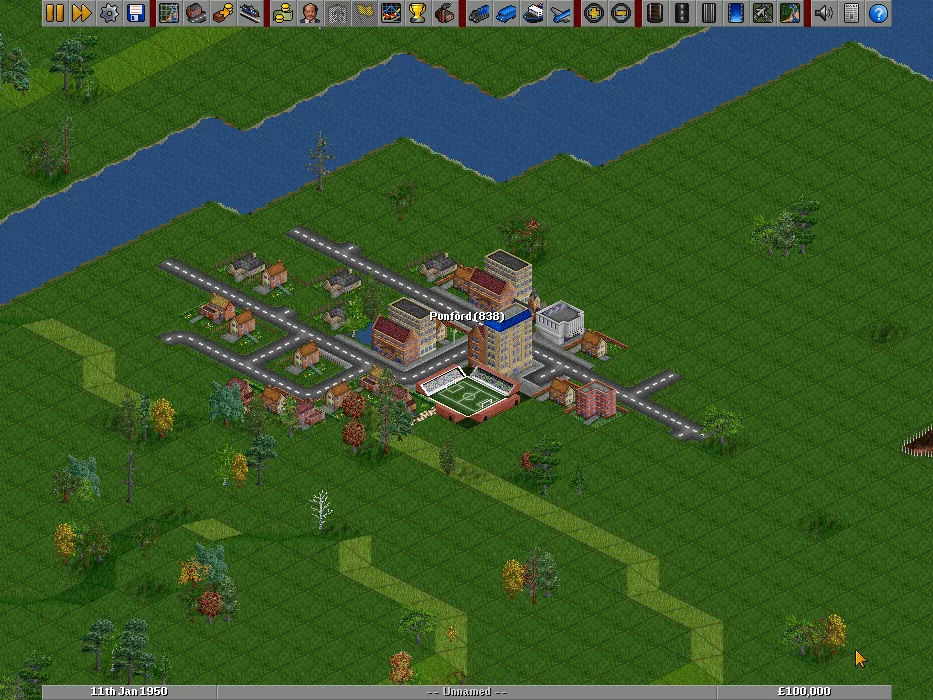
OpenTTD starts you in 1950 with a bank loan, a random map and a brand-new transport company. Towns produce passengers and mail, mines and forests produce raw materials, and factories and power stations pay to receive them. You build the rails, roads, docks and airports yourself, buy vehicles, give them orders ("load here, unload there") and watch the money come in or drain away.
The project began in 2004 as an open-source remake of Transport Tycoon Deluxe and has since added things the original never had, such as path-based signals and much larger maps. The build on the site uses only free graphics and sounds, plays offline, and has no multiplayer and no music. The download is about 19 MB.
To get started, the page suggests a coal route:
- Find a coal mine and a power station roughly 20 to 50 tiles apart (the industry list on F12 helps).
- Open the rail toolbar (Shift+F7) and put a station by each. While you place one, the highlighted area shows which industries it serves.
- Join them with track using the autorail tool, add a depot on a short spur, buy a locomotive and some wagons, and set the orders: full load at the mine, then go to the power station.
If trains sound like too much for a first try, two towns and a bus are cheaper and teach the same thing about orders. Check the finances window (F8) now and then, and remember that cargo loses value the longer it sits in a vehicle, so very long, slow routes disappoint. Once you run more than one train on a line, you need signals and passing places or they block each other. Saves stay in this browser; quit through the menu so your settings are written.
LinCity-NG
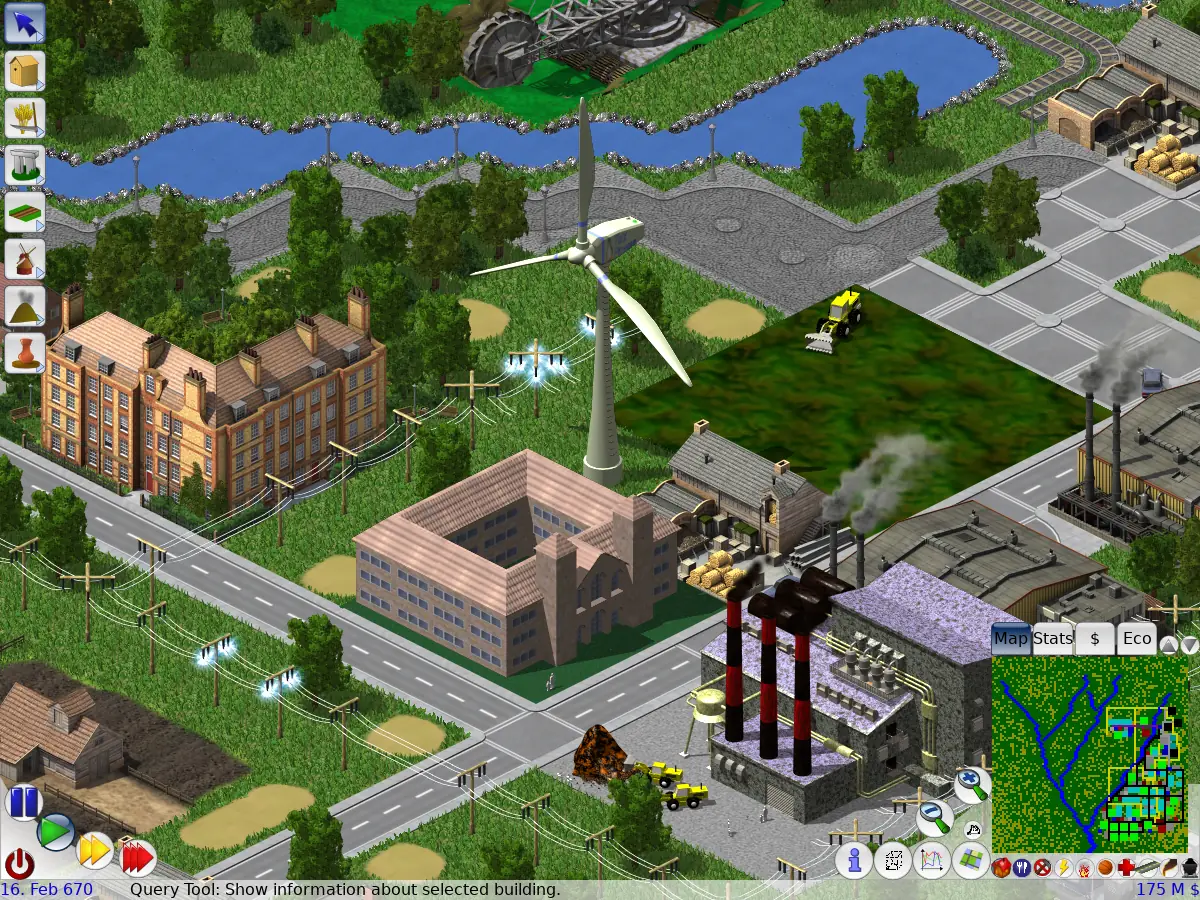
LinCity-NG is the city builder for people who like to read the numbers. Nothing works by itself: houses need food, water and jobs, farms need workers and water, factories need materials and somewhere to send what they make. The centre of it all is the market. Producers sell to markets within reach, consumers buy from them, and a building that cannot find the right market just stops.
You can win in two ways: build a sustainable economy and keep it stable for long enough, or raise your technology until you can launch rockets and evacuate everyone to another planet. You lose only if the population dies of hunger or pollution. The game comes from the LinCity line that Ian J. Peters began in 1995, and the "next generation" version has been developed by volunteers since 2005. The download is about 55 MB.
Choose New Game and one of the four random maps; each gives you a small working village to learn from. Press F1 at any time for the built-in help, which has a tutorial and a page for every building. Right-click a building to see its stocks and problems, and use the minimap overlays (number keys) to spot where people are hungry, unemployed or without fire cover. Most trouble comes from a market that is full or empty, so put markets close to farms and houses. Every building and every stretch of road has a yearly cost, so grow in steps and let the taxes catch up.
Cities that fit in your pocket
Two city builders on the site were made for tiny handhelds. They are an easy way into the genre because the screen only has room for the essentials.
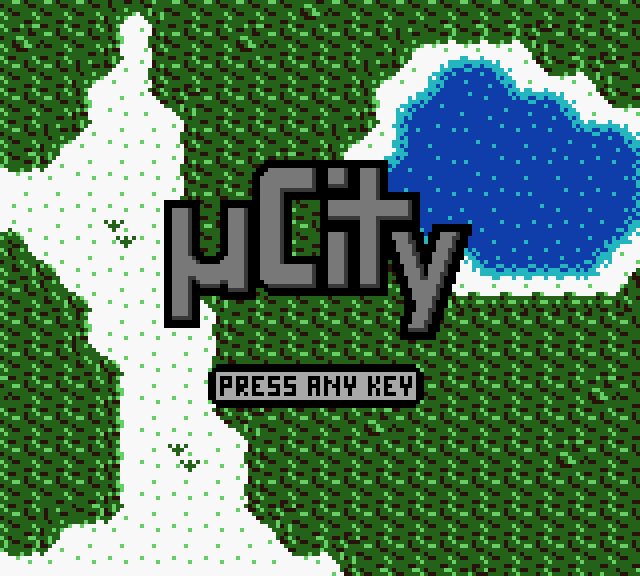
µCity is a homebrew game for the Game Boy Color, and it runs here in a Game Boy emulator (see the Game Boy platform page). You zone land, lay roads and power lines and keep the budget healthy. As the city grows its needs change: a village asks only for police and schools, a town wants fire stations and hospitals, and a metropolis expects a stadium, a university and a museum. A town needs 500 people, a city 1,000 and a library, and a capital 6,000 plus a port and an airport.
Its first lesson is power. Buildings without electricity do not work at all, and power lines can be replaced by any building, so lay them generously. Roads and rails count as connected when they touch, and people must be able to reach jobs and schools or they leave. Press Enter at the title screen to reach the menu, save from the pause menu, and note the seed number if you like a map and want it again.
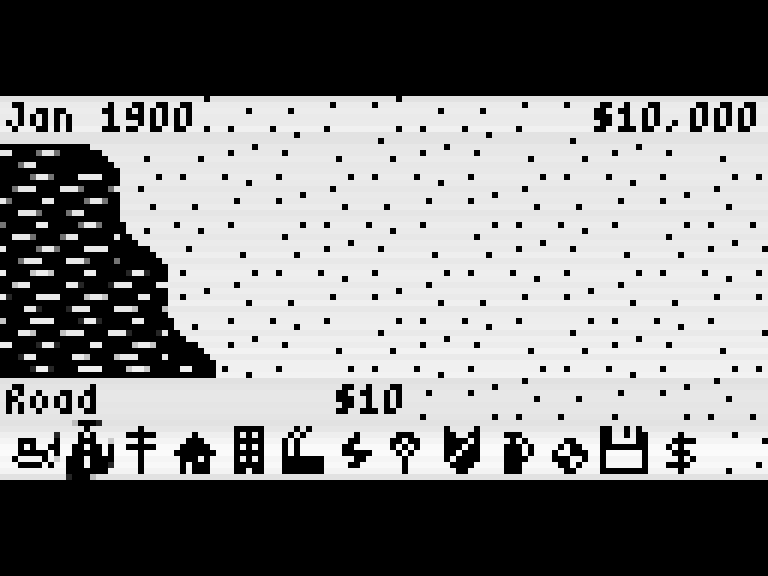
MicroCity is the same idea on the Arduboy, a pocket computer with a 128×64 black-and-white screen. You begin in January 1900 with $10,000 and an empty landscape, and the town grows as you zone homes, shops and industry. A zone does nothing until both a power line and a road reach it, so put a power plant down early. Police and fire stations cost money every year, and the budget screen (Left and Right change the tax rate) is where you keep the treasury healthy. Save from the toolbar's Save/Load menu. For more about this little console, see our guide to tiny open consoles.
Kingdoms and armies
Seven Kingdoms: Ancient Adversaries
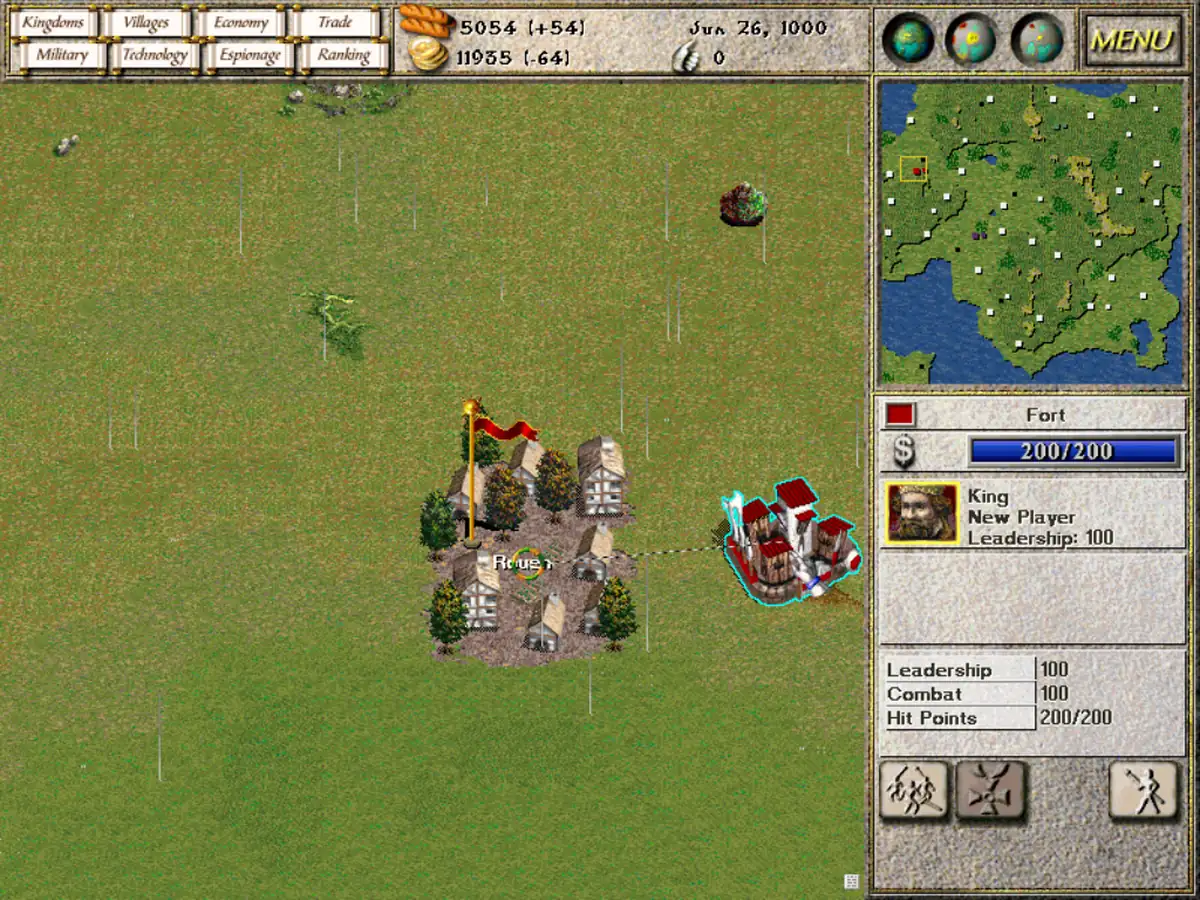
Seven Kingdoms is a real-time strategy game from 1998 that was released as free software in 2009 and is kept alive by the 7kfans project. You begin with a king, a fort and a village, in a random land shared with up to six computer kingdoms. What sets it apart is how much happens away from the battlefield. Every villager has a nationality and a loyalty, and a village that stops trusting you can rebel. You train peasants as builders, miners, researchers or spies, open mines and factories, send caravans along trade routes and sign treaties.
There are ten peoples to choose from, and monsters called Fryhtans raid from lairs on the map. The download is about 70 MB, mostly music, and the multiplayer mode is not part of the version here.
With this many systems, start with the guided lessons: Single Player, then Training. For a first real game the page suggests Level I with two computer kingdoms and a medium land mass. Click your village to see its population and loyalty, recruit peasants, and build a mine, a factory and a market. Loyalty depends on a nearby fort with a good general of the same people, on taxes and on how you treat the village, so do not collect taxes too often. Keys 1 to 9 set the speed, Space pauses, and F10 opens the menu where you save.
Crimson Fields
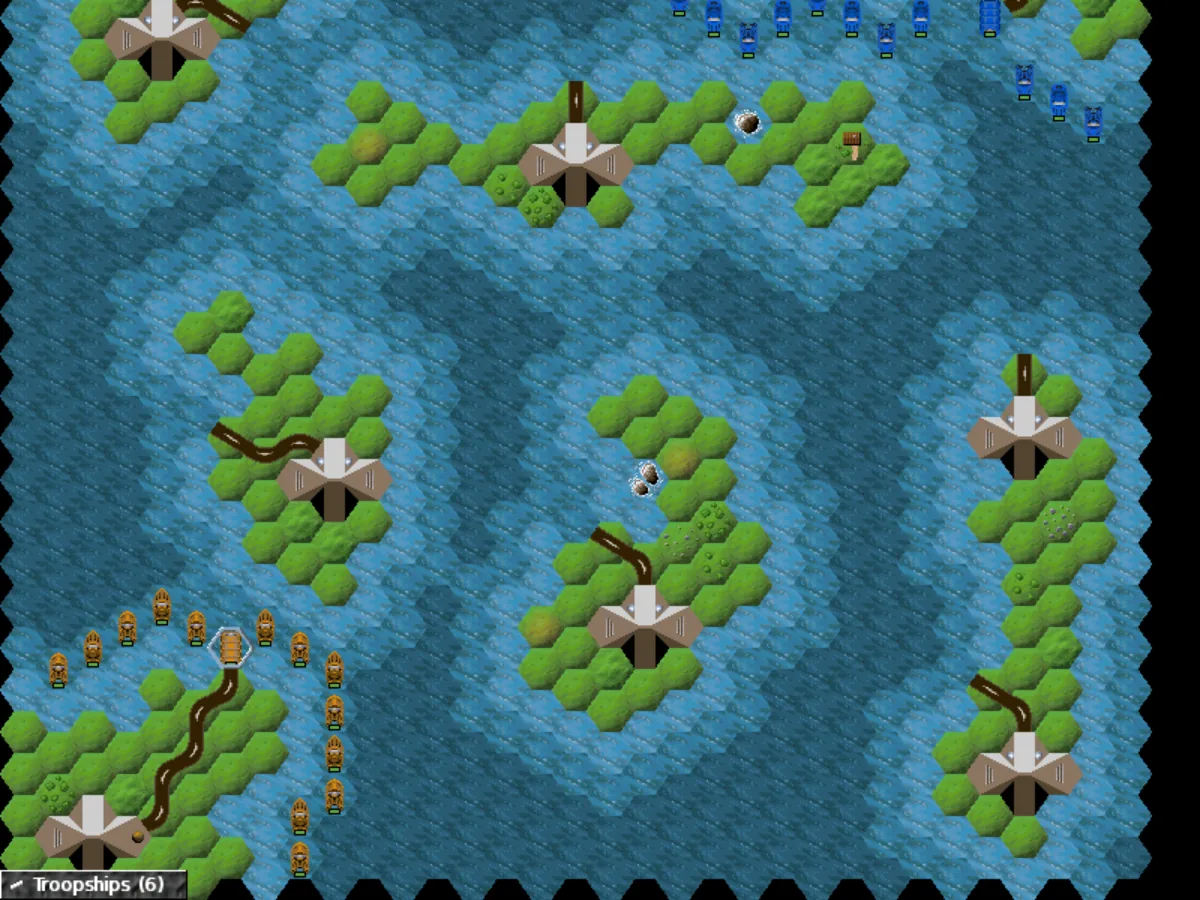
Crimson Fields is turn-based and played on hexagons. You usually lead the Free Nexus Army against the Empire of Kand, with infantry, tanks, artillery, aircraft, ships and more. Each mission has a briefing with its own goal. Units that survive fights gain experience, and only infantry can capture buildings: factories build units, workshops repair them, mines produce the crystals that pay for both.
Begin with the tutorial campaign, "The Art of War": switch Maps to Campaigns in the main menu. When you select a unit, the hexes it cannot reach are shaded. The page also gives some practical rules: friendly units next to a defender add to an attack, artillery and anti-aircraft guns cannot attack in a turn in which they moved, and a repair costs 5 crystals however badly the unit is hurt. Double-click a hex to move or attack, and press E to end your turn. Hot-seat play works; network play does not.
Zemeroth
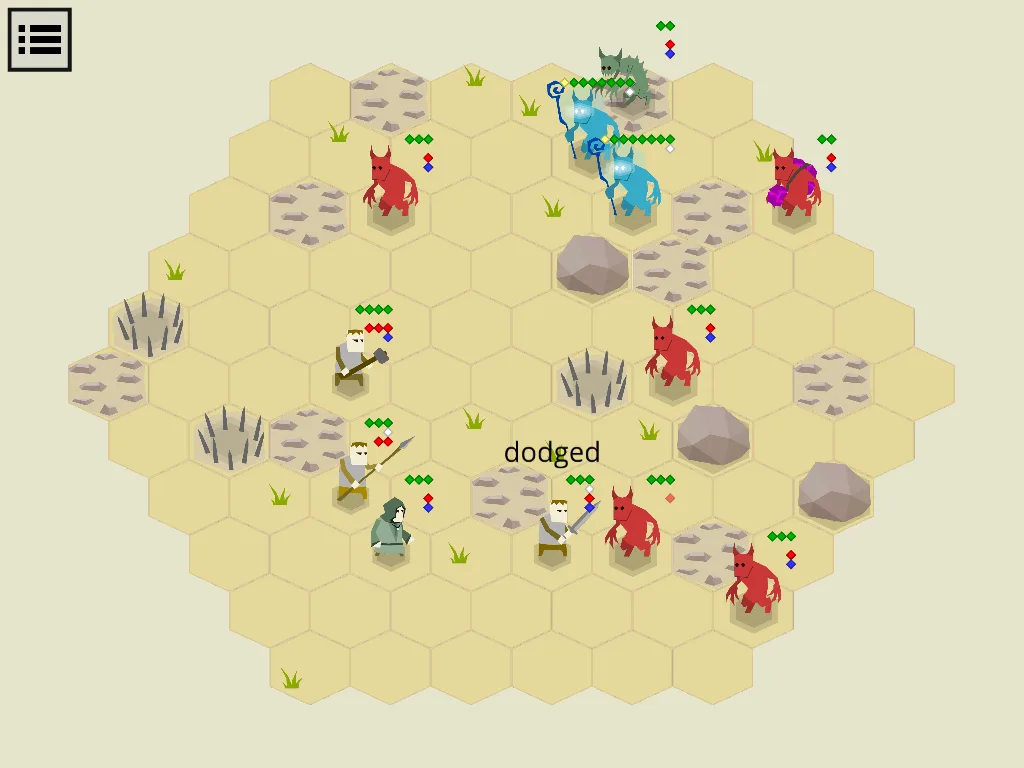
Zemeroth shrinks the same turn-based idea onto a single screen. A band of fighters crosses six battles against hordes of imps, on small hex maps with no scrolling. Its central idea is the reaction attack: a fighter with a reactive attack left strikes at any enemy that steps into reach or tries to walk away. Position matters as much as damage, and the hit chance is shown before you commit.
After each battle you spend renown on recruits and upgrades, and fighters who fall are gone for good. The page's advice is to let the imps come to you: one that walks next to a spearman takes a hit before it can attack. Keep alchemists and healers behind the line. The game plays with mouse or touch, has no sound and does not save, so the campaign ends when you close the page.
Tanks of Freedom
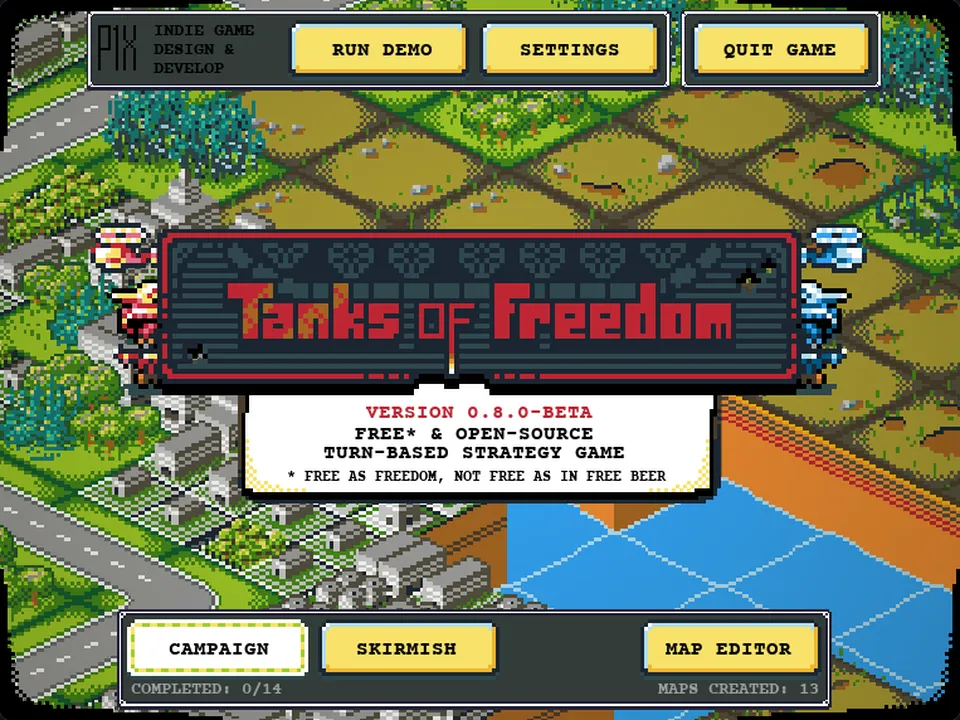
Tanks of Freedom is turn-based too, but with isometric pixel art in 32 colours. Two armies fight over a tile map with infantry, tanks, helicopters and capturable buildings, spending action points each turn to move, attack and buy units. There is a campaign against the computer, skirmishes, hot-seat play on one screen, and a map editor. Capture buildings first, since they bring income and are where you buy new units, and plan the whole turn before you move, because every action costs points. The online maps and multiplayer of the original are switched off here.
Tile puzzles with a strategic mind
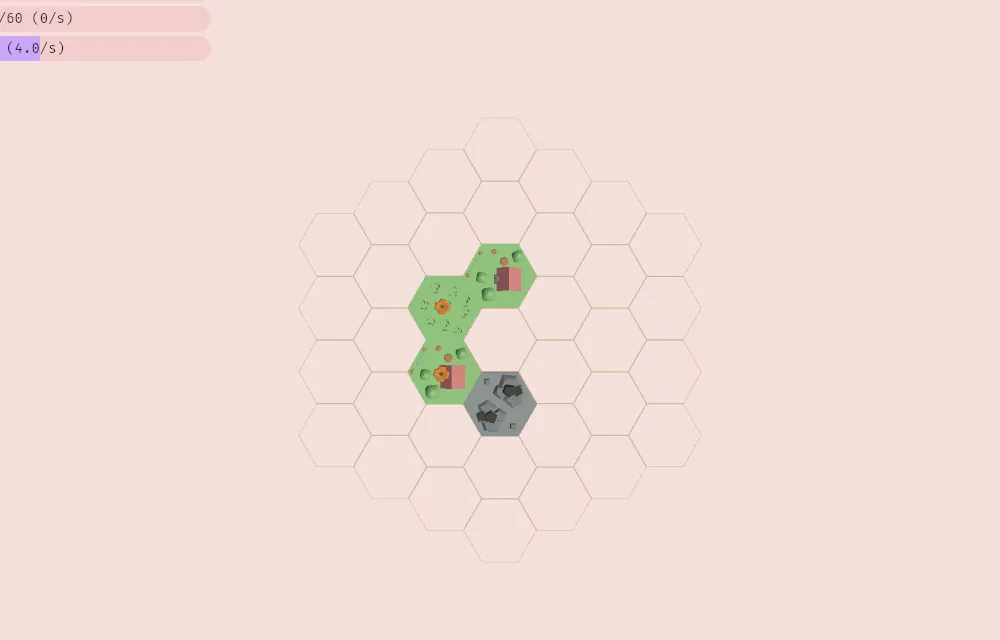
TerraTactician Expandoria sits between a puzzle and a city builder. You draw cards from a hand and place hexagon tiles in a 3D landscape: wheat grows best in a cluster, windmills boost the wheat around them but trees block the wind, quarries need a stone tile beside them. Food, money and materials each have a target per round, and the targets only grow.
There is an interactive tutorial in the campaign section of the menu, and it teaches the camera first. Zen mode removes the clock, which makes it the place to experiment. Every tile explains what it needs, so read the descriptions, click the small rewards that appear over your buildings, and leave room to expand. It uses 3D graphics, so lower the shadows in the settings if it runs slowly.
Defending the crystal and the keep
Tower defense is the lightest form of strategy: the route is fixed and the whole game is deciding what to build where. Two games on the site take quite different approaches.
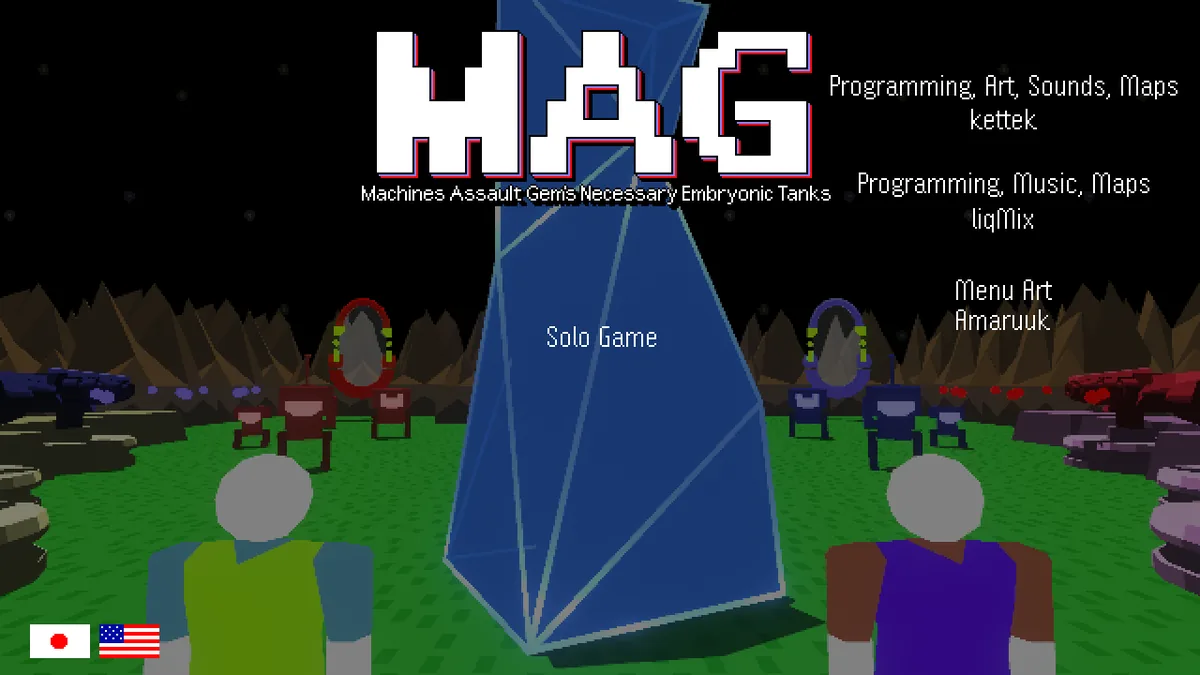
Polarity Defense (MAG(net) on its own title screen) is top-down. Robots come out of red and blue portals to take a crystal at the centre of the map. Shots, turrets and robots all carry a polarity, and the game's own help gives the rule: build turrets opposite the polarity of the portals. You run around the map yourself, shoot, and pay for turrets and walls with points dropped by destroyed robots. There are six turrets, seven maps, and a build phase before the waves begin when you press Space. Middle mouse or Tab flips the polarity of what you are about to build. H or F1 shows the help, R restarts a lost map, and nothing is saved. It is single-player here.
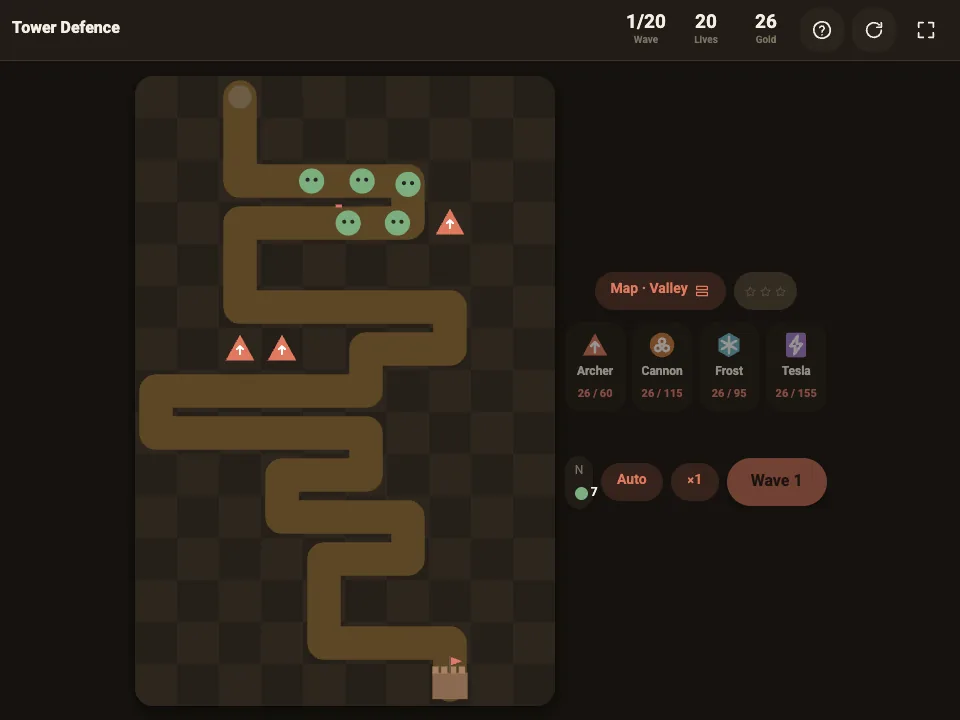
Tower Defence is the compact, fast one. Enemies walk a winding path to your keep, and you place archers, cannons, frost and tesla towers beside it. Each map has twenty waves, followed by endless mode and a daily map. Frost slows a group so cannons and tesla hit more of it, a tower at a bend sees more of the path, and an upgrade often beats one more weak tower. Space sends the next wave, and it works with touch.
Where to start
- You want a slow, deep project: OpenTTD. Build the coal line, then add a bus route between towns.
- You like spreadsheets and cause and effect: LinCity-NG, with F1 open beside the map.
- You have ten minutes: µCity or MicroCity for a village, or Tower Defence for a map.
- You want a battle you can learn quickly: Zemeroth, which fits on one screen, or Crimson Fields, starting with its tutorial.
- You want trade, spies and diplomacy: Seven Kingdoms, after the Training missions.
- You want something calm: TerraTactician Expandoria in Zen mode.
For other kinds of browser play, our guides to free classic DOS games and browser games and js13k cover more.